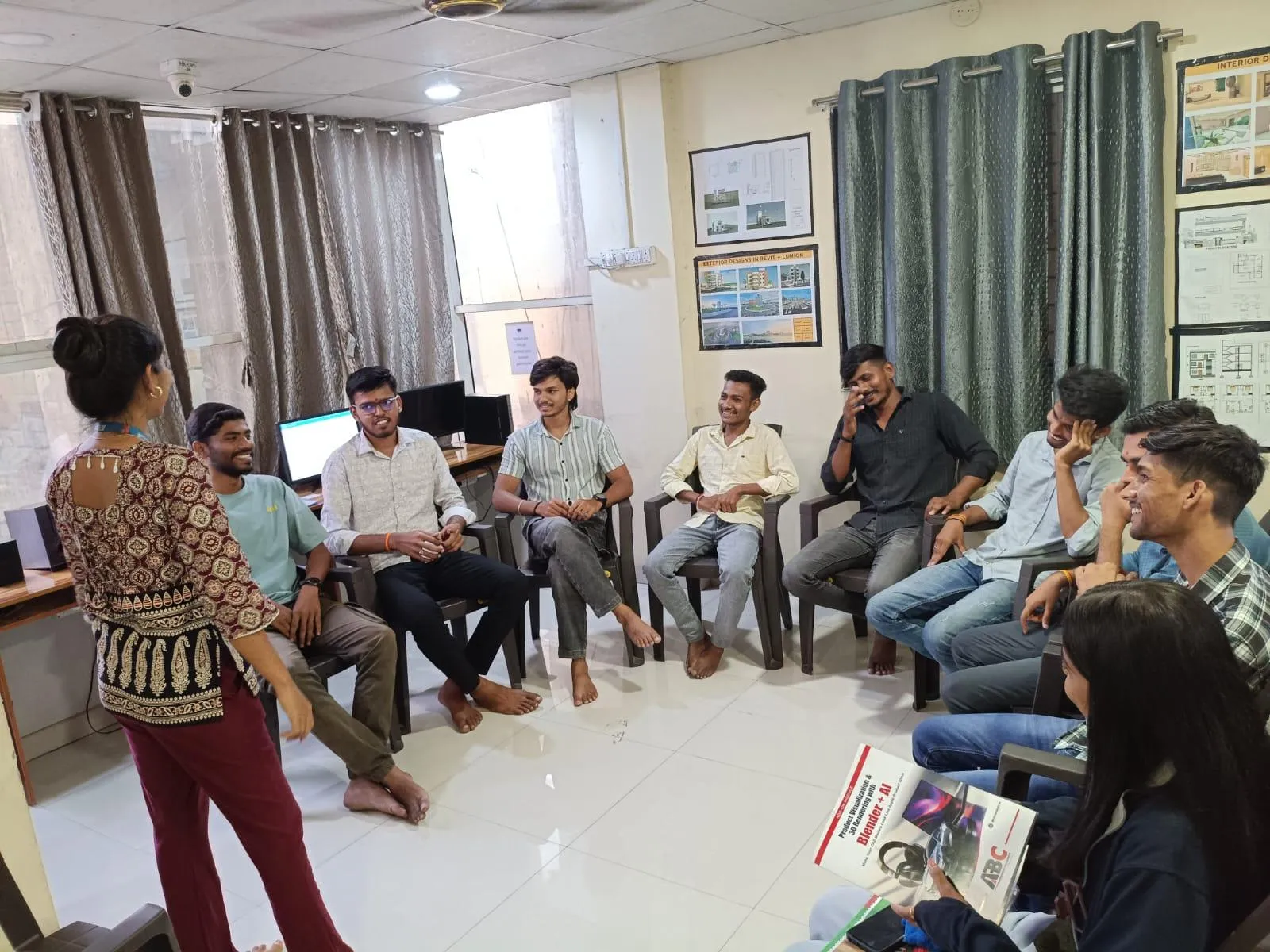
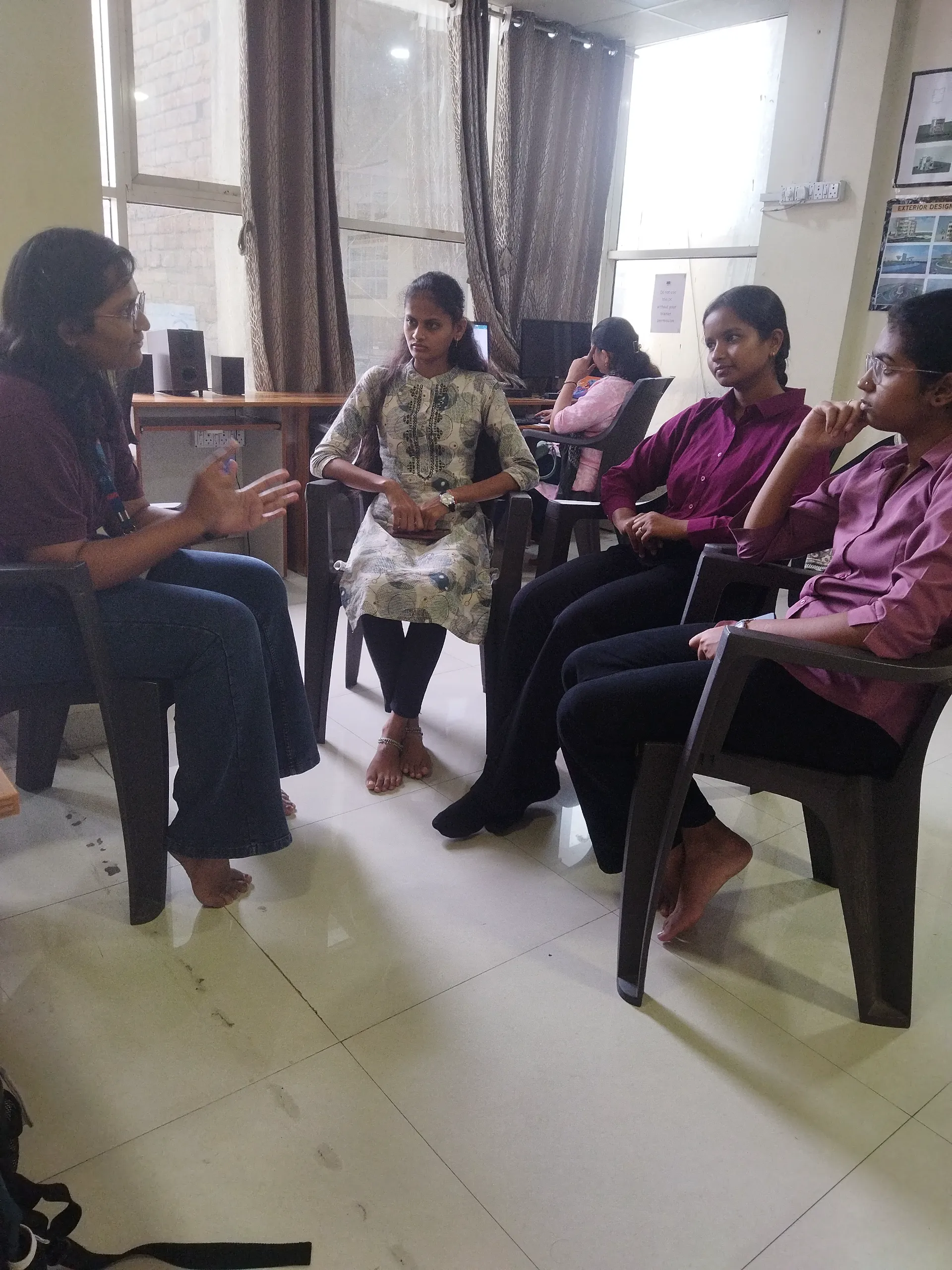
If you already know basic drafting and you're wondering whether moving from AutoCAD to SolidWorks is really worth it, the short answer is yes. The primary keyword here is AutoCAD to SolidWorks skills upgrade India 2026, and it's exactly the jump many mechanical students and diploma holders need to make if they want better design roles. Here's the thing: AutoCAD gives you drafting confidence, but SolidWorks takes you deeper into 3D part modeling, assemblies, manufacturing drawings, and design intent. That's why students like Shubhangi Sarge, featured in ABC Trainings Sambhajinagar, often begin with AutoCAD Mechanical and then choose a broader product design learning path.

What most people don't realize is that companies don't just want someone who can draw lines fast. Firms like Tata Technologies, Mahindra Engineering, Bosch, Siemens, Kirloskar, and L&T look for engineers who can think through how a component is built, assembled, revised, and documented. Trust me, if you've done only 2D drafting, you're still missing the layer where most real mechanical design work happens.
Why do AutoCAD users in India move to SolidWorks?
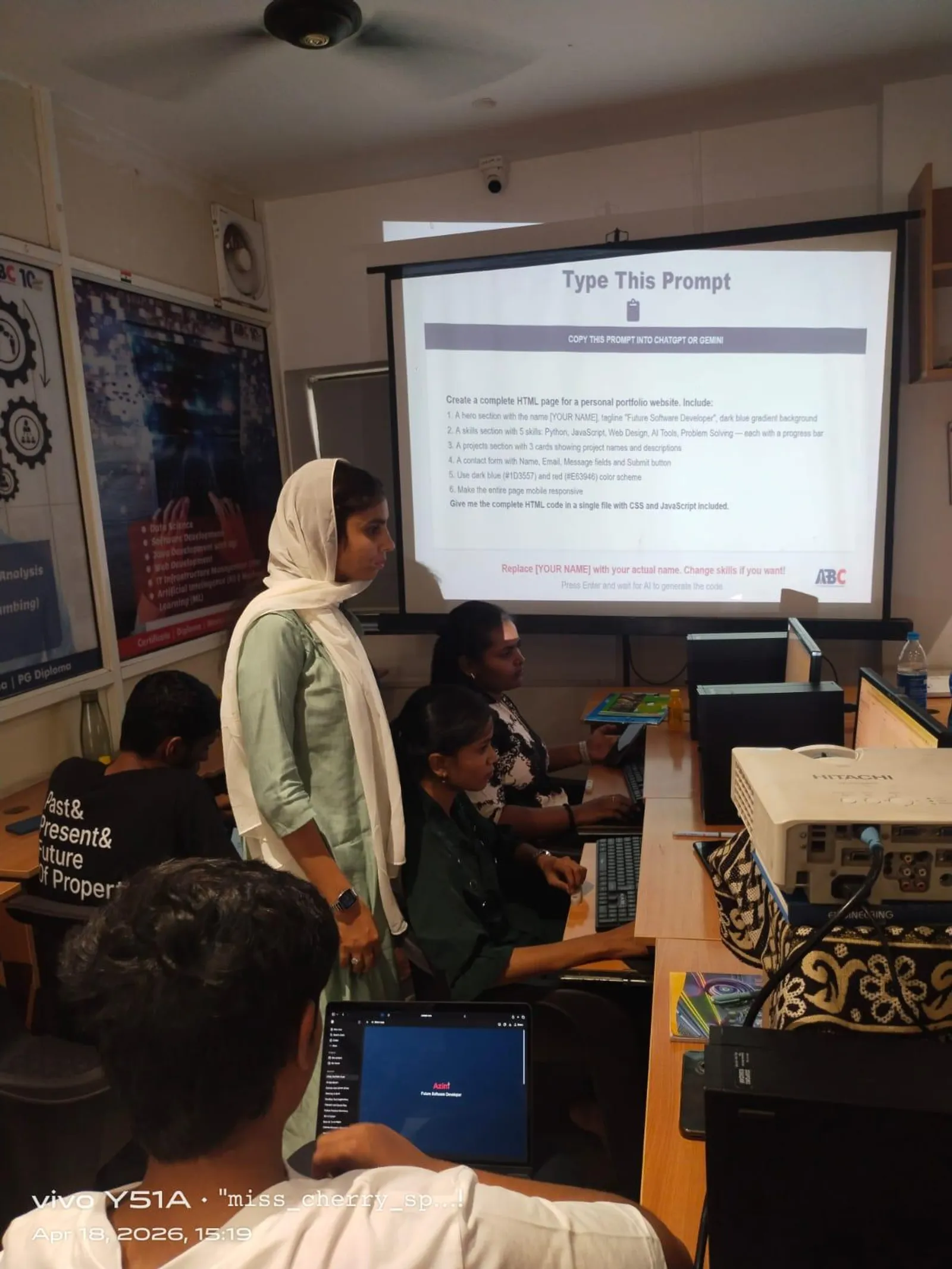
AutoCAD is still useful for layouts, detailing, and legacy drawings. But once you enter product design, tooling support, machine design, sheet metal, or assembly-based work, SolidWorks becomes more practical. It's feature-driven, history-based, and better suited for parts that will change over time.
The good news is, if you already understand dimensions, projections, tolerances, and drawing discipline, you're not starting from zero. You'll adapt faster than a complete beginner. Your challenge is not drafting. Your challenge is learning how to build models that can be edited without breaking downstream drawings and assemblies.
What advanced SolidWorks skills matter after basic AutoCAD?
After basic AutoCAD, don't waste time only learning simple extrude and revolve commands. Go deeper into the workflows that hiring teams actually test.
1. Design intent and parametric modeling
This is where SolidWorks separates professionals from casual users. You need to know how to create sketches that are fully defined, use relations correctly, and build features in an order that supports future changes. A bracket model is easy to make once. It's harder to rebuild it so a 120 mm part can become 150 mm without errors.
Industry-standard habit: use global variables, equations, and smart dimensions where repeated values matter. If hole spacing, thickness, or flange height changes often, don't hard-code everything manually.
2. Assembly strategy
Beginners over-mate assemblies. Professionals keep mates controlled and predictable. Learn sub-assemblies, concentric and coincident mate logic, limit mates, interference detection, and exploded views. If you're targeting machine design roles in Pune, Chhatrapati Sambhajinagar, or Nashik, assembly handling is a must.
What most people don't realize is that poor mate strategy slows every design review. A clean assembly tree saves hours during revisions.
3. Manufacturing drawings that recruiters respect
Anyone can generate a drawing view. The deeper skill is creating production-ready drawings with correct tolerances, section views, BOM tables, balloons, hole callouts, weld symbols, and revision control. If you can model well but your drawing sheet is weak, you'll struggle in interviews.
4. Sheet metal and weldments
These are high-value modules. Many local manufacturers and fabrication firms need people who can create flat patterns, bend allowances, cut lists, and structural member workflows. If you're applying around MIDC areas or vendor ecosystems serving Bajaj Auto or Thermax, these skills make your profile stronger.
How should you shift from 2D drafting to 3D product design?
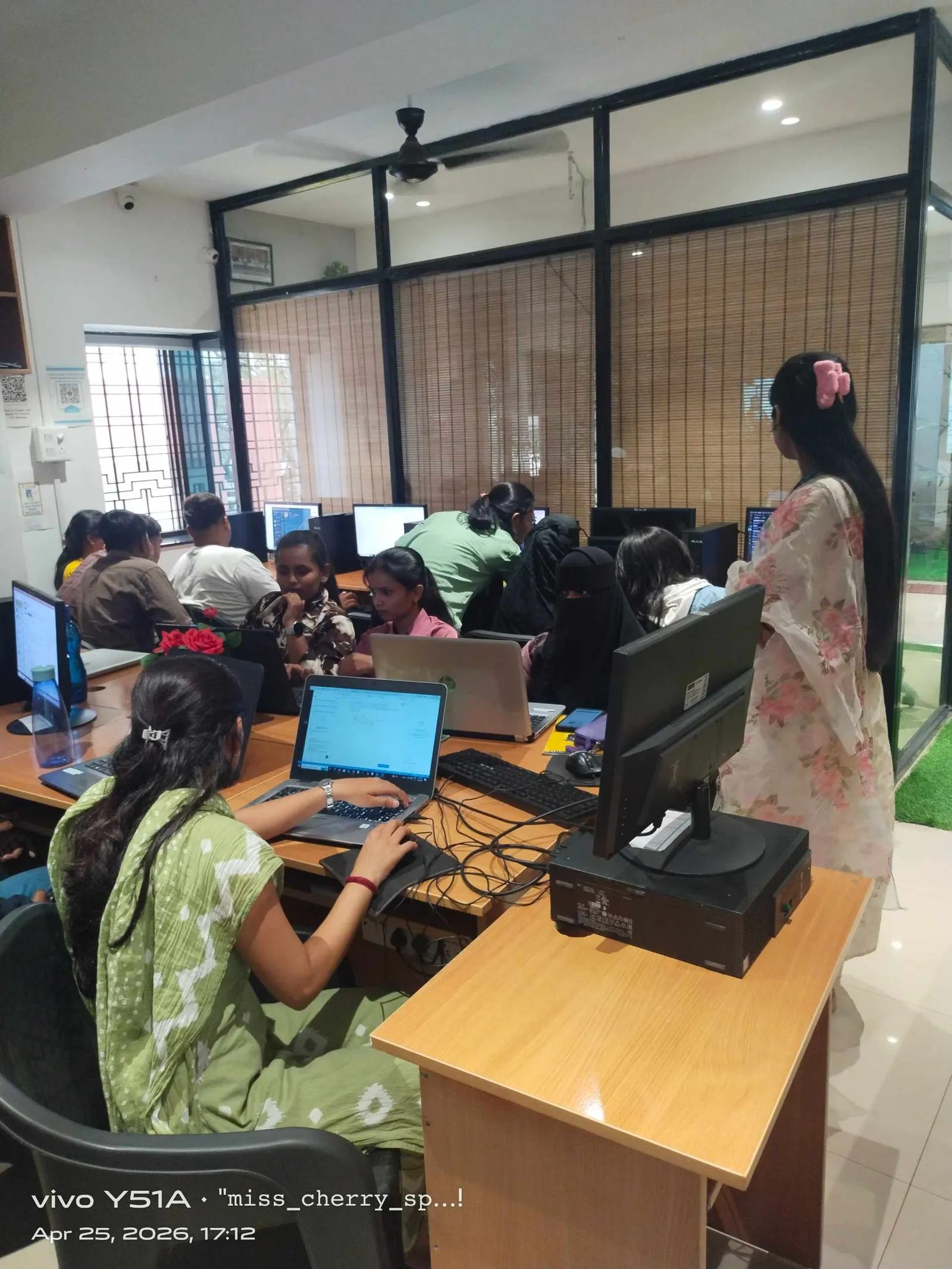
Start with one rule: don't treat SolidWorks like 3D AutoCAD. That's the biggest mistake. In AutoCAD, many students think in geometry. In SolidWorks, you need to think in features, references, constraints, and editability.
Here's a practical progression I recommend:
- Model single parts from 2D drawings
- Rebuild the same parts using better feature order
- Create configurations for size variants
- Build small assemblies with standard hardware
- Generate detailed manufacturing drawings
- Add BOM and revision workflow
- Practice design changes under time limits
Trust me, if you can take one base model and generate three variants cleanly, you're already thinking like a design engineer.
Which SolidWorks settings and habits save time for power users?
This is where advanced learners improve speed. The software version matters too. In SolidWorks 2024 and SolidWorks 2025, performance settings, templates, and shortcut customization can make a noticeable difference.
Use templates properly
Create part, assembly, and drawing templates with predefined units, drafting standard, font size, material settings, and custom properties. If you keep changing document settings file by file, you'll waste time and create inconsistencies.
Build your own design library
Keep standard fasteners, bearings, slots, common plate forms, and purchased components organized. Many professionals also save frequently used sketch blocks and title block formats.
Master shortcut bars and mouse gestures
If you're still searching every command from the ribbon, you're slower than you need to be. Set shortcut bars for sketch, part, assembly, and drawing environments separately.
Use configurations carefully
Configurations are powerful for product families, but don't create chaos. Name them clearly and control suppression states logically. This matters in companies handling multiple machine variants.
Check mass properties and interference early
Don't wait until final review. Check weight, center of mass, and assembly clashes during development. This habit is useful if you're working toward automotive or equipment design roles.
What job roles open up after AutoCAD plus SolidWorks in Maharashtra?
Once you move beyond basic drafting, your job options improve. With only AutoCAD, many freshers end up in lower-paying 2D drafting roles around ₹1.8 lakh to ₹2.8 lakh per year. With stronger SolidWorks and product design skills, fresher packages often move into the ₹2.8 lakh to ₹4.5 lakh range, depending on city, portfolio, and interview performance.
In Pune, product design and mechanical CAD roles can go higher if you also know GD&T, sheet metal, and assemblies. In Chhatrapati Sambhajinagar and Sangli, salaries may start slightly lower, but practical skills still matter more than certificates alone. After 2 to 4 years, many SolidWorks users in supplier companies, machine builders, and design service firms earn around ₹4.5 lakh to ₹7.5 lakh annually.
Typical roles include:
- Mechanical Design Engineer
- Product Design Engineer
- CAD Engineer
- Design Draftsman
- Sheet Metal Design Engineer
- Assembly Design Engineer
How do students choose between one CAD course and a full product design path?
This is exactly where the student story in the video matters. Some students start with a single AutoCAD Mechanical course because they want a safe first step. Then they realize the market asks for more than drafting. That's when a broader path makes sense.
A full product design track usually helps because it connects software to workflow. Instead of learning commands in isolation, you learn how a part becomes an assembly, then a drawing set, then a job interview project. The good news is, this path also gives you better portfolio material.
At ABC Trainings, many students from Sambhajinagar make this shift after seeing how doubt-solving, guided practice, and placement support work in real life. If you want course guidance, call 8698270088 or WhatsApp 7774002496.
How can you prove advanced CAD skills in interviews?
Don't just say you know SolidWorks. Show evidence. Keep 4 to 6 strong portfolio projects with part files, assemblies, drawings, and one revision example. One project should include sheet metal or weldment work. One should show exploded assembly and BOM. One should show a change request handled properly.
If a recruiter from KPIT Technologies, Tata Technologies, or a local manufacturing company asks what you know, answer with workflow, not software names alone. Say you can create parametric parts, manage assemblies, generate production drawings, and handle design modifications. That's a stronger answer than listing commands.
And here's the thing: students who ask doubts early improve faster. That's one reason training quality matters more than flashy marketing. A trainer who corrects your sketch logic, feature order, and drawing discipline will save you months of confusion.
If you're already comfortable with basic drafting and want to move into serious product design work, upgrading from AutoCAD to SolidWorks is one of the smartest CAD decisions you can make in 2026. Done properly, it doesn't just add one more software to your resume. It changes the level of work you're qualified to do.
Is AutoCAD enough for mechanical design jobs in Maharashtra in 2026?
For some drafting roles, yes, but mostly at the entry level. If you want stronger opportunities in product design, machine design, sheet metal, or assembly work, SolidWorks gives you a clear advantage. Many companies expect 3D modeling and production drawing skills together, not just 2D drafting.
How long does it take to shift from AutoCAD to SolidWorks?
If you already know drawing basics, many students become comfortable with part modeling in 4 to 8 weeks. Real confidence in assemblies, drawings, and design changes usually takes 2 to 4 months of regular practice. The speed depends on whether you're learning commands only or doing full projects.
What salary can a fresher get after learning SolidWorks in Pune or Sambhajinagar?
Freshers with practical SolidWorks skills often start around ₹2.8 lakh to ₹4.5 lakh per year. Students with only basic drafting may see lower offers. Strong projects, interview preparation, and modules like sheet metal or GD&T can improve your chances of better packages.
Where can I learn AutoCAD plus SolidWorks with placement support in Maharashtra?
You can check structured CAD programs at ABC Trainings, especially if you want guided learning beyond basic software commands. Their teams in Maharashtra focus on practical training, doubt-clearing, and job support. For details, call 8698270088 or WhatsApp 7774002496 and ask which path fits your mechanical background.
Visit Our Centers
Chhatrapati Sambhajinagar
Corporate Office (HQ)
2nd Floor, Kandi Towers, Jalna Road, Amarpreet Chowk, Chhatrapati Sambhajinagar, Maharashtra 431001
Osmanpura Branch
Plot No 14, Shanya Sect, Near Sant Eknath Rang Mandir, Osmanpura, Chhatrapati Sambhajinagar, Maharashtra 431005
CIDCO Branch
Plot No 4, N-3, Cidco, Opp. High Court, Chhatrapati Sambhajinagar, Maharashtra 431003
Start Your Career Journey Today
Join 10,000+ students who transformed their careers with ABC Trainings.
💬 WhatsApp: 7774002496📞 Call: 8698270088