Autodesk Forma vs BIM 360: What Changed for Pune AEC Firms in 2026 (Updated November 2026)
What practical difference between Forma Build and BIM 360 should a Pune team check?
Forma Build is a current construction-management product in the Autodesk Forma family; BIM 360 names an earlier platform with its own modules and existing projects. Compare the actual project workspace, enabled tools and user access rather than assuming that two similar product names mean the same project environment.
Autodesk's BIM 360 product page places field and project management in Forma Build and document management in Forma Data Management. Its platform comparison guidance distinguishes the two platforms and says a project cannot automatically migrate from one to the other.
Which checks belong in a BIM 360 to Forma transition plan?
A transition plan should verify the project destination, document history, permissions and the workflows the team needs before any operational cutover. Assign a person to validate each result and record exceptions in writing.
| Check | Evidence to keep | Question for the project administrator |
|---|---|---|
| Project identity | Project name, platform and region | Which workspace is the agreed record for this project? |
| Documents | Sample revisions and folder structure | How will previous revisions remain accessible? |
| Permissions | Role-based access test | Can each discipline see and act on the correct files? |
| Issues and approvals | One completed test workflow | Are owners, status and evidence retained as required? |
| Training | Short role-specific walkthrough | What must each team member do differently? |
This is a planning checklist for a project team, not a universal migration procedure. The administrator should confirm supported transfer methods and subscription details for the specific environment. A learner can practise the same checks on authorised training files without changing a live project.
What exercise demonstrates these skills in a BIM interview?
Demonstrate a drawing revision reviewed by two different project roles, followed by an issue being resolved with clear evidence. Explain which platform you used and show how the second person found the approved information.
Prepare a small architectural drawing set, give a reviewer a defined role and ask them to identify a coordination issue. Record the issue, revise the drawing and have the reviewer verify the corrected version. In your portfolio, show the starting problem, the permission settings relevant to the exercise and the final record. Explain what you would ask an administrator before repeating it on a client project.
For Pune learners, match a training syllabus to the product names in the role you want. Use ABC's course catalogue to compare BIM-related modules, then confirm the current practice environment and review method during a demo. Knowing how to verify a revision and a permission is more useful than listing product names without an example.
What is the difference between Forma Build and BIM 360?
Forma Build is the current name for Autodesk Build within Autodesk Forma, while BIM 360 refers to an earlier platform and its product modules. Identify the exact project platform and module before comparing workflows: a new brand name does not automatically move a BIM 360 project.
Autodesk announced on 24 March 2026 that Autodesk Construction Cloud became Autodesk Forma. Its separate April support guidance says renewing BIM 360 Build does not automatically transition the subscription to Forma Build. These are different changes: the ACC branding change and a legacy BIM 360 transition. Sources: Autodesk announcement and BIM 360 Build transition guidance.
| Name you may see | What to establish | Question for a Pune project team |
|---|---|---|
| Autodesk Forma / former ACC | Current platform branding and the actual enabled products | Which project, region and products will this team use? |
| Forma Build / former Autodesk Build | Construction workflows and access for the selected project | Can my role open the required sheets, issues and forms? |
| BIM 360 Build | Legacy project access and subscription transition arrangements | Who owns the existing project and its retention plan? |
| Forma Site Design | Early design tasks within the wider Forma family | Is this the design tool or the construction project workspace? |
How to choose what to practise first
Start with the platform named in the employer's project or vacancy, then practise the information-management skills that transfer between interfaces. For a learner, uploading a revision correctly and closing an issue with evidence is more useful than memorising every historical product name.
- Confirm the exact product, project region and access role.
- Check document versioning, permissions and issue assignment in the available environment.
- Ask which workflows are included in the selected licence.
- For an existing BIM 360 project, confirm transition and data-retention arrangements with its administrator.
A portfolio exercise for BIM coordination learners
Prepare a controlled document review: upload a practice drawing, record an issue, publish a revised drawing and verify that a second user can find the correct version. Save screenshots and a short explanation of the role permissions used in the exercise.
Include a deliberate mistake, such as a file with the wrong revision label, and explain how you detected and corrected it. Keep a note of which environment you used so a reviewer understands the screenshots. This shows a repeatable workflow even when the team's product naming or interface differs.
Does a training course include every Forma product?
Course coverage depends on the named programme and its current syllabus. Check the ABC official catalogue, then ask for the exact platform, modules, practice access and assessment used in the current Pune BIM programme.
Autodesk's Forma FAQ describes the wider platform and construction tools. For enrolment, obtain the current programme details and fee from ABC admissions on +91 70391 69629 or WhatsApp +91 77740 02496.
If you have seen "Autodesk Forma" showing up where "Autodesk Construction Cloud" used to be, you are not imagining things. Autodesk rebranded Autodesk Construction Cloud (ACC) as Autodesk Forma in 2026, and BIM 360 — the platform most Pune AEC firms actually learned on — is no longer getting new features, even though there is currently no announced shutdown date for the core BIM 360 document management platform. For anyone job-hunting as a BIM coordinator in Pune right now, that mix of old terminology and new branding in job postings is genuinely confusing. Here is what actually changed.
What Actually Happened: ACC Becomes Autodesk Forma
Autodesk Construction Cloud has not disappeared — its capabilities have been folded into the Autodesk Forma brand, and new projects are being directed to start there rather than on the older BIM 360 platform. This is a rebrand and platform consolidation, not a new product built from scratch, so most of the underlying workflows — model coordination, document control, issue tracking — carry over. What changes is the name you will see in job descriptions, training material and Autodesk's own documentation going forward.
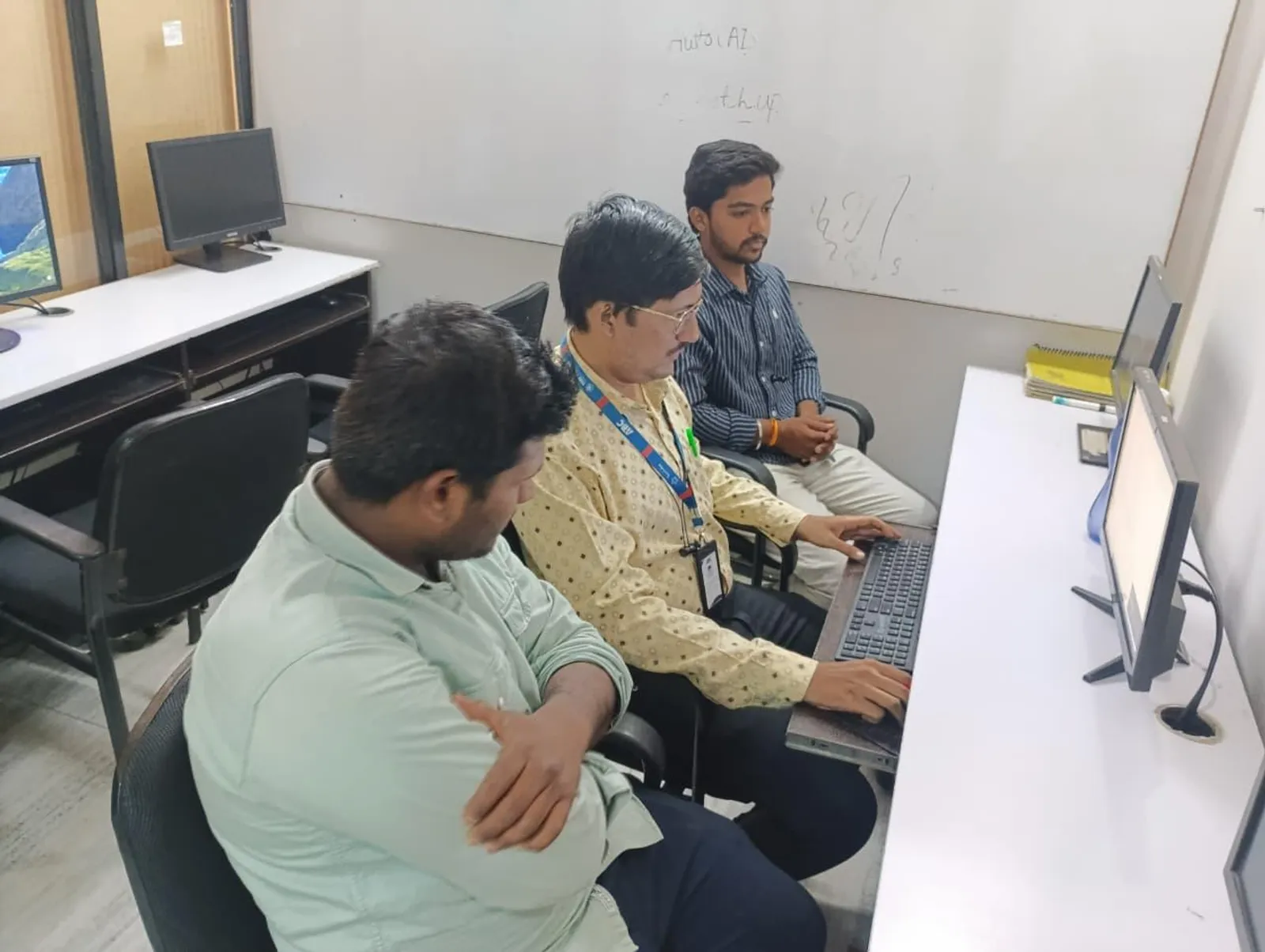
Is BIM 360 Dead? What Pune Firms Still Running It Should Know
No — and this is the detail that trips people up. BIM 360's next-generation document management platform has no announced retirement date, so firms with existing projects on it are not being forced to migrate immediately. What has actually reached end of life is the older BIM 360 Team product, and BIM 360 Glue was retired in mid-2026. If a Pune firm you are interviewing with says they "use BIM 360," it is worth asking specifically which module, since the answer changes what you will actually be trained on.
Common Data Environment (CDE): The Concept Behind Both Platforms
Whether it is called BIM 360 or Autodesk Forma, the underlying idea is the same: a Common Data Environment, a single cloud workspace where architects, structural engineers and MEP teams all work against the same live model and document set instead of emailing files back and forth. Understanding CDE as a concept matters more for your career than memorising either platform's menu structure, because the next platform Autodesk ships will still be built around it. Our explainer on why BIM is a full workflow and not just Revit covers where cloud coordination fits into that bigger picture.
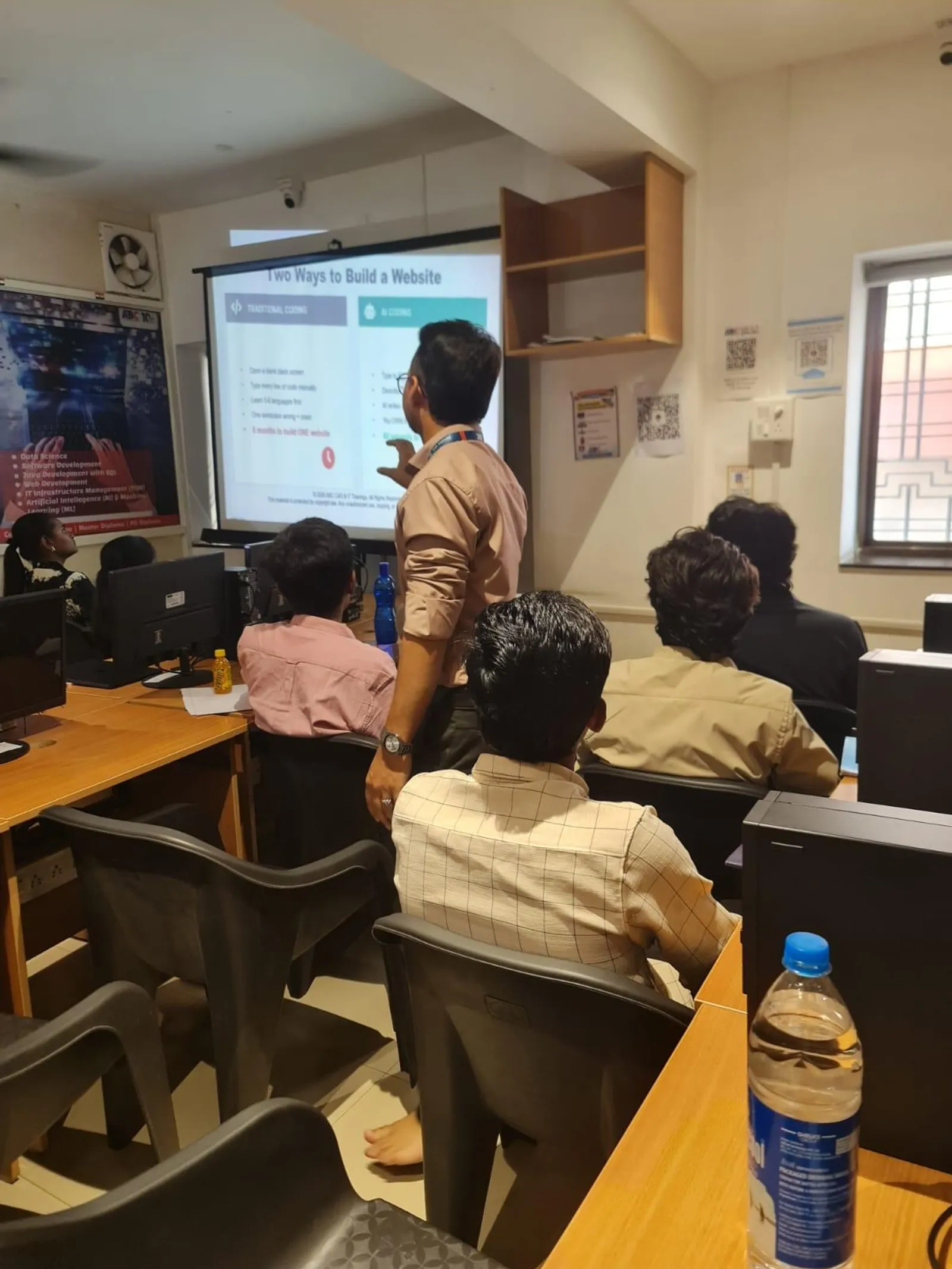
Which Platform Should You Actually Learn in Pune Right Now
For most students, the honest answer is: learn the coordination concepts — clash detection, issue tracking, model versioning, common data environments — on whichever platform your training centre currently has active licences for, and treat platform-specific menu navigation as something you pick up fast on the job. Employers hiring in Pune right now are more interested in whether you understand why a Common Data Environment exists than in which exact Autodesk product name is on your resume. Our guide to 4D and 5D BIM scheduling and cost data is a useful next step once cloud coordination makes sense to you, since both of those workflows typically run through the same cloud platform.
How This Fits Into ABC Trainings' BIM Curriculum
At our Wagholi and Hadapsar centres, cloud coordination is taught as a concept layered on top of solid Revit and Navisworks fundamentals, precisely because the platform name on top of it keeps changing while the underlying skill — coordinating a shared model across disciplines — does not. If facility handover and long-term data management interest you specifically, our piece on COBie and BIM facility management covers the stage of a project where this cloud data actually gets used after handover.
Get Brochure + Fees + Batch Dates on WhatsApp
Free 1:1 counselling. Placement track record. CMYKPY/PMKVY eligibility check.
💬 WhatsApp 7774002496📞 Call 7039169629Visit Our Centers
- Wagholi (Pune): 1st Floor, Laxmi Datta Arcade, Pune-Ahilyanagar Highway. Call 7039169629
- Hadapsar (Pune HQ): 1st Floor, Shree Tower, opp. Vaibhav Theater, near Bloom Hotel, Magarpatta. Call 7039169629
- Cidco (Chh. Sambhajinagar): Kalpana Plaza, opp. Eiffel Tower, N-1 Cidco. Call 7039169629
- Osmanpura (Chh. Sambhajinagar): S.S.C Board to Peer Bazar Road, near Jama Masjid. Call 7039169629
- Sangli: Shubham Emphoria, 1st Floor, Above US Polo Assn., Sangli-Miraj Rd, Vishrambag. Weekend batches available. Call 7039169629