BIM Explained: Not Just Revit, It's a Complete Workflow
Ask most engineering students what BIM means and you will get one answer: "It's Revit." That answer is not wrong, exactly — but it is incomplete in a way that costs people job opportunities. Revit is one modelling tool inside a much larger process called Building Information Modeling. Understanding the difference is the fastest way to stop being "someone who knows Revit" and start being someone who can work inside a real BIM-run project.
BIM Is a Process, Revit Is One Tool Inside It
Building Information Modeling is the practice of creating and managing a digital representation of a building's physical and functional characteristics across its entire lifecycle — design, construction and, increasingly, operation. Revit is Autodesk's authoring software for that model. But a full BIM workflow also involves coordination software like Navisworks, documentation and scheduling tools, and increasingly cloud platforms like BIM 360 or Autodesk Construction Cloud where multiple disciplines work on the same live model at once.
The Real Workflow: Model, Coordinate, Document, Hand Over
A project does not stop once someone finishes modelling in Revit. The model is built to an agreed Level of Development (LOD) for its stage, then brought into Navisworks or a similar tool for clash detection — catching, for example, a ductwork run that physically collides with a structural beam before it becomes an expensive site problem. From there, the model produces construction documentation, and on larger projects, 4D scheduling (linking the model to a construction timeline) and 5D cost data get layered on top. At handover, some clients now require COBie data extracted from the model for long-term facility management. Each of those stages is a distinct skill, and none of them is "just Revit."
Where Civil, Structural and MEP Fit Into One Model
On a coordinated project, the architectural, structural and MEP disciplines are not working in separate files that get stitched together at the end — they are working against a shared, linked model, where a structural beam moved in Revit Structure shows up immediately in the architectural and MEP views. That is why our student story on learning both Revit Architecture and Revit Structure matters more than it might look at first glance: understanding how disciplines interact inside one model is a genuinely different skill from knowing one tool in isolation.
Why This Distinction Matters for Your Career, Not Just Your Resume
Job postings that say "BIM Coordinator" or "BIM Engineer" are almost never asking for someone who can only model. They are asking for someone who understands clash detection workflows, can read and act on a BCF report, and knows how the model connects to schedule and cost. If your only exposure to BIM is a Revit modelling course, you can walk into an interview knowing the software and still not be able to answer basic questions about coordination. Our guide to decoding what Pune BIM job ads actually mean goes through the exact terms — LOD, MEP coordination, BCF — that trip candidates up.
How to Learn the Full Workflow, Not Just One Piece of It
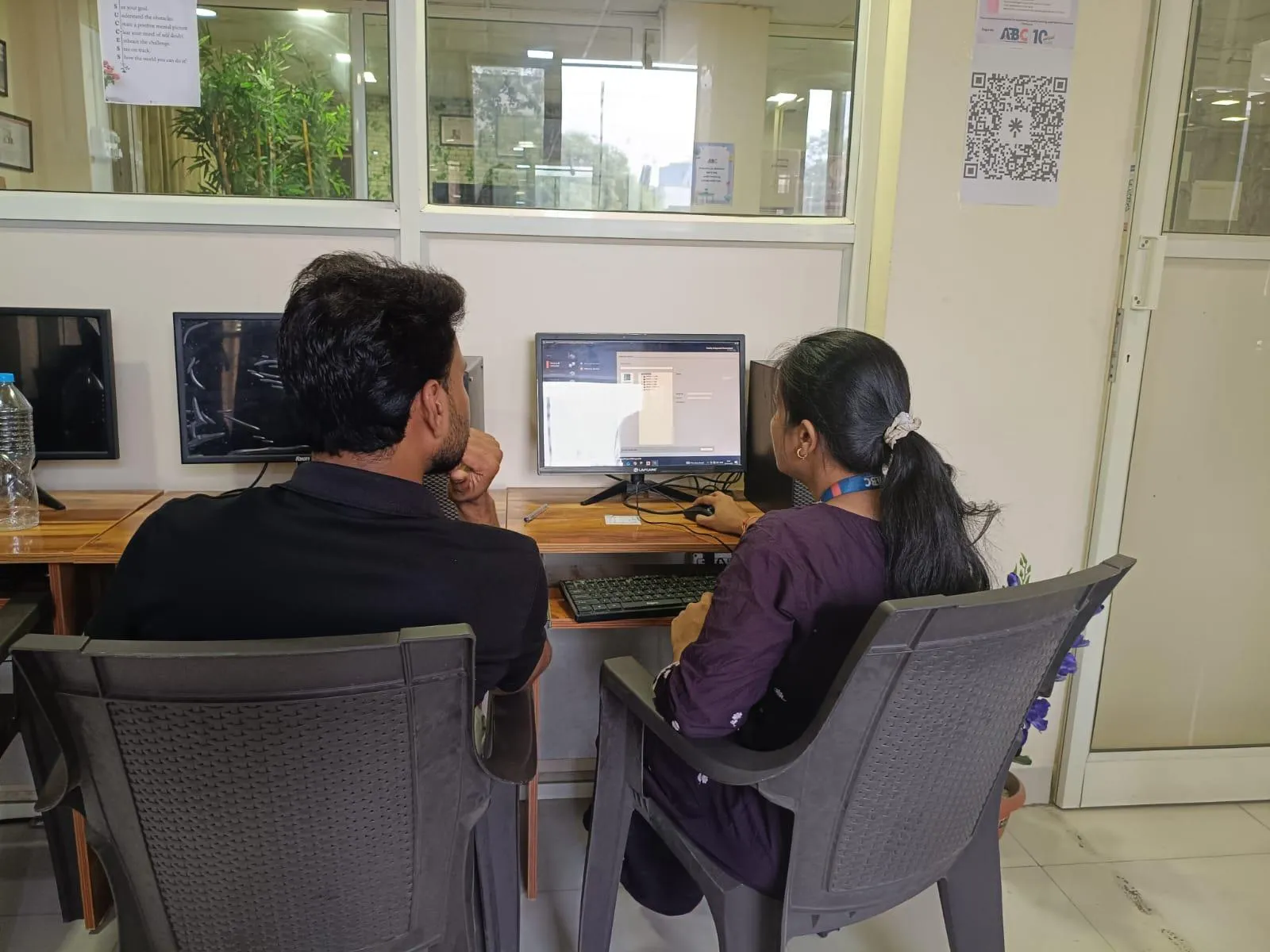
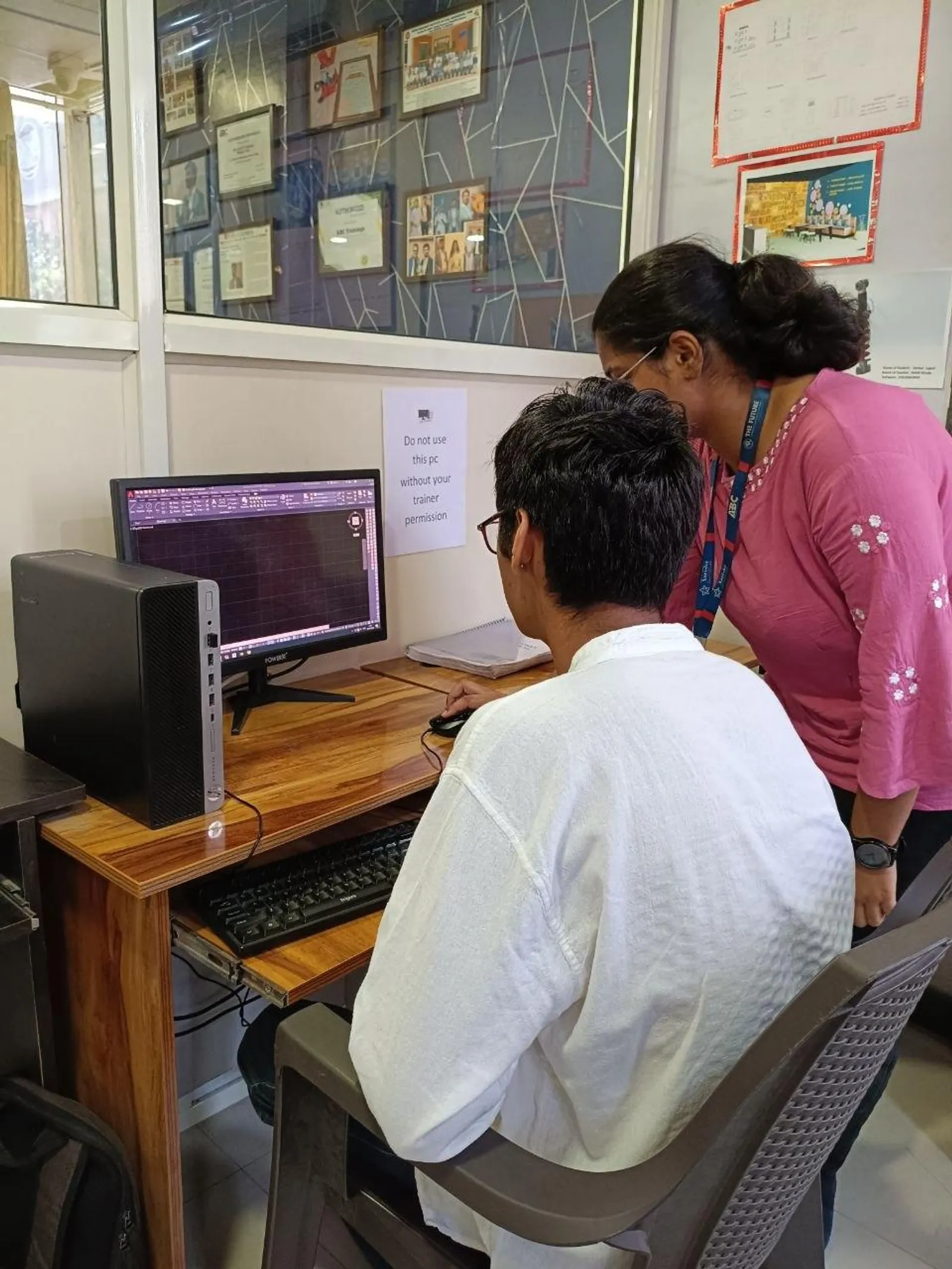
At ABC Trainings' Wagholi and Hadapsar centres, BIM training is structured around this full sequence rather than teaching Revit as an isolated tool — modelling, coordination concepts, and how the pieces connect to a real construction workflow. If you are on the MEP side specifically, our guide to BIM for MEP engineers using Revit, Navisworks and BIM 360 is a useful next step once you understand the bigger picture covered here.
Get Brochure + Fees + Batch Dates on WhatsApp
Free 1:1 counselling. Placement track record. CMYKPY/PMKVY eligibility check.
💬 WhatsApp 7774002496📞 Call 7039169629Visit Our Centers
- Wagholi (Pune): 1st Floor, Laxmi Datta Arcade, Pune-Ahilyanagar Highway. Call 7039169629
- Hadapsar (Pune HQ): 1st Floor, Shree Tower, opp. Vaibhav Theater, near Bloom Hotel, Magarpatta. Call 7039169629
- Cidco (Chh. Sambhajinagar): Kalpana Plaza, opp. Eiffel Tower, N-1 Cidco. Call 7039169629
- Osmanpura (Chh. Sambhajinagar): S.S.C Board to Peer Bazar Road, near Jama Masjid. Call 7039169629
- Sangli: Shubham Emphoria, 1st Floor, Above US Polo Assn., Sangli-Miraj Rd, Vishrambag. Weekend batches available. Call 7039169629