The Complete Free Vibe Coding Toolbox for 2026
One of the biggest advantages of vibe coding is that professional-grade tools are available completely free. Whether you are a student learning to build websites, a freelancer creating client projects, or an entrepreneur building your MVP, you do not need to spend a single rupee on software. This guide covers every free vibe coding tool available in 2026, organized by category.
AI Chat Assistants — Your Coding Partners
AI chat assistants are the foundation of vibe coding. They generate code, explain concepts, debug errors, and create content from natural language descriptions.
ChatGPT (chat.openai.com) is the most popular AI assistant with a free tier that includes GPT-4o mini and limited GPT-4o access. It excels at quick code generation, content writing, and conversational debugging. Google Gemini (gemini.google.com) offers free access to Gemini 2.0 Flash, performing well for longer outputs and research tasks. Claude (claude.ai) by Anthropic is the preferred tool for long, complex code generation with fewer errors. It handles large files exceptionally well. Microsoft Copilot (copilot.microsoft.com) provides free GPT-4 powered chat plus free AI image generation using DALL-E.
Browser-Based App Builders — Zero Installation Required
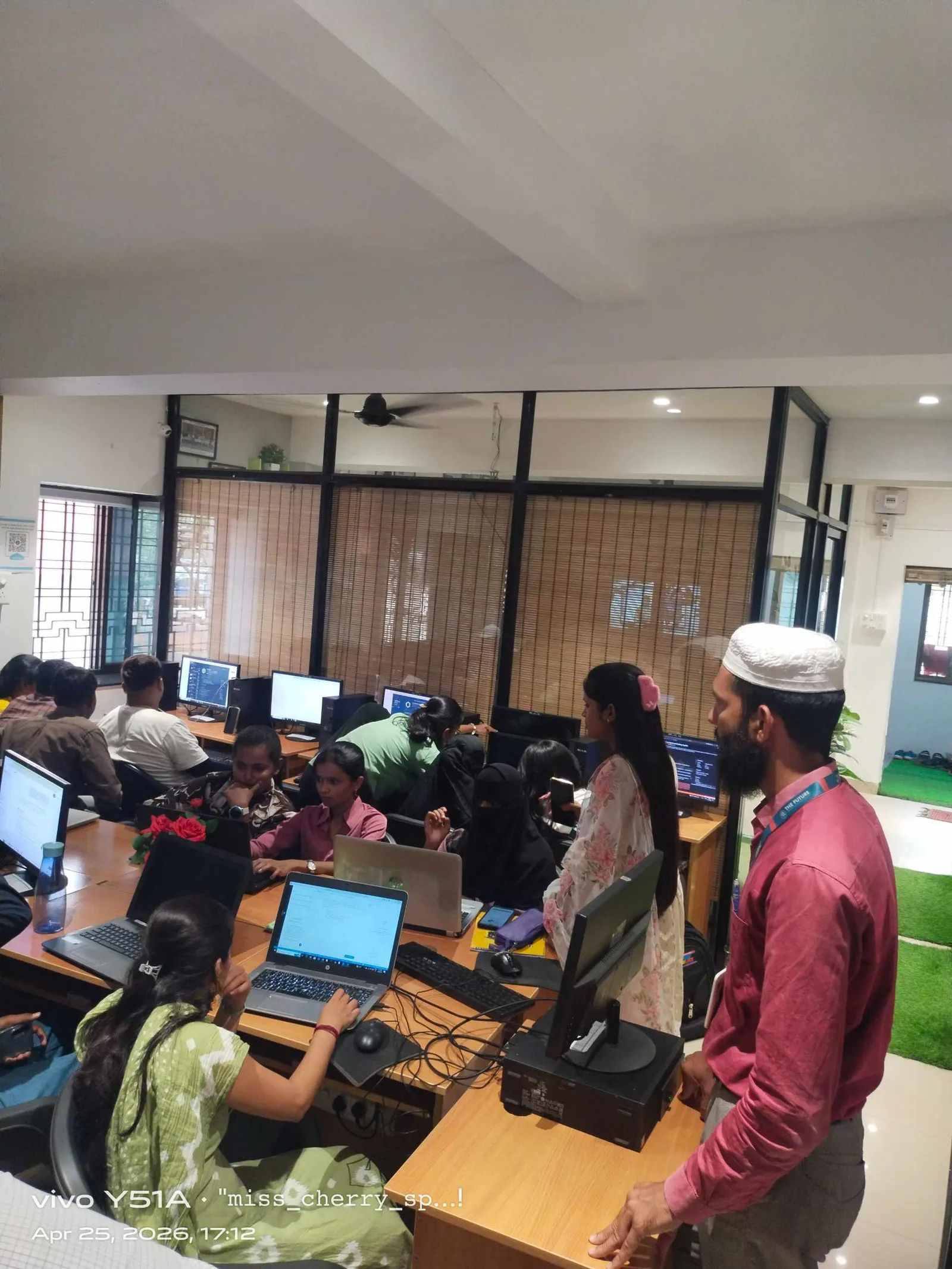
These tools run entirely in your web browser. Type a description, get a working application. No installation, no configuration, no setup.
Bolt.new is the fastest prototyping tool available. It generates complete websites from text descriptions in under 60 seconds, with approximately 40 free prompts per month. Replit provides a complete development environment in the browser with AI Agent capabilities and one free published application. v0.dev by Vercel generates polished React and Next.js components with consistently high design quality. Lovable builds full-stack applications including databases and authentication from natural language descriptions. Google Stitch offers 350 free AI-to-UI design generations per month.
AI Code Editors — Professional Development Tools
Cursor is the industry-standard AI code editor in 2026, built on VS Code with powerful AI features. The free tier includes 2000 code completions and 50 premium requests per month. Students with a college email address receive one full year of Pro access completely free. Windsurf offers the most generous free tier among code editors with 25 credits per month plus unlimited basic completions. VS Code with GitHub Copilot provides a free tier of AI-assisted coding in the world's most popular code editor.
Design and Media Tools
Figma is the professional standard for UI/UX design with 3 free projects. Canva provides a massive free template library plus AI features for graphics and social media. Microsoft Designer offers free AI image generation powered by DALL-E. Leonardo AI gives 150 free daily tokens for high-quality AI images. Ideogram provides 10 free images per day with excellent text-in-image capabilities. CapCut AI offers free AI-powered video editing.
Backend, Database, and Hosting
Supabase is the primary backend platform with 2 free projects including database, authentication, and storage. Vercel offers unlimited free deployments with automatic HTTPS and global CDN. Netlify provides 100GB free bandwidth with drag-and-drop deployment. Cloudflare Pages delivers unlimited free requests with production-grade hosting. GitHub provides unlimited free private repositories for version control.
Learn All These Tools at ABC Trainings
ABC CAD and IT Trainings' Vibe Coding and AI Web Design course teaches you to use every tool listed above through hands-on projects. Available across five centres in Maharashtra with 28 chapters of practical training. Total tool cost for students: zero rupees.
Which vibe coding tool should I start with?
Start with Bolt.new for instant gratification — see a working website in 60 seconds. Then move to Cursor for serious project development. Use ChatGPT or Claude for code generation and debugging throughout.
Are these tools really free or do they have hidden costs?
All tools listed have genuine free tiers with no credit card required. The free limits are sufficient for learning and building portfolio projects. Paid plans exist for heavy professional use but are not needed for this course.
Can I build a professional website using only free tools?
Absolutely. You can build, deploy, and maintain a complete professional website using Cursor (free), Supabase (free), Vercel (free), and GitHub (free). The ABC Trainings portal itself was built using these same free tools.
Which AI is best for generating code — ChatGPT or Claude?
For short code snippets and quick questions, ChatGPT is faster. For long, complex programs and fewer errors in generated code, Claude performs better. Use both — they are free and complement each other.
Learn at ABC CAD and IT Trainings
ABC CAD and IT Trainings offers comprehensive courses across five centres in Maharashtra — Osmanpura, CIDCO, Wagholi, Hadapsar, and Sangli. With 11 years of training excellence and over 2000 students trained, we provide hands-on, industry-relevant education using 100 percent free tools. Visit abctrainings.in or call to enrol today.
Related Articles
- What is Vibe Coding? Complete Guide 2026
- Best Free Vibe Coding Tools 2026
- Prompt Engineering for Vibe Coding
- Cursor AI Tutorial for Beginners
- Vibe Coding Course in Pune and Aurangabad
Get Brochure + Fees + Batch Dates on WhatsApp
Free 1:1 counselling. Placement track record. CMYKPY/PMKVY eligibility check.
💬 WhatsApp 7774002496📞 Call 7039169629Visit Our Centers
- Wagholi (Pune): 1st Floor, Laxmi Datta Arcade, Pune-Ahilyanagar Highway. Call 7039169629
- Hadapsar (Pune HQ): 1st Floor, Shree Tower, opp. Vaibhav Theater, near Bloom Hotel, Magarpatta. Call 7039169629
- Cidco (Chh. Sambhajinagar): Kalpana Plaza, opp. Eiffel Tower, N-1 Cidco. Call 7039169629
- Osmanpura (Chh. Sambhajinagar): S.S.C Board to Peer Bazar Road, near Jama Masjid. Call 7039169629
- Sangli: Shubham Emphoria, 1st Floor, Above US Polo Assn., Sangli-Miraj Rd, Vishrambag. Weekend batches available. Call 7039169629
Free Vibe Coding Tools Compared at a Glance
The build tools above overlap a lot, so this table lines them up side by side using the free-tier details already listed in this guide.
| Tool | What it is | Best suited to | Free tier as listed above | What to watch for |
|---|---|---|---|---|
| Bolt.new | Browser app builder | Getting a first working prototype in front of someone fast | Approximately 40 prompts per month | Prompts are a monthly budget and every retry spends one, so think before you type |
| Lovable | Browser full-stack builder | Apps that need a database and a login, not just pages | Free tier available | It generates more moving parts, so there is more for you to read and understand |
| v0.dev | Browser UI generator by Vercel | Polished React and Next.js interface components | Free tier available | You get interface pieces, so plan separately for backend and data |
| Replit | Browser development environment with an AI Agent | Learning on a slow, shared or locked-down computer | One free published application | Only one app stays published on the free plan, so choose which project goes live |
| Cursor | Installed AI code editor built on VS Code | Serious projects you will keep working on for weeks | 2000 code completions and 50 premium requests per month; one year of Pro free for students with a college email | Premium requests are the scarce part, so save them for real problems |
| Windsurf | Installed AI code editor | Long editing sessions where you want completions always on | 25 credits per month plus unlimited basic completions | Credits cover the heavier AI actions, not the everyday typing help |
| VS Code with GitHub Copilot | The standard code editor with AI assistance added | Anyone already comfortable in VS Code who wants AI added rather than a new editor | Free tier of AI-assisted coding | You assemble your own setup, and free-tier caps apply, so check them before a deadline |
Free limits are set by each company and do change. Treat the numbers above as what this guide observed, and confirm the current limit on the tool's own pricing page before you plan a deadline around it.
How to Choose Your First Three Tools
You do not need everything on this list. Almost all vibe coding work is covered by three choices: one AI chat assistant, one place to build, and one place to publish.
For the chat assistant, pick by the kind of help you need most. Short questions and quick snippets suit ChatGPT, longer outputs and research sit well with Gemini, and long complex programs are where Claude makes fewer mistakes. Nothing stops you keeping two open, because both are free.
For building, the real split is browser versus installed. If your laptop is slow, shared, or locked down by a college, stay in the browser with Bolt.new, Replit, Lovable or v0.dev. If you plan to work on the same project for weeks, install Cursor or Windsurf — an editor holds your whole project, works across all your files, and does not spend a metered prompt every time you change a heading.
For publishing, choose one and learn it properly. Vercel, Netlify and Cloudflare Pages all host for free. The skill that actually matters is connecting a GitHub repository once, so every later change deploys itself.
How to Make a Free Tier Last the Whole Month
Free limits reset monthly, and most beginners burn through them in the first week by treating the AI like a chat window. A few habits stretch them a long way.
Write the brief before you prompt. One clear paragraph describing the pages, the data and the look produces a better first result than six vague follow-ups. On a tool with roughly 40 prompts a month, six follow-ups is an expensive way to change a colour.
Fix small things by hand. Renaming a button, correcting text, adjusting spacing — do it yourself in the editor. Save the metered requests for work you genuinely cannot do alone, like a new feature or a bug you cannot trace.
Split the job across tools. Generate the skeleton in a browser builder, then move the project into an editor, where Windsurf gives unlimited basic completions and Cursor gives 2000 completions a month.
Commit to GitHub often. A free repository is your undo button when a prompt makes things worse, and restoring from it costs you nothing.
How to Judge Whether a Free Tool Is Worth Learning
New AI tools appear constantly and most are not worth the week it takes to learn them. Four questions filter them quickly.
Can you get your code out? A tool that lets you download the project or push it to GitHub is a tool you can walk away from. One that keeps your work only inside its own dashboard effectively owns your project.
Does the free tier work without a card? Everything listed in this guide does. A tool that wants card details before you have built anything is offering a trial, not a free tier.
Does it run on the machine you actually have? Browser tools sidestep this question completely, which is why they are the safer first step in a classroom or on a shared computer.
Does it produce ordinary code? Output in standard HTML, CSS, JavaScript, React or Next.js can be opened and edited by any developer later. Output locked into a private format cannot, and that is a cost you pay months later rather than today.
Key Takeaways
- Every stage of vibe coding — AI chat, app building, code editing, design, backend and hosting — has a genuine free tier, so the software cost of starting is zero.
- Browser builders such as Bolt.new, Replit, v0.dev, Lovable and Google Stitch need no installation; Cursor, Windsurf and VS Code with GitHub Copilot are installed editors that suit longer projects.
- Free limits are metered monthly — roughly 40 prompts on Bolt.new, 2000 completions and 50 premium requests on Cursor, 25 credits on Windsurf, 350 design generations on Google Stitch — so plan the build before you start prompting.
- Students with a college email address get one full year of Cursor Pro free.
- A complete professional website can be built, deployed and maintained on free tiers using Cursor, Supabase, Vercel and GitHub — the ABC Trainings portal was built with these same tools.
- ChatGPT is faster for short snippets and quick questions, while Claude handles long complex code with fewer errors; using both costs nothing.
Best Vibe Coding Courses 2026: Free and Paid Options Compared
The best free vibe coding courses in 2026 are the ones that teach you to work alongside AI tools from day one — not traditional programming courses that treat AI as an add-on. The top free options are: freeCodeCamp AI-assisted web development track (self-paced, free), Scrimba interactive courses on React and JavaScript with AI copilot integration (free tier), and the Microsoft AI Skills Challenge (free certification path). For structured learning with a certificate, Coursera puts several AI-assisted coding specialisations on audit mode at no cost. What most people do not realise is that the fastest way to learn vibe coding in 2026 is to take any existing JavaScript or Python course and pair it with a free-tier AI tool (Cursor or GitHub Copilot Student) from day one — you learn the language AND the AI-assisted workflow simultaneously rather than switching mental gears later.
For students in Pune looking to go beyond solo tools into industry-ready full-stack development, ABC Trainings AI Powered Application Development program teaches Python, Django, REST APIs and cloud deployment with AI tooling integrated throughout — not as a separate AI module bolted on at the end. The program runs in weekend batch format at Hadapsar, Wagholi, Wakad, and CIDCO Nashik centers. CMYKPY scholarship of Rs 6,000 to 10,000 is available for eligible students — call 7039169629 to check eligibility.
Best Free Unlimited Vibe Coding 2026: Tools with No Usage Cap
The best free unlimited vibe coding tools in 2026 — tools with no daily or monthly usage limit on core functionality — are GitHub Copilot for Students (free via GitHub Education, unlimited code completions), Cursor free tier (generous context window, no completion cap on Claude Haiku), and Google Gemini Code Assist (free for individual developers, no usage cap as of September 2026). For browser-based app building, StackBlitz remains the most capable free-unlimited option for Node.js and React projects. The key difference between truly unlimited and freemium: GitHub Copilot Student and Gemini Code Assist have no daily credit limit; Bolt.new, v0.dev, and Lovable all have free tiers but cap the number of AI-generated edits per month. If you are building a serious portfolio project, start with GitHub Copilot Student or Gemini Code Assist to avoid hitting limits mid-project.