If you're a civil engineering diploma student and you already know the basics of drafting or structural software, the next question is obvious: which CAD skills actually help you get hired in India? The short answer is this: ETABS, STAAD Pro, and AutoCAD Electrical. Yes, AutoCAD Electrical sounds like an odd choice for a civil student at first. But here's the thing — many diploma holders don't move into only site roles. They also enter automation, industrial projects, plant engineering support, and multidisciplinary drafting teams where these tools matter a lot.
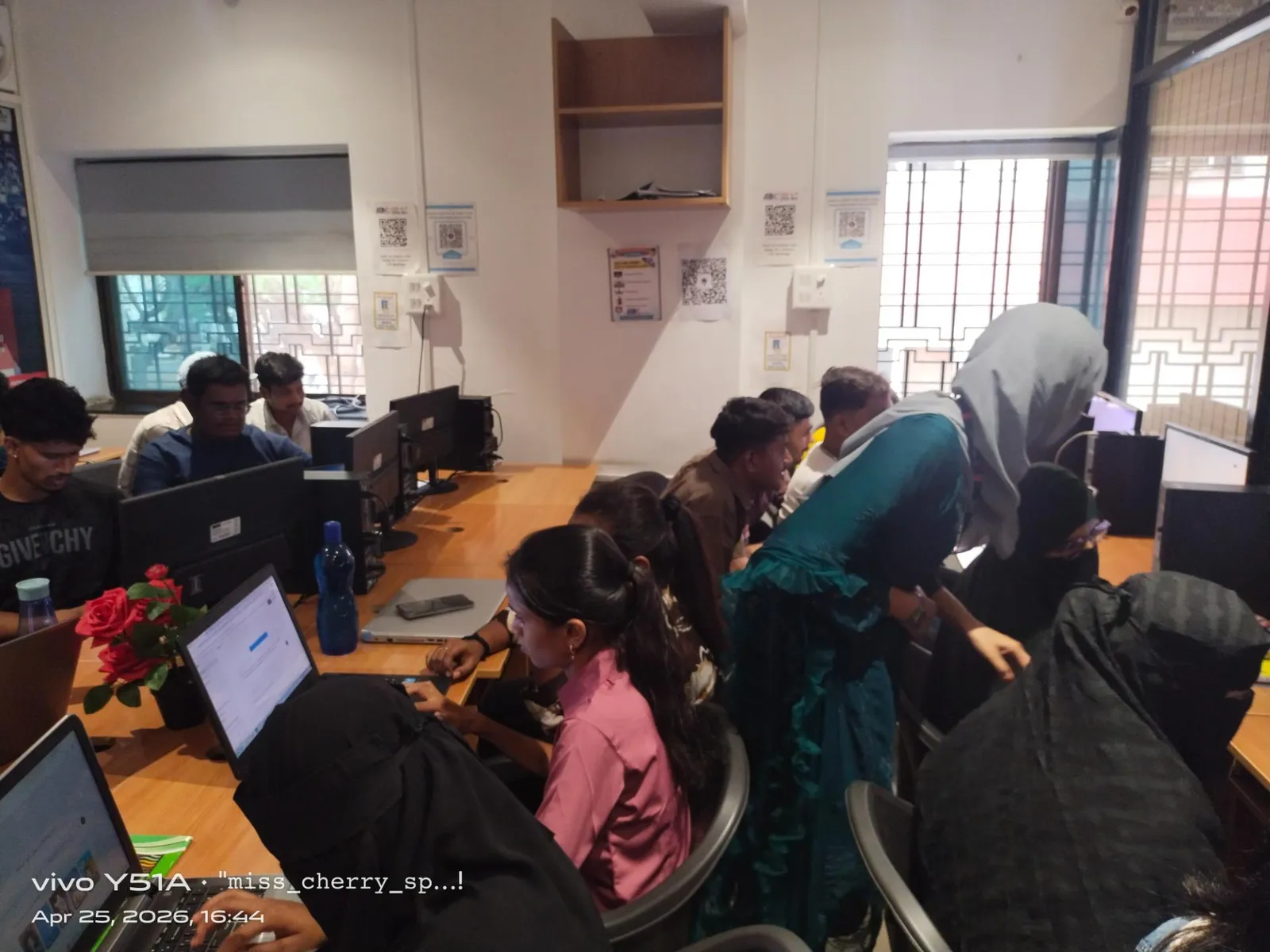
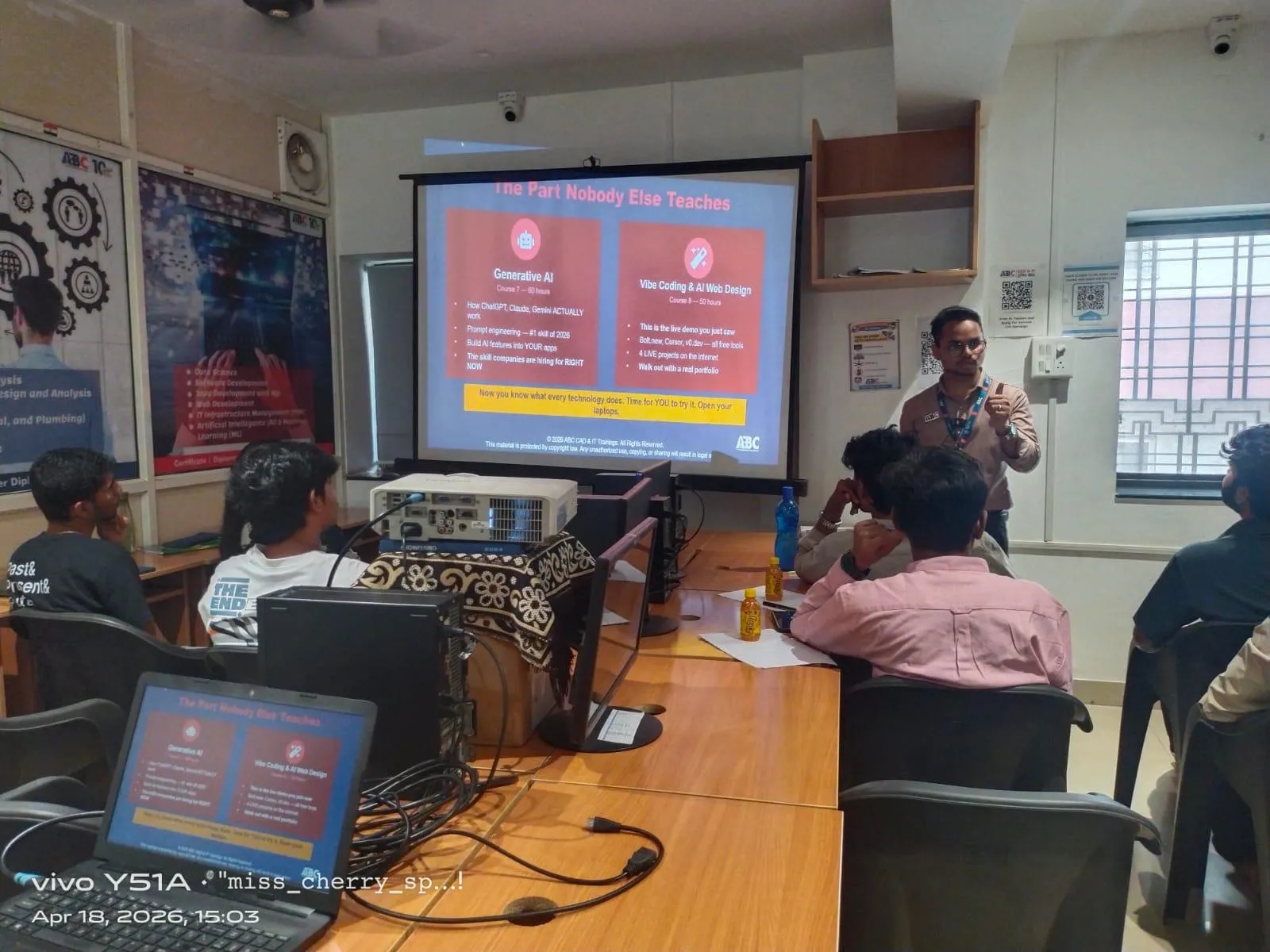
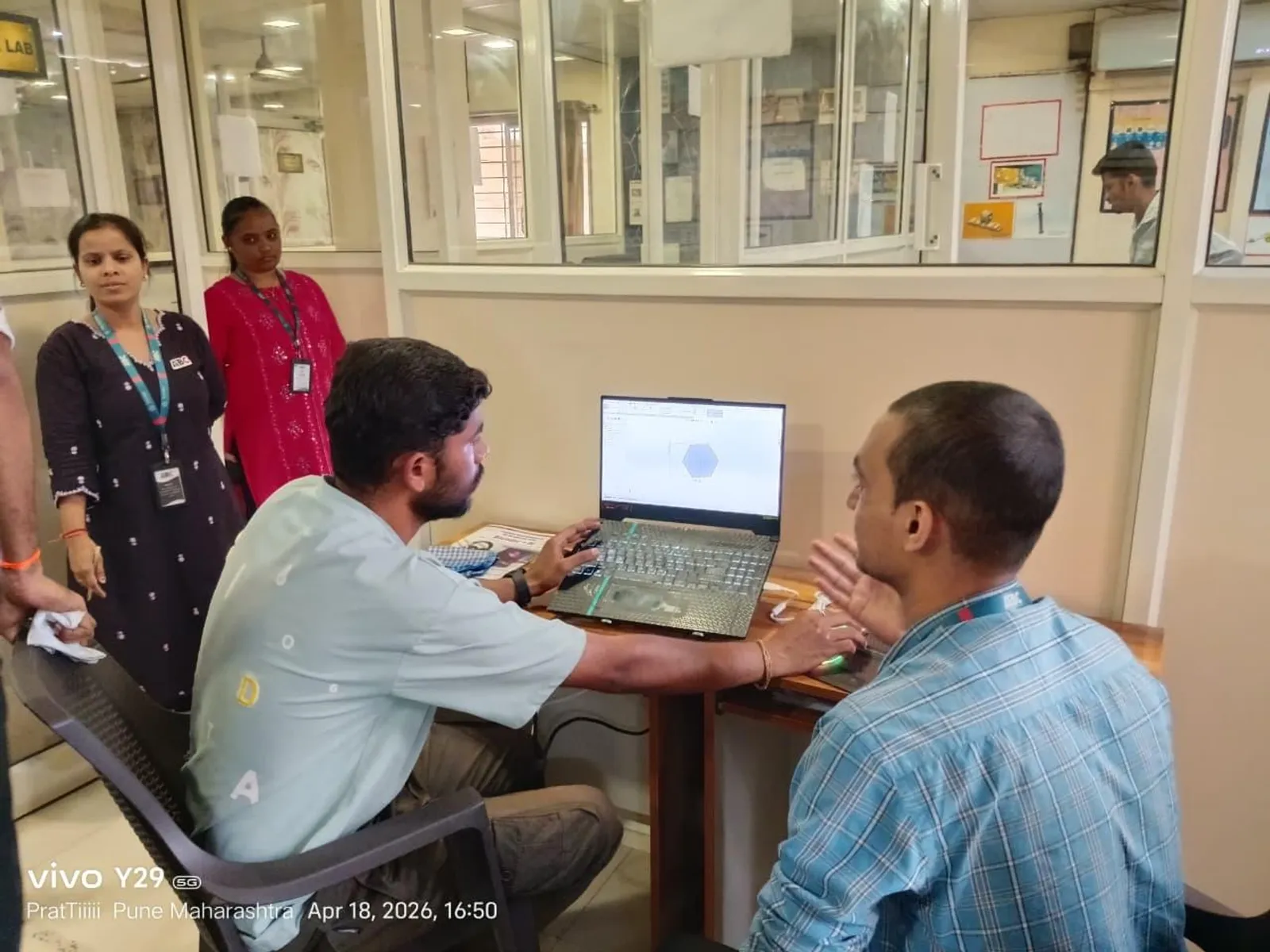
Radhika's story reflects what many students in Pune, Chhatrapati Sambhajinagar, and Sangli discover after diploma: once you go beyond basics and learn practical CAD workflows, your options open up fast.
Why do civil diploma students need more than basic AutoCAD in 2026?
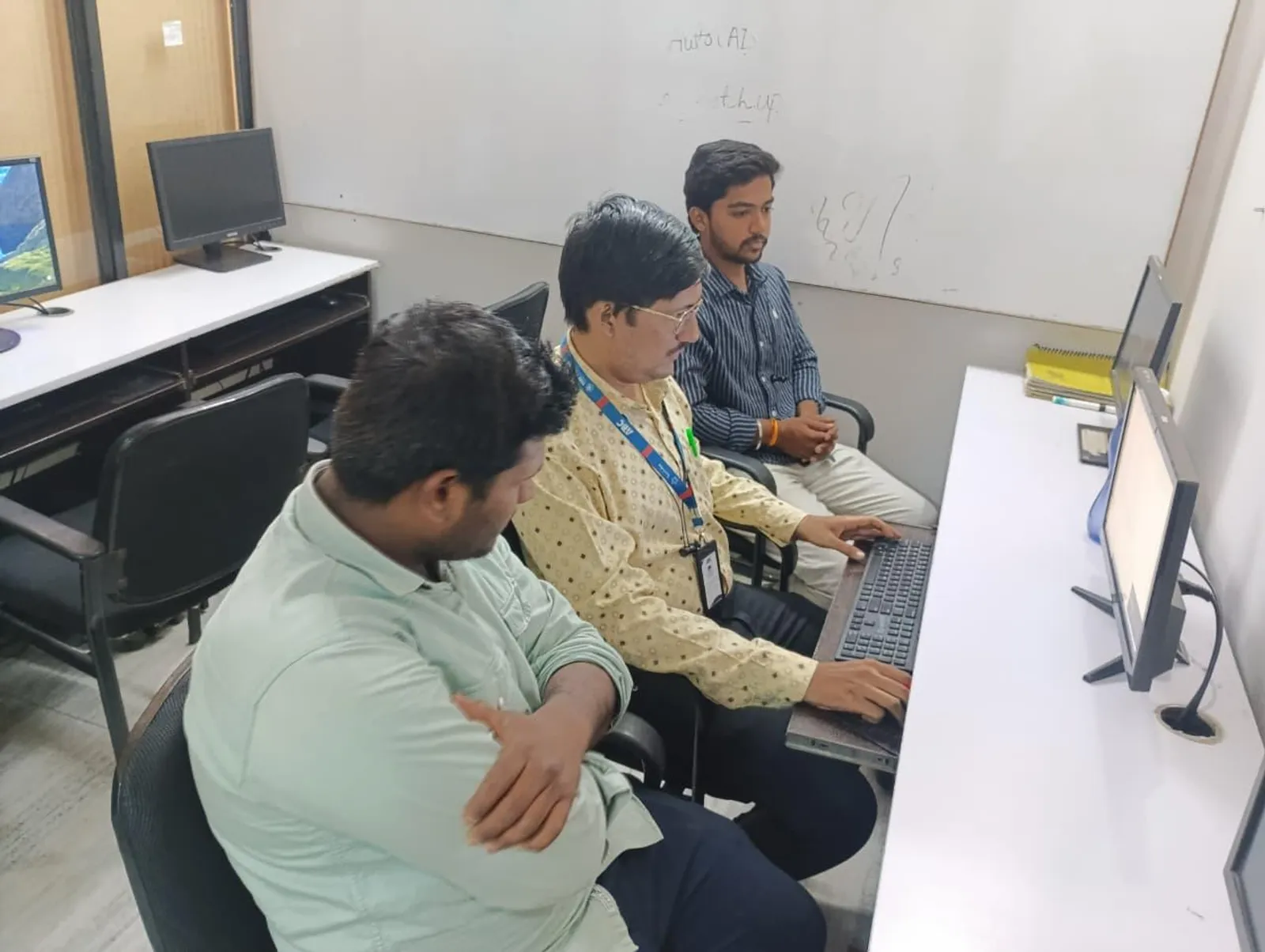
Basic 2D drafting is no longer enough for serious interviews. Companies want people who can read drawings, model structures, check loads, revise faster, and coordinate with electrical or industrial teams. What most people don't realize is that many employers don't expect diploma students to know everything, but they do expect them to be productive from week one.
That means you should be able to handle real project tasks like column layout corrections, load combinations, steel design checks, drawing revisions, title block standards, and simple interdisciplinary coordination. If you're applying in Pune industrial belts, Chakan, Ranjangaon, Hinjawadi support roles, or even contractor offices in Kolhapur and Nashik, these deeper skills stand out.
At companies connected to sectors like Bajaj Auto, Tata Technologies, L&T, Siemens, Bosch, Thermax, and Kirloskar, project teams value candidates who understand software practically, not just academically.
How should you learn ETABS beyond basic modelling?
Most students stop at grid creation, beams, columns, slabs, and running analysis once. That's beginner level. To work like a professional, you'll need to understand modelling discipline and analysis control.
Use proper storey data and section naming
Don't create random section names like B1, B2, C1 without logic. Use naming that reflects size and type, such as COL_300x600 or BM_230x450. Trust me, this seems small, but on larger projects it saves a lot of confusion during revisions and design checks.
Set load patterns and combinations carefully
Many students use default combinations and move on. In ETABS 21, you should know when to define dead load self-weight multipliers, superimposed dead loads, wall loads, live loads, and seismic load cases manually. The good news is, once you understand this properly, your model becomes far more reliable for design output and reporting.
Check meshing and diaphragm assumptions
Slab meshing, rigid diaphragm assignment, and connectivity errors affect results more than beginners think. If your model behaves strangely, don't just rerun analysis. Check disconnected joints, duplicate elements, and incorrect releases first.
Read output, don't just generate it
A lot of candidates say, “I know ETABS,” but they only know how to click Run Analysis. Interviewers may ask about storey drift, torsion irregularity, column reinforcement output, reaction summary, or slab force contours. If you can explain where to check these and what they mean, you'll sound like someone ready for structural office work.
What advanced STAAD Pro workflows matter in real jobs?
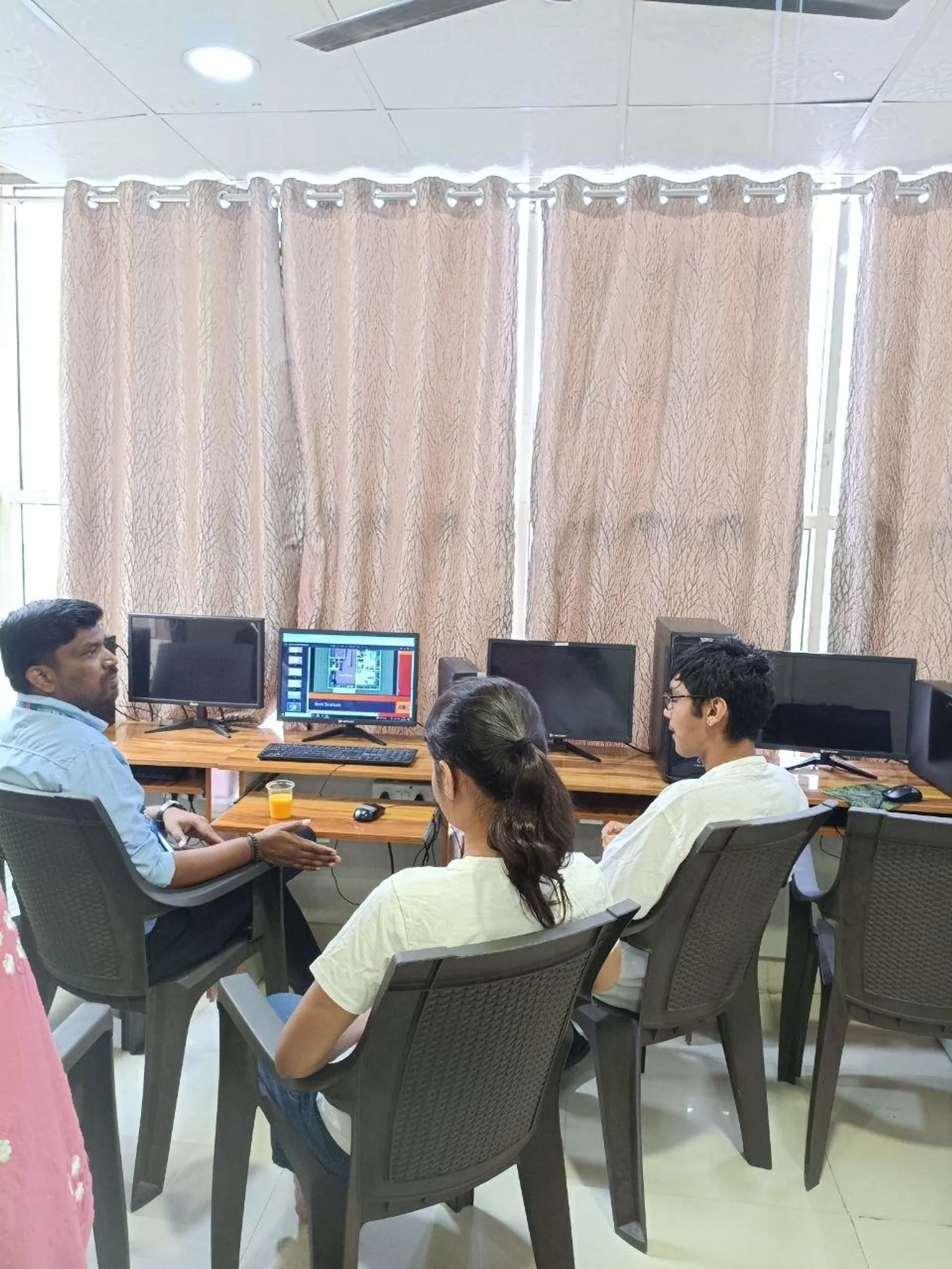
STAAD Pro is still widely used in steel structures, industrial frames, equipment support structures, sheds, and plant-related design offices. For civil diploma students targeting industrial work, this is a very useful skill.
Learn the analytical model, not just the interface
In STAAD Pro CONNECT Edition, power users understand nodes, members, supports, releases, offsets, and command flow clearly. If you can read the editor and understand what the software is doing, you're already ahead of many freshers.
Master load cases for industrial structures
Here's where serious learning starts. Wind load generation, member load application, floor load logic, and load combinations are commonly tested in practical roles. If you're looking at fabrication support or industrial building work, you'll often see steel platform frames, pipe racks, and shed structures where load definition matters more than fancy modelling.
Use design parameters correctly
What most people don't realize is that STAAD Pro results are only as useful as the design parameters you assign. Parameters like unbraced length, steel grade, code selection, and deflection checks can change the entire output. Don't copy settings from old files blindly.
Review warnings and utilisation ratios
Professionals don't panic when they see failed members. They read warnings, study utilisation ratios, check unsupported lengths, and revise sections logically. That's the difference between software operation and engineering judgement.
Why is AutoCAD Electrical useful for civil diploma students?
This surprises many students. But in automation industries and industrial project environments, multidisciplinary drafting is common. A civil diploma student may support panel layout coordination, cable routing references, equipment foundation drawings, trench drawings, or plant documentation teams.
Understand symbol libraries and standards
Don't use generic blocks for everything. Learn IEC symbol libraries, wire numbering logic, cross-referencing, and component tagging. If you're supporting automation teams, this matters.
Build reusable templates
One of the best advanced habits is creating title blocks, layer standards, annotation styles, and sheet setups once and reusing them. This is how experienced drafters work faster without losing quality.
Use project-wide updates
AutoCAD Electrical 2025 allows project-level updates for tags, reports, and references. If a component changes, you should know how to update related documentation efficiently. That's a real productivity skill employers appreciate.
For students moving toward automation support roles, this software can connect civil drafting knowledge with electrical documentation work in a practical way.
Which industries hire civil diploma students with these CAD skills?
You are not limited to one path. That's the part many students miss. With the right software depth, you can target:
- Structural drafting and analysis support firms
- Industrial shed and plant design companies
- MEP and multidisciplinary consultants
- Automation and panel-related project support teams
- Fabrication and steel detailing offices
- Contractor design coordination departments
In Maharashtra, these opportunities show up in Pune, Chhatrapati Sambhajinagar, Sangli, Nashik, Satara, Kolhapur, and Mumbai support offices. Companies working directly or indirectly with Mahindra Engineering, Tata Technologies, L&T, Siemens, Bosch, Infosys campus infrastructure teams, TCS facility projects, KPIT Technologies office development vendors, Thermax, and Kirloskar often need technically trained support staff.
What salary can you expect after learning these tools well?
Let's keep this realistic. For a fresher civil diploma student in Maharashtra with only basic drafting, salaries often start around ₹12,000 to ₹18,000 per month. If you can handle ETABS or STAAD Pro properly and support project documentation, you may reach ₹18,000 to ₹28,000 per month in smaller firms and ₹2.8 lakh to ₹4.2 lakh per year in organized companies.
With 2 to 4 years of hands-on experience, strong software skills, and decent project exposure, many professionals move into the ₹4.5 lakh to ₹7 lakh per year range. In specialized industrial or structural roles, it can go higher.
How do you build a power-user learning plan?
Don't try to learn all three software packages randomly. Use this sequence:
- Start with ETABS or STAAD Pro based on whether you prefer RCC or steel/industrial structures.
- Practice one full project from modelling to report extraction.
- Learn AutoCAD Electrical basics plus project templates if you want automation or industrial coordination roles.
- Create a portfolio with screenshots, drawings, load setup examples, and design output summaries.
- Prepare for interviews by explaining decisions, not just commands.
Trust me, one properly completed project teaches more than ten half-finished tutorials.
If you want guided training with practical assignments, ABC Trainings helps students go from software basics to industry-level workflows in Maharashtra. You can call 8698270088 or WhatsApp 7774002496 to check current batches and software modules.
What should you focus on if you want jobs faster?
Focus on accuracy, speed, and explanation. That's the winning combination. A student who can model correctly, revise quickly, and explain why a load case or drawing standard was used will always stand out over someone who only knows menu commands.
The good news is you don't need to become a senior engineer before getting hired. You just need stronger-than-average practical skills. And for a civil diploma student in 2026, ETABS, STAAD Pro, and AutoCAD Electrical are a smart combination when learned deeply.
If you're serious about moving beyond theory and into technical roles, this is the stage where your software depth starts deciding your salary and your direction.
Can a civil diploma student really learn AutoCAD Electrical for jobs?
Yes. In India, especially in industrial and automation-related projects, civil diploma students often support documentation, layout coordination, and multidisciplinary drafting. AutoCAD Electrical adds value if you want to work in plant projects, panel-related support, or contractor offices. It won't replace structural software, but it can widen your job options.
Which is better for civil diploma students: ETABS or STAAD Pro?
It depends on your target role. ETABS is great for RCC building analysis and multistorey structures, while STAAD Pro is widely used for steel structures, industrial frames, and plant support work. If possible, learn one deeply first and then add the second based on the jobs available in Pune or your city.
What salary can a civil diploma fresher get after CAD training in Maharashtra?
Most freshers start between ₹12,000 and ₹18,000 per month if they only know basic drafting. With stronger ETABS, STAAD Pro, or multidisciplinary CAD skills, salaries often move to ₹18,000 to ₹28,000 per month. In well-structured firms, annual packages can start around ₹2.8 lakh to ₹4.2 lakh.
Where can I learn these CAD tools in Pune with practical projects?
You should choose a training institute that teaches software through real industry-style assignments, not only commands. ABC Trainings is one option students consider for practical CAD learning in Maharashtra. For batch details, you can call 8698270088 or WhatsApp 7774002496 and ask specifically about ETABS, STAAD Pro, and AutoCAD Electrical modules.
Visit Our Centers
Pune
Wagholi Branch
1st Floor, ABC Trainings, Laxmi Datta Arcade, Pune - Ahilyanagar Hwy, Wagholi, Pune, Maharashtra 412207
Hadapsar Branch
Bloom Hotel, ABC Trainings 1st Floor, S.no 156/3 Shree Tower Pune - Solapur Rd, Hadapsar, Pune, Maharashtra 411028
Start Your Career Journey Today
Join 10,000+ students who transformed their careers with ABC Trainings.
💬 WhatsApp: 7774002496📞 Call: 8698270088