
HyperMesh Complete FEA & Meshing Guide 2026: From CAE Basics to Structural Analysis (Free Video Course) (Updated October 2026)
HyperMesh is Altair's flagship pre-processing tool for finite element analysis (FEA) — the industry standard in automotive CAE, aerospace structural simulation, and mechanical engineering design validation. For engineers working at Tata Technologies, KPIT, Mahindra Engineering Services, AECOM, or pursuing roles in simulation, product design, or structural analysis, HyperMesh proficiency is a direct hiring signal. This guide is the complete reference for the ABC Trainings HyperMesh free video course series — 10 episodes covering the full FEA workflow from CAE fundamentals to advanced structural analysis. Whether you're starting from zero or filling specific gaps (meshing quality, modal analysis, buckling), this guide maps every episode to its skill outcome and tells you exactly what the session covers — grounded in the actual course content.
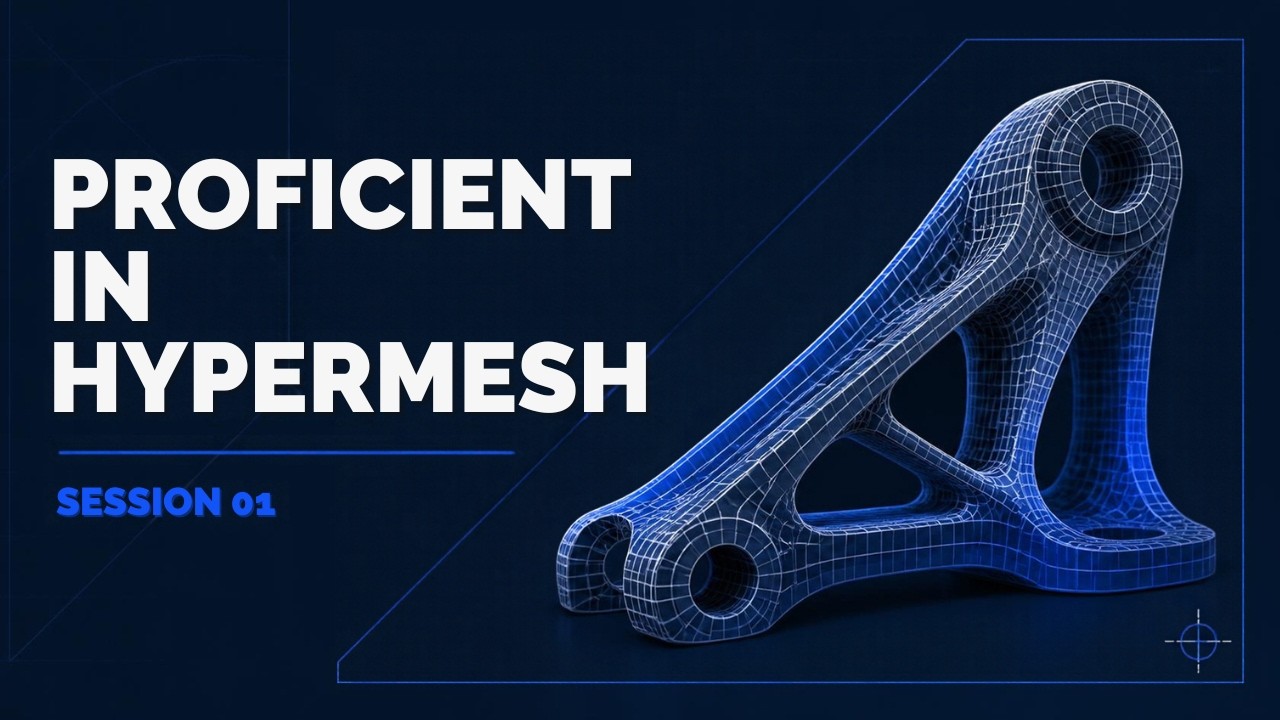
- Complete HyperMesh FEA course: 10 free video episodes from CAE basics to structural analysis
- Covers: geometry import/cleanup, 1D/2D/3D meshing, element quality, material/property definition, modal analysis, linear static structural analysis, buckling, frequency response
- All episodes free on YouTube — links to each episode in this guide
- HyperMesh engineers in Pune/Maharashtra: ₹4–9 LPA fresher salary at Tata Tech, KPIT, Mahindra Engineering
- CMYKPY scheme can fund classroom HyperMesh training at ABC Trainings alongside the free videos
HyperMesh Complete Course Overview — What All 10 Episodes Cover
The ABC Trainings HyperMesh free video course series is a 10-episode structured program covering the complete FEA pre-processing workflow. Episode 1 introduces HyperMesh as a tool and the CAE workflow. Episode 2 covers FEA fundamentals: what finite element analysis is, element types, and why pre-processing matters. Episode 3 covers geometry import (IGES, STEP, Parasolid) and geometry cleanup (surface repair, edge fixing, defeature). Episodes 4–5 cover material and property definition, and 1D/2D meshing (shell elements, mesh density, mapped vs free mesh). Episodes 6–8 cover 3D meshing (tetra, hexa, hybrid), element quality criteria (aspect ratio, Jacobian, warping), and plastic part meshing workflows. Episodes 9–10 cover modal analysis (free-free, constrained), linear static structural analysis (loads, boundary conditions, solving), buckling analysis, and frequency response analysis. Each episode builds on the previous — watch in sequence for maximum skill gain.
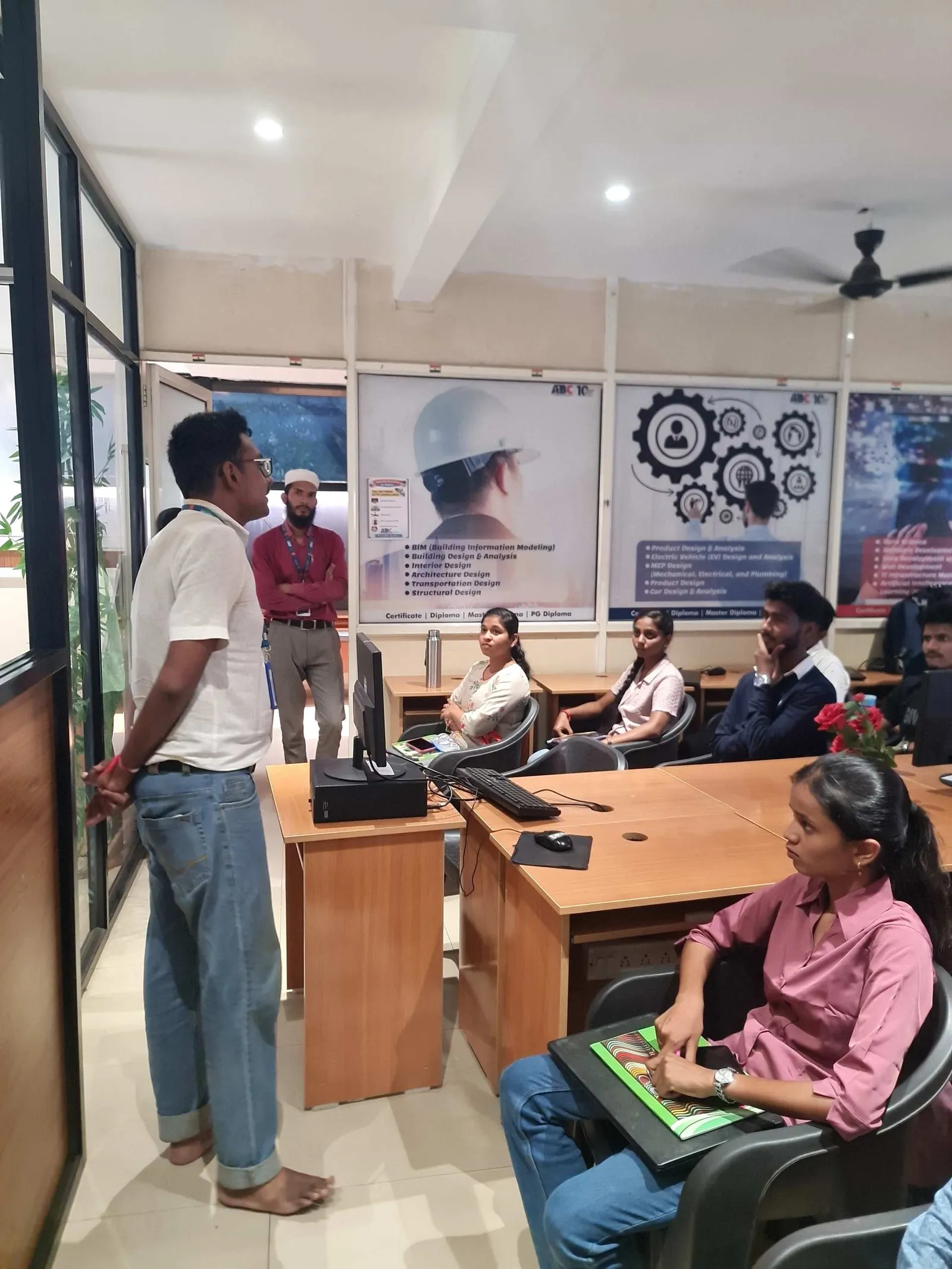
Episodes 1–3: Introduction to HyperMesh, FEA Basics & Geometry Import/Cleanup
| Episode | Topic | Key Skill Outcome | Duration (approx.) |
|---|---|---|---|
| Episode 1 | Introduction to HyperMesh | Interface navigation, file types, workflow overview | ~30 min |
| Episode 2 | Introduction to FEA | Element types, mesh density theory, quality fundamentals | ~35 min |
| Episode 3 | Geometry Import & Cleanup | Import IGES/STEP, surface repair, edge fix, defeature | ~40 min |
| Episodes 4–5 | Materials, Properties & 2D Meshing | MAT1/PSHELL cards, AutoMesh, mapped vs free mesh | ~50 min total |
| Episodes 6–8 | 3D Mesh, Quality & Plastic Meshing | Tetra/hexa, quality index report, mid-surface, thin-wall | ~70 min total |
| Episodes 9–10 | Modal, Static, Buckling, Frequency Response | Full analysis setup in OptiStruct/Nastran from HyperMesh | ~60 min total |
Episodes 4–5: Material/Property Definition and 1D/2D Meshing in HyperMesh

Episodes 6–8: 3D Meshing, Element Quality Checks & Plastic Part Meshing
Episodes 6–8 cover the most technically demanding meshing workflows in HyperMesh. Episode 6 covers 3D meshing: tetra meshing (OSSmooth, auto tetramesh), hexa meshing (volume mapping, sweep, manual), and hybrid approaches for complex components like engine blocks and structural castings. Episode 7 is entirely dedicated to element quality: aspect ratio, Jacobian, warping angle, skewness, minimum element size — and how to use HyperMesh quality index reports and batch checks to identify and fix poor elements before solver submission. This episode is the difference between a mesh that converges and one that does not. Episode 8 covers plastic part meshing: mid-surface extraction, offset meshing for injection-moulded components, and best practices for thin-wall structures. Plastic part meshing is a specific skill requested by automotive and consumer electronics CAE teams.
Episodes 9–10: Modal Analysis, Linear Static Structural Analysis & Advanced Topics
Episodes 9–10 cover analysis setup and solving in HyperMesh. Episode 9 covers modal analysis: free-free modal for unconstrained structures (finding natural frequencies), constrained modal (with boundary conditions applied), mode shape interpretation, and mass normalisation. The practical outcome: setting up a complete normal modes run in OptiStruct/Nastran from within HyperMesh, checking the frequency range, and interpreting mode shapes for engineering significance. Episode 10 covers linear static structural analysis (load cases, boundary conditions, run cards, output requests), buckling analysis (eigenvalue buckling, EIGRL card, load factor interpretation), and frequency response analysis (direct/modal FRF, excitation input, response output). These three analysis types cover 80%+ of the structural simulation work at Indian automotive and aerospace CAE companies.
HyperMesh Careers in Pune 2026: Salary, Companies & How to Get Hired
HyperMesh-certified engineers in Pune and Maharashtra command strong fresher salaries: ₹4–7 LPA at CAE service companies (Tata Technologies Pune, KPIT, Quest Global, HCL Engineering), ₹5–9 LPA at OEM analysis teams (Mahindra Engineering Services, Bajaj Auto CAE, Force Motors), and ₹4–8 LPA at simulation consultancies. The three roles most commonly requiring HyperMesh in Pune are: (1) CAE Analyst — FEA pre/post processing, solver submission, results interpretation; (2) Simulation Engineer — crash, NVH, structural analysis at automotive OEMs; (3) Structural Analysis Engineer — static, modal, fatigue at aerospace and heavy equipment firms. To get hired: a HyperMesh project portfolio (minimum 3 meshes + 1 analysis run, ideally with modal results) is the standard interview requirement. ABC Trainings Pune offers instructor-led HyperMesh training with project work alongside the free video series. Call 7039169629 for batch details and CMYKPY eligibility.
The free HyperMesh video series gives you the theory. ABC Trainings Pune offers the classroom experience — hands-on meshing, element quality feedback, and a portfolio project for your resume. CMYKPY (₹6,000–₹10,000/month) covers classroom HyperMesh training at ABC Trainings Pune for eligible Maharashtra-domiciled participants (18–35, class 12+). Train on real FEA projects while the Maharashtra government covers your fees. Call 7039169629 or WhatsApp 7774002496 for batch details.Get the Mechanical Engineering Brochure + Fees + Batch Dates on WhatsApp
Free 1:1 counselling. Placement track record. CMYKPY/PMKVY eligibility check.
💬 Get Brochure on WhatsApp📞 Call 7039169629About the author: Shubham Choundiye, Mechanical Design Trainer, ABC Trainings.
Visit Our Centers
- Wagholi (Pune): 1st Floor, Laxmi Datta Arcade, Pune-Ahilyanagar Highway. Call 7039169629
- Hadapsar (Pune HQ): 1st Floor, Shree Tower, opp. Vaibhav Theater, Magarpatta. Call 7039169629
- Cidco (Chh. Sambhajinagar): Kalpana Plaza, opp. Eiffel Tower, N-1 Cidco. Call 7039169629
- Osmanpura (Chh. Sambhajinagar): S.S.C Board to Peer Bazar Road, near Jama Masjid. Call 7039169629
- Sangli: Shubham Emphoria, 1st Floor, Above US Polo Assn., Sangli-Miraj Rd, Vishrambag. Weekend batches available. Call 7039169629
FAQs
What does the ABC Trainings HyperMesh free video course cover?
The ABC Trainings HyperMesh free video course covers the complete FEA pre-processing workflow in 10 episodes: HyperMesh interface introduction, FEA fundamentals (element types, mesh theory), geometry import and cleanup (IGES/STEP/CAD repair), material and property definition (MAT1, PSHELL), 1D/2D meshing (shell, mapped, free mesh), 3D meshing (tetra, hexa, hybrid), element quality checks (aspect ratio, Jacobian, warping), plastic part meshing (mid-surface, thin-wall), modal analysis, linear static structural analysis, buckling analysis, and frequency response analysis. All episodes are free on YouTube.
Is HyperMesh training worth it for mechanical engineering freshers in Pune in 2026?
Yes — HyperMesh training is worth it for Mechanical Engineering freshers in Pune in 2026 targeting CAE, simulation, or structural design roles. HyperMesh-certified engineers at Tata Technologies, KPIT, and Mahindra Engineering Services start at ₹4–7 LPA — ₹1.5–3 LPA more than non-CAE-certified Mechanical freshers at the same experience level. The Maharashtra CAE sector (automotive OEM analysis, aerospace simulation, heavy equipment structural analysis) consistently requires HyperMesh in job postings. A practical portfolio of 3+ meshes and a completed modal or static analysis run is the standard interview requirement.
What salary can a HyperMesh-certified engineer expect in Pune?
HyperMesh-certified mechanical engineers in Pune earn ₹4–7 LPA at CAE service companies (Tata Technologies, KPIT, Quest Global) and ₹5–9 LPA at OEM analysis teams (Mahindra Engineering Services, Bajaj Auto CAE). Freshers with a strong HyperMesh portfolio (3+ mesh projects, at least one modal or static analysis) command better starting offers. With 2–3 years of FEA experience covering NVH or crash analysis, a CAE engineer in Pune earns ₹8–15 LPA.
Does ABC Trainings offer HyperMesh classroom training in Pune alongside the free videos?
Yes — ABC Trainings Pune offers instructor-led HyperMesh training alongside the free video series. The classroom program includes hands-on project work (producing a portfolio mesh and analysis run for your resume), direct feedback on element quality issues, and placement support. CMYKPY scheme (₹6,000–₹10,000/month) can cover classroom training costs for eligible Maharashtra-domiciled participants. Call 7039169629 for the current batch schedule and CMYKPY eligibility confirmation.