Model Coordination in BIM 360 Autodesk Construction Cloud: Clash Detection for Indian Engineers (Updated August 2026)
A structural beam running right through a HVAC duct. A plumbing pipe slicing through a concrete column. These clashes — where two building systems occupy the same physical space — cost Indian construction projects crores in rework every year. The traditional method of catching clashes was a coordination meeting with rolled-out drawings and a lot of arguing. Model Coordination in Autodesk Construction Cloud replaces that entirely: all three discipline models (Architecture, Structure, MEP) are uploaded to the cloud, clash detection runs automatically, and every clash is surfaced as a numbered issue that must be resolved before construction begins. With Pune Metro Line 3 operational since May 2026 and the National Infrastructure Pipeline generating hundreds of complex building projects, model coordination is the BIM skill that every major contractor currently needs — and the one that commands the strongest salary premium.

- Model Coordination in ACC runs automated clash detection across Arch, Structure, and MEP models in the cloud
- Every clash becomes a tracked issue — assigned, resolved, and closed with full audit trail
- Clashes caught in the design stage cost 5–10x less to fix than clashes discovered during construction
- BIM Coordinators with clash detection skills earn ₹5–9 LPA at L&T, AECOM, and infra PMC firms
- ACC Model Coordination is cloud-based — teams in Pune, Mumbai, and site can all work on the same coordination session
Why Building Clashes Cost Crores — and How Model Coordination Prevents Them
Here's the thing about building clashes: they're not a surprise. Every complex building has thousands of potential conflict points between the structural system, the mechanical ducts, the electrical conduits, the plumbing pipes, and the architectural finishes. The question is simply whether you find them on screen for free — or on site for ₹15 lakh and three weeks of delay. Studies on Indian infrastructure projects consistently show that rework due to coordination failures adds 5–15% to the total project cost. On a ₹100 crore building, that's ₹5–15 crore of avoidable waste. BIM model coordination, done properly using Autodesk Construction Cloud, eliminates the vast majority of these clashes before a single worker arrives on site. That's not a technology pitch — it's a financial argument that every project director in India now understands.
How Cloud-Based Clash Detection Works in Autodesk Construction Cloud
In Autodesk Construction Cloud, model coordination begins when the BIM Coordinator uploads discipline-specific models to the coordination space. Models can come from Revit, Navisworks, IFC, or other supported formats. Once uploaded, you create a coordination set — a group of models you want to run coordination against each other. ACC then performs automated clash detection, comparing every element in every model against every element in every other model. Clashes are categorised by type (hard clash, clearance clash, soft clash) and severity. The result is a clash report listing every conflict: model A element ID, model B element ID, clash location (XYZ coordinates), clash type, and a 3D view of the exact location. The entire process takes minutes — what used to take days of manual co-ordination meetings.
| Clash Type | Description | Cost to Fix in Design | Cost to Fix on Site |
|---|---|---|---|
| Hard Clash | Two elements physically overlap | Model edit (hours) | Demolish and rebuild (weeks) |
| Clearance Clash | Elements too close for maintenance | Repositioning (days) | Structural change (costly) |
| Soft Clash | Element violates clearance zone | Specification update (days) | Service interruption risk |
| Workflow Clash | Sequence conflict (install order) | Programme update (hours) | Programme delay (weeks) |
Setting Up Coordination Between Arch, Structure, and MEP Teams
A successful coordination session requires discipline models that are properly prepared. Each discipline team (Architect, Structural Engineer, MEP Consultant) must publish their model to ACC at an agreed frequency — typically weekly. The BIM Coordinator then creates the coordination set, groups the models by discipline, and runs the automated detection. Before assigning clashes, the coordinator filters out false positives (e.g., shared walls that appear as clashes because of modelling conventions) and groups similar clashes by type and location. The remaining real clashes are assigned to the responsible discipline for resolution with a deadline. This coordination workflow, repeated weekly throughout the design phase, is the standard process at L&T Construction, AECOM India, and any firm working on a BIM-mandated project.
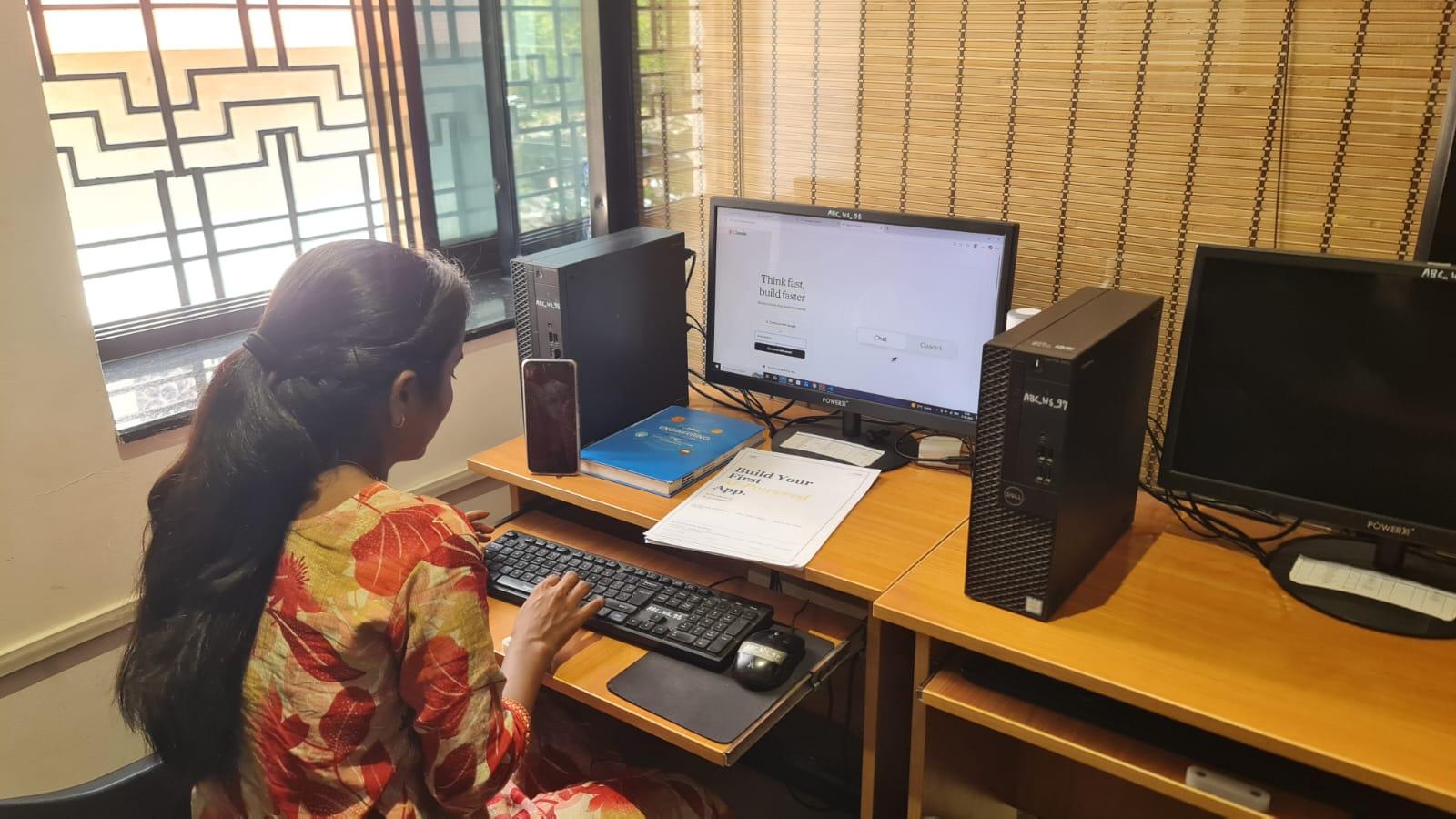
Creating, Assigning, and Resolving Coordination Issues in BIM 360
Once clashes are detected, they become Issues in ACC — with all the tracking functionality of the issue management module. Each issue has: a title and description, the source clash reference, the responsible assignee (architect, structural engineer, MEP designer), a due date, and a status field. The assignee receives a notification, reviews the 3D clash view in ACC, and uploads a revised model or a coordination decision that resolves the conflict. The coordinator then verifies the resolution, closes the clash issue, and re-runs detection to confirm it's clear. A model version comparison tool in ACC shows exactly what changed between the old and new model versions. This full audit trail — showing when each clash was found, assigned, resolved, and verified — is what makes ACC coordination legally defensible on major contracts.
BIM Coordination Jobs: Who's Hiring and What They Pay in India 2026
The BIM Coordinator role is one of the most consistently in-demand positions in Indian construction right now. Entry-level BIM Coordinators with Revit and ACC model coordination skills start at ₹4.5–6 LPA at Tier-2 contractors and PMC firms. Senior BIM Coordinators at Tier-1 firms (L&T, Shapoorji, AECOM) earn ₹7–11 LPA. BIM Managers overseeing full coordination programmes on infrastructure projects earn ₹12–18 LPA. Top hiring firms: L&T Construction, AECOM India, Shapoorji Pallonji, Mahindra Lifespaces (Pune), NCC Limited, Afcons Infrastructure, and multiple Smart City PMC firms active on Pune Metro Line 3, Mumbai Trans-Harbour Link, and Nagpur Smart City.
Get the BIM Training Brochure + Fees + Batch Dates on WhatsApp
Free 1:1 counselling. Placement track record. CMYKPY/PMKVY eligibility check.
💬 Get Brochure on WhatsApp📞 Call 7039169629About the author: Komal Chilwar, Civil & BIM Trainer, ABC Trainings.
Visit Our Centers
- Wagholi (Pune): 1st Floor, Laxmi Datta Arcade, Pune-Ahilyanagar Highway. Call 7039169629
- Hadapsar (Pune HQ): 1st Floor, Shree Tower, opp. Vaibhav Theater, Magarpatta. Call 7039169629
- Cidco (Chh. Sambhajinagar): Kalpana Plaza, opp. Eiffel Tower, N-1 Cidco. Call 7039169629
- Osmanpura (Chh. Sambhajinagar): S.S.C Board to Peer Bazar Road, near Jama Masjid. Call 7039169629
- Sangli: Shubham Emphoria, 1st Floor, Above US Polo Assn., Sangli-Miraj Rd, Vishrambag. Weekend batches available. Call 7039169629
How to Set Up ACC Model Coordination: Step-by-Step for BIM Engineers (Updated August 2026)
ACC model coordination setup requires no desktop software — everything runs in the Autodesk Construction Cloud browser interface. Here is the exact 6-step workflow that BIM Coordinators follow on live projects at L&T Construction, AECOM India, and Shapoorji Pallonji: Step 1, upload all discipline Revit models to the designated Project Files folder in Autodesk Docs, with each discipline (Architecture, Structure, MEP) in its own subfolder and a clear file naming convention (e.g., A-Architecture-Rev03.rvt); Step 2, navigate to the Model Coordination module from the ACC project homepage and click "Create Coordination Space" — name it clearly (e.g., "Arch-Structure-MEP Coord Phase 1"); Step 3, add the discipline models to the coordination space by selecting files from Autodesk Docs — each discipline group is configured separately so clashes can be filtered by discipline pair; Step 4, configure clash detection rules — set hard clash tolerance (default 0mm — elements physically overlapping), clearance tolerance (typically 50mm for MEP ducts against structural beams), and exclusion rules for shared architectural elements that would generate false positives; Step 5, run the automated detection and review the clash matrix — sort by clash count by discipline pair, export the report, and filter out false positives using the "Resolved/Won't Fix" status; Step 6, assign real clashes as ACC Issues to the responsible discipline engineer with a due date, then re-run detection after the model revision to verify closure.
The setup-to-first-clash-report cycle takes 30–45 minutes for a trained BIM Coordinator. In ABC Trainings' professional BIM program (Wagholi and Hadapsar, Pune), students complete a real ACC model coordination setup using live Revit Architecture, Structure, and MEP models in the first week of the coordination module — they arrive at their first job already knowing the exact workflow. The Pune Metro Line 3 (approved May 2026) and BIM mandates on central government projects above ₹100 crore have made ACC model coordination the single most in-demand BIM skill in Maharashtra right now. Call +91 7039169629 or WhatsApp 7774002496 to join the next BIM batch.
FAQs
What is Model Coordination in Autodesk Construction Cloud?
Model Coordination in Autodesk Construction Cloud is a cloud-based clash detection and multidisciplinary BIM coordination platform. It allows teams to upload Revit, IFC, and NWD models from different disciplines, run automated clash detection, and manage the resolution of every clash as a tracked issue — all from a web browser or mobile app, without needing Navisworks or a high-end workstation.
How is ACC model coordination different from Navisworks clash detection?
Navisworks is a desktop application that requires a locally installed model file and generates clash reports as a static snapshot. ACC Model Coordination is cloud-based, always runs on the latest published model version, and integrates clash resolution directly with the project issue management workflow. Multiple team members in different cities can simultaneously review clashes and assign resolutions. For live project collaboration on major Indian infrastructure projects, ACC is far more practical.
What BIM modelling skills do I need before learning model coordination?
A basic understanding of Revit modelling (enough to understand what a model element is and what its properties mean) is helpful before learning model coordination. You don't need to be an advanced Revit modeller — the coordination workflow in ACC is more about project management and communication than modelling. ABC Trainings can advise on the best learning sequence based on your current background. Call 7039169629 for a free counselling session.
Which Indian companies are hiring BIM Coordinators with clash detection skills?
Key employers hiring BIM Coordinators with clash detection skills in India: L&T Construction, AECOM India, Shapoorji Pallonji, NCC Limited, Afcons Infrastructure, Mahindra Lifespaces (Pune), and PMC firms working on Pune Metro, Mumbai Metro Phase 3, and Smart City projects. The demand has increased sharply since BIM was mandated on central government projects above ₹100 crore.