NX CAD for Beginners — Episode 16: Assembly Design, Constraints and Component Placement (Updated June 2026)
AURIC's ₹71,343 crore manufacturing investment in Sambhajinagar is generating 62,405 engineering jobs, and NX CAD assembly design is a consistently tested skill at Tier 1 auto supplier interviews across Maharashtra. Episode 16 of our free NX CAD beginner series covers assembly design from scratch: creating a new assembly file, adding component parts, applying constraints to fix their positions, and running interference checks. Watch the YouTube video above for the visual walkthrough, then use this written guide to reinforce every step with detailed explanations.
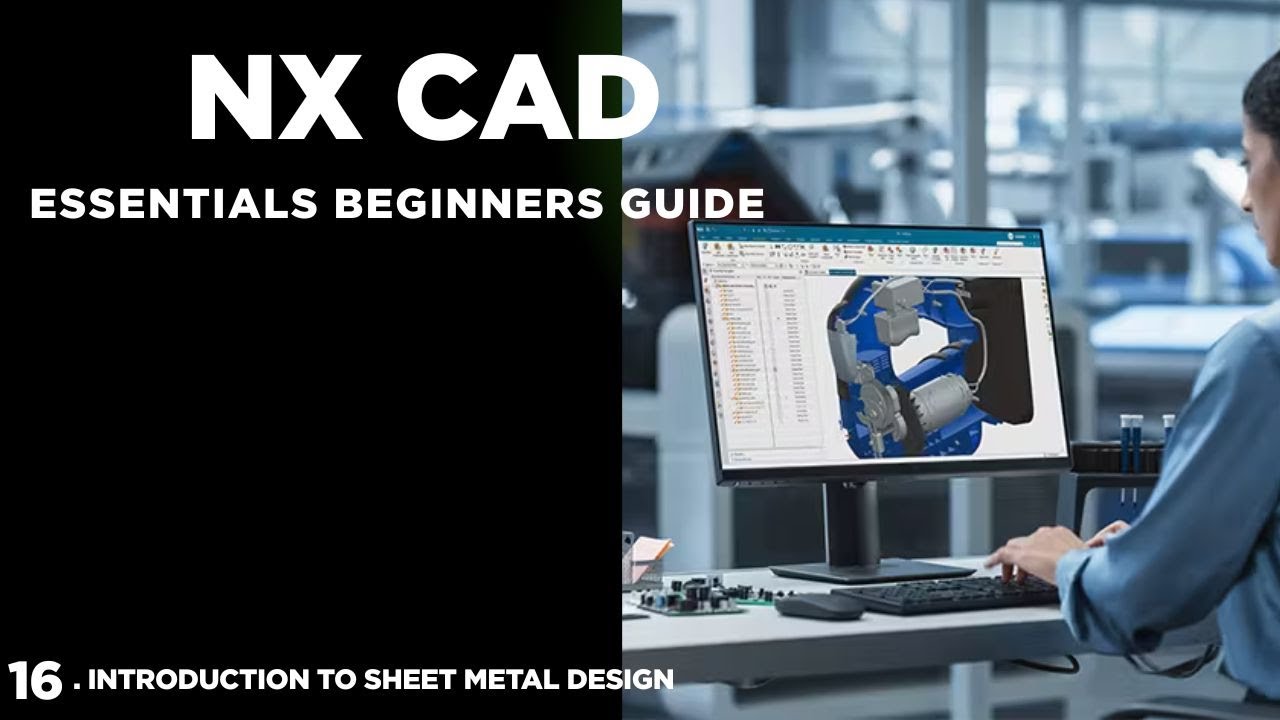
- Episode 16 covers: New Assembly file setup, Add Component, Touch/Align/Center/Angle constraints, Component Pattern, Interference Check, and Exploded View
- Assembly design in NX uses the Assembly Navigator — a dedicated tree structure that shows every component, its constraints, and its reference file location
- Touch constraint aligns two flat faces coplanar. Align constraint makes two axes or faces share the same direction. Center centres one component on another's axis
- Interference Check (Analysis > Assemblies > Check Clearances) detects overlapping volumes between components — critical before manufacturing
- NX assembly skills are tested at Bajaj Auto Waluj, Skoda VW Shendra, Tata Motors Ranjangaon, and Mahindra Research Valley Pune
- ABC Trainings' AI Powered Product Design, Analysis and Simulation programme covers full NX CAD including assembly design at Pune and Sambhajinagar
What Is Assembly Design in NX CAD and Why Employers Test It
Assembly design is the step that separates a part modeller from a product engineer. A single part — a bolt, a bracket, a housing — is useful for one person's work. An assembly of 50, 500, or 5000 parts is what gets built on the shop floor. In NX, assembly design is where you define how parts relate to each other: which faces touch, which axes align, how components can move (degrees of freedom), and where there are clashes or clearances. Employers test NX assembly skills for a specific reason: poorly constrained or incorrectly assembled designs reach the shop floor and cause costly manufacturing errors. A CAD engineer who can't build and validate an assembly in NX is limited to part-level work — and part-level CAD salaries reflect that limitation. Assembly-capable NX engineers earn 30–50% more at Tier 1 auto suppliers.
Setting Up an NX Assembly File and Adding Your First Component
Starting a new assembly in NX: File > New > Assembly (select the Assembly template, not the Model template). NX opens an empty assembly with the Assembly Navigator panel visible on the left. To add your first component: Assembly > Component > Add Component. Navigate to your part file (.prt), select it, and click OK. NX gives you a positioning option: if you choose Absolute Origin, the component places at the assembly origin. For your first component in every assembly, use Absolute Origin — this becomes your fixed "ground" reference. For all subsequent components, choose By Constraints and use the constraint dialog to mate them to the first part. The Assembly Navigator shows every component in the tree with its constraint status: a yellow circle means underconstrained (still has free movement), a green circle means fully constrained (all 6 degrees of freedom fixed), a red circle means overconstrained (conflicting constraints — fix this immediately as it causes downstream problems).
| NX Assembly Constraint | What It Does | Degrees of Freedom Fixed |
|---|---|---|
| Touch | Two faces become coplanar and touching | 1 translation |
| Align | Two faces/axes become coplanar, same direction | 1 translation |
| Center | One axis centred on another | 2 translations |
| Angle | Fixes rotation angle between faces/edges | 1 rotation |
Assembly Constraints in NX: Touch, Align, Center, and Angle Explained
NX uses "Assembly Constraints" to fix the relative position of components. The four you'll use on every assembly: Touch (Touch Align with Touch option): two flat faces become coplanar and touching. Use this to mate a bolt head face to a bracket face. Align (Touch Align with Align option): two flat faces or cylindrical axes become coplanar in the same direction — use it to align a slot to a pin. Center: places one component's axis or centre exactly on another component's axis or centre — use it to concenter a bolt in a hole. Angle: fixes the angle between two planar faces or edges — use it to lock a component at a specific rotation. To apply a constraint: Assembly > Component Position > Assembly Constraints. Select the constraint type, select the geometry on the first part (face, axis, or edge), select corresponding geometry on the second part, and click Apply. NX immediately moves the component to satisfy the constraint and reports remaining degrees of freedom.

Component Placement Methods: Mate, Pattern, and Array
Beyond individual constraints, NX has component placement tools that save significant time on repetitive structures. Component Pattern: if you have 6 bolts equally spaced on a bolt circle, you constrain the first bolt manually, then use Assembly > Component > Pattern Component to create 5 copies with the same spacing. Select your pattern (linear or circular), set count and spacing, and NX places the remaining instances while preserving all constraints. Mirror Component: creates a mirrored copy of a component or sub-assembly about a selected plane — invaluable for symmetric brackets and body panels. Replace Component: swaps one component in the assembly with a different part file while retaining all constraints (useful when revising a design variant). Repositioning without constraints: use Assembly > Component Position > Move Component for non-constrained provisional placement before you apply final constraints.
Checking for Interference and Clearance in NX Assemblies
Interference checking in NX is the quality gate before releasing an assembly to manufacturing. Analysis > Assemblies > Check Clearances opens the clearance dialog. Select the component pairs or the entire assembly. Set your clearance threshold: components closer than X mm are flagged. Run the check. NX reports three result types: Hard Interference — components actually overlap (volumes intersect). Soft Interference — components are within your specified clearance tolerance. Touching — components share a face (expected for Touch-constrained parts, but flagged for review). For hard interferences, NX highlights the offending volumes in red in the 3D view. Click each interference result to navigate to the exact location. This is the single most important assembly analysis step before sending a design to manufacturing — a clash found in CAD is free to fix; the same clash found during assembly on the shop floor causes hours of downtime.
NX Assembly Skills in the Job Market: What Maharashtra Employers Want
Assembly design is the NX skill tested most consistently in Maharashtra's auto sector technical interviews. Based on LinkedIn job postings and placement coordinator feedback (June 2026): Junior Product Design Engineer (0–2 years NX assembly experience): ₹3.5–5 LPA at Waluj MIDC Tier-2 suppliers and Pune engineering services firms. NX Design Engineer (2–5 years, assembly + drawing + basic simulation): ₹6–10 LPA at Skoda VW Shendra (Plot A-1/1), Bajaj Auto Waluj (Plot G-137), Tata Motors Ranjangaon (Sedeq-MIDC), Mahindra Automotive Pune (Chakan MIDC). Senior NX CAD Engineer (5+ years, complex assembly + GD&T + NX Nastran validation): ₹12–20 LPA at Mahindra Research Valley, Tata Tech Hinjewadi, and German OEM supply chain firms. The Skoda VW connection is worth highlighting: Skoda VW globally standardised on Siemens NX across their product development chain, which means every VW/Audi/Skoda supplier serving them globally must have NX-capable engineers.
Get the CAD/CAM Training Brochure + Fees + Batch Dates on WhatsApp
Free 1:1 counselling. Placement track record. CMYKPY/PMKVY eligibility check.
💬 Get Brochure on WhatsApp📞 Call 7039169629About the author: Rahul Patil. 12 yrs experience training mechanical and CAD/CAM engineers across Maharashtra.
Visit Our Centers
- Wagholi (Pune): 1st Floor, Laxmi Datta Arcade, Pune-Ahilyanagar Highway. Call 7039169629
- Hadapsar (Pune HQ): 1st Floor, Shree Tower, opp. Vaibhav Theater, Magarpatta. Call 7039169629
- Cidco (Chh. Sambhajinagar): Kalpana Plaza, opp. Eiffel Tower, N-1 Cidco. Call 7039169629
- Osmanpura (Chh. Sambhajinagar): S.S.C Board to Peer Bazar Road, near Jama Masjid. Call 7039169629
- Sangli: Shubham Emphoria, 1st Floor, Above US Polo Assn., Sangli-Miraj Rd, Vishrambag. Weekend batches available. Call 7039169629
FAQs
What is assembly design in Siemens NX CAD?
Assembly design in Siemens NX is the process of combining multiple individual part files (.prt) into a single assembly file (.prt assembly) where their positions are defined relative to each other using constraints. The assembly file doesn't contain the part geometry — it references the part files and stores the constraints that position them. This means if you update a part's dimensions, the assembly automatically updates to reflect the change. Assembly design in NX also supports interference checking, exploded views, component patterns, and bill of materials (BOM) generation.
How do assembly constraints work in Siemens NX?
Assembly constraints in NX define the relationship between component faces, axes, and edges to fix how components sit relative to each other. The main types: Touch — two faces become coplanar and touching (like a bolt head flush against a bracket). Align — two faces or axes point in the same direction and become coplanar. Center — one cylindrical surface centres on another (bolt in hole). Angle — fixes the rotational angle between two planes. Each constraint removes some of the 6 degrees of freedom (3 translation + 3 rotation). A fully constrained component (green indicator in the Assembly Navigator) has all 6 DOF removed and won't shift if the assembly is moved.
Is NX CAD assembly design difficult for complete beginners?
Assembly design is more advanced than part modelling and is typically introduced in episodes 16–19 of our series for good reason — you need solid part modelling skills first. However, it's not conceptually difficult once you understand degrees of freedom: how many ways can a part move in space? You're just removing those freedoms one constraint at a time. Students who complete Episodes 1–15 of our NX CAD series (covering sketching, part features, and editing) find assembly design in Episode 16 accessible with practice. Practical sessions on real assemblies (gearbox housing, engine bracket, pump assembly) are the fastest way to build confidence.
Where can I learn NX CAD assembly design in Pune or Sambhajinagar?
ABC Trainings offers the AI Powered Product Design, Analysis and Simulation programme at Pune Wagholi (Laxmi Datta Arcade, Pune-Ahilyanagar Highway), Pune Hadapsar (Shree Tower, Magarpatta), Sambhajinagar Cidco (Kalpana Plaza, N-1 Cidco), and Osmanpura (near Jama Masjid). The NX CAD module covers complete part modelling, assembly design, sheet metal, drafting, and NX Nastran FEA. Weekend and weekday batches are available. Call 7039169629 or WhatsApp 7774002496 for the next batch schedule.