Power BI for electrical engineers in Pune India 2026 is no longer just an “extra skill.” It's becoming a serious career advantage. If you're already comfortable with Excel, basic charts, and simple reports, the next step is learning how to build dashboards that actually help teams take decisions. That's where advanced Power BI matters. An electrical engineer who can clean plant data, model KPIs, and present clear reports has a much stronger profile for companies like Siemens, Bosch, Thermax, Kirloskar, Tata Technologies, and even IT employers like Infosys, TCS, and KPIT Technologies.
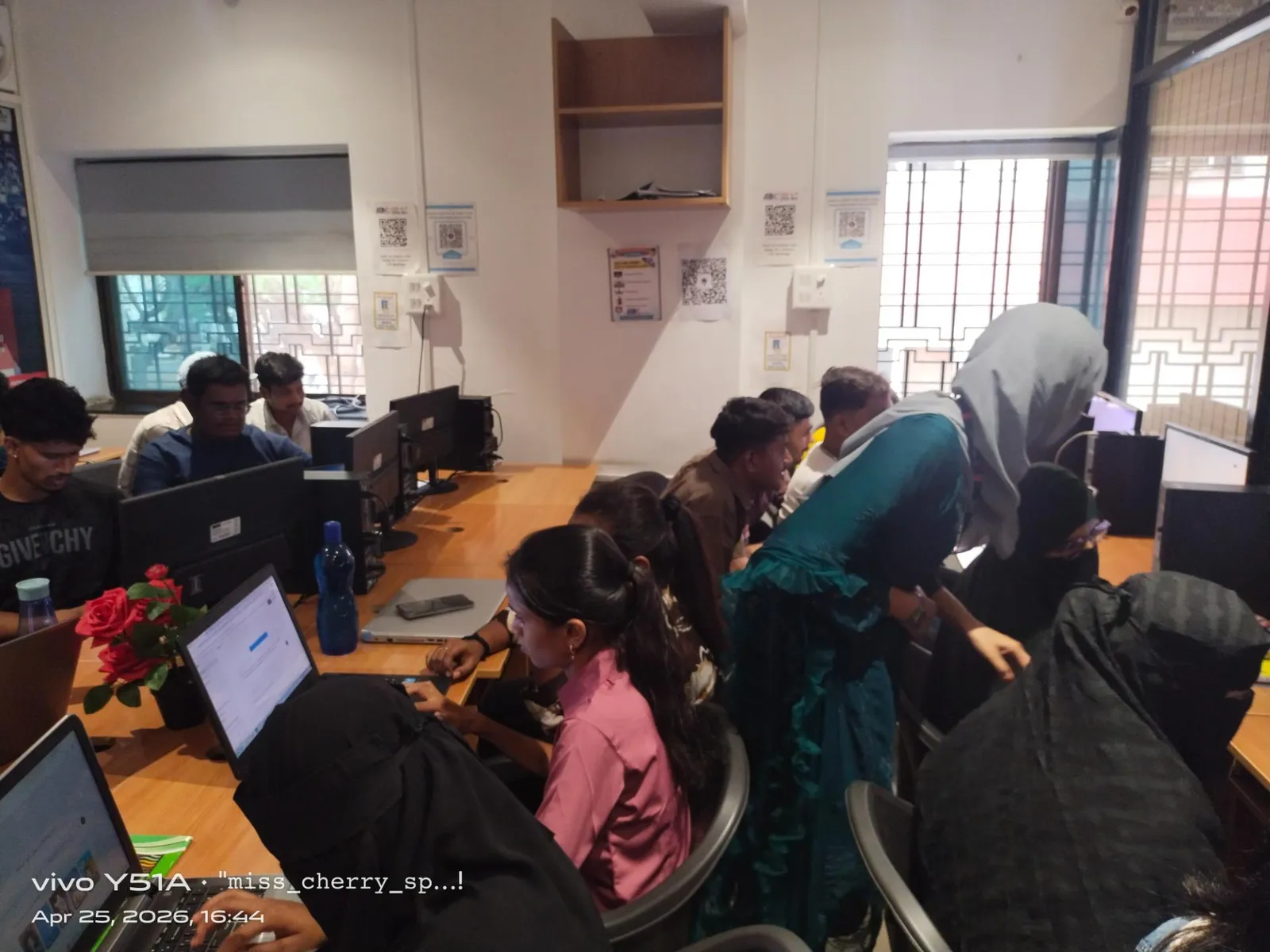
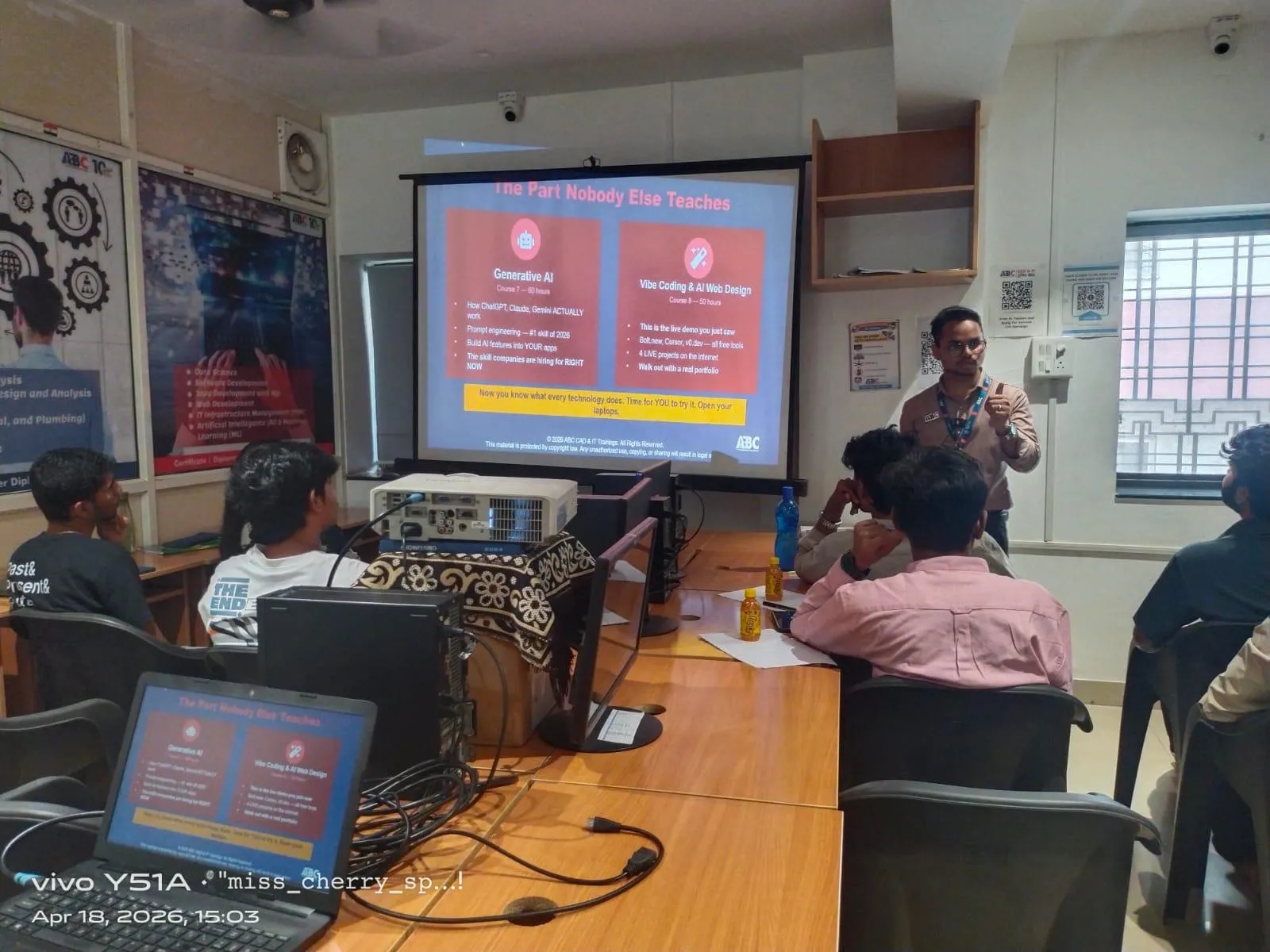
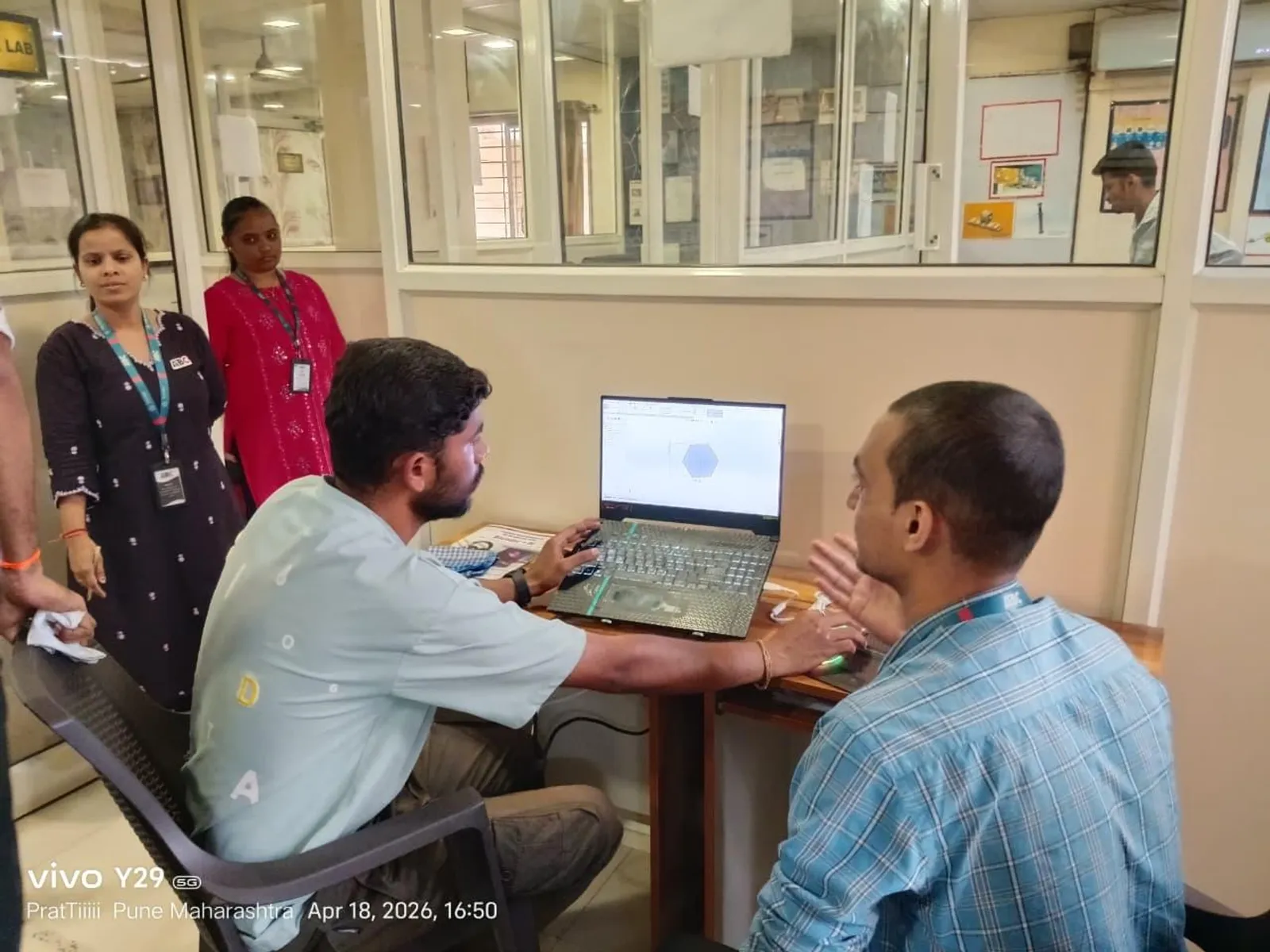
In the ABC Trainings student story from Wagholi Pune, an electrical engineer shares how Power BI improved his career direction. Here's the thing: that result doesn't happen just because someone learned how to drag and drop visuals. It happens when you go deeper into DAX, Power Query, data modeling, and reporting logic that companies actually use.

Why should electrical engineers learn advanced Power BI in 2026?

Most electrical engineers start with design, maintenance, testing, site work, or automation support. But once you enter industry, you're surrounded by data: load trends, downtime logs, maintenance schedules, energy consumption, shift-wise production, panel failure reports, vendor comparisons, and monthly KPI reviews. What most people don't realize is that managers don't want raw spreadsheets. They want quick answers.
That's why Power BI has become useful beyond IT. At L&T, Mahindra Engineering, Bajaj Auto, Siemens, and Bosch-type environments, engineers who can convert technical data into decision-ready dashboards often move faster into planning, reporting, operations excellence, and techno-commercial roles. In Pune, Chhatrapati Sambhajinagar, and Sangli, this skill is especially valuable because many students come from core engineering backgrounds and want to add an analytics layer without fully leaving their domain.
The good news is you don't need to become a data scientist first. You need to become strong at industry reporting.
What advanced Power BI skills matter most for electrical engineers?
If you already know how to import Excel files and create bar charts, don't stop there. Trust me, basic reporting won't impress recruiters in 2026. These advanced areas matter much more:
1. Data modeling with proper relationships
Beginners usually keep everything in one messy table. Professionals don't. You'll get better performance and cleaner reports when you create separate tables for assets, dates, maintenance logs, energy readings, and fault categories. A star schema is often the right starting point. This becomes critical when you're analyzing transformer-wise faults, feeder performance, or machine-wise power usage.
2. DAX measures instead of calculated chaos
A lot of learners overuse calculated columns. In real dashboards, measures are usually smarter. You should know how to write DAX for MTBF, MTTR, cumulative energy consumption, variance against target, percentage downtime, and month-on-month trend analysis. If you've never built time intelligence properly, that's the gap to fix.
3. Power Query for data cleaning
Real plant data is ugly. CSV files from PLC logs, exported ERP sheets, manual maintenance entries, and inconsistent date formats are common. Power Query helps you remove duplicates, split columns, standardize naming, merge files from folders, and automate repeat cleanup steps. That's where efficiency starts.
4. KPI dashboard design
A dashboard should answer specific questions in 10 seconds. Is energy use increasing? Which machine failed most this month? Which shift had the highest downtime? Which site crossed threshold values? Advanced dashboarding means choosing the right visuals, adding slicers carefully, and avoiding clutter.
How do professionals build Power BI dashboards for electrical data?
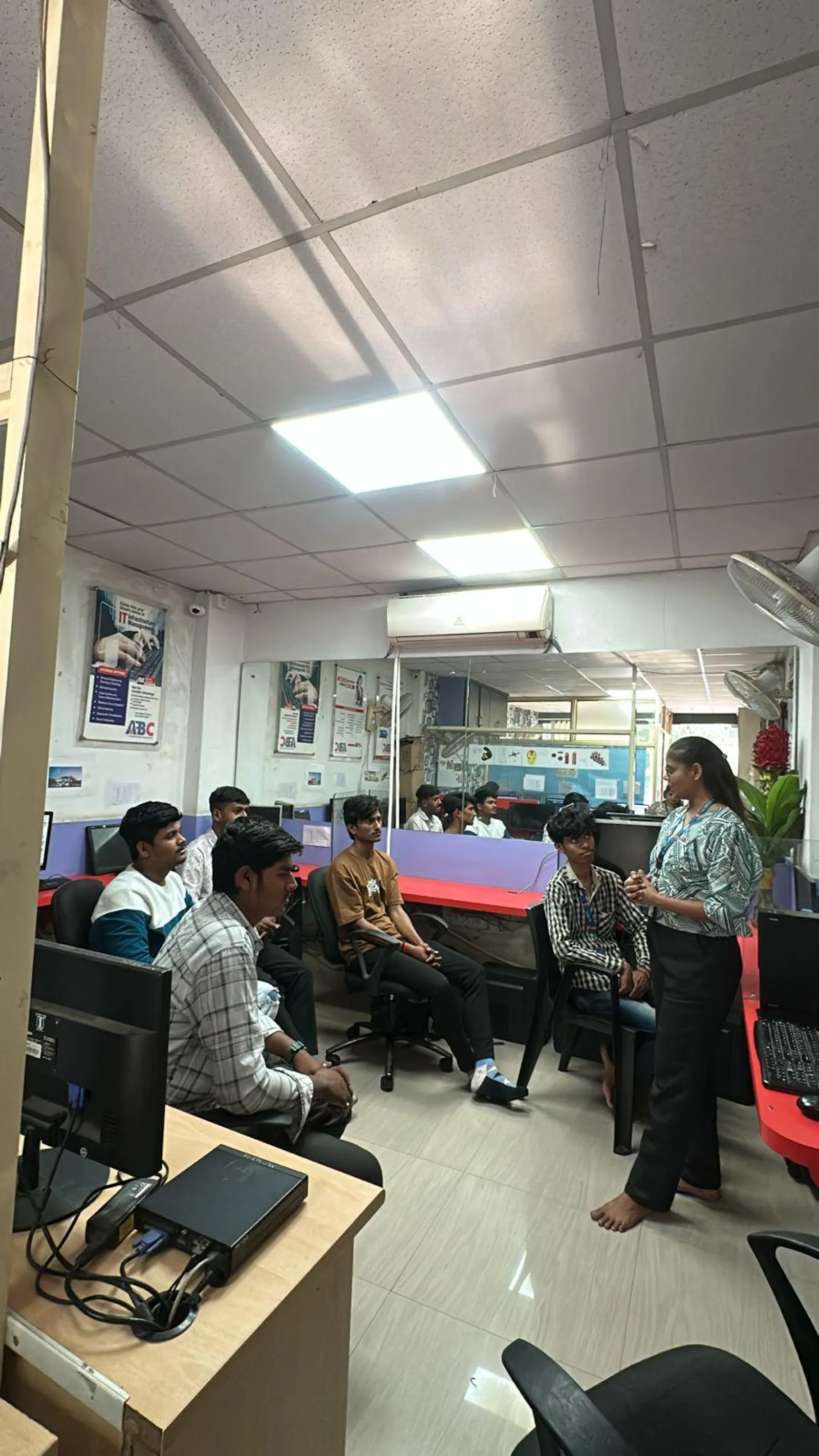
Let's talk practical workflow. In industry, nobody rewards you for making colorful charts. They reward you for making reports reliable.
A strong workflow usually looks like this:
First, define the business question. Don't open Power BI before that. For example: “Find top 10 assets causing downtime in the last 90 days” or “Compare monthly electricity consumption across plants.”
Second, collect source files and map fields. You should know which columns are dimensions and which are measures. Date, plant, machine, department, and fault type are dimensions. Runtime, power consumption, units produced, and maintenance hours are measures.
Third, clean data in Power Query. Rename columns properly, set data types correctly, remove null-heavy fields, and build repeatable transformations.
Fourth, create the model. Use lookup tables where needed. Add a proper date table. If you're still skipping the date table, that's a beginner mistake.
Fifth, build measures using DAX. This is where your report becomes analytical instead of decorative.
Finally, design for decision-making. Put summary KPIs on top, trends in the middle, and drill-down sections below. Keep color logic consistent. Red should always mean alert, not just decoration.
Which DAX and reporting tricks save time in real jobs?
Here's where power users separate themselves from course-completion learners.
Use a proper Date table every time
If you want YTD, MTD, previous month comparison, rolling average, or financial year reporting for India, a dedicated Date table is essential. For companies reporting April to March, your fiscal setup must match Indian accounting practice.
Build reusable measures
Instead of writing the same logic repeatedly, create base measures like Total Units, Total Downtime, Total Energy, and then derive percentages and comparisons from them. This keeps the model easier to maintain.
Use variables in DAX
Variables make formulas cleaner and faster to debug. If you're building conditional alert logic for voltage deviations or maintenance overdue cases, variables make a huge difference.
Control interactions manually
Not every chart should filter every chart. One of the most underrated skills in Power BI is editing interactions so the dashboard behaves logically.
Use bookmarks for role-based views
Plant head, maintenance engineer, and management may need different views of the same report. Bookmarks can help create cleaner navigation without building separate files.
What industry-ready Power BI projects should electrical engineers build?
If you're learning seriously, your portfolio should reflect electrical domain problems. Good project ideas include:
- Energy consumption dashboard for a manufacturing plant
- Preventive maintenance tracker for motors, pumps, and panels
- Downtime analysis dashboard by machine, shift, and cause
- Electrical load analysis by feeder or department
- Solar generation vs consumption dashboard for industrial facilities
- Spare inventory and maintenance planning report
These projects make much more sense on your resume than generic sales dashboards. Recruiters can immediately see domain relevance. That's especially useful if you're applying in Pune, Nashik, Aurangabad region, Kolhapur, or Mumbai industrial belts.
What salary can electrical engineers expect after Power BI upskilling in Maharashtra?
Let's be realistic. Power BI alone won't magically double your salary overnight. But as an add-on skill, it can improve your interview value fast.
In Maharashtra, a fresher electrical engineer with Power BI and strong reporting projects may target around ₹2.8 lakh to ₹4.5 lakh per year in analyst-support, MIS, operations reporting, or junior data roles. With 2 to 4 years of core industry experience plus Power BI, many professionals can target ₹4.8 lakh to ₹8 lakh depending on company and role. In Pune, candidates who combine domain knowledge with dashboarding often get shortlisted faster than pure beginners with no industry context.
For engineers moving toward analytics, digital operations, ERP reporting, or management dashboards, this skill is especially useful. That's one reason students at ABC Trainings ask about project-based Power BI learning instead of only theory.
How should you learn Power BI deeply instead of just finishing a course?
Start with one domain dataset and go deep. Don't jump between random tutorials. Build one complete project from raw data to final dashboard. Then improve it.
Use real naming conventions. Add KPI cards, trend analysis, drill-through pages, conditional formatting, and summary notes. Practice explaining your dashboard out loud as if you're presenting to a production manager. That's how interview confidence builds.
If you're in Pune and want structured guidance, ABC Trainings can help you work on practical reporting logic, not just menu options. For course details, call 8698270088 or WhatsApp 7774002496.
Trust me, the engineers who win in 2026 won't be the ones who only know software buttons. They'll be the ones who understand data, business questions, and reporting clarity.
Is Power BI useful for electrical engineers or only for IT students?
Power BI is very useful for electrical engineers because industrial work generates a lot of data. Energy reports, downtime analysis, maintenance planning, and asset performance tracking all need clear dashboards. In Maharashtra, companies in manufacturing, automation, and infrastructure value engineers who can present technical data clearly. So no, it's not only for IT students.
Can an electrical engineering student in Pune get a job with Power BI skills?
Yes, but Power BI should be combined with domain understanding and good projects. A student who can show dashboards for energy use, maintenance KPIs, or machine downtime will stand out more than someone with only a certificate. In Pune, this can help for analyst, MIS, reporting, operations support, and techno-functional roles. Interviews usually improve when your portfolio is specific.
Which Power BI version should I learn in 2026?
You should practice on the latest Power BI Desktop version available in 2026 and understand Power BI Service basics too. Many learners only focus on Desktop, but sharing, refresh, and publishing concepts matter in real work. Also learn DAX, Power Query, data modeling, and dashboard design instead of depending only on version-specific buttons. Core concepts stay valuable even as the interface changes.
Where can I learn Power BI in Pune with practical projects?
Look for training that includes domain-based datasets, DAX practice, dashboard building, and interview preparation. If you're from Wagholi, Hadapsar, Kharadi, or nearby Pune areas, practical guidance matters more than theory-heavy sessions. ABC Trainings is one option students consider for job-focused software learning. You can call 8698270088 or WhatsApp 7774002496 for details.
Visit Our Centers
Pune
Wagholi Branch
1st Floor, ABC Trainings, Laxmi Datta Arcade, Pune - Ahilyanagar Hwy, Wagholi, Pune, Maharashtra 412207
Hadapsar Branch
Bloom Hotel, ABC Trainings 1st Floor, S.no 156/3 Shree Tower Pune - Solapur Rd, Hadapsar, Pune, Maharashtra 411028
Start Your Career Journey Today
Join 10,000+ students who transformed their careers with ABC Trainings.
💬 WhatsApp: 7774002496📞 Call: 8698270088