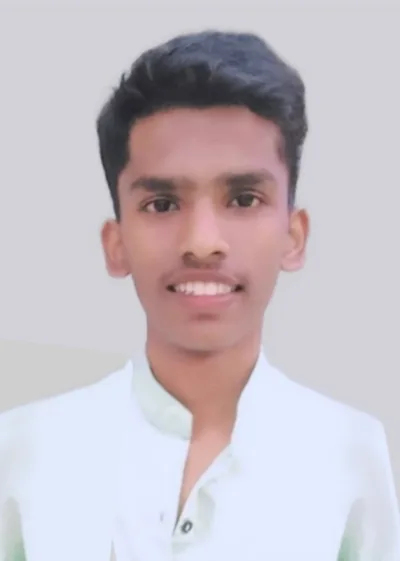
How Pranav Hegade Built a Solidworks Career from Sangli
From Sangli, Maharashtra · ITI · ABC Trainings, Sangli Centre, Sangli
- Pranav Hegade, ABC Trainings Sangli branch — 2 courses completed
- Primary specialisation: Solidworks
- City: Sangli | Course chain: AutoCAD for Mechanical Engineers, Solidworks
- Live hiring example: Design Engineer at Vaibhav Industry, Latur-Sangli belt (₹2.5-5 LPA)
- Center: Sangli branch — WhatsApp 7774002496 | Call 7039169629
Profile: Pranav Hegade
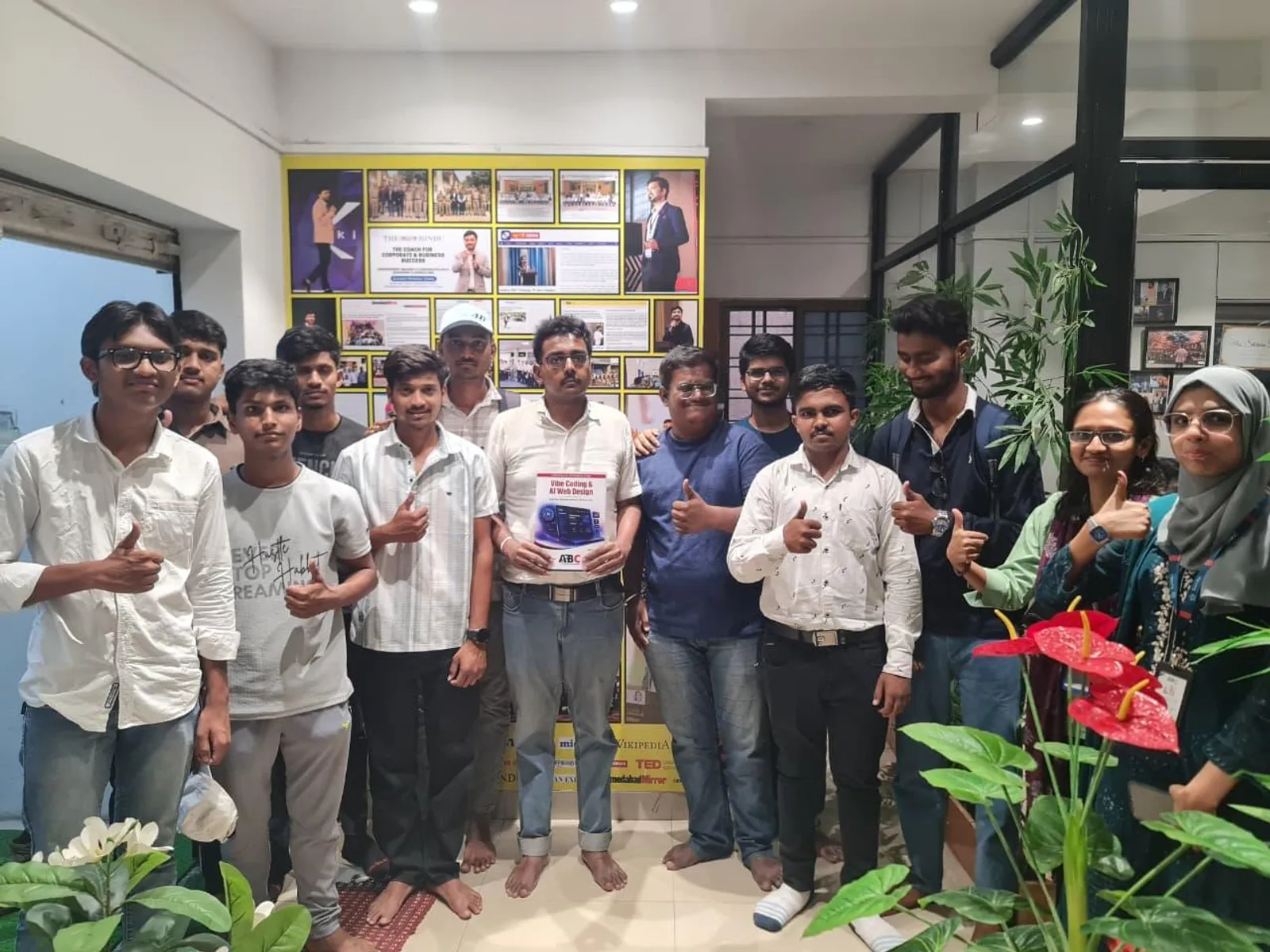
What does a ITI student from Sangli do when the product-design and machine-component modelling for Sangli-area manufacturers keeps showing up in classified ads but the toolchain isn't on the syllabus? For Pranav Hegade, the answer was the Sangli Centre reception desk, an enrolment slip for Solidworks, and a calendar block that survived three months.
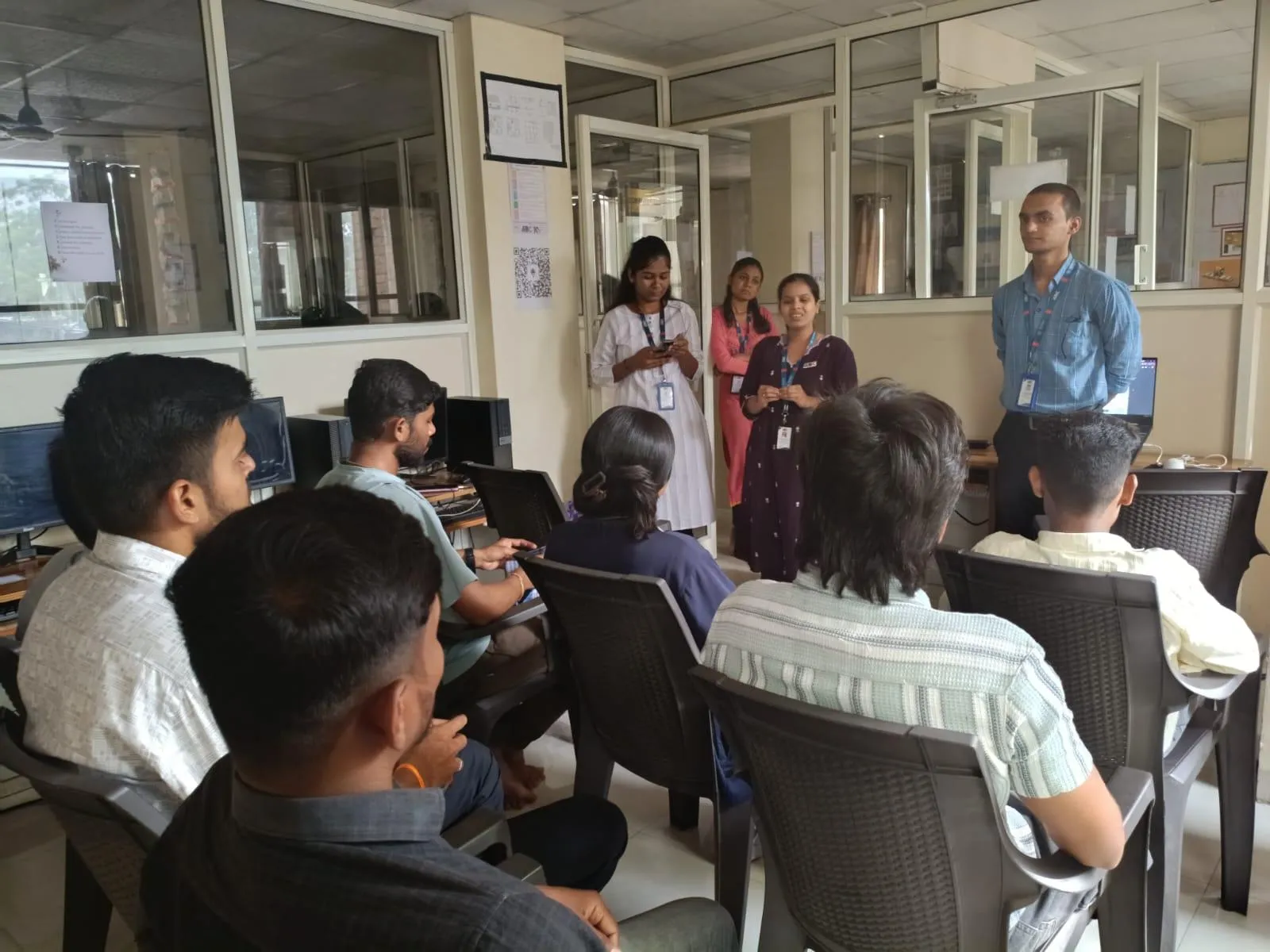
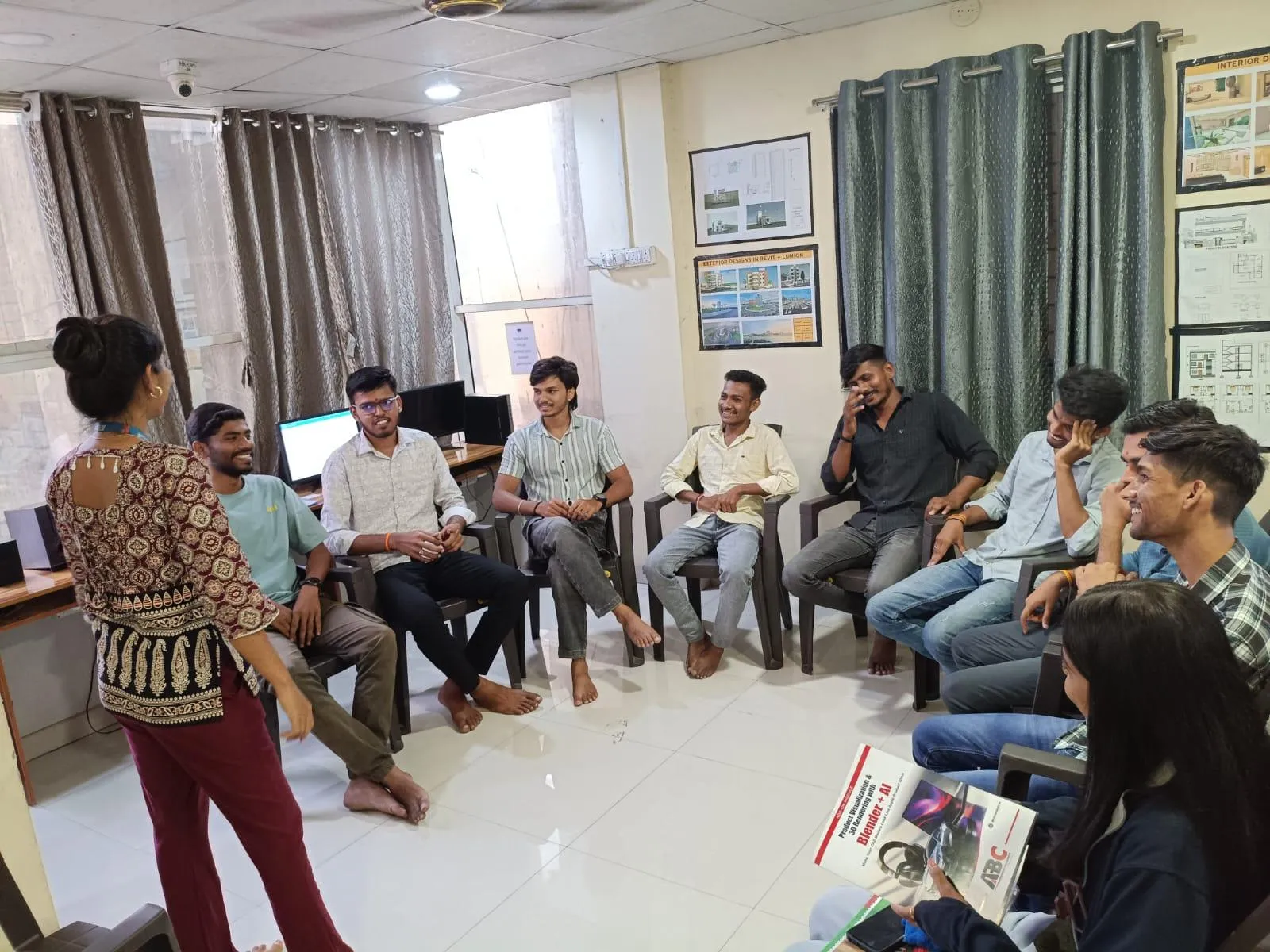
Sessions ran short and project-led at the Sangli Centre — about 20 minutes of new concept, the rest of the slot on actual file work. The deliberate effect: by mid-course Pranav could open a blank project and reason about feature-based modelling and sheet metal out loud, which is the bit that decides interview outcomes.
The starting point
On the application form: ITI, Sangli address, and the recognition that the certificate alone wouldn't open Sangli's engineering shortlists. Stacking 2 courses (AutoCAD for Mechanical Engineers, Solidworks) wasn't a hedge — each later module sharpened the lead one.
Teaching at the Sangli Centre
Rutuja Ma'am runs the Solidworks sessions at the Sangli Centre the way the course is supposed to be run — concept first, then a worked example, then individual debugging when a student gets stuck. For Pranav, the moment the course clicked was the second time feature-based modelling and sheet metal came up in a graded exercise — not the first lecture, not the second. That's how most working students absorb the harder bits, and the Sangli Centre teaching plan leaves room for it.
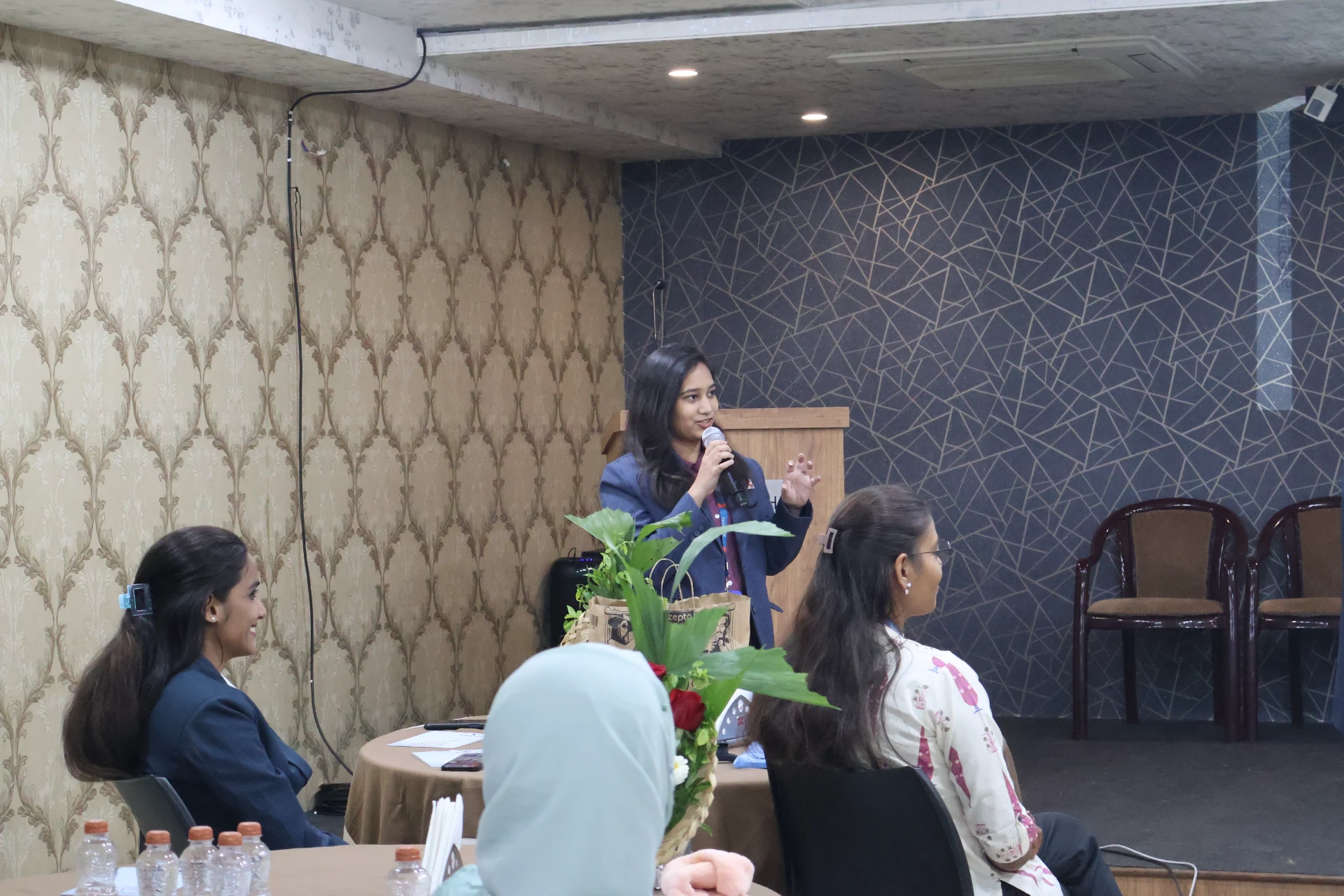
Pranav highlighted the well-structured SolidWorks programme and the effective teaching approach — complex modelling concepts explained concisely so beginners can keep up.
ABC Trainings' Sangli Centre runs the same playbook every batch — small-cohort, real projects, local hiring tie-ups. That's why the placement numbers for Sangli stay consistent rather than spiking and dipping with course-fad cycles.
About the author: Shubham Choundiye, Mechanical Design Trainer, ABC Trainings.
Get Brochure + Fees + Batch Dates on WhatsApp
Free 1:1 counselling. Placement track record. CMYKPY/PMKVY eligibility check.
💬 WhatsApp 7774002496📞 Call 7039169629Visit Our Centers
- Wagholi (Pune): 1st Floor, Laxmi Datta Arcade, Pune-Ahilyanagar Highway. Call 7039169629
- Hadapsar (Pune HQ): 1st Floor, Shree Tower, opp. Vaibhav Theater, near Bloom Hotel, Magarpatta. Call 7039169629
- Cidco (Chh. Sambhajinagar): Kalpana Plaza, opp. Eiffel Tower, N-1 Cidco. Call 7039169629
- Osmanpura (Chh. Sambhajinagar): S.S.C Board to Peer Bazar Road, near Jama Masjid. Call 7039169629
- Sangli: Shubham Emphoria, 1st Floor, Above US Polo Assn., Sangli-Miraj Rd, Vishrambag. Weekend batches available. Call 7039169629