On a real building, three teams model in parallel: architecture, structure and MEP. The moment the architect moves a grid line or the structural engineer shifts a column, every other model is suddenly wrong — unless they are linked and monitored. Revit's Copy/Monitor and Coordination Review tools are how professional teams keep separate models honest with each other. Mastering them is the leap from being a modeller to being a coordinator, a role Pune's AEC firms are actively hiring for.

Linking models: the foundation of coordination
Multi-discipline work starts by linking Revit models rather than cramming everyone into one file. The structural engineer links the architectural model for reference; the MEP engineer links both. Each discipline owns its own model, and links keep them aware of each other. For this to work, every model must agree on position — which is why disciplined shared coordinates are a prerequisite. Get coordinates right first, and everything that follows is far smoother.
What Copy/Monitor actually does
Copy/Monitor lets you copy key elements from a linked model into your own — and crucially, keep a live watch on the originals. The classic use is grids and levels: the structural engineer copy/monitors the architect's grids and levels so they sit on the same datum. From then on, if the architect moves a grid, Revit raises a warning the next time the link is reloaded, telling structure that the original changed. You are never silently out of sync; you are told, and you decide how to respond.
Monitoring MEP fixtures and structural elements
Copy/Monitor is not only for grids. MEP engineers copy/monitor architectural fixtures — plumbing fixtures, lighting, equipment — so that when the architect relocates a washbasin, the MEP model flags that the connection point has moved. Structural engineers can monitor architectural floors and walls the same way. The principle is consistent: copy the element once, then let Revit police the relationship so a quiet change upstream never becomes a site clash. This pairs naturally with first-principles Revit MEP modelling for building-services engineers.
Coordination Review: reading and resolving warnings
When monitored elements change, you open Coordination Review, where Revit lists every difference and offers actions — accept the change, reject it, postpone it, or add a comment for the other team. This turns coordination from guesswork into a documented conversation: each change is logged, addressed and traceable. A coordinator who runs Coordination Review every time links are updated keeps the whole federation stable instead of discovering surprises at clash stage.
Where Copy/Monitor ends and clash detection begins
Copy/Monitor manages relationships between specific elements — grids, levels, fixtures. It does not find every pipe that hits a beam. That is the job of an interference check in Revit or, for full federation across many models, a dedicated tool like Navisworks. Think of it as layered defence: Copy/Monitor keeps the shared skeleton aligned, interference checks and Navisworks clash detection catch the physical collisions. Strong teams use both.
Building real coordination skills in Pune
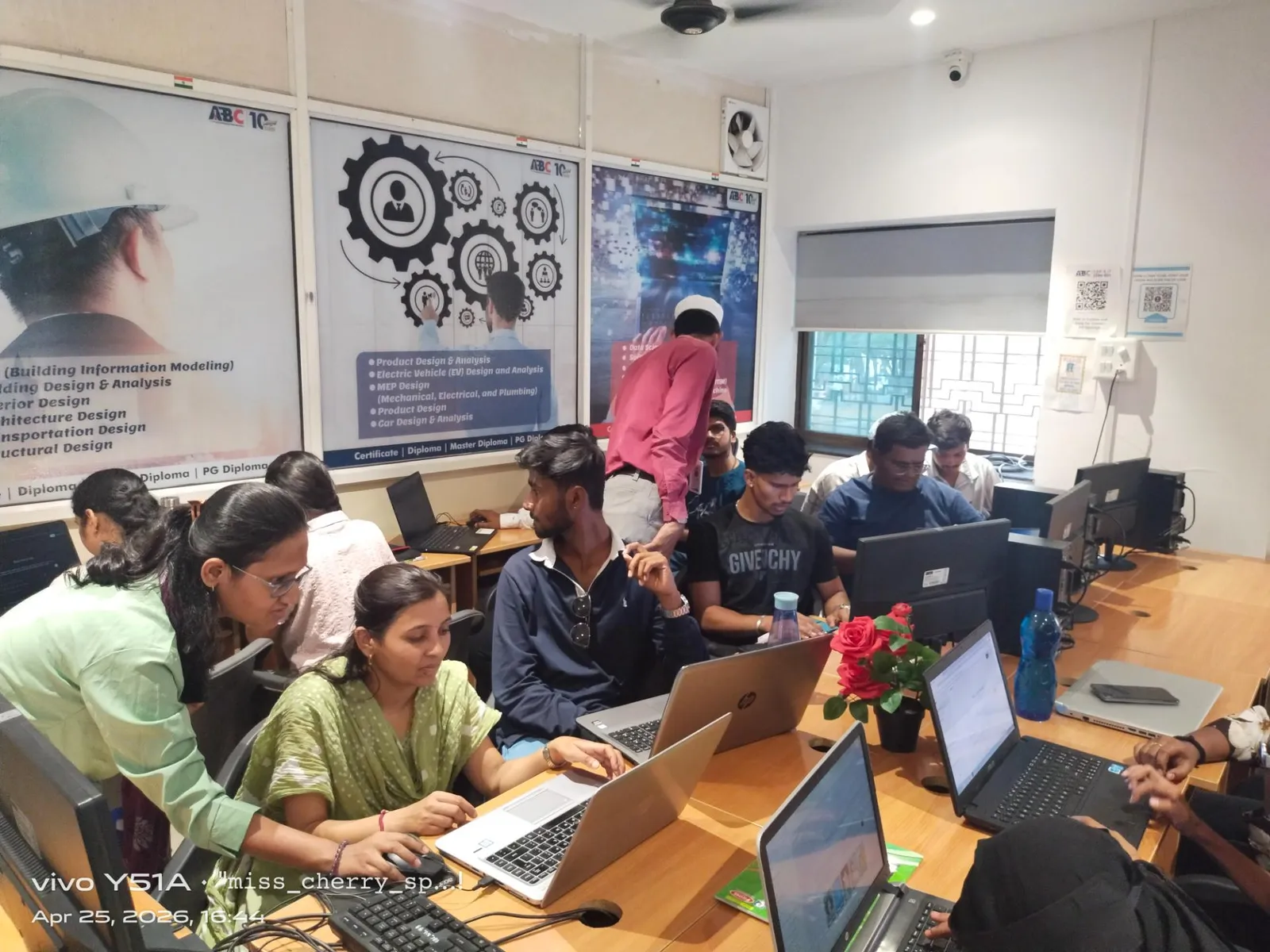
Coordination is the skill that gets engineers promoted, because it requires understanding all three disciplines and the etiquette of working in someone else's model. At ABC Trainings we run multi-model exercises at our Wagholi and Hadapsar centres — link, copy/monitor grids and fixtures, change the source, and resolve the warnings through Coordination Review — so students practise the exact workflow a BIM coordinator uses every week.
Frequently Asked Questions
What is Copy/Monitor used for in Revit?
Copy/Monitor copies key elements — most commonly grids and levels, but also MEP fixtures and structural elements — from a linked model and keeps a live watch on the originals. If the source element changes, Revit warns you so the models never drift silently out of sync.
Is Copy/Monitor the same as clash detection?
No. Copy/Monitor manages relationships between specific monitored elements like grids and fixtures. Clash detection, via Revit's interference check or Navisworks, finds physical collisions across the whole model. Good teams use both as complementary layers.
Do I need shared coordinates before coordinating models?
Yes. Linked models must agree on position, so setting up shared coordinates first ensures architecture, structure and MEP sit in the same place. Without correct coordinates, linking and Copy/Monitor become unreliable.
How do I see what changed in a monitored element?
Open Coordination Review. Revit lists every difference in monitored elements and lets you accept, reject, postpone or comment on each one, creating a documented and traceable coordination conversation between disciplines.
Related guides for Pune BIM engineers
Get Brochure + Fees + Batch Dates on WhatsApp
Free 1:1 counselling. Placement track record. Government-affiliated, ISO & MSME certified.
💬 WhatsApp 7774002496📞 Call 7039169629Visit Our Centers
- Wagholi (Pune): 1st Floor, Laxmi Datta Arcade, Pune-Ahilyanagar Highway, Wagholi. Call 7039169629
- Hadapsar (Pune HQ): 1st Floor, Shree Tower, opp. Vaibhav Theater, near Bloom Hotel, Magarpatta, Hadapsar. Call 7039169629
- Cidco (Chh. Sambhajinagar): Plot no 258, opp. Eiffel Tower, N-1 Cidco. Call 7039169629
- Osmanpura (Chh. Sambhajinagar): S.S.C Board to Peer Bazar Road, near Jama Masjid. Call 7039169629
- Sangli: 1st Floor, above US Polo Store, Sangli-Miraj Rd, Gandhi Nagar, Vishrambag. Weekend batches available. Call 7039169629