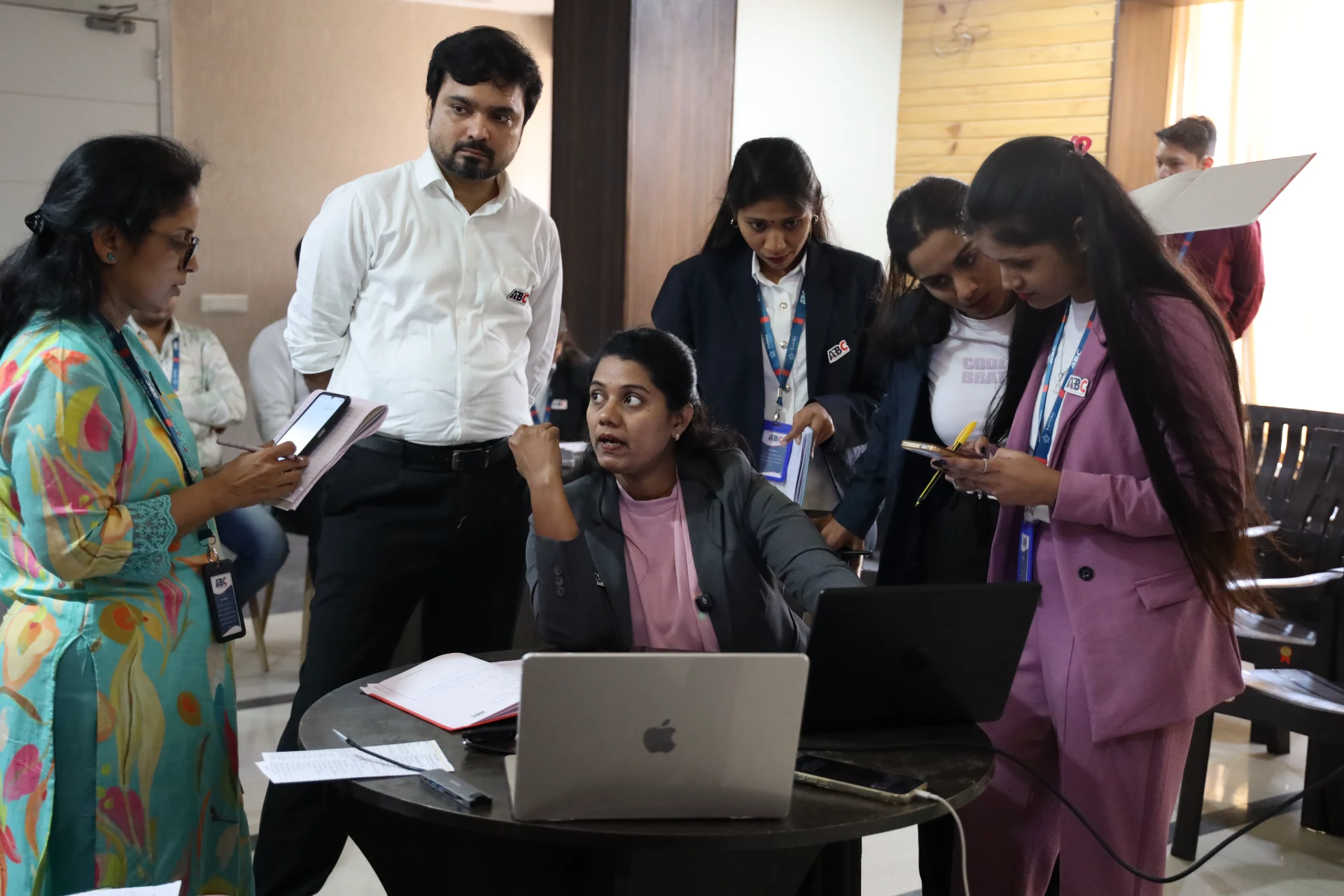
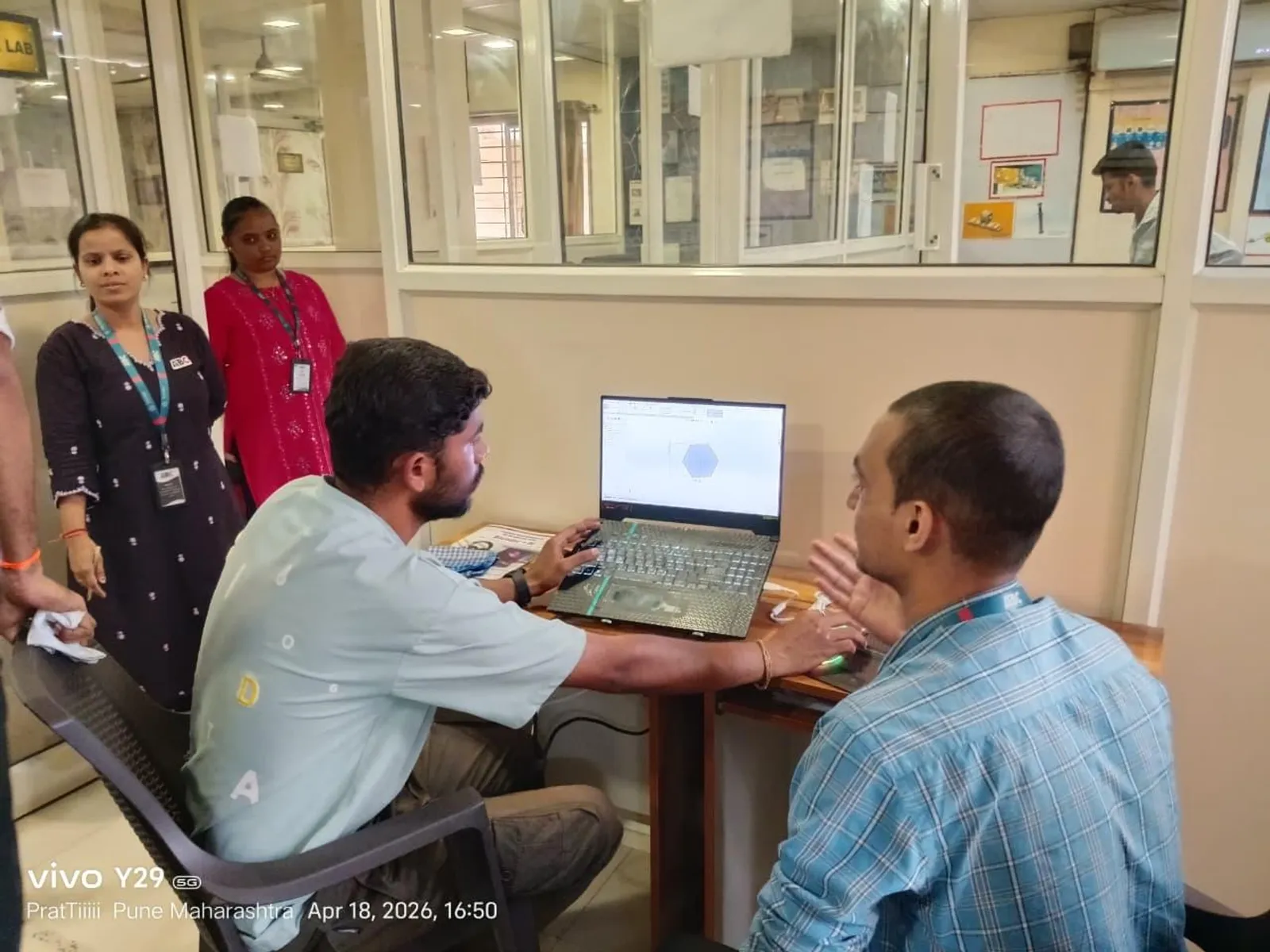
One of the first things that separates a hobbyist from a job-ready BIM engineer is understanding how a team works in one model at the same time. In real Pune projects, several modellers, a coordinator and sometimes MEP and structural specialists all touch the same building. The mechanism that makes this possible in Revit is worksharing, and the tool you manage it with is worksets. Here is how it actually works.
Central model and local models
When worksharing is enabled, you create a central model that lives in a shared location — today usually on Autodesk Construction Cloud rather than a local server. Each team member then works on their own local copy. You make changes locally, then Synchronize with Central to push your work up and pull everyone else's down. Nobody edits the central file directly; that is the golden rule that keeps the model safe.
What a workset actually is
A workset is simply a named collection of elements — for example Shell, Interiors, Core or MEP. Worksets do two jobs. First, they let you open only part of a large model to save memory and speed up work. Second, they support ownership: when you edit an element, Revit checks that no one else is editing it, preventing two people from overwriting each other.
Element borrowing and ownership
In practice most teams use element borrowing: you do not formally own a whole workset, you simply borrow the specific elements you edit, and they return to the team pool when you synchronize. If someone else is already editing an element, Revit tells you and lets you place an editing request. Understanding this dialogue — and being courteous about granting and releasing requests — is a real workplace skill.
A clean daily workflow
A disciplined day looks like this: open your local model with only the worksets you need; work in short focused bursts; synchronize regularly (not just once at 6 pm); add a short comment when you sync; and relate to your coordinator about any locked elements. Frequent syncing is the single habit that prevents the painful merge conflicts beginners dread.
Common mistakes to avoid
Watch out for these: working in the central file by accident; never synchronizing, then losing hours of work; dumping every new element onto the wrong workset; and keeping huge worksets open when you do not need them. Each of these is easy to fix once you know it exists — and each is exactly what an interviewer in Pune will probe to check whether you have worked on a real team.
Why this matters for your career in Pune
Solo modelling skills get you noticed; collaboration skills get you kept. Pune's larger AEC firms and consultancies run multi-disciplinary models where worksharing is the daily reality. Being fluent in central-and-local workflows, ownership and clean synchronization marks you out as someone who can be trusted on a live project from week one.
Learn it with structure and support at ABC Trainings, Pune
At ABC Trainings, our BIM and Revit programme is built around real, job-focused skills — strong Revit foundations, portfolio projects, coordination workflows and placement assistance. As a government-affiliated, MSME and ISO-certified institute with centres in Wagholi and Hadapsar (Pune), Chhatrapati Sambhajinagar and Sangli, we run weekend batches for students and working professionals.
FAQs
What is the difference between a workset and a worksharing model?
Worksharing is the overall capability that lets multiple people edit one model via a central file and local copies. A workset is a named group of elements you use to manage what is open and who can edit what within that worksharing model.
Do I edit the central model directly?
No. You always work in your local copy and use Synchronize with Central to exchange changes. Editing the central file directly risks corrupting it for the whole team.
How often should I synchronize with central?
Regularly — every 30 to 60 minutes is a healthy habit, and always before a break. Frequent small syncs prevent conflicts and protect your work.
Is worksharing only for big projects?
It is most valuable when more than one person works on a model, but even solo users benefit from understanding it because every real team in Pune relies on it.
Get Brochure + Fees + Batch Dates on WhatsApp
Free 1:1 counselling. Placement track record. PMKVY eligibility check.
💬 WhatsApp 7774002496📞 Call 7039169629Visit Our Centers
- Wagholi (Pune): 1st Floor, Laxmi Datta Arcade, Pune-Ahilyanagar Highway, Wagholi. Call 7039169629
- Hadapsar (Pune HQ): 1st Floor, Shree Tower, opp. Vaibhav Theater, near Bloom Hotel, Magarpatta, Hadapsar. Call 7039169629
- Cidco (Chh. Sambhajinagar): Plot no 258, opp. Eiffel Tower, N-1 Cidco. Call 7039169629
- Osmanpura (Chh. Sambhajinagar): S.S.C Board to Peer Bazar Road, near Jama Masjid. Call 7039169629
- Sangli: 1st Floor, above US Polo Store, Sangli-Miraj Rd, Gandhi Nagar, Vishrambag. Weekend batches available. Call 7039169629