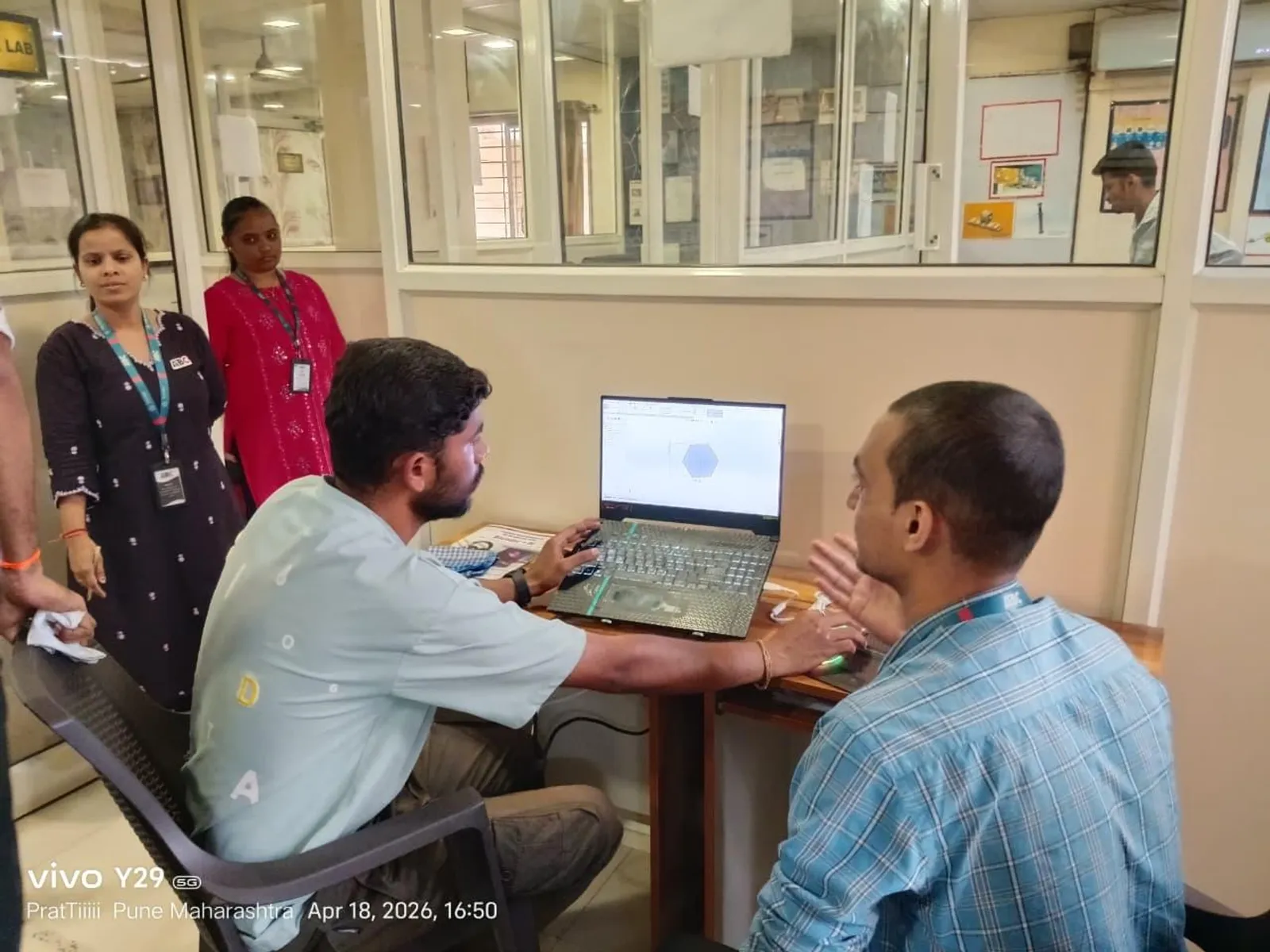
Two of Revit's most useful features are also two of the most misunderstood by beginners: phasing and design options. They solve different problems, but both come up constantly in the renovation and redevelopment work that is so common across Pune — old wadas, ageing commercial buildings and phased township construction. Get them right and you avoid a great deal of duplicated modelling.
Phasing: modelling time
Phasing is how Revit represents change over time. Every element has a Phase Created and, if relevant, a Phase Demolished. A typical renovation uses phases like Existing and New Construction. You model the existing building in the Existing phase, mark walls to be removed as demolished, and add new elements in the New phase. Revit then knows the full story of the building through time.
Phase filters and graphic overrides
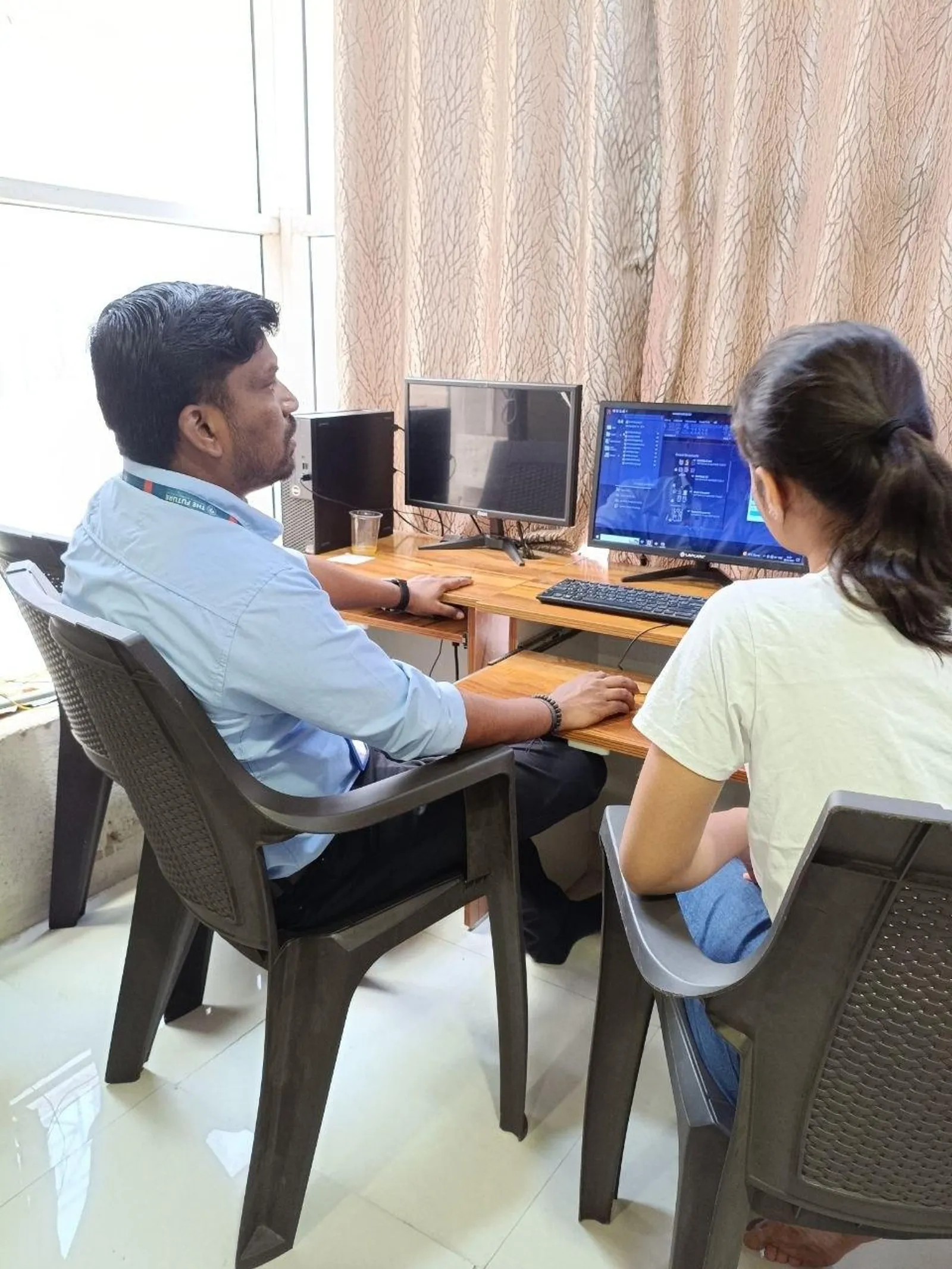
The magic is in the views. Each view has a phase and a phase filter that controls what shows and how. A demolition plan shows existing-to-be-demolished elements dashed; a proposed plan shows new work solid and existing work greyed. From one model you generate existing, demolition and proposed drawings that always agree with each other — exactly what a Pune municipal submission or a client review needs.
Design options: modelling alternatives
Where phasing handles time, design options handle choices. Suppose a client cannot decide between two lobby layouts. You create an option set called Lobby with two options, model each alternative inside its option, and keep everything else in the shared main model. You can then show either option in any view, produce drawings of both, and let the client compare — without maintaining two separate files.
Accepting the chosen option
Once a decision is made, you accept the primary option, and Revit folds that design into the main model and cleans up the rest. This is far safer than copying files: there is one source of truth throughout the decision, and no risk of updating the wrong copy.
Common pitfalls
Beginners trip over a few things: putting elements on the wrong phase so they vanish from a view; forgetting that a view's phase filter, not the model, is hiding something; and over-using design options for changes that are really just edits. A simple rule helps — use phasing for when something exists, and design options for which version of something to build.
Why Pune engineers should learn this early
A large share of Pune's construction is not greenfield — it is renovation, redevelopment and phased delivery. An engineer who can produce clean existing, demolition and proposed sets, and who can present design alternatives without chaos, is immediately more valuable than one who only models new buildings. These two features are a small investment that pays off on almost every real project.
Learn it with structure and support at ABC Trainings, Pune
At ABC Trainings, our BIM and Revit programme is built around real, job-focused skills — strong Revit foundations, portfolio projects, coordination workflows and placement assistance. As a government-affiliated, MSME and ISO-certified institute with centres in Wagholi and Hadapsar (Pune), Chhatrapati Sambhajinagar and Sangli, we run weekend batches for students and working professionals.
FAQs
What is the difference between phasing and design options in Revit?
Phasing represents change over time — existing, demolished and new construction. Design options represent alternative designs for the same point in time. Use phasing for when something exists and design options for which version to build.
How do I make a demolition plan in Revit?
Model existing elements in the Existing phase, set elements to be removed with a Phase Demolished value, then create a view with a demolition phase filter that shows demolished items dashed.
Can I show two design alternatives to a client?
Yes. Create a design option set with two options, model each alternative inside its option, and display either one in any view to produce comparison drawings from a single model.
Why do my elements disappear from a view?
Most often the view's phase or phase filter is hiding them, or they sit in a design option that is not displayed in that view. Check the view's phase settings first.
Get Brochure + Fees + Batch Dates on WhatsApp
Free 1:1 counselling. Placement track record. PMKVY eligibility check.
💬 WhatsApp 7774002496📞 Call 7039169629Visit Our Centers
- Wagholi (Pune): 1st Floor, Laxmi Datta Arcade, Pune-Ahilyanagar Highway, Wagholi. Call 7039169629
- Hadapsar (Pune HQ): 1st Floor, Shree Tower, opp. Vaibhav Theater, near Bloom Hotel, Magarpatta, Hadapsar. Call 7039169629
- Cidco (Chh. Sambhajinagar): Plot no 258, opp. Eiffel Tower, N-1 Cidco. Call 7039169629
- Osmanpura (Chh. Sambhajinagar): S.S.C Board to Peer Bazar Road, near Jama Masjid. Call 7039169629
- Sangli: 1st Floor, above US Polo Store, Sangli-Miraj Rd, Gandhi Nagar, Vishrambag. Weekend batches available. Call 7039169629