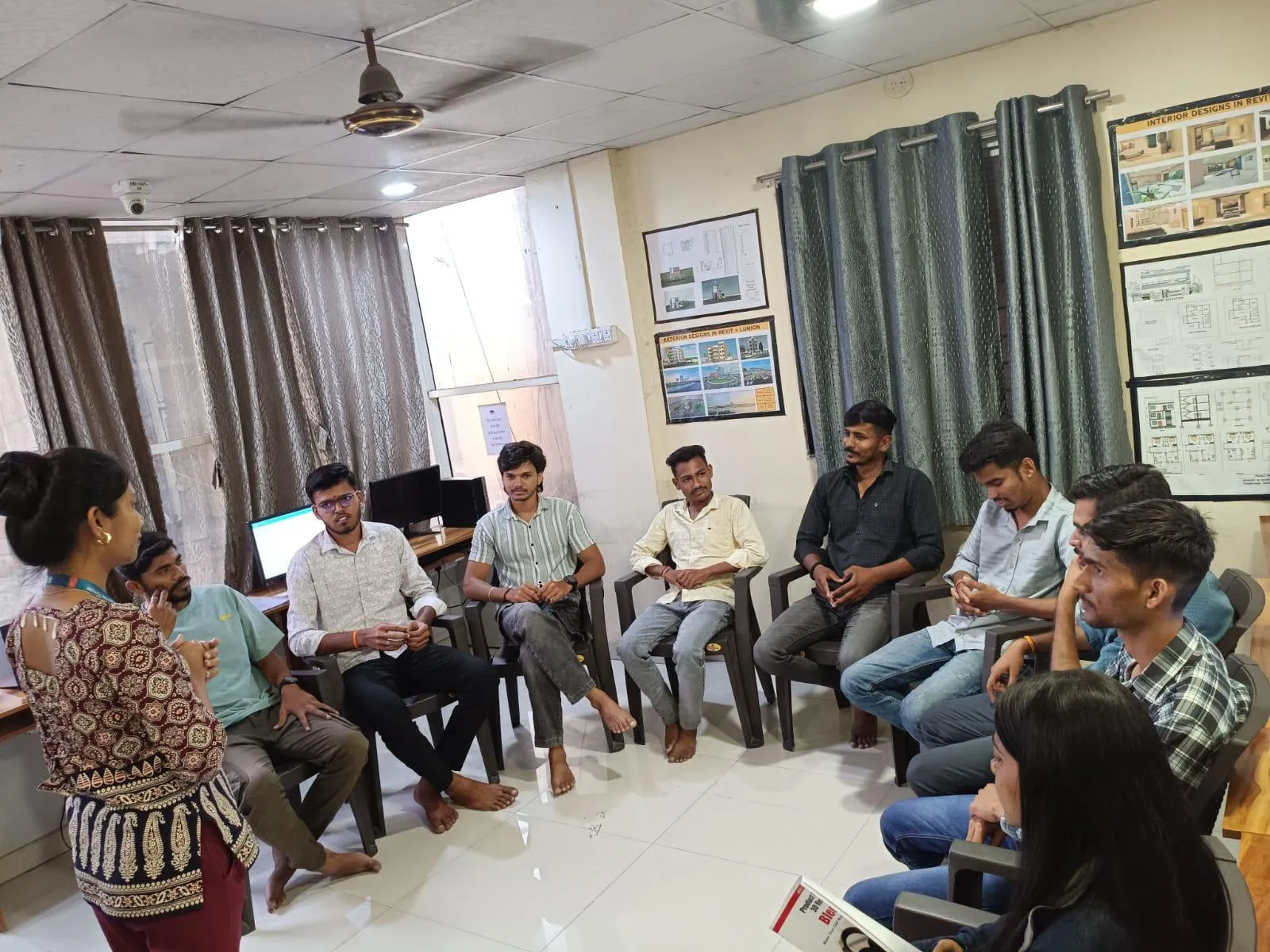
Most structural engineers in Pune still detail reinforcement the way it has been done for decades: in 2D, on plan and section, with bar bending schedules typed up separately. It works, but it is slow, error-prone and disconnected from the 3D coordination everyone else on the project is doing. Revit rebar and structural detailing closes that gap — and because so few engineers in Pune do it well, it is a genuinely valuable skill to own.
From 2D bars to a real 3D model
In traditional detailing, a reinforcement bar is just a line with a note. In Revit Structure, reinforcement is modelled as real 3D rebar placed inside concrete elements — a beam, a column, a slab, a footing or a shear wall. The bar has a true shape, diameter, length, cover and hook. Because it is real geometry, Revit knows everything about it, and that single fact is what makes the whole workflow powerful.
Once bars exist in 3D, you can see congestion at a beam-column junction before it becomes a site problem, coordinate reinforcement against MEP penetrations, and produce sections and 3D views that a bar bender can actually understand. This builds directly on core Revit Structure skills that every Pune structural BIM engineer should have.
Bar bending schedules that build themselves
Here is the part that wins people over. When reinforcement is modelled properly, Revit generates the bar bending schedule directly from the model. Bar marks, shapes, diameters, cut lengths and quantities are read from the actual bars. Change the design — deepen a beam, add a layer of steel — and the schedule updates itself. No re-counting, no transposition errors, no schedule that quietly disagrees with the drawing.
For an RCC-heavy market like Pune, where quantities drive cost and procurement, an accurate, automatically updated steel schedule is not a nicety. It is the difference between a tender estimate you can trust and one you cannot.
The detailing skills that matter
Modelling rebar well is a craft. You need to understand cover and how to set it correctly per element, how to use rebar shapes and the shape codes that match Indian practice, how to place reinforcement by area and path for slabs and walls, and how to handle laps, anchorage and hooks so the model reflects buildable detailing. You also learn to create clean reinforcement drawings — sections, callouts and 3D views — and to tag and annotate them so the output is contract-ready.
None of this replaces structural design. The designer still sizes the members and specifies the steel. The Revit detailer translates that intent into an accurate, coordinated, scheduable model. On many Pune projects those are two different people, and the detailer who works in Revit is increasingly the one firms want.
Where it pays off on Pune projects
High-rise residential towers in Wagholi, Kharadi and Punawale, metro and bridge infrastructure, water-retaining structures, and industrial foundations around Chakan and Ranjangaon all involve heavy, congested reinforcement where 3D modelling catches problems early. Firms working on international projects need reinforcement delivered to BIM standards as a matter of course. In every one of these, the engineer who can model rebar and produce reliable schedules is doing work that a 2D-only detailer simply cannot.
Revit or Tekla for detailing?
A fair question, since both appear in Pune job descriptions. The short version: Revit Structure is the stronger choice for RCC and for projects where reinforcement must coordinate with the rest of the building model. Tekla Structures dominates structural steel and precast detailing. An RCC engineer in Pune usually gets more career value from Revit; a steel detailer leans towards Tekla. If your work is concrete, Revit rebar is the skill to build.
How to learn it properly
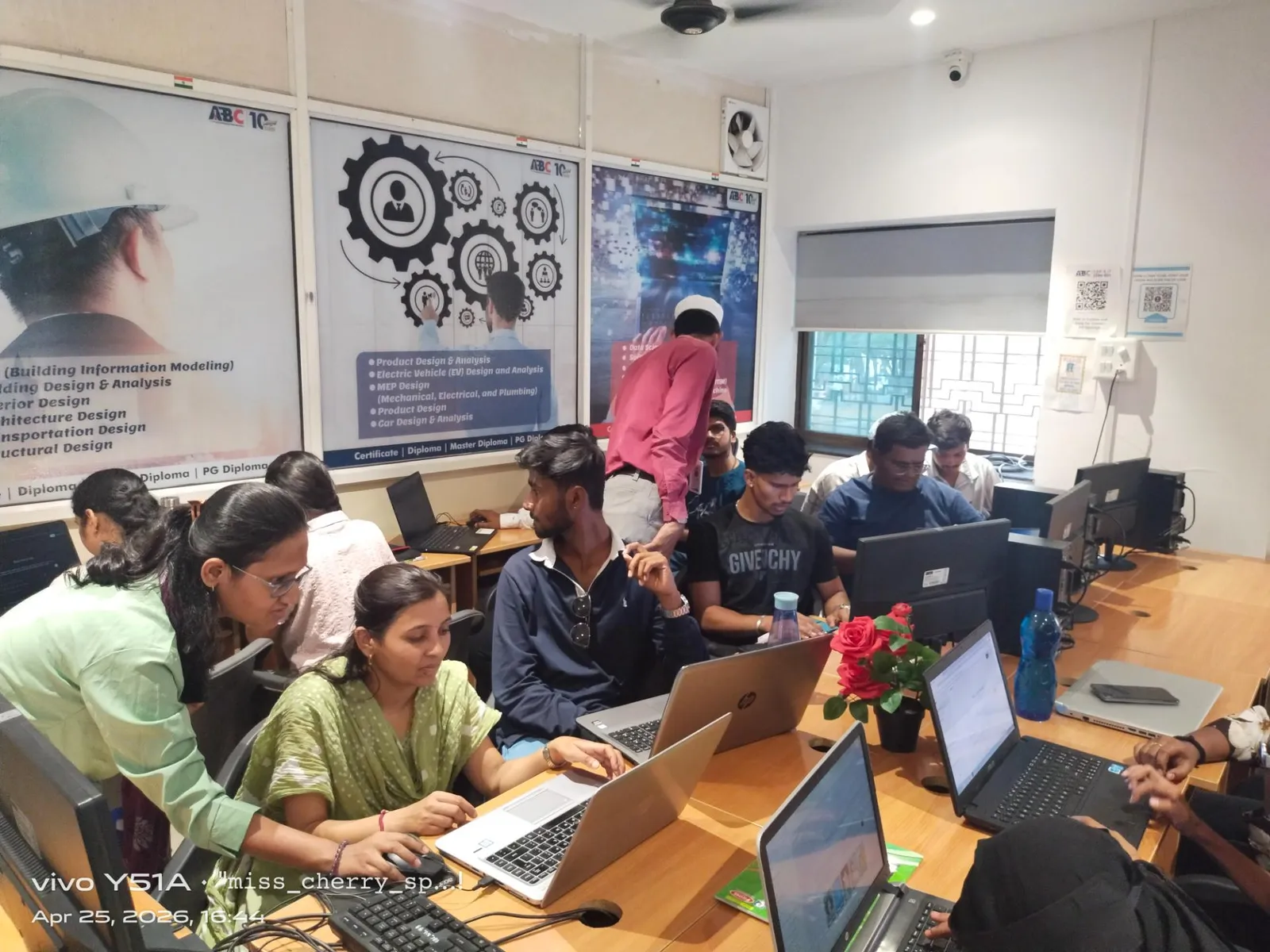
Rebar detailing is best learned on real elements, not toy examples. At ABC Trainings in Pune we take engineers through reinforcing actual beams, columns, slabs, footings and shear walls, then generating the sections, 3D views and bar bending schedules a site team would receive. By the end you have a portfolio of detailed elements and schedules — concrete proof, to a hiring manager, that you can do the work and not just describe it.
Frequently asked questions
Can Revit really produce bar bending schedules?
Yes. When reinforcement is modelled as real 3D rebar, Revit reads bar shapes, diameters, lengths and counts directly from the model to generate bar bending schedules that update automatically when the design changes.
Is Revit rebar detailing used on real Pune projects?
Increasingly, yes — especially on high-rises and infrastructure where coordination matters. Many firms still detail in 2D, which is exactly why engineers who can do 3D rebar in Revit stand out in the Pune market.
Do I need to know structural design to learn Revit rebar?
You need to read structural drawings and understand reinforcement basics — covers, laps, anchorage and detailing rules. You do not need to be the designer; detailers and modellers translate the designer's intent into an accurate model and schedule.
Revit or Tekla for structural detailing in Pune?
Revit is stronger for RCC and integrated building coordination; Tekla dominates structural steel and precast. Pune RCC engineers usually get more value from Revit Structure, while steel detailers lean towards Tekla.
Related guides for Pune BIM engineers
Get Brochure + Fees + Batch Dates on WhatsApp
Free 1:1 counselling. Placement track record. Government-affiliated, ISO & MSME certified.
💬 WhatsApp 7774002496📞 Call 7039169629Visit Our Centers
- Wagholi (Pune): 1st Floor, Laxmi Datta Arcade, Pune-Ahilyanagar Highway, Wagholi. Call 7039169629
- Hadapsar (Pune HQ): 1st Floor, Shree Tower, opp. Vaibhav Theater, near Bloom Hotel, Magarpatta, Hadapsar. Call 7039169629
- Cidco (Chh. Sambhajinagar): Plot no 258, opp. Eiffel Tower, N-1 Cidco. Call 7039169629
- Osmanpura (Chh. Sambhajinagar): S.S.C Board to Peer Bazar Road, near Jama Masjid. Call 7039169629
- Sangli: 1st Floor, above US Polo Store, Sangli-Miraj Rd, Gandhi Nagar, Vishrambag. Weekend batches available. Call 7039169629