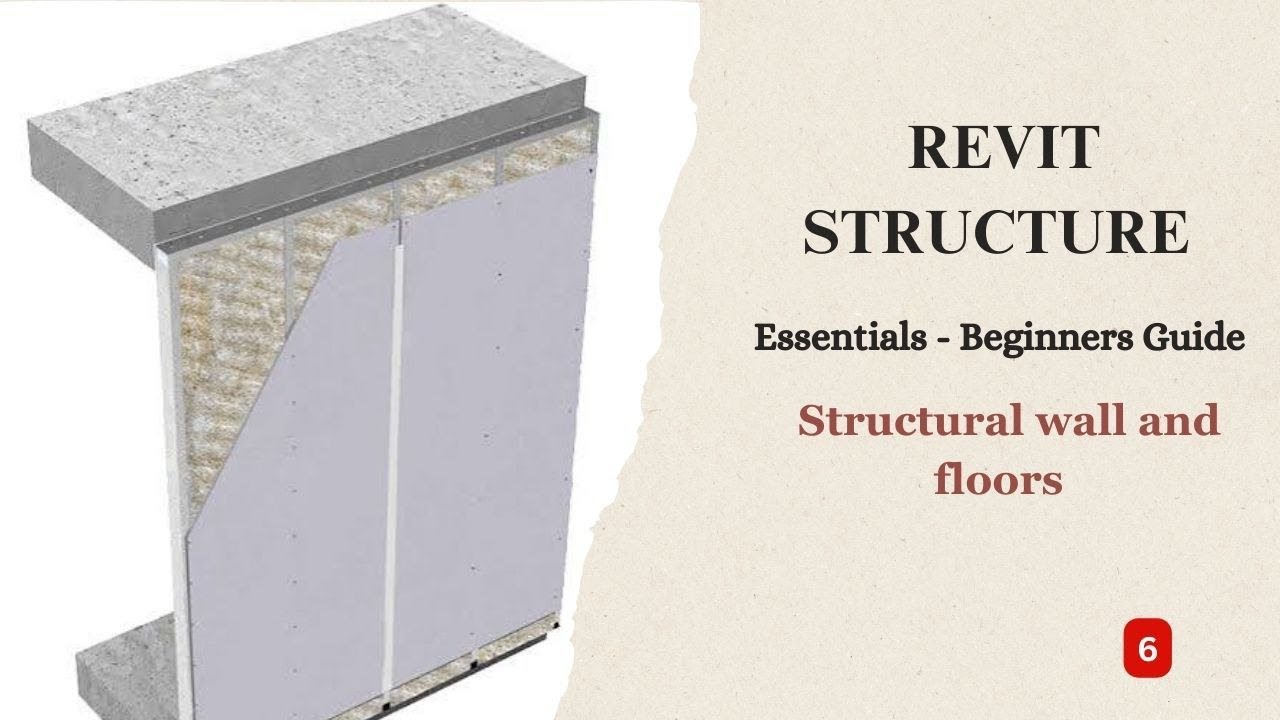
Revit Structure Essentials Beginners Guide — Episode 6: Reinforcement Detailing and Schedules (Updated June 2026)
India's BIM mandate for projects above ₹100 crore and the inauguration of Pune Metro Line 3 in May 2026 have turned Revit Structure skills into non-negotiable requirements at every major construction consultancy. Episode 6 is the stage where your Revit model stops being a geometry exercise and starts producing real deliverables — reinforcement details, bar bending schedules, and export files that site engineers and fabricators can actually use.
- Episode 6 teaches reinforcement modelling in Revit — placing rebars, stirrups, and ties directly in 3D structural elements
- Structural schedules in Revit auto-generate from model data — no more manual bar bending tallies
- Revit exports to IFC, DWG, and PDF — making it interoperable with ETABS, STAAD.Pro, and AutoCAD
- Episode 6 skills are required for BIM coordinator and structural detailer roles at L&T, AECOM, and Tata Projects
- BIM coordinators with reinforcement detailing skills earn ₹6–12 LPA in India (Glassdoor and AmbitionBox data)
What Episode 6 Covers — Reinforcement, Schedules, and Export
By Episode 6 you've built your structural frame — columns, beams, slabs, foundations. Now comes the work that actually gets delivered to site: reinforcement detailing, bar bending schedules, and model export. Here's what I tell my students at ABC Trainings: structural engineers who can produce reinforcement details and schedules directly from Revit are a different tier of candidate from those who only know how to model. Episode 6 is the episode that separates modelers from BIM engineers.
Reinforcement Detailing in Revit Structure: Rebars, Stirrups, and Cover
Revit Structure's Rebar tool lets you place individual rebars, rebar sets, and area reinforcement directly inside concrete columns, beams, slabs, and walls. You define rebar shape (straight, L-bar, U-bar, stirrups), diameter (8mm, 10mm, 12mm, 16mm, 20mm, 25mm), spacing, and concrete cover. What most people don't realize is that Revit's rebar follows the concrete element — if you change the column section, the rebar updates automatically. The bar bending schedule is generated from the model, not drawn by hand. This is the workflow L&T Construction and AECOM India use on their large infrastructure projects, and it is exactly what Episode 6 teaches.
| Revit Deliverable | Manual Method | Revit Episode 6 Method |
|---|---|---|
| Bar Bending Schedule | Hand-drawn, hours of work | Auto-generated from rebar model |
| Column Schedule | Manual Excel entry | Live Revit schedule, Excel export |
| Clash Detection | Manual redline review | Automated Navisworks NWC export |
| Analysis Model Export | Re-model in ETABS/STAAD | Direct IFC export to analysis tools |
| Site Drawing Package | Separate AutoCAD drawings | DWG/PDF direct from Revit model |
Creating Structural Schedules Automatically from Your Revit Model
One of Revit's biggest advantages over AutoCAD is its live schedule capability. In Episode 6 you'll create a Structural Column Schedule, a Beam Schedule, and a Reinforcement Schedule — all pulling data directly from the model in real time. Change a column size in the model and the schedule updates instantly. The good news is that Revit schedules can be exported directly to Excel for quantity surveying — saving hours of manual data entry. For large projects like MHADA housing complexes in Pune or AURIC industrial buildings in Sambhajinagar, this automated scheduling can reduce QS time from days to hours.
Exporting Revit Structure Files: IFC, DWG, and Analysis Formats
Revit Structure exports to multiple formats that downstream engineers and contractors need. IFC (Industry Foundation Classes) export makes your model interoperable with ETABS, STAAD.Pro, and Tekla Structures for analysis and fabrication. DWG export generates AutoCAD-compatible drawings for site engineers who haven't moved to BIM yet. PDF export creates construction documentation. In Episode 6, we walk through each export type, the correct settings for each, and the common errors that corrupt IFC files — particularly around element classification and level mapping. Getting exports right is what makes a Revit model useful to the full project team.
Coordinating Structural and Architectural Revit Models
Real-world structural projects involve both an architectural Revit model and a structural Revit model running as linked files. Episode 6 covers model linking — importing the architect's Revit model into your structural model, using it as a reference for wall openings, slab edges, and column positions, and running interference checks to catch clashes before they reach site. Trust me, finding a structural column clashing with an architectural feature in Navisworks is infinitely cheaper than discovering it during construction. Bajaj Auto Waluj (Plot G-137), Skoda VW Shendra (Plot A-1/1), and Endurance Technologies (E-92 MIDC Waluj) have all adopted BIM coordination on their new facility expansions — these are the kinds of projects Revit-trained engineers in Sambhajinagar are working on.
Jobs That Require Episode 6 Level Revit Skills — and What They Pay
Reinforcement detailing and scheduling skills put you in the top tier of structural BIM candidates. L&T Construction (Glassdoor: ₹5–8 LPA for structural BIM roles), Tata Projects (₹4.5–7 LPA), AECOM India (₹6–10 LPA), and Hindustan Construction Company all list Revit reinforcement detailing as a preferred skill. In Pune, firms serving PMRDA and MHADA projects pay BIM coordinators ₹5–8 LPA. Senior BIM managers with 5+ years and full project delivery experience earn ₹12–18 LPA. The combination of reinforcement detailing, schedule automation, and IFC export — all Episode 6 content — is precisely what differentiates a ₹5 LPA candidate from a ₹10 LPA one.
Get the AI Powered Building Information Modeling (BIM) Brochure + Fees + Batch Dates on WhatsApp
Free 1:1 counselling. Placement track record. CMYKPY/PMKVY eligibility check.
💬 Get Brochure on WhatsApp📞 Call 7039169629About the author: Komal Chilwar, Civil & BIM Trainer, ABC Trainings.
Visit Our Centers
- Wagholi (Pune): 1st Floor, Laxmi Datta Arcade, Pune-Ahilyanagar Highway. Call 7039169629
- Hadapsar (Pune HQ): 1st Floor, Shree Tower, opp. Vaibhav Theater, Magarpatta. Call 7039169629
- Cidco (Chh. Sambhajinagar): Kalpana Plaza, opp. Eiffel Tower, N-1 Cidco. Call 7039169629
- Osmanpura (Chh. Sambhajinagar): S.S.C Board to Peer Bazar Road, near Jama Masjid. Call 7039169629
- Sangli: Shubham Emphoria, 1st Floor, Above US Polo Assn., Sangli-Miraj Rd, Vishrambag. Weekend batches available. Call 7039169629
FAQs
What does Revit Structure Episode 6 cover?
Episode 6 covers reinforcement detailing (placing rebars, stirrups, and area reinforcement in concrete elements), creating automatic structural schedules (column schedules, beam schedules, bar bending schedules), and exporting your Revit model to IFC, DWG, and PDF formats for coordination and construction use.
Can I generate bar bending schedules directly from Revit Structure?
Yes — Revit Structure generates bar bending schedules automatically from the rebar model. You place reinforcement elements parametrically inside structural members, and Revit tallies every bar type, diameter, length, and shape. If you change a column or beam section, the bar bending schedule updates instantly. This is far faster and more accurate than manually preparing schedules in Excel.
What export formats does Revit Structure support for site and analysis use?
Revit Structure exports to IFC (for ETABS, STAAD.Pro, and Tekla interoperability), DWG (AutoCAD-compatible drawings for site teams), PDF (construction documentation packages), and NWC (Navisworks for clash detection). The correct export settings — particularly for IFC element classification and level mapping — are covered in detail in Episode 6.
What salary can I expect with Revit reinforcement detailing skills in India?
Based on Glassdoor and AmbitionBox data, civil engineers with Revit reinforcement detailing and scheduling skills earn ₹5–8 LPA at L&T Construction, Tata Projects, and AECOM India in entry-to-mid roles. Senior BIM coordinators handling full project delivery — from modelling through to IFC handover — earn ₹10–18 LPA. These figures are for 2025-26 placements in Pune and Mumbai.