Revit Structure for Beginners — Episode 11: BIM Coordination, Clash Detection and Navisworks Workflow (Updated June 2026)
India mandated BIM for all central projects above Rs 100 crore from 2025, and with Pune Metro Line 3 approved in May 2026, Maharashtra is now running the highest density of BIM-managed structural projects in the country. The single skill that makes a structural BIM engineer promotable — rather than replaceable — is not modelling ability, it is coordination ability: linking discipline models, running clash detection in Navisworks and resolving structural-MEP conflicts before a single column is poured. Episode 11 of the Revit Structure series covers this complete coordination workflow from model linking through issuing a formal clash report.

- Revit allows linking architectural, structural and MEP models into a single federated model for clash detection
- Navisworks Manage performs hard clash, soft clash and clearance clash checks across all disciplines
- Clash Detective sets up clash test rules between structural steel and MEP ductwork or pipe runs
- Coordination View and markup tools let teams assign, track and resolve clashes by discipline
- BIM Execution Plan (BEP) defines model origin, level of development and coordination meeting cadence
What Episode 11 Covers and Why BIM Coordination Is the Highest-Value Structural BIM Skill
Here is the thing — anyone who has completed Episodes 1–10 can model a structural frame in Revit. What separates a junior BIM modeller (Rs 3.5 LPA) from a BIM coordinator (Rs 8–12 LPA) is the ability to manage the federated model: bringing all discipline models together, identifying conflicts early and producing the clash reports that protect the project from expensive on-site rework. On a typical Rs 200 crore residential tower in Pune, catching a structural beam clash with an HVAC duct in BIM saves an average of Rs 15–40 lakhs in rework costs per project. That is why L&T, AECOM, WSP India and Mott MacDonald pay BIM coordinators significantly more than BIM modellers — and why Episode 11 is the episode that changes your career trajectory.
Linking Discipline Models in Revit — Structural, Architectural and MEP Together
Revit link is the command that brings external discipline models into your working file. In the Manage tab you link the architect's Revit model (usually with a shared coordinate system), and then link the MEP consultant's Revit model. All linked models appear in your structural model's views but cannot be edited — they update automatically when the originating consultant publishes a new model version. The critical setup step is ensuring all models share a common Project Base Point coordinate, so they overlay correctly when linked. A 5mm offset in the base point creates coordination nightmares that can take days to resolve. Episode 11 shows the correct shared coordinates workflow used at BIM-mandated projects at L&T Kharadi and AECOM India.
| Clash Type | Definition | Example | Typical Result |
|---|---|---|---|
| Hard Clash | Two objects physically intersect | Beam passes through duct | Reroute duct or adjust beam depth |
| Soft Clash | Two objects violate clearance buffer | Column 50mm from sprinkler pipe | Shift pipe path for maintenance |
| Clearance Clash | Object within defined proximity zone | Structural wall near fire door swing | Review door swing clearance |
| Duplicates | Identical element in same position | Slab copied from linked model | Delete duplicate from local model |
Running Clash Detection in Navisworks — Hard, Soft and Clearance Clashes
Navisworks Manage (not Navisworks Freedom, which is view-only) runs clash detection using the Clash Detective tool. You define a clash test between two selection sets — for example, Selection A is all structural concrete elements, Selection B is all MEP ductwork. Navisworks finds every geometric intersection (hard clash), every violation of a clearance buffer (soft clash) and every element within a defined proximity (clearance clash). The result is a list of clashes with 3D viewpoint, element IDs, discipline ownership and severity. On a typical 20-floor residential tower, a first-run clash test might return 400–800 hard clashes — which sounds alarming but is entirely normal and expected. The coordination process resolves them systematically over three to five coordination rounds.
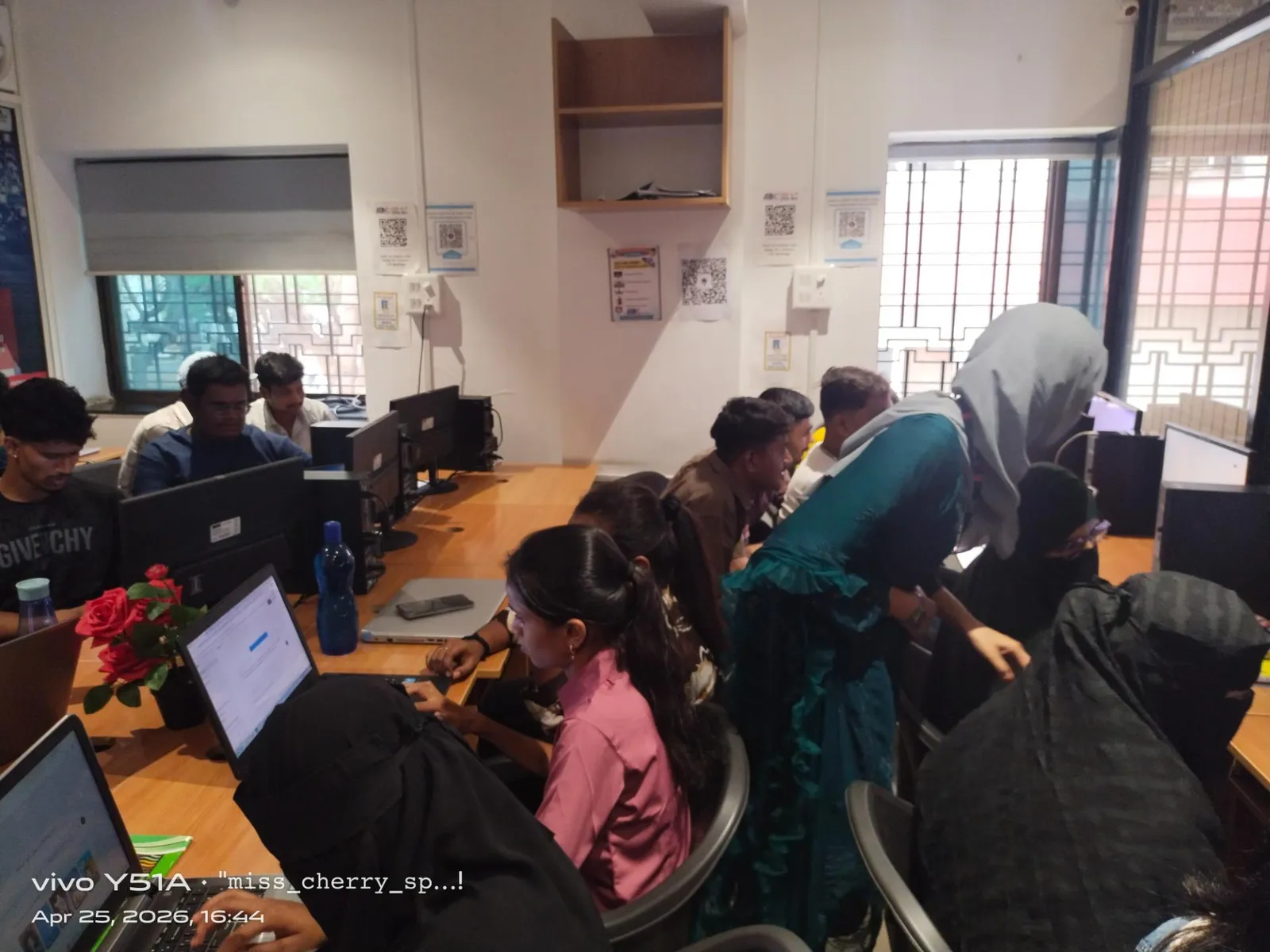
Resolving Clashes and Issuing Formal Coordination Reports
Each identified clash is assigned to a responsible discipline — the structural engineer owns the column location, the MEP consultant owns the duct routing. Navisworks coordination views let you take viewpoint snapshots of each clash, add comments and markup, and assign a status (New, Active, Reviewed, Approved, Resolved). The clash report exports as an HTML or NWD file that becomes the formal record of what was found, who resolved it and when. At firms like AECOM India and WSP India, this clash report is a contractual deliverable at every BIM coordination milestone meeting. Learning to produce and manage this report is what Episode 11 delivers.
The BIM Execution Plan — How L&T and AECOM Structure Their BIM Projects
A BIM Execution Plan (BEP) is the project governance document that every BIM-mandated project above Rs 100 crore must produce. It defines the model origin and shared coordinate strategy, the Level of Development (LOD) required at each project stage (LOD 200 for schematic, LOD 300 for design development, LOD 400 for construction), the software and file format standards, the clash detection frequency and tolerance rules, and the BIM coordination meeting schedule. CPWD and MoHUA (Ministry of Housing and Urban Affairs) publish BEP templates. BIM coordinators at L&T, HCC and AECOM are expected to produce and maintain the BEP as a primary deliverable. Knowing what a BEP contains and how to fill it out is the mark of a senior BIM professional.
BIM Coordination Salaries and Hiring Companies in Pune and Sambhajinagar
BIM coordination engineers are among the fastest-growing hire categories in Maharashtra's construction sector. L&T Infrastructure Pune has 30 plus active BIM coordination roles. AECOM India, WSP India, Mott MacDonald, HCC and Shapoorji Pallonji all hire BIM coordinators with Navisworks and Revit skills. Fresher BIM modellers in Pune earn Rs 3.5–5 LPA; BIM coordinators with two to three years earn Rs 7–12 LPA; senior BIM managers with five-plus years earn Rs 15–25 LPA at major consultancies and EPC contractors (AmbitionBox and 6figr 2025 data). Sambhajinagar-based consultants supporting AURIC Phase 2 and infrastructure tenders are adding junior BIM roles at Rs 3–4.5 LPA. ABC Trainings covers BIM coordination including Navisworks in the AI Powered Building Information Modeling workshop. WhatsApp 7774002496 or call 7039169629.
Get the AI Powered Building Information Modeling (BIM) Brochure + Fees + Batch Dates on WhatsApp
Free 1:1 counselling. Placement track record. CMYKPY/PMKVY eligibility check.
💬 Get Brochure on WhatsApp📞 Call 7039169629About the author: Komal Chilwar, Civil & BIM Trainer, ABC Trainings.
Visit Our Centers
- Wagholi (Pune): 1st Floor, Laxmi Datta Arcade, Pune-Ahilyanagar Highway. Call 7039169629
- Hadapsar (Pune HQ): 1st Floor, Shree Tower, opp. Vaibhav Theater, Magarpatta. Call 7039169629
- Cidco (Chh. Sambhajinagar): Kalpana Plaza, opp. Eiffel Tower, N-1 Cidco. Call 7039169629
- Osmanpura (Chh. Sambhajinagar): S.S.C Board to Peer Bazar Road, near Jama Masjid. Call 7039169629
- Sangli: Shubham Emphoria, 1st Floor, Above US Polo Assn., Sangli-Miraj Rd, Vishrambag. Weekend batches available. Call 7039169629
FAQs
What Revit skills do I need before learning BIM coordination in Episode 11?
You should be able to model structural columns, beams, slabs and foundations in Revit Structure before Episode 11. Episodes 1–10 in this series build that foundation progressively. If you are already using Revit at work and comfortable with structural modelling, Episode 11 is a direct upgrade to your coordination toolkit.
Is Navisworks free or do I need a paid license to practise?
Navisworks Freedom is completely free and allows you to view and walk through NWD/NWF files but not run clash tests. Navisworks Simulate and Navisworks Manage have paid licenses. Autodesk offers free 30-day trials for both. Students can access Navisworks Manage free for 1 year through the Autodesk Education Community with a valid student email. ABC Trainings provides licensed Navisworks access during classroom sessions.
What is the difference between a BIM modeller and a BIM coordinator in terms of career and salary?
A BIM modeller creates and updates the Revit models following the BIM manager's instructions, typically at Rs 3–5 LPA for freshers. A BIM coordinator manages the federated model, runs clash detection, issues coordination reports and attends coordination meetings — typically at Rs 7–12 LPA with two to three years of experience. A BIM manager owns the BEP, sets standards and interfaces with clients, earning Rs 15–25 LPA. The progression from modeller to coordinator is the most common career path in India's BIM industry.
Does ABC Trainings teach Navisworks clash detection as part of their BIM course?
Yes. The AI Powered Building Information Modeling workshop at ABC Trainings includes Navisworks clash detection and BIM coordination workflow alongside Revit Structure and AutoCAD. Batches run at Wagholi (Laxmi Datta Arcade), Hadapsar (Shree Tower, Magarpatta), Cidco N-1 and Osmanpura (Sambhajinagar), and Sangli (Vishrambag, weekends). Call 7039169629 or WhatsApp 7774002496.
Revit Structure for Beginners – Episode 12: Structural Sections, Details & View Templates
Next →Revit Structure Episode 3: Structural Modeling — Beams, Columns, Slabs & Foundations (Updated June 2026)
ABC Trainings Editorial Team
Course and career information from ABC Trainings. Exact trainer, batch, timetable, delivery mode and complete written fee should be confirmed before enrolment.