SolidWorks for Beginners: A Complete Guide for Engineering Students in Sambhajinagar (Updated April 2026)
AURIC — Aurangabad Industrial and Research City — is creating 62,405 jobs backed by Rs 71,343 crore in investment, and Waluj MIDC and Shendra MIDC already host dozens of auto component manufacturers actively hiring mechanical engineers. SolidWorks is the most widely-used 3D CAD tool at Tier-2 and Tier-3 suppliers in the Sambhajinagar manufacturing belt — and for engineering students starting from zero CAD experience, it is the best entry point into the design and manufacturing job market. This guide covers everything a beginner needs to know about learning SolidWorks in Chhatrapati Sambhajinagar.
- AURIC's Rs 71,343 crore investment creates hundreds of Tier-2/3 supplier jobs that require SolidWorks skills
- SolidWorks is the most widely-used 3D CAD tool at Waluj MIDC's component manufacturers and fixture design teams
- Beginners can reach basic job-ready level in 2-3 months; full SolidWorks proficiency takes 4-5 months
- SolidWorks freshers earn Rs 3.5-6 LPA at Waluj MIDC suppliers; experienced engineers earn Rs 8-12 LPA
- ABC Trainings Cidco and Osmanpura offer beginner-to-advanced SolidWorks courses with weekend batches
What is SolidWorks and why is it the right first CAD tool for beginners in Sambhajinagar?
SolidWorks is a 3D parametric CAD software made by Dassault Systèmes. "Parametric" means every dimension and feature is driven by editable parameters — change a dimension and the whole model updates automatically. For beginners with no CAD experience, SolidWorks is the best starting point because its interface is intuitive, its learning resources (tutorials, YouTube content, Dassault official docs) are abundant, and it directly qualifies you for the kind of design, tooling and fixture roles available at Sambhajinagar's Tier-2 and Tier-3 MIDC suppliers. Unlike AutoCAD (2D drafting) or MS Office skills, SolidWorks immediately makes you employable in manufacturing.
What does a beginner learn in SolidWorks Part Design and how does it work?
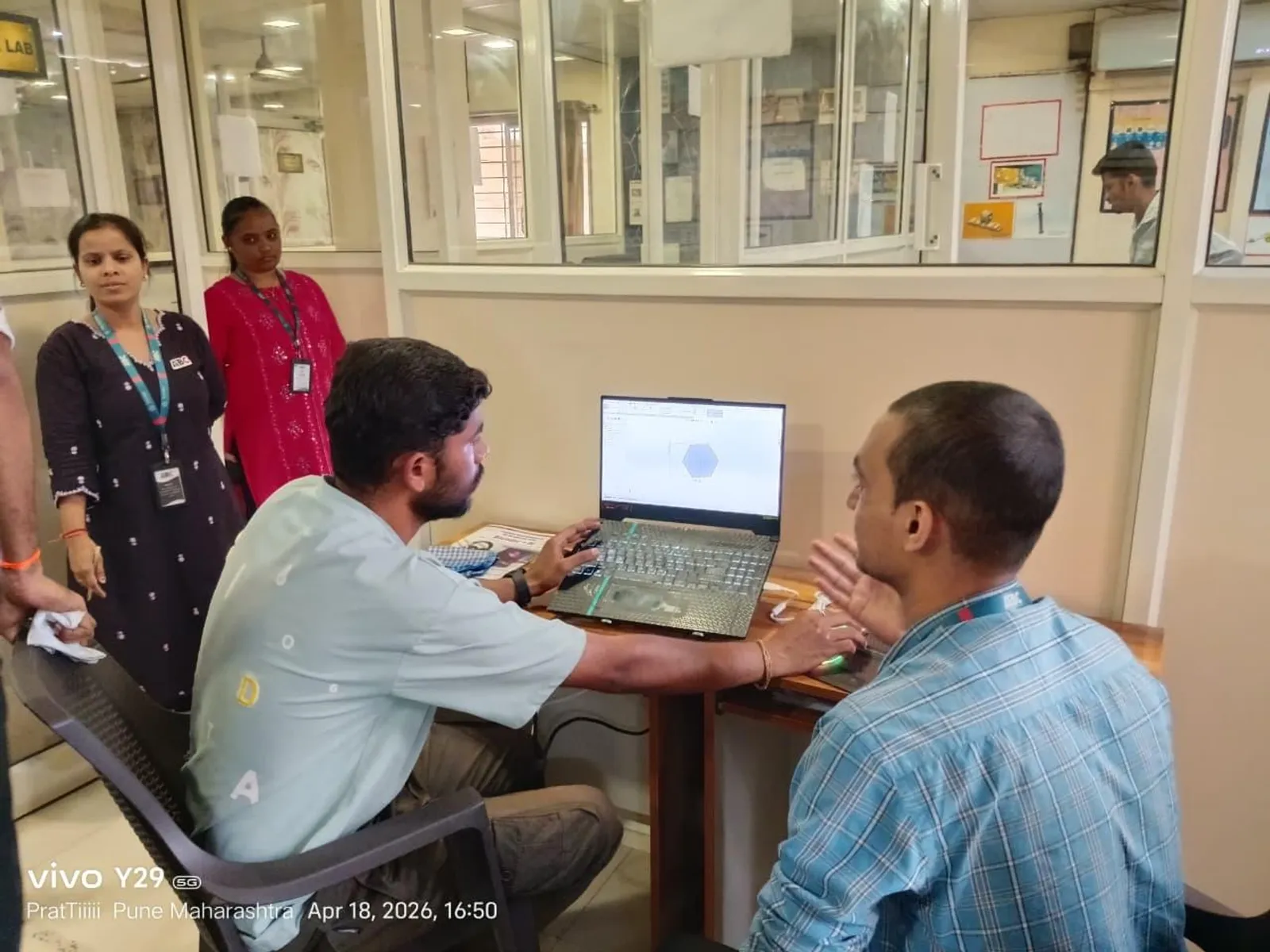
SolidWorks Part Design is where every beginner starts. You create 3D solid models by sketching a 2D profile and applying features: Extrude (push a sketch into 3D), Revolve (rotate a sketch to make cylinders or rings), Fillet (round edges), Chamfer (bevel edges), Shell (hollow out a solid), Draft (add taper for moulding). The workflow: sketch on a plane → add constraints (dimensions, relations) → apply a 3D feature → repeat to build complexity. Every part you design builds a Feature Tree on the left side of the screen — a complete history of every step, fully editable. For absolute beginners, a simple bracket or flange part can be completed within the first week of training.
What is SolidWorks Assembly Design and why does every mechanical engineer need to know it?
SolidWorks Assembly Design is where you combine multiple parts into a product. You insert part files into an assembly, then define how they fit together using Mates: Coincident (faces touch), Concentric (cylindrical faces align), Parallel (faces are parallel). A complete assembly has a Bill of Materials (BOM) automatically generated from the component list. For Waluj MIDC engineers, assembly modelling is critical — manufacturers need to see how components fit, check for clashes and plan production sequences. ABC Trainings covers SolidWorks Assembly including Exploded Views and Smart Mates, which are tested in Tier-2 supplier interviews.
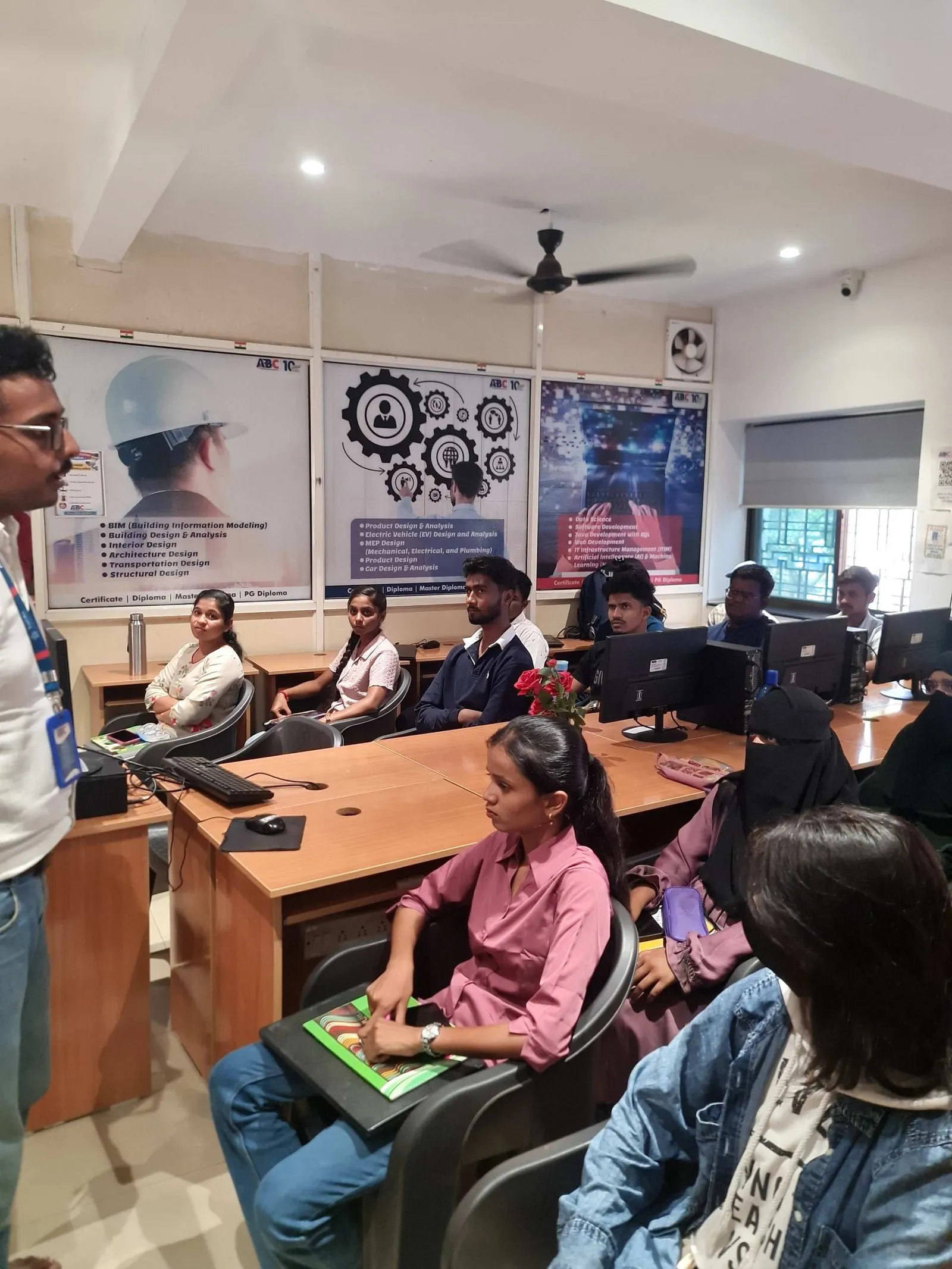
How does SolidWorks Drafting work and why is it essential for shop floor communication?
SolidWorks Drafting (Drawing module) converts your 3D model into a 2D engineering drawing with standard views (Front, Side, Top, Isometric), dimensions, tolerances and GD&T symbols. This is the drawing that goes to the shop floor machinist, the injection moulder or the sheet metal fabricator. Every manufacturer in Waluj MIDC and Shendra MIDC runs production from 2D drawings — no matter how advanced the 3D CAD, the drawing is still the production document. SolidWorks Drawing module generates these automatically from the 3D model, with linked dimensions that update if the model changes. A beginner should learn drawing creation in parallel with part design — they are used together in every real project.
| SolidWorks Module | What It Does | When to Learn | Jobs It Supports |
|---|---|---|---|
| Part Design | Create 3D solid models from sketches | First (Month 1) | Design Engineer, Product Dev |
| Assembly Design | Combine parts, define mates, BOM | Second (Month 2) | Design Engineer, Tool Design |
| Drafting/Drawing | 2D drawings for production, GD&T | Parallel with Part (Month 1-2) | All mechanical roles |
| Sheet Metal | Flat patterns, bends, enclosures | Add-on (Month 3-4) | Sheet metal, HVAC, enclosure design |
| Simulation (FEA) | Stress and thermal analysis | Add-on (Month 4-5) | Junior CAE, design validation |
| Course structure at ABC Trainings Cidco and Osmanpura, Chhatrapati Sambhajinagar | |||
What are SolidWorks Simulation and Sheet Metal modules and when should a beginner learn them?
SolidWorks Simulation (FEA for structural and thermal analysis) and Sheet Metal Design are two additional modules with direct industry relevance. SolidWorks Simulation allows you to apply loads to a part and see where it will stress or deform — a simplified but powerful FEA tool used by Tier-2 and Tier-3 suppliers who don't have dedicated ANSYS teams. Sheet Metal Design provides specialized tools for flat patterns, bend lines and K-factor calculations — essential for enclosures, brackets, chassis components and HVAC parts. Beginners should complete Part Design, Assembly and Drawing first (core 3 modules, ~2-3 months), then add Sheet Metal or Simulation based on their target job sector.
How long does it take to learn SolidWorks from scratch and what is a realistic study schedule?
A realistic timeline for learning SolidWorks from zero: Week 1-2 — Interface navigation, sketching, basic features (Extrude, Revolve, Fillet). Week 3-6 — Advanced features (Sweep, Loft, Mirror, Pattern), multi-body parts, configurations. Week 7-10 — Assembly design, Mates, Exploded Views. Week 11-13 — Drawing creation, GD&T basics, title blocks. Week 14-16 — Sheet Metal or Simulation basics depending on your specialization. This 4-month schedule assumes 2 hours of practice daily including class days. ABC Trainings structures the SolidWorks course with guided lab sessions and take-home assignments so students build real practice speed, not just passive watching. Weekend batches at Cidco and Osmanpura cover the same curriculum for working professionals.
Which Waluj MIDC and Shendra MIDC companies hire SolidWorks-trained freshers?
Tier-2 and Tier-3 component manufacturers in Waluj MIDC actively hire SolidWorks-trained freshers for design engineer, tool design engineer and product development engineer roles. Companies like Endurance Technologies (Plot E-92) use SolidWorks at their supplier vendor network for fixture and tooling design. Bajaj Auto's (Plot G-137) Tier-2 network includes 50+ component suppliers that use SolidWorks for part and jig design. The AURIC ecosystem is adding new manufacturing units — each arriving Tier-1 or OEM brings supplier companies that will need SolidWorks draftsmen within 12-18 months of starting operations. The practical job search advice: check Naukri.com for "SolidWorks Design Engineer Aurangabad" — you'll find active listings year-round.
What happens after SolidWorks — what is the career path for a Sambhajinagar engineer?
SolidWorks is a starting point, not a ceiling. The career ladder from SolidWorks: (1) Join a Tier-2 or Tier-3 MIDC supplier as a design or tooling engineer (Rs 3.5-6 LPA), (2) Build 2-3 years of SolidWorks experience with real project exposure, (3) Add CATIA training on weekends at ABC Trainings to upgrade to Tier-1 or OEM roles (Rs 7-16 LPA), (4) With CATIA + SolidWorks experience, apply for design lead roles at Pune OEM satellite offices or AURIC Tier-1 companies (Rs 12-20 LPA). SolidWorks also leads directly into SolidWorks Simulation for those who want to move into CAE/FEA. Call 7039169629 or visit ABC Trainings Cidco (Kalpana Plaza, opp. Eiffel Tower, N-1 Cidco) to start the SolidWorks beginner course.
Get the SolidWorks Training Brochure + Fees + Batch Dates on WhatsApp
Free 1:1 counselling. Placement track record. CMYKPY/PMKVY eligibility check.
💬 Get Brochure on WhatsApp📞 Call 7039169629About the author: Rahul Patil. 12 yrs experience training engineers across Maharashtra.
Visit Our Centers
- Wagholi (Pune): 1st Floor, Laxmi Datta Arcade, Pune-Ahilyanagar Highway. Call 7039169629
- Hadapsar (Pune HQ): 1st Floor, Shree Tower, opp. Vaibhav Theater, Magarpatta. Call 7039169629
- Cidco (Chh. Sambhajinagar): Kalpana Plaza, opp. Eiffel Tower, N-1 Cidco. Call 7039169629
- Osmanpura (Chh. Sambhajinagar): S.S.C Board to Peer Bazar Road, near Jama Masjid. Call 7039169629
- Sangli: Shubham Emphoria, 1st Floor, Above US Polo Assn., Sangli-Miraj Rd, Vishrambag. Weekend batches available. Call 7039169629
FAQs
Do I need to know AutoCAD before learning SolidWorks?
No — AutoCAD experience is not required to learn SolidWorks and can sometimes create habits that slow down the transition. AutoCAD is fundamentally a 2D drafting tool; SolidWorks is a 3D parametric modeller. The core skill transfer is almost nil — they work differently, think differently, and serve different purposes. Beginners with no prior CAD experience often learn SolidWorks faster than AutoCAD-trained engineers because they don't carry 2D workflow habits into a 3D environment. ABC Trainings starts the SolidWorks course from scratch, assuming zero prior CAD knowledge.
What computer specifications do I need to run SolidWorks?
SolidWorks has specific hardware requirements. Minimum recommended for smooth performance: Intel Core i5 or i7 (8th Gen or newer), 16 GB RAM, NVIDIA Quadro or AMD FirePro dedicated graphics card (2-4 GB VRAM), 50 GB free SSD space. A laptop or desktop with Intel integrated graphics will run SolidWorks but will be slow on large assemblies and simulation. If you don't own a suitable machine, ABC Trainings provides lab access during batch hours. For home practice, SolidWorks Student Edition is available at reduced cost or the 30-day evaluation version works for initial learning.
Is SolidWorks certification from ABC Trainings recognized by Waluj MIDC employers?
Employers in Waluj MIDC and Shendra MIDC evaluate SolidWorks skill through practical tests — they ask candidates to model a given component on-screen, not check certificates. What matters is demonstrated speed and accuracy in part modelling, assembly and drawing creation. ABC Trainings' SolidWorks course is structured around exactly these practical skills, with timed assignments similar to what companies test. The course completion certificate from ABC Trainings signals that you've completed structured training, but your portfolio of models and your performance in the practical test are what actually get you hired.
How is SolidWorks different from AutoCAD for mechanical engineers?
AutoCAD is primarily a 2D drafting tool used for floor plans, civil layouts, electrical schematics and basic mechanical drawings. SolidWorks is a full 3D parametric modelling platform where parts are designed in 3D first and 2D drawings are automatically generated from the model. For mechanical product design, tooling and fixture work, SolidWorks is vastly more powerful and relevant than AutoCAD. For civil engineers, electrical planners and 2D drawing work, AutoCAD is still the standard. Waluj MIDC auto component manufacturers want SolidWorks engineers for design roles — AutoCAD is used mainly for plant layout and civil work at these companies, not for part design.