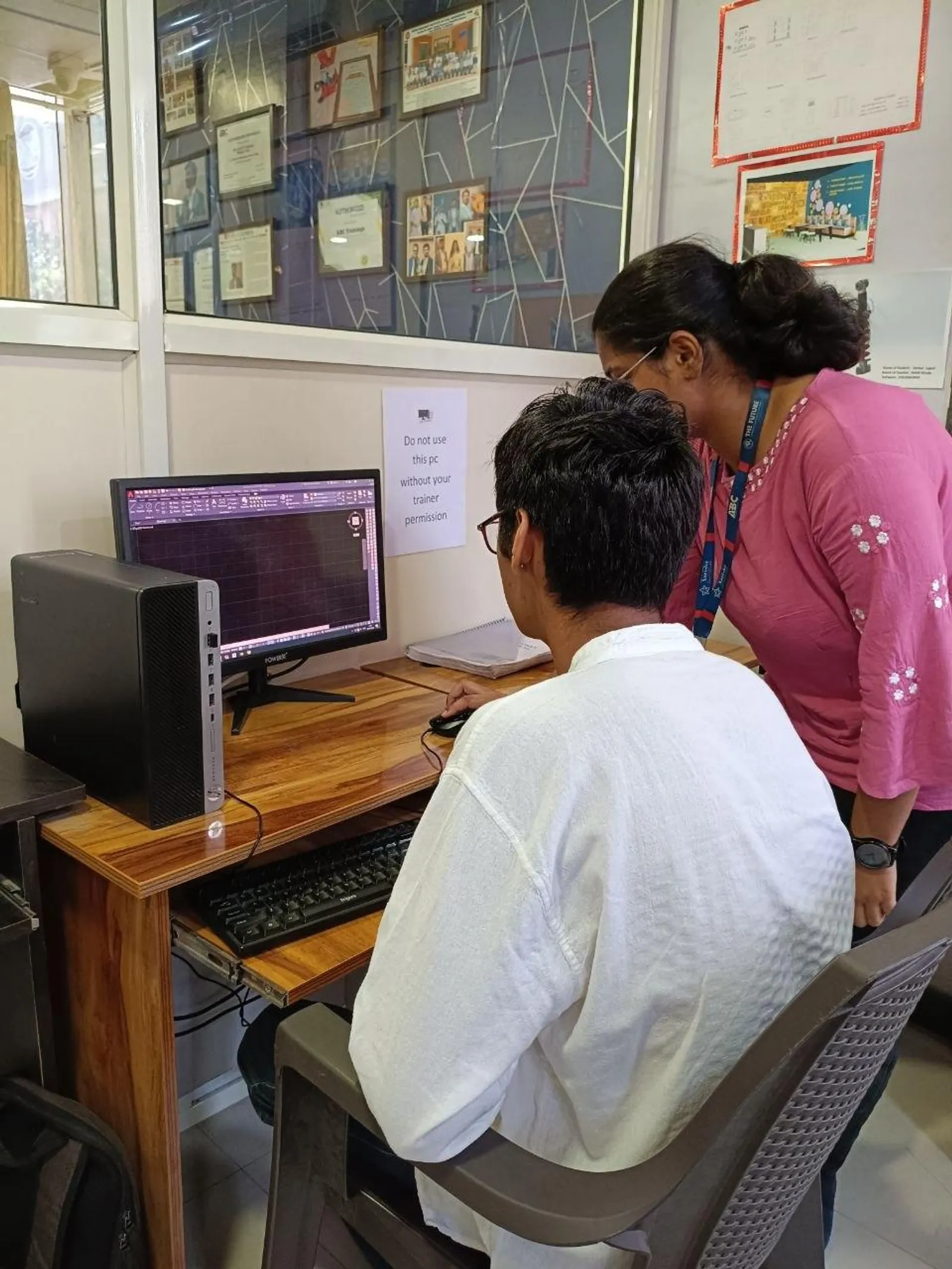
If you already know AutoCAD basics and want to move faster without compromising drawing quality, AI AutoCAD automation is where things get interesting in 2026. I’m not talking about random gimmicks. I mean using ChatGPT and structured prompts to write macros, modify repetitive commands, debug broken steps, and scale your drafting workflow for civil and architectural work in India. Here's the thing: most users stop at simple command aliases. Professionals go deeper. They automate title blocks, layer setup, text edits, plotting steps, dimension cleanup, and repetitive drafting sequences that eat hours every week.

The video focuses on AI-driven AutoCAD automation, especially writing and modifying macros with ChatGPT. That’s a smart place to start because macros are the bridge between manual drafting and repeatable CAD productivity. If you’re working in Pune, Chhatrapati Sambhajinagar, Sangli, Nashik, or Mumbai and aiming for roles in firms serving clients like L&T, Tata Technologies, Siemens, Bosch, Thermax, or Mahindra Engineering, this skill can make you noticeably faster than the average drafter. The good news is, you don’t need to become a software developer. You do need to think like a process-focused CAD professional.
What is AI AutoCAD automation and where does it actually help?

AI AutoCAD automation means using tools like ChatGPT to convert your manual drafting steps into usable macro commands, scripts, or logic sequences. In practical terms, you describe a repetitive task in plain English, and AI helps you generate a command flow that AutoCAD can execute or that you can refine.
For civil and architecture users, this usually helps in five areas: repetitive annotation, layer management, plotting setup, cleanup commands, and standards-based drafting. If you’re doing site layouts, floor plans, road details, utility drawings, or submission drawings, you’ll quickly see where repeated mouse clicks are wasting time.
What most people don’t realize is that automation is not just about speed. It’s also about consistency. In professional environments, consistency is what gets your drawing approved faster.
How do you use ChatGPT to write AutoCAD macros correctly?
Trust me, the quality of the macro depends on the quality of your prompt. If your prompt is vague, the output will be vague. Don’t type, “make an AutoCAD macro.” Instead, describe the exact sequence you follow manually.
A better prompt looks like this: “Write an AutoCAD macro that sets layer to DIM, starts aligned dimension, uses current dimension style, and repeats until Esc.” Or: “Create a macro to switch to text layer, start MTEXT, use annotative style, and return to previous layer after placement.”
When you use ChatGPT for macro generation, follow this prompt structure:
- Define the drawing type: civil layout, architectural plan, structural detail
- Name the AutoCAD version: AutoCAD 2024, 2025, or 2026
- List each manual step in order
- Mention layer names, text styles, dimension styles, and units
- State whether the macro should pause for user input
- Ask for a commented explanation of each part
That last point matters. If AI gives you code or a macro string without explaining it, you won’t know how to fix it when it fails.
Which advanced AutoCAD tasks are best to automate?

Not every task should be automated. The best candidates are high-frequency, low-judgment tasks. Here are the ones I recommend for advanced users in India:
- Creating standard layers with color, linetype, and lineweight presets
- Switching between annotation workflows for plans, sections, and details
- Running text cleanup and style correction in consultant drawings
- Setting plot styles and page setups for repeated sheet outputs
- Drawing standard symbols or blocks inserted at fixed scales
- Batch operations for xref attachment and path checks
- Dimension style correction in vendor or subcontractor files
If you work in architectural drafting, automate room tags, wall annotation setup, hatch pattern standards, and plotting routines. If you work in civil, focus on layer discipline, utility symbols, north marks, revision clouds, and repetitive labeling. These are the tasks that save 20 to 40 minutes every day.
How do professionals debug broken AutoCAD macros?
This is where beginners give up. A macro fails once, and they assume AI doesn’t work. That’s the wrong takeaway. Most macro errors happen because of command version mismatch, missing pauses, wrong spacing, or assumptions about current settings.
Here’s how experienced users debug:
1. Test one command at a time
Don’t run a 12-step macro immediately. Break it into small chunks and verify each command sequence.
2. Check command-line behavior
AutoCAD is strict. A missing semicolon, wrong pause, or unexpected dialog box can break the flow. Watch what the command line asks for.
3. Turn dialog boxes off where needed
Some commands open UI windows that interrupt automation. In many cases, command-line versions work better for macros and scripts.
4. Ask ChatGPT to explain the failure
Paste the macro and describe the exact point where it stops. Say, “It fails after layer change and before text placement.” That gives better correction than saying, “not working.”
5. Standardize your environment
If your office machines use different profiles, support paths, or template files, the same macro may behave differently. Companies like Bajaj Auto, Kirloskar, and Siemens value standard environments for exactly this reason.
What settings should power users standardize before scaling automation?
If you want AI AutoCAD automation to work across projects, standardization comes first. Otherwise, you’ll keep fixing the same issues.
Set these before scaling:
- Template files with approved units, text styles, dim styles, and layers
- Named page setups for A1, A2, A3 plotting
- Block libraries stored in a common path
- Consistent layer naming standard for architecture and civil work
- Workspace configuration for 2D drafting users
- CTB or STB plot style discipline across the team
Here’s the thing: automation built on bad standards only helps you make mistakes faster. Build standards first, automate second.
Can ChatGPT help scale AutoCAD workflows for teams?
Yes, but only if you use it as an assistant, not as a replacement for CAD judgment. For team workflows, ChatGPT is useful in three ways: documenting repeated processes, generating first-draft macros, and creating troubleshooting notes for junior users.
For example, if your team repeatedly cleans consultant drawings before production, you can document the exact sequence and ask ChatGPT to convert it into a repeatable script logic. That becomes useful in firms handling high-volume drafting support for Infosys campuses, TCS office fit-outs, industrial layouts, or vendor coordination packages.
This is especially useful for senior drafters and CAD coordinators who train juniors. Instead of verbally explaining the same process ten times, you can create a tested automation note and standard operating sequence.
What salary advantage does advanced AutoCAD automation give in Maharashtra?
Let’s keep this practical. In Maharashtra, a basic AutoCAD operator may start around ₹15,000 to ₹22,000 per month depending on city and sector. A stronger production drafter with discipline-specific output can earn ₹22,000 to ₹32,000. But when you add automation thinking, standards control, and faster output quality, you start moving toward ₹30,000 to ₹45,000 in many architecture, civil, fabrication, and engineering support roles.
In Pune and Mumbai, experienced CAD professionals who combine AutoCAD speed with process improvement can cross ₹50,000 per month, especially in firms connected to manufacturing, EPC, MEP, or design support. That doesn’t happen because of one macro. It happens because you become the person who saves team hours every week.
How should you learn this skill without wasting months?
Start with one real workflow from your current drafting work. Don’t automate everything at once. Pick a repeated task you do at least 20 times a week. Write the manual steps. Use ChatGPT to create a draft macro. Test it. Debug it. Then improve the prompt and version-control your final command string.
That’s the professional way to learn. At ABC Trainings, we often tell students that advanced CAD productivity is not about flashy commands. It’s about repeatability, drawing discipline, and knowing why a workflow breaks. If you want guided practice in AutoCAD productivity workflows, you can contact ABC Trainings at 8698270088 or WhatsApp 7774002496.
The good news is, once you understand prompting, debugging, and standards, AI becomes a useful drafting assistant instead of a distraction. And that’s exactly where serious CAD users should be in 2026.
Is AI AutoCAD automation useful for civil and architectural students in Maharashtra?
Yes, especially if you already know basic drafting. Civil and architecture students in Pune, Sambhajinagar, and Sangli can use AI to automate repetitive layer, text, dimension, and plotting tasks. It won’t replace drawing knowledge, but it will make your workflow faster and more consistent during internships and entry-level jobs.
Do I need coding knowledge to use ChatGPT for AutoCAD macros?
No, not for basic to intermediate macro work. You need to understand AutoCAD commands, command order, and what each step is supposed to do. If you can clearly describe your manual workflow, ChatGPT can help generate a starting point that you can test and refine.
Which AutoCAD version is best for learning automation in India in 2026?
AutoCAD 2024, 2025, and 2026 are all suitable for learning macro-based automation. The key is to mention your exact version while prompting, because command behavior can differ slightly. If you’re training for industry jobs, practice on the same version commonly used by your institute or employer.
Can advanced AutoCAD automation improve job chances in Pune and Mumbai?
Yes, because employers value speed, accuracy, and standardization. If you can show that you reduce repetitive drafting time while maintaining drawing quality, you stand out from basic operators. This is useful in architecture firms, civil consultancies, fabrication companies, and engineering support teams across Pune, Mumbai, Nashik, and industrial belts in Maharashtra.
Visit Our Centers
Chhatrapati Sambhajinagar
Corporate Office (HQ)
2nd Floor, Kandi Towers, Jalna Road, Amarpreet Chowk, Chhatrapati Sambhajinagar, Maharashtra 431001
Osmanpura Branch
Plot No 14, Shanya Sect, Near Sant Eknath Rang Mandir, Osmanpura, Chhatrapati Sambhajinagar, Maharashtra 431005
CIDCO Branch
Plot No 4, N-3, Cidco, Opp. High Court, Chhatrapati Sambhajinagar, Maharashtra 431003
Pune
Wagholi Branch
1st Floor, ABC Trainings, Laxmi Datta Arcade, Pune - Ahilyanagar Hwy, Wagholi, Pune, Maharashtra 412207
Hadapsar Branch
Bloom Hotel, ABC Trainings 1st Floor, S.no 156/3 Shree Tower Pune - Solapur Rd, Hadapsar, Pune, Maharashtra 411028
Sangli
Sangli Branch
2nd Floor, Vasant Market, Opp. City High School, Sangli, Maharashtra 416416
Start Your Career Journey Today
Join 10,000+ students who transformed their careers with ABC Trainings.
💬 WhatsApp: 7774002496📞 Call: 8698270088