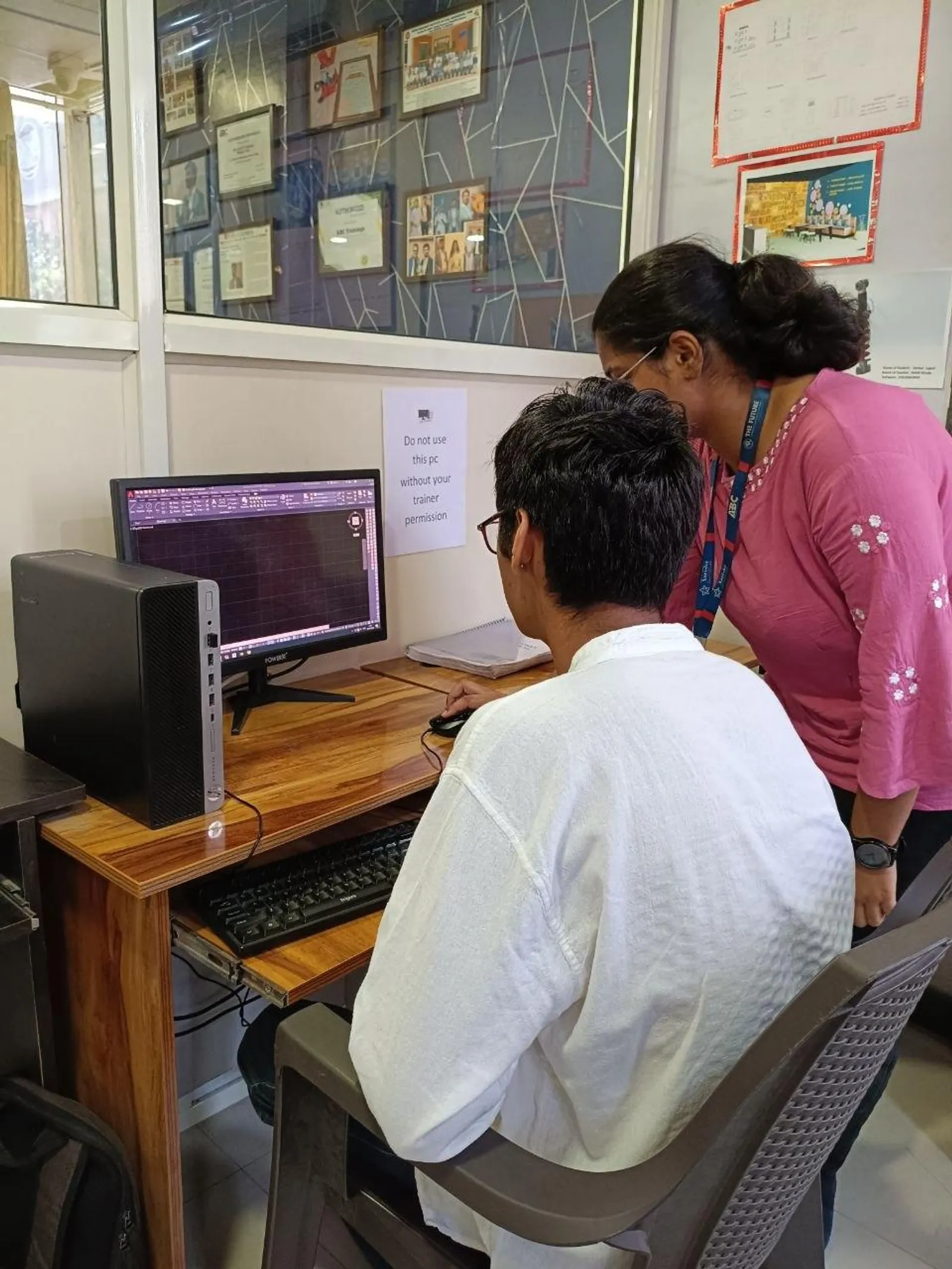
If you already know AutoCAD basics and want to move faster like a real production drafter, this guide is for you. AutoCAD AI power tools in India 2026 are no longer just about drawing lines faster. They're about automating repetitive drafting steps, reducing human error, and building a workflow that actually holds up in civil, architecture, and interior projects. Here's the thing: most learners stop at commands, but professionals move ahead when they start combining AI-assisted prompts, AutoLISP routines, standard layers, and repeatable templates.

The video demo focuses on hands-on automation of repetitive drawing tasks like block insertion, dimensioning, and layer setup using AI-generated AutoLISP scripts. That's a smart angle because these are exactly the areas where teams lose hours every week. Whether you're targeting jobs in Pune, Chhatrapati Sambhajinagar, Nashik, or Mumbai, or aiming for firms working with clients like L&T, Tata Technologies, Siemens, or Bosch, these advanced techniques can make your CAD output much more production-ready.
How do AutoCAD AI power tools actually help advanced users?
Once you know the interface, shortcuts, and standard commands, the next bottleneck is repetition. You insert the same block 50 times. You create the same layer standards in every file. You place dimensions using the same style, yet still check each one manually. Trust me, that's where smart automation starts paying you back.
AI power tools in AutoCAD usually support advanced users in three ways:
- They help generate AutoLISP routines from plain-language instructions.
- They reduce manual setup for layers, blocks, and annotation standards.
- They turn multi-step drafting tasks into guided single-click actions.
What most people don't realize is that AI is not replacing drafting skill here. It's helping you package your drafting logic into repeatable routines. A civil drafter can automate manhole block placement. An architect can automate door insertion with layer control. An interiors designer can standardize furniture blocks and annotation styles in one go.
How can you automate block insertion like a power user?
Basic users insert blocks manually. Advanced users build controlled insertion routines. That's a big difference.
Let's say you're placing door blocks in a residential layout. A strong AutoLISP routine can:
- Ask for the insertion point
- Set the correct layer automatically
- Apply standard scale and rotation
- Repeat the command without reopening the block dialog
- Optionally attach attributes like door type or width
This matters because one wrong layer or scale can create downstream issues in plotting, BOQ extraction, or coordination. In firms handling high-volume drawing packages, speed without standardization is useless.
For Indian project workflows, keep separate block libraries for civil, architecture, and interiors. Use naming like DR_900_SINGLE, WIN_1500_SLIDE, COL_230x450, or SOFA_L_3S. Then connect your insertion routine to that naming logic. The good news is, once you create one clean routine, you can reuse it across multiple project types.
Best practice settings for block automation
- Store blocks on a network or common office folder structure
- Use fixed naming conventions before automating anything
- Keep insertion units checked in AutoCAD 2025 or AutoCAD 2026
- Assign default target layers inside the routine
- Test in a sample DWG before using in live client work
How do you automate dimensioning without creating messy drawings?
Dimension automation sounds easy until the drawing turns unreadable. Advanced users don't just automate dimensions. They automate dimension standards.
A proper dimensioning routine should control:
- Dimension style selection
- Text height based on plot scale
- Arrow size and offset
- Layer assignment
- Linear, aligned, or baseline dimension logic
For example, if you're working on architectural plans in Maharashtra, your office might use one dimension style for municipal submission drawings and another for execution drawings. Instead of changing this manually, an AutoLISP-based tool can ask which drawing set you're preparing and switch settings instantly.
Here's the thing: dimension automation works best when you pair it with standard template files. Don't ask a script to fix a chaotic drawing environment. First set up your DWT template properly. Then let automation enforce discipline.
At companies like Mahindra Engineering, Kirloskar, or Thermax, CAD productivity is judged not just by speed but by consistency. If ten sheets look like ten different people made them, that's a problem. Smart dimension routines solve that.
What is the right way to automate layer setup in AutoCAD?
Layer setup is one of the most overlooked productivity areas. Beginners treat it as a one-time setup task. Professionals know it's one of the biggest time savers when automated correctly.
An advanced layer setup routine can create a full office standard in seconds, including:
- Layer name
- Color
- Linetype
- Lineweight
- Plot or no-plot status
- Layer description
For civil drawings, you might need layers for centerline, road edge, utility, text, hatch, dimension, and existing work. For interior drawings, you may need furniture, false ceiling, electrical points, partitions, and flooring patterns. If you're creating these manually every time, you're wasting effort.
What most people don't realize is that layer automation also reduces coordination errors. If your team shares the same standards, Xrefs behave better, plotting becomes predictable, and revision management gets easier.
One practical workflow is to create discipline-wise scripts: Civil_Setup.LSP, Arch_Setup.LSP, Interior_Setup.LSP. That way, the drafter chooses the discipline and the script loads the right environment instantly.
How do AI-generated AutoLISP scripts fit into real industry work?
AI-generated AutoLISP is useful when you know what to ask for. That's the advanced part. If your prompt is vague, the script will be vague too. If your prompt includes drafting logic, standards, and exceptions, you'll get something much more usable.
A better prompt looks like this: create an AutoLISP routine that inserts a 900 mm single door block on layer A-DOOR, asks for rotation, repeats until Esc, and sets annotation scale based on current drawing settings. That's much stronger than simply asking for a door insertion script.
Trust me, the real skill is not just running AI output. It's validating it. Check for layer behavior, undo handling, unit mismatch, command repetition, and error traps. Never paste an untested script into production drawings.
In larger firms or vendor environments supporting Bajaj Auto, Tata Technologies, Siemens, or L&T projects, even a small drafting automation improvement can save dozens of hours per month. That directly affects team efficiency and your value as a CAD professional.
Which advanced workflow gives the best speed boost in civil, architecture, and interiors?
If you want the highest return, combine these four items into one workflow:
- Start with a discipline-specific DWT template
- Run a layer setup script
- Load block insertion routines for standard components
- Apply dimension automation only after geometry is frozen
This sequence matters. If you dimension too early, changes will waste time. If you insert blocks before standard layers are loaded, drawings become inconsistent. Professionals work in the right order because rework is expensive.
For freshers in Pune and Chhatrapati Sambhajinagar, this kind of workflow can help you move from basic operator level to production-level drafter. That often means better interviews and better salary discussions. In Maharashtra, AutoCAD-focused freshers with only basic command knowledge may start around ₹12,000 to ₹18,000 per month. Candidates who can show automation logic, templates, and standardization workflows often target ₹20,000 to ₹30,000 per month in design support roles. With project experience, ₹35,000 to ₹50,000 per month becomes realistic.
How should you learn these advanced AutoCAD automation skills in Maharashtra?
The best way is not just watching commands one by one. You need project-based practice. Build one real workflow for a floor plan, one for a civil utility layout, and one for an interior furniture plan. Save the scripts, test them, improve them, and document what each one does.
At ABC Trainings, students usually improve faster when they stop treating AutoCAD as only a drawing tool and start treating it as a production system. That's a mindset shift. If you want guided training in AutoCAD automation, CAD standards, and advanced drafting workflow, you can contact ABC Trainings at 8698270088 or WhatsApp 7774002496.
The good news is, you don't need to become a full programmer. You just need enough AutoLISP understanding to automate the repetitive 20 percent of tasks that consume 80 percent of your drafting time.
Is AutoLISP still worth learning for AutoCAD jobs in India in 2026?
Yes, absolutely. AutoLISP is still useful because many Indian CAD teams rely on repeatable 2D drafting workflows where speed and standardization matter. If you know how to use or edit small routines for layers, blocks, and dimensions, you'll stand out over someone who only knows manual commands. It's especially valuable in architecture, interiors, fabrication support, and civil drafting roles.
Can civil and interior designers both use AutoCAD AI power tools?
Yes. The core automation logic is the same, but the scripts and standards will differ by discipline. Civil users may automate utilities, annotations, and layer sets, while interior designers may automate furniture blocks, partition symbols, and dimension styles. The real advantage comes when each discipline builds its own repeatable template and script library.
What salary can advanced AutoCAD users expect in Maharashtra?
For freshers with strong practical workflow skills, salaries often range from ₹20,000 to ₹30,000 per month in Pune, Nashik, and Chhatrapati Sambhajinagar. After 2 to 4 years of experience, many professionals move into the ₹35,000 to ₹50,000 range, especially if they handle standardization and team productivity. In specialized support roles or project-based drafting environments, pay can go higher depending on software mix and industry.
Where can I learn advanced AutoCAD automation in Pune or Sambhajinagar?
Look for training that covers real drafting standards, templates, block libraries, and AutoLISP-based task automation, not just command lists. That's what helps in actual office work. If you want structured support in Maharashtra, ABC Trainings offers practical CAD learning with industry-focused workflows. You can call 8698270088 or WhatsApp 7774002496 for details.
Visit Our Centers
Chhatrapati Sambhajinagar
Corporate Office (HQ)
2nd Floor, Kandi Towers, Jalna Road, Amarpreet Chowk, Chhatrapati Sambhajinagar, Maharashtra 431001
Osmanpura Branch
Plot No 14, Shanya Sect, Near Sant Eknath Rang Mandir, Osmanpura, Chhatrapati Sambhajinagar, Maharashtra 431005
CIDCO Branch
Plot No 4, N-3, Cidco, Opp. High Court, Chhatrapati Sambhajinagar, Maharashtra 431003
Pune
Wagholi Branch
1st Floor, ABC Trainings, Laxmi Datta Arcade, Pune - Ahilyanagar Hwy, Wagholi, Pune, Maharashtra 412207
Hadapsar Branch
Bloom Hotel, ABC Trainings 1st Floor, S.no 156/3 Shree Tower Pune - Solapur Rd, Hadapsar, Pune, Maharashtra 411028
Sangli
Sangli Branch
2nd Floor, Vasant Market, Opp. City High School, Sangli, Maharashtra 416416
Start Your Career Journey Today
Join 10,000+ students who transformed their careers with ABC Trainings.
💬 WhatsApp: 7774002496📞 Call: 8698270088