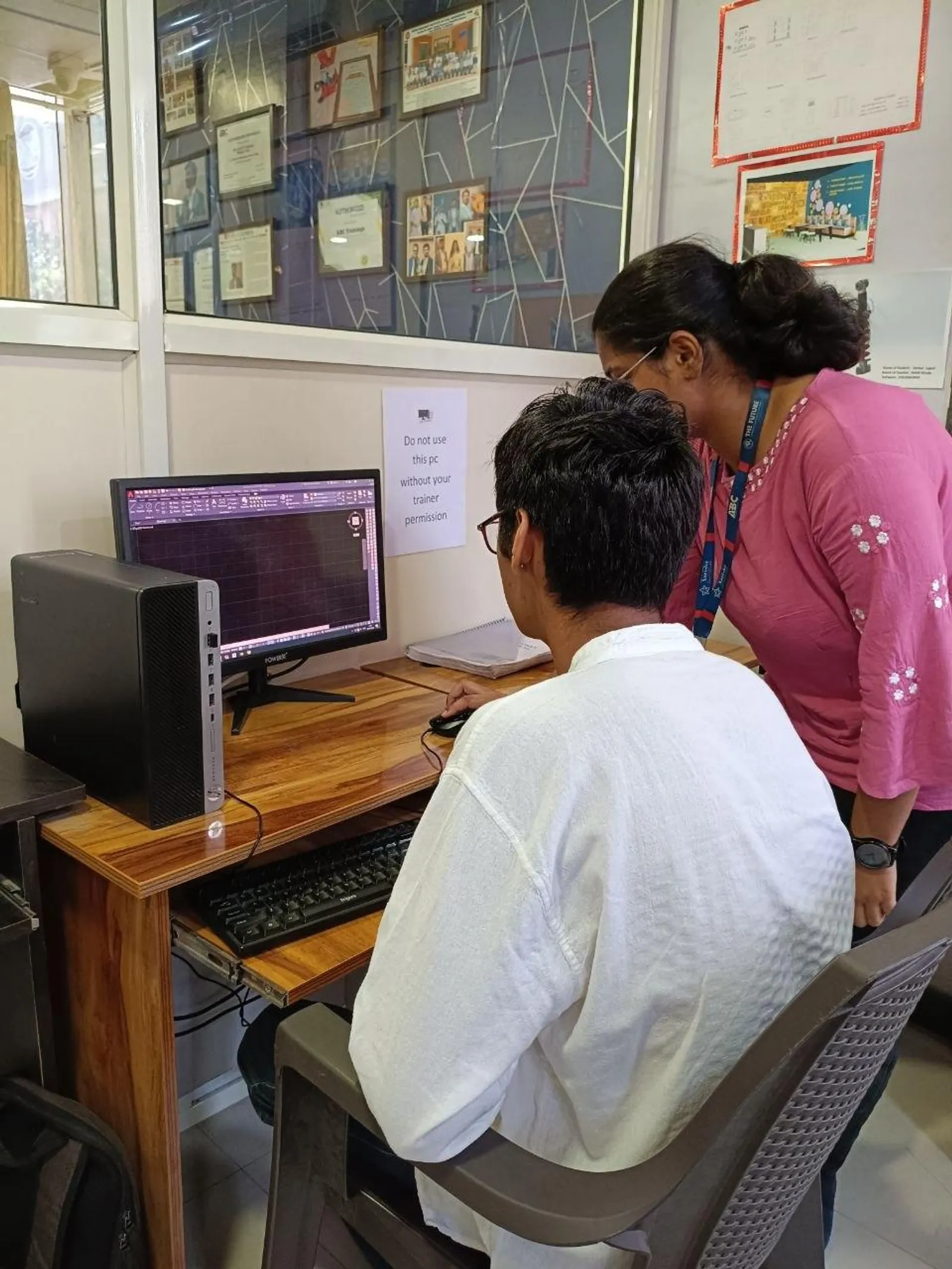
If you've already used regular AutoCAD and you're wondering whether AutoCAD Electrical in India 2026 is really a different tool or just AutoCAD with a new name, here's the thing: it's built specifically for electrical control design. That changes everything. Instead of drawing every wire, symbol, and reference manually, you work with electrical intelligence built into the software. For anyone planning to work on schematics, control panels, PLC I/O drawings, or machine wiring documentation in India, this matters a lot.
At the beginner level, people usually ask, “What is AutoCAD Electrical?” But once you know basic drafting, the better question is: how do professionals actually use it to save time and reduce errors? That's what we'll focus on here.

What is AutoCAD Electrical and why is it different from normal AutoCAD?
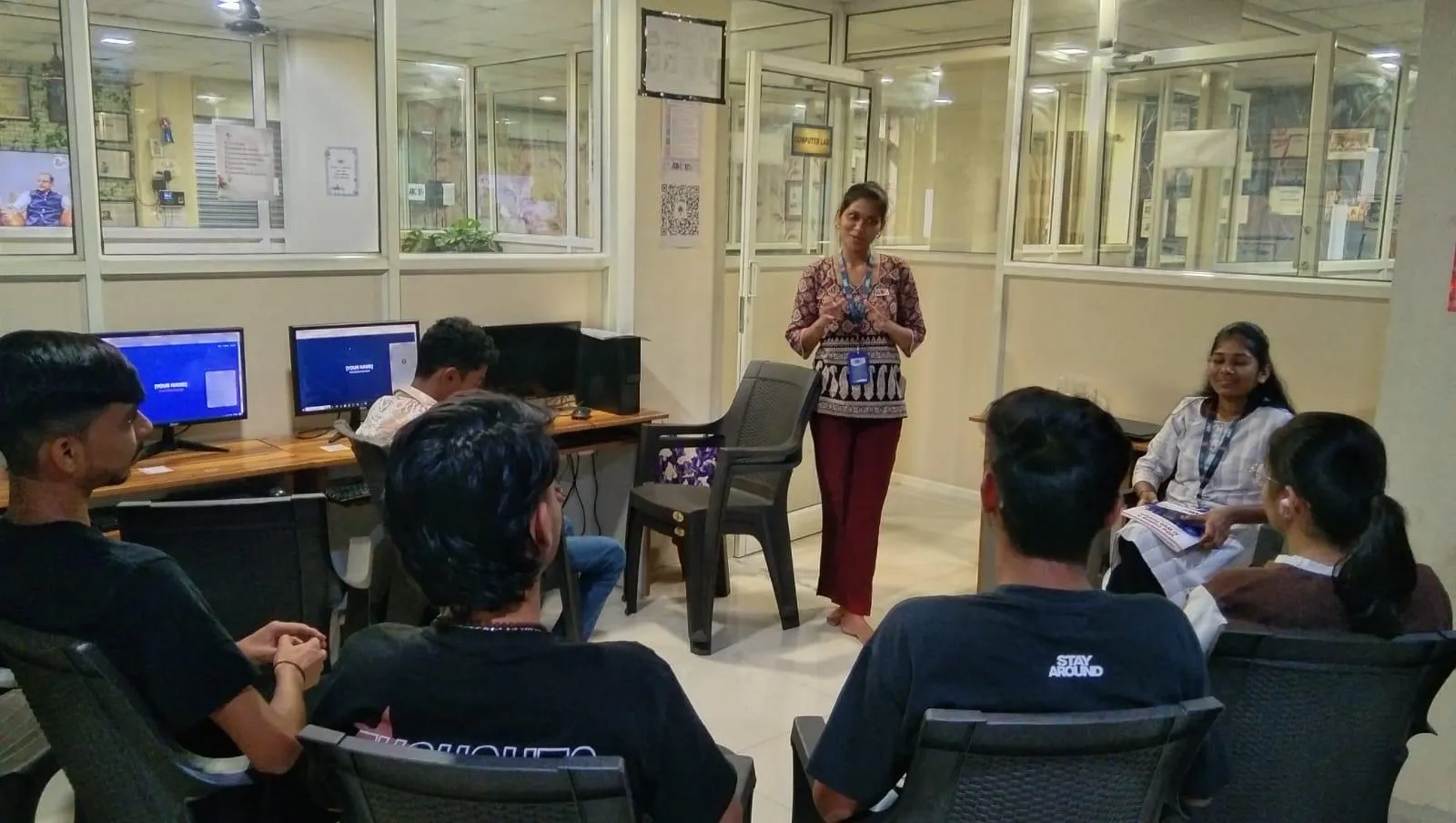
AutoCAD Electrical is Autodesk's specialized CAD platform for electrical engineers, panel designers, controls engineers, and drafting teams who create schematics, ladder diagrams, wiring drawings, panel layouts, and reports. In normal AutoCAD, you draw lines and blocks. In AutoCAD Electrical, those objects can carry electrical properties like component tags, wire numbers, cross-references, and catalog data.
What most people don't realize is that the real strength of AutoCAD Electrical isn't just symbol libraries. It's the rule-based workflow behind them. A push button, relay coil, terminal, fuse, or contactor isn't just a shape on screen. It can be linked to tags, parent-child references, terminal plans, BOM data, and wire connectivity. Trust me, once you start working on a 40-sheet control panel project, this is where the software earns its place.
That's why companies involved in industrial automation, machine building, process systems, and control panel manufacturing value this skill. Teams working for or with Siemens, Bosch, L&T, Thermax, Kirloskar, Tata Technologies, and Mahindra Engineering often need documentation that is fast to update and consistent across large projects.
Who should learn AutoCAD Electrical in Maharashtra and India?
The course described in the video is aimed at beginners, but the career value goes much wider. If you're an electrical engineering student, diploma holder, electronics student, or working draftsman, this software opens up a more specialized path than plain drafting.
In Maharashtra, we've seen three common groups benefit most:
- Diploma and BE students who want job-ready panel and schematic skills
- AutoCAD users who want to move from generic drafting into electrical design
- Working professionals in control panel, MCC, PLC, and industrial project documentation
The good news is, you don't need to be an expert in power systems before learning it. But you do need to understand basic electrical symbols, control logic, and drafting discipline if you want to use the advanced features properly.
How do professionals use AutoCAD Electrical beyond basic drawing?
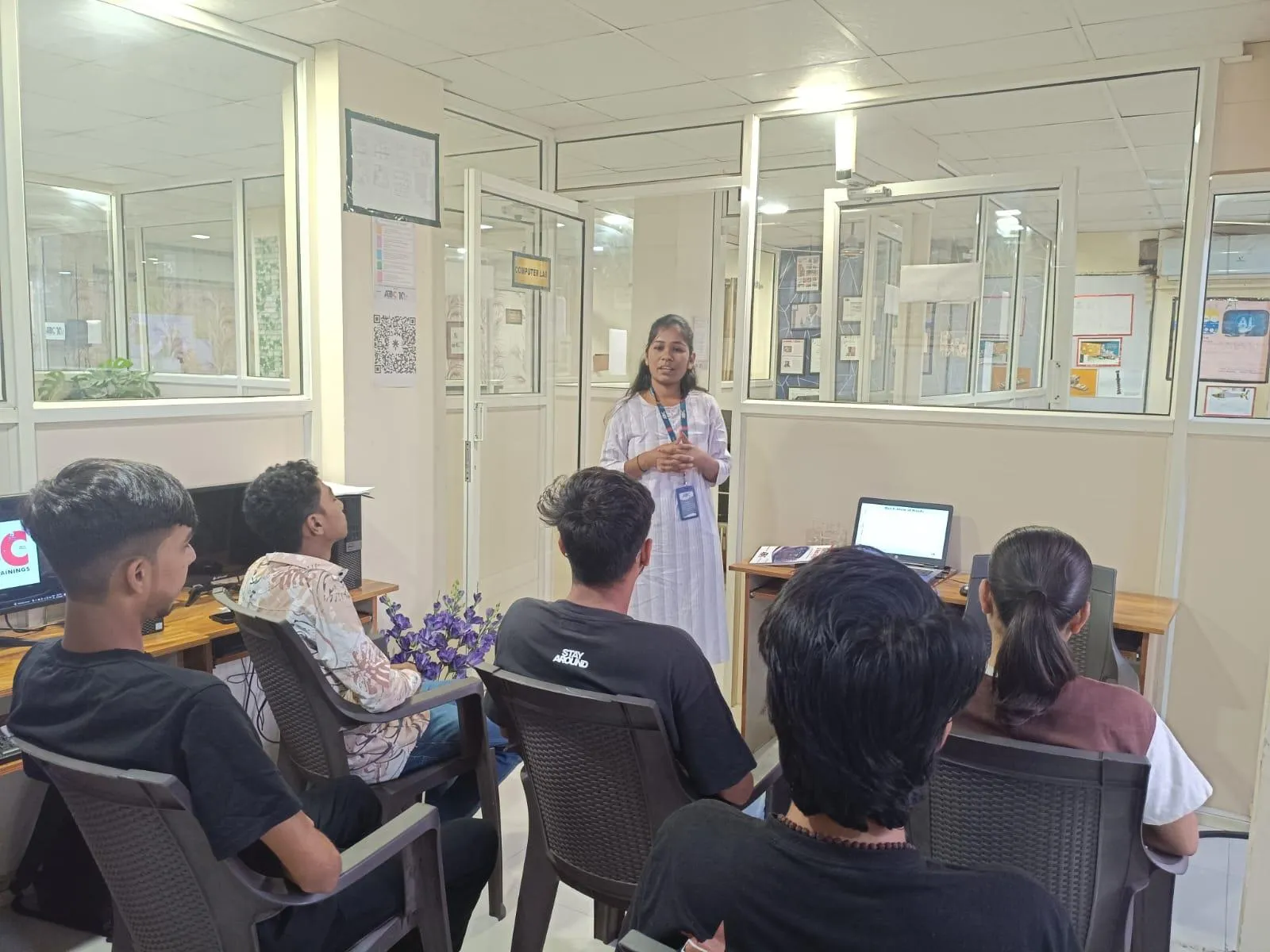
Once basics are clear, professionals stop treating AutoCAD Electrical like a drawing board and start treating it like a documentation system. That's the shift.
Here are the advanced workflows that matter in real projects:
1. Intelligent symbol insertion
Instead of exploding blocks and editing them manually, pros use the software's symbol libraries with proper attributes. This allows automatic tagging, cross-referencing, and report generation. If your symbols aren't intelligent, you're losing half the value of the software.
2. Wire number automation
Manual wire numbering causes errors fast, especially in revisions. AutoCAD Electrical lets you define numbering formats by project, drawing, or installation. In Indian panel shops, where last-minute client changes are common, automatic renumbering saves hours.
3. Parent-child component linking
This is critical for relays, contactors, and multi-contact devices. A parent component like a relay coil can be linked to child contacts placed on other sheets. When set correctly, cross-references update automatically. That's a big deal on multi-page control schematics.
4. Terminal planning and reports
Good electrical documentation isn't just about drawings. You also need terminal strip details, cable schedules, BOMs, and component reports. Advanced users build projects so these outputs are generated with minimal manual cleanup.
5. Project-wide updates
Here's where beginners struggle. They edit one sheet and forget the impact on the rest. Pros work at project level. That means title blocks, references, tags, and reports are managed across the full drawing set, not sheet by sheet.
Which AutoCAD Electrical settings should advanced users configure first?
If you're moving deeper into the software, don't ignore setup. Most efficiency problems come from poor configuration, not poor drafting speed.
Start with these:
- Project properties: define tagging rules, wire numbering format, and drawing defaults before drafting
- Symbol libraries: use IEC or JIC standards based on client requirement; many Indian industrial clients prefer consistency over creativity
- Catalog database: map components properly so reports are useful for procurement teams
- Layer standards: separate wires, devices, annotations, and panel geometry clearly
- Title block setup: standardize project metadata for faster issue and revision control
What most people don't realize is that even a talented draftsman becomes slow if the project setup is messy. Clean standards beat raw speed every time.
What drawings can you create in AutoCAD Electrical?
The video description mentions wiring diagrams, panel layouts, and circuit schematics. That's a solid starting point. In practice, advanced users also create:
- Control circuit schematics
- Power circuit drawings
- PLC I/O diagrams
- Interconnection drawings
- Terminal strip layouts
- Panel door and back plate layouts
- Cable schedules and from-to reports
- Bill of materials for manufacturing and procurement
If you want to work in control panel manufacturing in Pune, Chhatrapati Sambhajinagar, Nashik, Kolhapur, or Sangli, these deliverables are common. A designer who can produce both schematics and documentation outputs is usually more valuable than someone who only drafts layouts.
Is AutoCAD Electrical useful for jobs in India in 2026?
Yes, especially if you combine it with practical electrical design knowledge. On its own, software knowledge gets you shortlisted. With panel design logic, component understanding, and drawing standards, it gets you hired.
Typical roles include electrical CAD engineer, control panel design engineer, electrical draftsman, automation design support engineer, and PLC panel documentation engineer. In Maharashtra, fresher-level salaries often start around ₹15,000 to ₹22,000 per month in smaller firms. With real project skills, many candidates move to ₹25,000 to ₹38,000 per month. Engineers with stronger experience in industrial automation, MCC/PCC documentation, and client standards can reach ₹4.5 lakh to ₹7.5 lakh per year.
Companies supporting manufacturing, process plants, and automation projects around Pune, Chakan, Ranjangaon, Waluj, and MIDC zones regularly look for this skill. Bajaj Auto supplier networks, Bosch-related vendors, Siemens integrators, and industrial EPC support teams often value accurate electrical documentation.
How should you learn AutoCAD Electrical if you already know the basics?
Don't spend all your time on commands. Build a workflow mindset.
Here's the path I recommend:
- Learn project setup before detailed drafting
- Use intelligent symbols instead of plain blocks
- Practice wire numbering and tagging systems
- Create relay and contact cross-references across multiple sheets
- Generate reports and clean them for issue-ready output
- Build one full industrial panel project, not just isolated exercises
Trust me, one complete project teaches more than 20 disconnected tutorials. If you're serious about job preparation, work on a motor starter panel, PLC control panel, or pump control schematic with terminals, BOM, and panel layout together.
At ABC Trainings, students who go beyond symbol placement and actually understand project standards usually progress faster in interviews. If you want guidance on AutoCAD Electrical training in Maharashtra, you can call 8698270088 or WhatsApp 7774002496.
Why do advanced users still make mistakes in AutoCAD Electrical?
Because they draft fast but don't think system-wide. That's the truth.
The most common mistakes are:
- Using dumb blocks instead of intelligent components
- Skipping project setup and fixing tags later
- Ignoring catalog data until report generation fails
- Breaking cross-references during revisions
- Mixing panel layout geometry with schematic logic carelessly
The good news is these mistakes are fixable. Once you understand how the software connects devices, wires, and reports, your output becomes much cleaner. And cleaner output is exactly what employers want.
If you're from Pune, Chhatrapati Sambhajinagar, or Sangli and want to move from basic drafting into electrical design documentation, AutoCAD Electrical is worth learning properly. ABC Trainings works with students and professionals who want practical CAD skills that match real industry expectations, not just classroom demos.
Is AutoCAD Electrical better than normal AutoCAD for panel design?
Yes, for electrical work it's far better because it includes intelligent symbols, wire numbering, cross-references, and report generation. Normal AutoCAD can still be used for drafting, but most tasks remain manual. If you're creating control schematics, panel documentation, or terminal drawings, AutoCAD Electrical saves time and reduces revision mistakes. That's why it's preferred for electrical control design work.
Can a diploma student in Maharashtra learn AutoCAD Electrical?
Absolutely. Diploma students in Electrical or Electronics often do well because the software is practical and drawing-focused. If you already understand basic symbols, relays, switches, and control circuits, you'll pick it up faster. Many students from Sambhajinagar, Pune, and Sangli use it to move into panel design and drafting roles.
What salary can I get after learning AutoCAD Electrical in India?
Freshers usually start around ₹15,000 to ₹22,000 per month, depending on city, company size, and your practical skill level. If you can handle project setup, schematics, panel layouts, and reports confidently, salaries often move to ₹25,000 to ₹38,000 per month. With a few years of experience in industrial electrical design, you can aim for ₹4.5 lakh to ₹7.5 lakh per year or more.
Which is the best place to learn AutoCAD Electrical in Maharashtra?
Choose a training institute that teaches complete project workflow, not just commands and symbol insertion. You should learn schematics, wire numbering, references, reports, and panel documentation in one structured path. ABC Trainings is a strong option for students and working professionals in Maharashtra who want practical CAD training with job-focused guidance. You can contact them at 8698270088 or WhatsApp 7774002496.
Visit Our Centers
Chhatrapati Sambhajinagar
Corporate Office (HQ)
2nd Floor, Kandi Towers, Jalna Road, Amarpreet Chowk, Chhatrapati Sambhajinagar, Maharashtra 431001
Osmanpura Branch
Plot No 14, Shanya Sect, Near Sant Eknath Rang Mandir, Osmanpura, Chhatrapati Sambhajinagar, Maharashtra 431005
CIDCO Branch
Plot No 4, N-3, Cidco, Opp. High Court, Chhatrapati Sambhajinagar, Maharashtra 431003
Pune
Wagholi Branch
1st Floor, ABC Trainings, Laxmi Datta Arcade, Pune - Ahilyanagar Hwy, Wagholi, Pune, Maharashtra 412207
Hadapsar Branch
Bloom Hotel, ABC Trainings 1st Floor, S.no 156/3 Shree Tower Pune - Solapur Rd, Hadapsar, Pune, Maharashtra 411028
Sangli
Sangli Branch
2nd Floor, Vasant Market, Opp. City High School, Sangli, Maharashtra 416416
Start Your Career Journey Today
Join 10,000+ students who transformed their careers with ABC Trainings.
💬 WhatsApp: 7774002496📞 Call: 8698270088