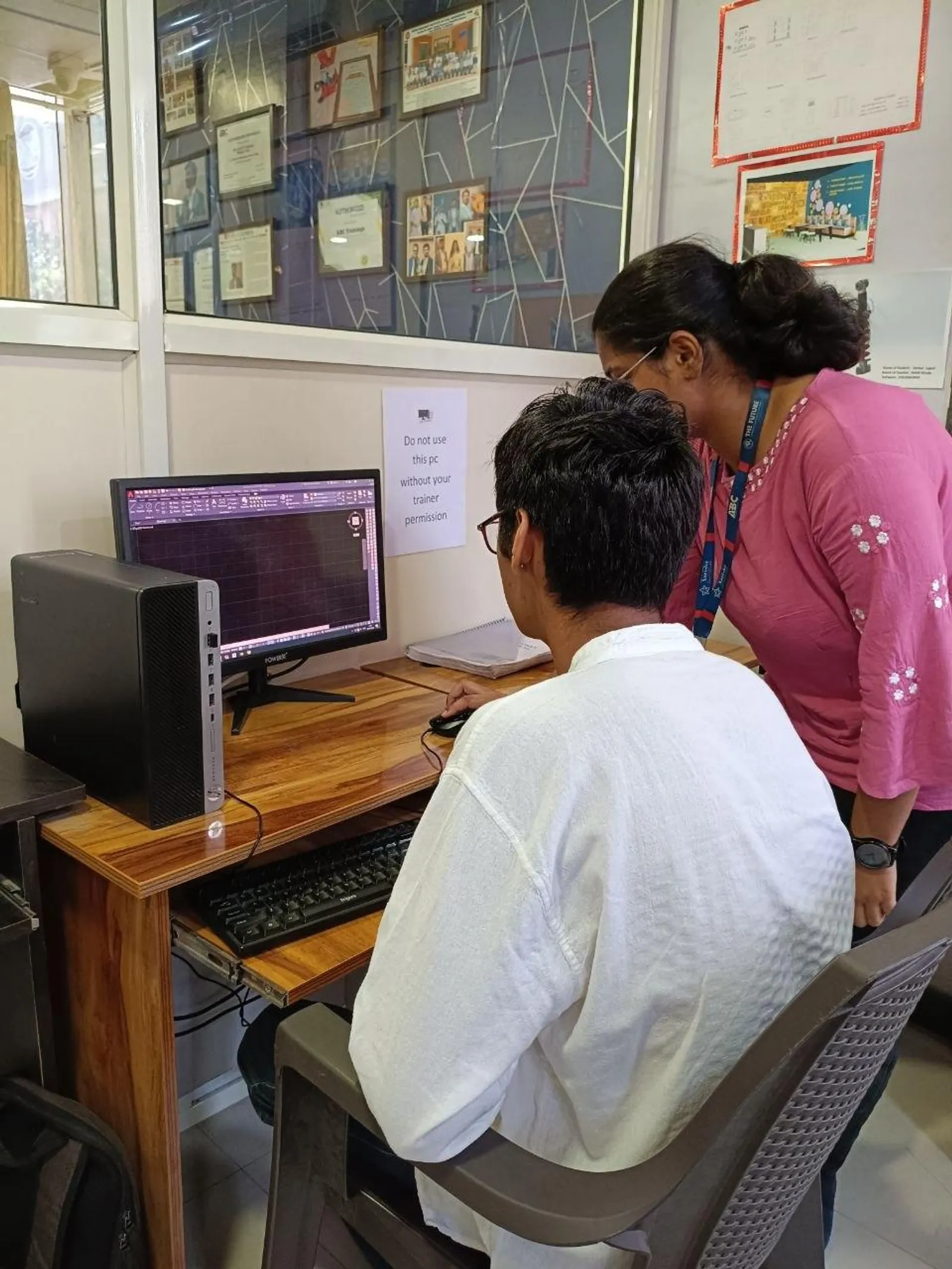
If you're already comfortable with commands, layers, blocks, xrefs, plotting, and basic automation, the next step is not just using AI tools in AutoCAD. It's using them safely. That's where most users get stuck. AI Power Tools for AutoCAD India 2026 is not really about generating code faster. It's about validating that code before it touches a live project. Here's the thing: one unchecked AI-generated routine can damage hundreds of drawings in a production environment. If you're working on civil layouts, architecture plans, or interior detailing, you need a workflow that protects speed, standards, and client trust.

The video focuses on one of the most important professional habits: validating code before using it in production. Trust me, this is exactly what separates a learner from a dependable CAD professional. At companies like Tata Technologies, L&T, Mahindra Engineering, Bosch, Siemens, and Kirloskar, nobody cares that your script looked smart in a demo. They care that it runs correctly on real files, with real layers, real scales, and messy project conditions.
Why should you validate AI-generated AutoCAD code before production?
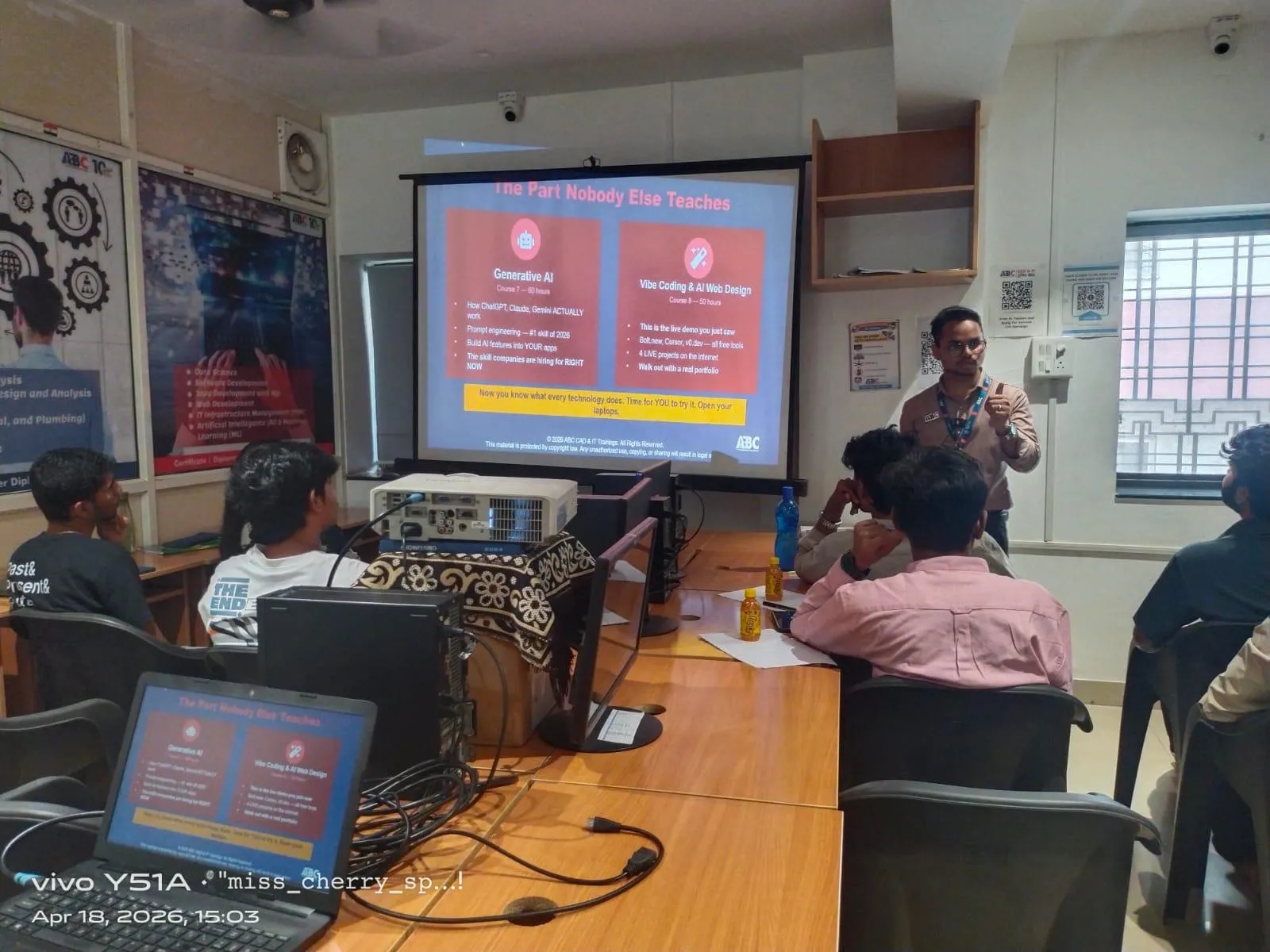
Because production drawings are never clean. That's what most people don't realize. Your AI-generated AutoLISP, script, or macro may work perfectly in an empty file and still fail in an actual project drawing with old blocks, frozen layers, annotation scales, proxy objects, or naming conflicts.
In Indian project offices, especially in Pune, Chhatrapati Sambhajinagar, Mumbai, and Nashik, teams often work on reused templates from previous jobs. A civil site plan may carry survey layers from one consultant, architecture plans from another, and plotting setups from a third. If your code changes text styles, renames layers, explodes blocks, or edits attributes without checks, you'll create avoidable rework.
The good news is, once you set up a validation routine, you'll work faster and with much more confidence.
How do AutoCAD professionals test AI scripts safely?
Start with a clean drawing. Always. Create an empty DWG using the exact template version your company uses, whether that's AutoCAD 2024, AutoCAD 2025, or AutoCAD 2026. Load the AI-generated script there first and watch for three things: load errors, command termination, and unexpected object creation.
Then move to controlled sample files. Don't jump straight to a live client project. Create a test set with:
- One small file with basic layers and standard blocks
- One medium file with xrefs and dimensions
- One messy file with duplicate blocks, odd scales, and consultant data
This is the kind of testing workflow experienced CAD managers prefer because it shows whether your code is stable across common project conditions.
What should you check in layers, blocks, and scales before running a script?
This is where advanced users save hours. Before running any AI-generated routine, verify the drawing environment. Check if the script assumes specific layer names like A-WALL, C-ROAD, or TEXT-ANNO. If those layers don't exist, what happens? Does the code fail, or does it create wrong layers automatically?
Next, inspect block definitions. In architecture and interiors, block names are often reused but defined differently from project to project. A door block in one file may not match the attributes in another. If your AI routine edits block attributes, count, rotation, or visibility states, test on multiple block libraries first.
Scale is another silent problem. Civil drawings, interior layouts, and municipal submissions often carry different annotation scales. If your script places text, dimensions, hatches, or leaders, confirm that it behaves correctly at 1:50, 1:100, 1:200, and layout viewport conditions.
What most people don't realize is that many script failures are not coding failures. They're environment failures.
Which industry-standard settings matter most for advanced AutoCAD automation?
If you want a production-safe workflow, lock down your standards before automation. Focus on these settings:
- Layer naming rules and color standards
- Text styles, dimension styles, and multileader styles
- Units, insertion scale, and annotation scale
- Plot styles and page setup templates
- Block library version control
- Xref path rules and file naming conventions
Let's be practical. If you're sending files to clients, consultants, or execution teams, your automation should support standards, not override them. That's why senior drafters at firms working with Bajaj Auto, Thermax, Siemens, or Tata Technologies rely on template-driven testing. They don't just ask, “Does the code run?” They ask, “Does it preserve office standards?”
How can you prevent AI scripts from damaging real project drawings?
Use a four-step protection method.
1. Work on copies, never originals
Create a duplicate project folder or use a revision-tagged test copy. Never test directly on the issued drawing set.
2. Save before every script run
Simple, but critical. If the script hangs AutoCAD or corrupts object properties, you need a rollback point.
3. Run one task at a time
Don't validate a huge multi-function routine first. Test layer creation, block edits, text replacement, and cleanup as separate operations.
4. Review command line output
Power users don't ignore the command line. Warnings, skipped objects, nil values, missing selections, or style conflicts usually show up there first.
Trust me, this habit alone can save a project coordinator from a full day of repair work.
What is the best workflow for civil, architecture, and interior drawings?
Different disciplines need different validation priorities.
Civil drawings
Check coordinate behavior, polyline integrity, annotation scale, and layer mapping. If the script modifies contours, road centerlines, plot boundaries, or quantity layers, verify geometry after every run.
Architecture drawings
Focus on blocks, room tags, dimensions, hatches, wall layers, and sheet consistency. Architecture files often break when AI routines assume one universal naming standard.
Interior drawings
Test furniture blocks, material tags, text alignment, dynamic blocks, and layout sheets. Interior teams often work under tighter client revision cycles, so a small automation error spreads fast.
If you're aiming for jobs in Pune or Chhatrapati Sambhajinagar, this discipline-specific testing mindset matters. Companies hiring CAD professionals often prefer candidates who can protect drawing quality, not just create geometry quickly.
What are the advanced efficiency tricks experienced AutoCAD users follow?
Here are a few habits I teach advanced learners:
- Maintain a dedicated script testing folder with sample DWGs by discipline
- Keep a validation checklist in Notepad or Excel before every production run
- Use standard templates only, never random downloaded files
- Name automation files clearly by function and version
- Document what the script changes: layers, blocks, text, dimensions, xrefs
- Retest after every edit, even if the change looks minor
Here's the thing: advanced productivity is not about flashy tools. It's about repeatable control. A drafter earning ₹18,000 to ₹25,000 per month may use automation casually. A skilled CAD engineer earning ₹35,000 to ₹55,000 in Pune, Nashik, or Mumbai usually has a repeatable QA workflow. In larger firms and vendor environments supporting Infosys campuses, TCS facilities, industrial layouts, or manufacturing drawings, strong CAD automation habits can push experienced professionals into the ₹6.5 lakh to ₹9 lakh annual range.
Where can you learn production-safe AutoCAD automation in Maharashtra?
If you want to go beyond basic commands and actually understand how professionals validate AI-generated AutoCAD routines, learn in an environment where project discipline matters. ABC Trainings has worked with thousands of students across Maharashtra and focuses on practical CAD workflows that match real office expectations. If you want details about advanced AutoCAD, AI Power Tools, or automation-oriented training, call 8698270088 or WhatsApp 7774002496.
The good news is, once you build these habits, you'll stop treating AI output as magic and start treating it like production code. That's the right mindset for 2026 and beyond.
Is AI Power Tools for AutoCAD useful for civil and architecture students in Maharashtra?
Yes, but only if you already know core AutoCAD basics and want to work faster without risking drawing quality. Civil, architecture, and interior students in Pune, Chhatrapati Sambhajinagar, Sangli, and Nashik can benefit from AI-assisted scripting and automation. The key is learning validation, testing, and standards before using any code on live projects.
Can AI-generated AutoCAD scripts be used directly in client drawings?
No, that's not a safe professional practice. You should always test scripts first in a clean drawing, then in sample files with different layers, scales, and block definitions. In Indian project environments, consultant files vary a lot, so direct use in client drawings can cause errors, rework, or standard mismatches.
What salary can an advanced AutoCAD professional earn in Maharashtra in 2026?
A fresher with only basic drafting may start around ₹15,000 to ₹22,000 per month depending on city and domain. A professional who understands advanced workflows, QA checks, and automation validation can move toward ₹30,000 to ₹55,000 per month in cities like Pune and Mumbai. With strong project exposure, some specialists in industrial, architectural, or engineering support roles can earn even more.
Where can I learn advanced AutoCAD best practices with real project workflow?
Look for training that covers templates, standards, blocks, scales, plotting, and script validation instead of just commands. ABC Trainings is one option in Maharashtra for students who want practical, job-oriented CAD learning. You can call 8698270088 or WhatsApp 7774002496 to ask about advanced AutoCAD and AI Power Tools training.
Visit Our Centers
Chhatrapati Sambhajinagar
Corporate Office (HQ)
2nd Floor, Kandi Towers, Jalna Road, Amarpreet Chowk, Chhatrapati Sambhajinagar, Maharashtra 431001
Osmanpura Branch
Plot No 14, Shanya Sect, Near Sant Eknath Rang Mandir, Osmanpura, Chhatrapati Sambhajinagar, Maharashtra 431005
CIDCO Branch
Plot No 4, N-3, Cidco, Opp. High Court, Chhatrapati Sambhajinagar, Maharashtra 431003
Pune
Wagholi Branch
1st Floor, ABC Trainings, Laxmi Datta Arcade, Pune - Ahilyanagar Hwy, Wagholi, Pune, Maharashtra 412207
Hadapsar Branch
Bloom Hotel, ABC Trainings 1st Floor, S.no 156/3 Shree Tower Pune - Solapur Rd, Hadapsar, Pune, Maharashtra 411028
Sangli
Sangli Branch
2nd Floor, Vasant Market, Opp. City High School, Sangli, Maharashtra 416416
Start Your Career Journey Today
Join 10,000+ students who transformed their careers with ABC Trainings.
💬 WhatsApp: 7774002496📞 Call: 8698270088