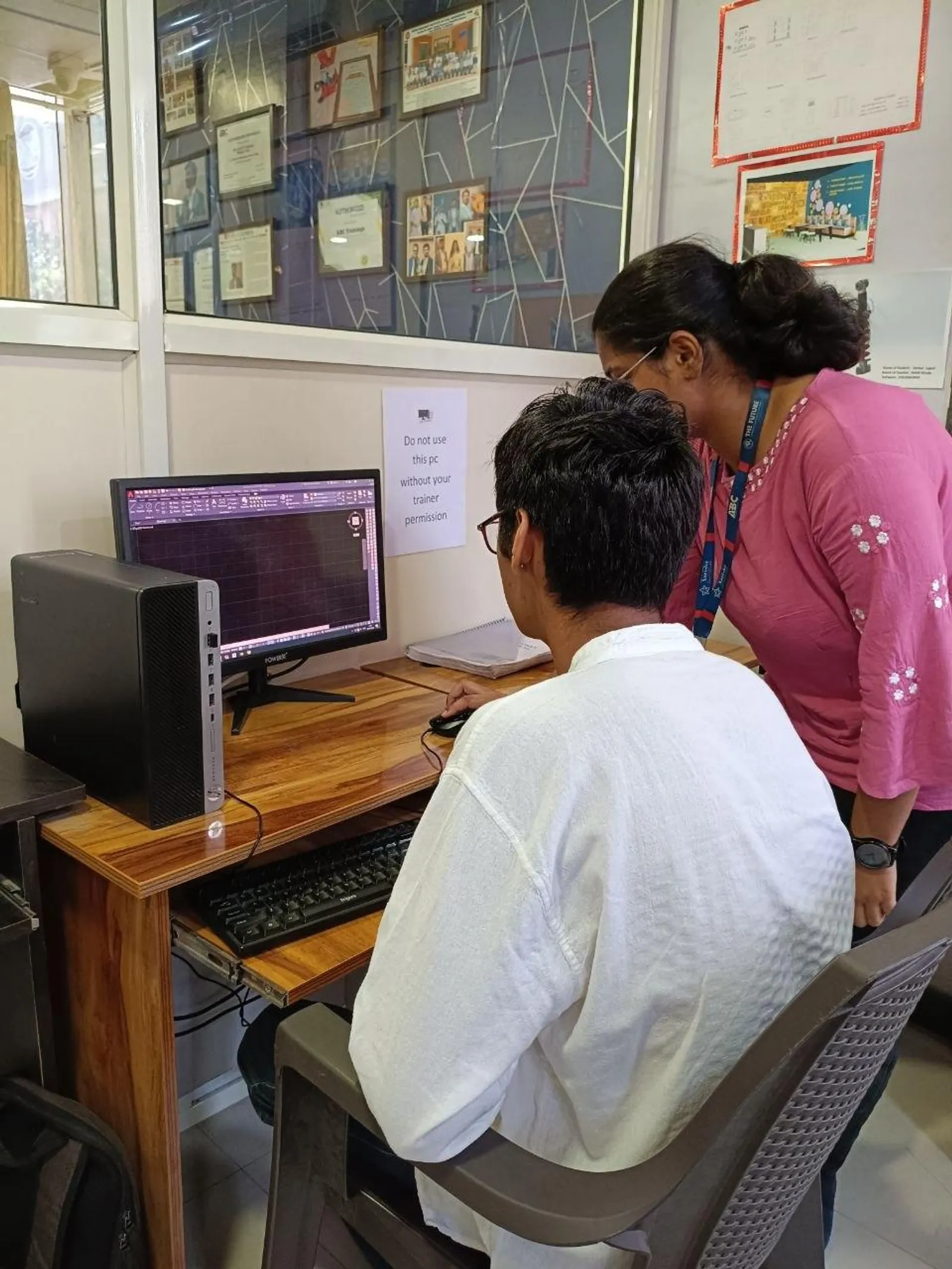
If you've already used plain AutoCAD and you're now stepping into AutoCAD Electrical wiring diagrams in India 2026, here's the thing: the software isn't just AutoCAD with a few electrical blocks added. It's built for electrical control designers who need repeatable symbols, smart wires, automatic tagging, cross-references, and reports that actually save time on real projects. That's why companies like Siemens, Bosch, L&T, Tata Technologies, and Mahindra Engineering prefer engineers who can do more than draw lines and circles. They want people who understand the logic behind electrical CAD production.

This lesson is really about understanding what AutoCAD Electrical is used for and how to move from basic drafting into a proper professional workflow. If you're an electrical engineering student, diploma holder, or working designer in Chhatrapati Sambhajinagar, Pune, or Sangli, this is where your speed and accuracy start improving. Trust me, once you stop treating it like normal AutoCAD, your drawings become cleaner, faster, and far easier to revise.
What is AutoCAD Electrical actually used for in industry?

AutoCAD Electrical is mainly used for wiring diagrams, circuit schematics, control panel drawings, terminal plans, and PLC I/O documentation. What most people don't realize is that its biggest value is not drawing symbols. It's managing data inside the drawing.
In a normal AutoCAD file, you manually place blocks, text, and lines. In AutoCAD Electrical 2024 or 2025, symbols can carry device tags, descriptions, catalog data, locations, and installation codes. Wires can be numbered automatically. Components can cross-reference each other. Parent-child relationships can be tracked for relays and contacts. That's the difference between a student drawing and a production drawing.
If you're aiming for electrical design roles in Pune, Nashik, Aurangabad, or Mumbai, these are exactly the workflows used in panel manufacturing, machine automation, and industrial controls.
How do professionals set up AutoCAD Electrical before drawing?
Before you draw anything, set up the project correctly. The good news is, this step is simple once you understand what matters.
Start with these essentials:
- Project structure: Create a project file and organize drawings by power, control, PLC, terminal, and panel layout sheets.
- Drawing properties: Define title block defaults, drawing format, IEC or JIC standard, wire numbering style, and tag format.
- Symbol library: Choose the right library from the start. In India, many control panel designers work with IEC symbols because they match industrial documentation better.
- Layer discipline: Keep schematic wires, panel footprints, dimensions, and annotations separated properly.
Here's a power-user tip: don't keep changing standards mid-project. If you start with IEC and later mix in custom unmanaged blocks, your reports and cross-references become messy. That's one of the most common mistakes beginners make.
How do you create wiring diagrams faster in AutoCAD Electrical?
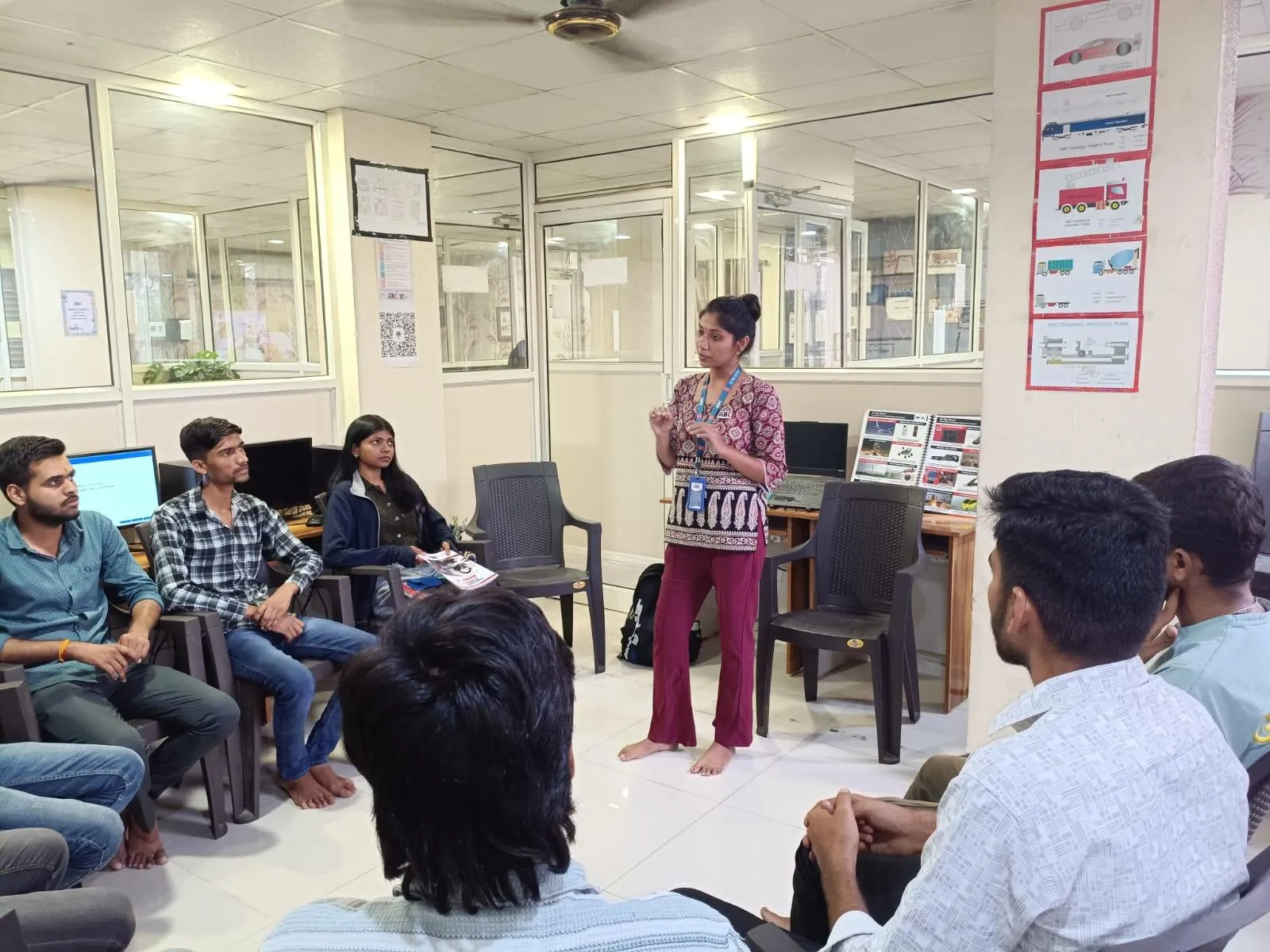
The fastest workflow is to use the software's intelligence instead of drafting everything manually.
Use icon menu insertion for symbols rather than exploding blocks from old files. Insert ladders first if you're building control schematics. Then place components directly onto wires so the software understands connections. Let AutoCAD Electrical assign tags and wire numbers based on project settings.
For example, if you're designing a motor starter control circuit, your workflow should look like this:
- Create the ladder or wire network.
- Insert push buttons, contactor coil, overload relay, MCB, and indicator lamps from the library.
- Assign device tags automatically.
- Insert child contacts linked to the parent relay or contactor.
- Run wire numbering.
- Generate cross-references and update descriptions.
Trust me, this is much faster than drafting from scratch. It also reduces the classic revision problem where one tag changes on sheet 1 but not on sheet 8.
How does wire numbering and component tagging work?
This is where AutoCAD Electrical starts feeling like a real electrical design tool.
Wire numbering can be based on sequential count, reference-based location, or custom project rules. In Indian panel design jobs, many companies prefer reference-based numbering because it's easier for shop-floor technicians and maintenance teams to follow.
Component tagging should also follow a standard format. A practical example is using tags like PB101, CR201, M101, or TR1 based on device class and location. If you're working on PLC panels or MCC designs, consistency matters more than creativity.
What most people don't realize is that bad tagging creates downstream problems in BOMs, ferrule schedules, and troubleshooting. A designer earning ₹18,000 to ₹25,000 per month in a small panel shop may survive with inconsistent tags. But if you want ₹30,000 to ₹45,000 in Pune or ₹50,000+ in a company working on industrial automation projects, your documentation standards must be tight.
How are panel layouts and schematics connected?
Many learners treat schematics and panel layouts as separate drawings. In real projects, they should support each other.
The schematic tells you logical connection. The panel layout tells you physical mounting. In AutoCAD Electrical, you can use footprint symbols linked to schematic components. That means the contactor shown in the schematic can also appear as a panel footprint with matching data.
This matters when creating:
- DIN rail layouts
- Back plate mounting drawings
- Door-mounted push button layouts
- Terminal strip arrangements
- PLC module placement
If you've ever seen panel design work done for manufacturing vendors supporting Bajaj Auto, Thermax, Kirloskar, or Bosch, you'll notice one thing: the documentation is structured so fabrication, wiring, and inspection teams all read the same logic. AutoCAD Electrical helps you maintain that consistency.
What advanced features should electrical designers learn after basics?
Once you're comfortable with symbols and wires, focus on the features that improve production speed.
PLC module tools
Instead of manually drawing every input and output point, use PLC utilities to insert modules and assign addresses properly. This is especially useful in automation jobs connected to Siemens or industrial machine control.
Terminal planning
Terminal strips are often ignored in beginner training, but they're critical in real panel documentation. Learn terminal insertion, numbering, and terminal reports early.
Cross-referencing
For relays, contacts, and off-page connectors, automatic cross-reference tools save hours during revisions.
Reports and BOMs
Generate component reports, from/to wire lists, and bills of materials directly from drawing data. Don't type these manually unless the client format forces it.
Catalog data management
Adding manufacturer and part data makes your drawings useful for procurement teams too. That's a big advantage in industry.
Which settings and habits make drawings look professional?
Good electrical CAD work is not just about software commands. It's about discipline.
- Use one symbol standard throughout the project.
- Keep wire spacing consistent for readability.
- Use parent-child relationships correctly for relays and contacts.
- Don't explode intelligent symbols unless absolutely necessary.
- Audit project data before issuing drawings.
- Update title blocks, revision tables, and drawing descriptions every time.
- Place components logically, not just wherever they fit on screen.
Here's the thing: many students can complete an exercise, but very few can produce issue-ready drawings. That's the gap employers notice immediately.
Who should learn AutoCAD Electrical deeply in Maharashtra?
This skill is ideal for electrical engineering students, diploma holders, E&I technicians moving into design, and working professionals in panel building or automation support. If you're in Chhatrapati Sambhajinagar, Pune, Sangli, Nashik, or Kolhapur, there are steady opportunities in control panel manufacturing, MEP coordination, industrial project documentation, and machine electrical design.
At entry level, students with only basic AutoCAD often get stuck around ₹15,000 to ₹22,000 per month. With proper AutoCAD Electrical workflow knowledge, practical projects, and drawing standards, many candidates move into the ₹25,000 to ₹40,000 range faster, especially when combined with PLC or industrial automation exposure.
If you want structured practice, ABC Trainings covers practical electrical drafting workflows instead of only command demonstrations. You can call 8698270088 or WhatsApp 7774002496 to check current batches.
How do you practice AutoCAD Electrical the right way?
Don't just draw random symbols. Build complete mini-projects.
Practice these in sequence:
- Single-phase control circuit with push buttons, relay, and lamp.
- DOL starter schematic with overload and contactor logic.
- Terminal strip drawing with wire numbers.
- PLC input-output drawing with module addressing.
- Simple panel layout linked to the schematic.
The good news is, once you complete 4 to 5 full documentation sets, your confidence changes completely. You'll stop thinking like a beginner and start thinking like a design engineer.
If you're serious about electrical CAD careers in Maharashtra, this is one of the smartest software specializations to add. And yes, it still matters in 2026 because factories, panel builders, EPC contractors, and automation vendors still need accurate documentation every single day. ABC Trainings has seen this firsthand with students moving from theory-heavy learning into actual project-based drafting.
Is AutoCAD Electrical better than normal AutoCAD for panel design?
Yes, for electrical schematics and panel documentation it is much better. Normal AutoCAD can draw the same shapes, but AutoCAD Electrical adds smart symbols, wire numbering, cross-references, reports, and project-level data management. If you're planning to work in control panel design in India, learning the electrical version gives you a clear advantage.
Can diploma students in Maharashtra learn AutoCAD Electrical easily?
Yes, diploma students in Electrical or Electronics can learn it well if they already understand basic circuits and drafting. Start with symbol libraries, ladders, wire insertion, and tagging before moving to PLC and panel layouts. With practice, many diploma students become productive junior electrical CAD designers within a few months.
Which companies in India value AutoCAD Electrical skills?
Companies involved in industrial automation, machine building, electrical panels, and engineering services value these skills. Depending on the role, employers or clients may include Siemens vendors, Bosch-related manufacturing setups, L&T projects, Tata Technologies support environments, and Mahindra Engineering supply chains. The exact software stack may vary, but clean electrical documentation is always valued.
Where can I learn AutoCAD Electrical in Chhatrapati Sambhajinagar?
You can learn through a practical job-oriented course that includes schematics, wiring diagrams, PLC documentation, and panel layouts. Look for training that teaches project setup, standards, reports, and revision handling instead of only symbols and commands. For current AutoCAD Electrical training details, you can contact ABC Trainings at 8698270088 or WhatsApp 7774002496.
Visit Our Centers
Chhatrapati Sambhajinagar
Corporate Office (HQ)
2nd Floor, Kandi Towers, Jalna Road, Amarpreet Chowk, Chhatrapati Sambhajinagar, Maharashtra 431001
Osmanpura Branch
Plot No 14, Shanya Sect, Near Sant Eknath Rang Mandir, Osmanpura, Chhatrapati Sambhajinagar, Maharashtra 431005
CIDCO Branch
Plot No 4, N-3, Cidco, Opp. High Court, Chhatrapati Sambhajinagar, Maharashtra 431003
Pune
Wagholi Branch
1st Floor, ABC Trainings, Laxmi Datta Arcade, Pune - Ahilyanagar Hwy, Wagholi, Pune, Maharashtra 412207
Hadapsar Branch
Bloom Hotel, ABC Trainings 1st Floor, S.no 156/3 Shree Tower Pune - Solapur Rd, Hadapsar, Pune, Maharashtra 411028
Sangli
Sangli Branch
2nd Floor, Vasant Market, Opp. City High School, Sangli, Maharashtra 416416
Start Your Career Journey Today
Join 10,000+ students who transformed their careers with ABC Trainings.
💬 WhatsApp: 7774002496📞 Call: 8698270088