AI-Powered AutoCAD (Civil) – Episode 10: Boosting Drafting Productivity with AI Tools, Plugins & Automation (Updated June 2026)
Pune Metro Line 3 broke ground in May 2026, and BIM is now mandatory on Maharashtra government projects above ₹100 crore — which means civil and architectural firms bidding on those contracts are under competitive pressure to deliver drawings faster without adding headcount. AI-powered drafting tools are the answer, and Episode 10 of our AI PowerTool AutoCAD (Civil) series covers exactly how they work: auto-annotation that identifies rooms, walls, and symbols in a drawing and applies tags automatically; object recognition that converts scanned PDFs and hand sketches into editable CAD geometry; smart block placement that detects wall openings and positions door and window blocks correctly without manual snapping; and auto-dimensioning plugins that analyse geometry and apply dimensions in a single run. I have been training civil drafters for over a decade, and the good news is these tools are genuinely learnable in days, not months — and they immediately make you more employable.

- Episode 10 covers AI drafting productivity tools: auto-annotation, object recognition, smart block placement, and auto-dimensioning plugins for AutoCAD
- Civil AutoCAD drafters with AI tool skills earn ₹4–₹8 LPA versus ₹2.5–₹4 LPA for manual-only drafters in Maharashtra
- Key hirers: L&T Construction ECC Pune, AECOM India Hadapsar, Shapoorji Pallonji, AFCONS, MSRDC, AURIC development
- CMYKPY scheme gives Maharashtra students ₹6,000–₹10,000/month during AI AutoCAD training
- ABC Trainings AI AutoCAD batches at Wagholi, Hadapsar (Pune), Cidco, Osmanpura (Sambhajinagar), and Sangli
The Productivity Gap: What AI Tools Change About Civil Drafting in AutoCAD
A skilled manual AutoCAD drafter can produce a detailed floor plan drawing in six to eight hours. An AutoCAD drafter who knows how to use AI tools and plugins correctly can produce the same drawing in two to three hours. That productivity gap is not about working harder — it is about eliminating the repetitive, low-judgment steps that consume most of a drafter's working day: manually picking annotation insertion points, re-tracing scanned site survey sketches, clicking to place each door and window block one at a time, applying dimensions line by line. AI tools handle these steps automatically, freeing the drafter to focus on the aspects that actually require human judgment: spatial layout decisions, code compliance checking, and client communication. Episode 10 is a systematic tour of the AI tools and plugins that create this productivity gain in AutoCAD.

Auto-Annotation and Object Recognition: How AI Tags Your Drawings
Auto-annotation tools use machine learning to read the geometry in an AutoCAD drawing and apply labels automatically. They identify closed polyline regions as rooms and apply a room tag with the area calculated from the geometry. They recognise standard block symbols (doors, windows, fixtures) and apply the correct tag text without manual input. They detect wall lines and apply wall type annotations from a pre-defined tag style. The practical result: annotating a full floor plan that would take 45 minutes to tag manually takes under five minutes with auto-annotation active. Object recognition goes further: some tools (like those built into AutoCAD 2025 and later) can analyse a scanned PDF or JPEG of a hand sketch, identify walls, openings, and furniture outlines, and convert them into editable AutoCAD geometry. The converted geometry is not perfect — small corrections are always needed — but it eliminates the two-hour trace-and-redraw task that takes up a significant chunk of any drafter's workday.
AI drafting productivity tools — AutoCAD Civil Episode 10 curriculum
Smart Block Placement: AI-Assisted Door, Window, and Fixture Positioning
Smart block placement is one of the most immediately useful AI features in AutoCAD for civil and architectural work. Traditional block insertion requires the user to specify an exact insertion point, rotation angle, and scale — three decisions per block, per placement. For a floor plan with 30 door and window openings, that is 90 manual decisions and probably 15–20 corrections for blocks that were placed slightly off the wall centreline. Smart block placement tools detect wall openings automatically (using the geometric gap in a wall polyline), determine the correct rotation from the wall direction, and place the block with a single click or even automatically across all openings matching a pattern. Episode 10 demonstrates this on a 2BHK floor plan: placing all 14 doors and windows manually takes 22 minutes; smart placement takes 4 minutes. The time saving compounds across a full project with multiple floors.
Auto-Dimensioning Plugins: Getting Accurate Dimensions Without Manual Work
Auto-dimensioning plugins analyse the AutoCAD geometry and apply dimensions according to a set of rules: dimension all horizontal wall segments along the top of the floor plan, dimension all vertical wall segments along the right side, apply internal dimensions to each room at centreline height, and apply overall building dimensions outside the floor plan boundary. This takes one click versus the standard manual approach of individually applying Dimension commands to each line segment. More sophisticated plugins also check dimensions against building code requirements — flagging rooms that are below minimum area or corridors that are below minimum width — so code compliance issues are caught before the drawing goes to the municipal office. Episode 10 covers two auto-dimensioning plugins available for AutoCAD Civil 3D and standard AutoCAD, their configuration, and how to customise the dimension style to match your firm's standard drawing template.
Civil Drafter Jobs Across Maharashtra: Salaries for AI-Skilled vs Manual Drafters
The salary premium for AI-skilled civil AutoCAD drafters in Maharashtra is significant and growing. Standard manual drafters (no AI tools) earn ₹2.5–₹4 LPA fresher. Drafters proficient in AI annotation tools, smart block placement, and auto-dimensioning earn ₹4–₹8 LPA fresher — double the manual rate. With 3+ years and a portfolio showing AI-assisted project delivery, salaries reach ₹8–₹14 LPA at architectural firms and civil design consultancies. Key employers in Pune: L&T Construction ECC (offices in Kondhwa and Hadapsar), AECOM India Hadapsar, Shapoorji Pallonji Viman Nagar, AFCONS Infrastructure Kharadi, and WSP India Hinjewadi. In Sambhajinagar: PWD Maharashtra, MSRDC, and AURIC City development authority (Bidkin Industrial Area). In Sangli: Kupwad MIDC area firms and SMMMA infrastructure projects. Source: AmbitionBox, Naukri Salary Insights 2025–2026.
Register for the AI AutoCAD Course at ABC Trainings
ABC Trainings runs the AI PowerTool AutoCAD (Civil, Architecture, Interiors) course — covering all 15 episodes from Episode 1 (AI tool introduction and AutoCAD setup) through Episode 10 (productivity tools and plugins) to Episode 15 (capstone project) — at five Maharashtra centres. CMYKPY (Chief Minister Yuva Karya Prashikshan Yojana) provides ₹6,000–₹10,000/month to eligible domicile students during training. PMKVY 4.0 and self-funded options available. Centres: Wagholi (Laxmi Datta Arcade, Pune-Ahilyanagar Highway), Hadapsar (Shree Tower, opp. Vaibhav Theater), Cidco (Kalpana Plaza, N-1 Cidco, Sambhajinagar), Osmanpura (near Jama Masjid, Sambhajinagar), and Sangli (Shubham Emphoria, Vishrambag). ABC Trainings has trained 20,000+ students since 2014 with ISO certification and MSME registration. Call 7039169629 or WhatsApp 7774002496.
CMYKPY (Chief Minister Yuva Karya Prashikshan Yojana) provides eligible Maharashtra domicile students ₹6,000–₹10,000/month during approved skill training. ABC Trainings is MSME and ISO-certified. Call 7039169629 to check your AI AutoCAD CMYKPY eligibility today.
Get the CAD/CAM Brochure + Fees + Batch Dates on WhatsApp
Free 1:1 counselling. Placement track record. CMYKPY/PMKVY eligibility check.
💬 Get Brochure on WhatsApp📞 Call 7039169629About the author: Komal Chilwar, Civil & BIM Trainer, ABC Trainings.
Visit Our Centers
- Wagholi (Pune): 1st Floor, Laxmi Datta Arcade, Pune-Ahilyanagar Highway. Call 7039169629
- Hadapsar (Pune HQ): 1st Floor, Shree Tower, opp. Vaibhav Theater, Magarpatta. Call 7039169629
- Cidco (Chh. Sambhajinagar): Kalpana Plaza, opp. Eiffel Tower, N-1 Cidco. Call 7039169629
- Osmanpura (Chh. Sambhajinagar): S.S.C Board to Peer Bazar Road, near Jama Masjid. Call 7039169629
- Sangli: Shubham Emphoria, 1st Floor, Above US Polo Assn., Sangli-Miraj Rd, Vishrambag. Weekend batches available. Call 7039169629
FAQs
What AI productivity tools for AutoCAD are covered in Episode 10?
Episode 10 covers four categories of AI drafting productivity tools: auto-annotation (automatic room, wall, and symbol tagging), object recognition (converting scanned sketches and PDFs to editable CAD geometry), smart block placement (automatic detection of wall openings and placement of door and window blocks), and auto-dimensioning plugins (rule-based dimension application across entire floor plans in one run).
How much faster does auto-annotation make AutoCAD civil drafting?
Auto-annotation reduces a 45-minute manual annotation task to under five minutes on a typical floor plan. Object recognition eliminates the two-hour trace-and-redraw workflow for scanned site survey sketches. Smart block placement reduces the time to place doors and windows across a 2BHK floor plan from 22 minutes to about 4 minutes. Combined, these tools can reduce total drawing production time by 50–60% on a standard residential project.
What salary can I expect as a civil drafter with AI AutoCAD skills in Maharashtra?
Civil AutoCAD drafters with AI tool proficiency earn ₹4–₹8 LPA fresher in Maharashtra — compared to ₹2.5–₹4 LPA for manual-only drafters. With 3+ years of experience and a portfolio of AI-assisted projects, salaries reach ₹8–₹14 LPA at architectural firms, civil engineering consultancies, and infrastructure project offices. Source: AmbitionBox, Naukri Salary Insights 2025–2026.
Does ABC Trainings provide hands-on practice with the AI drafting plugins?
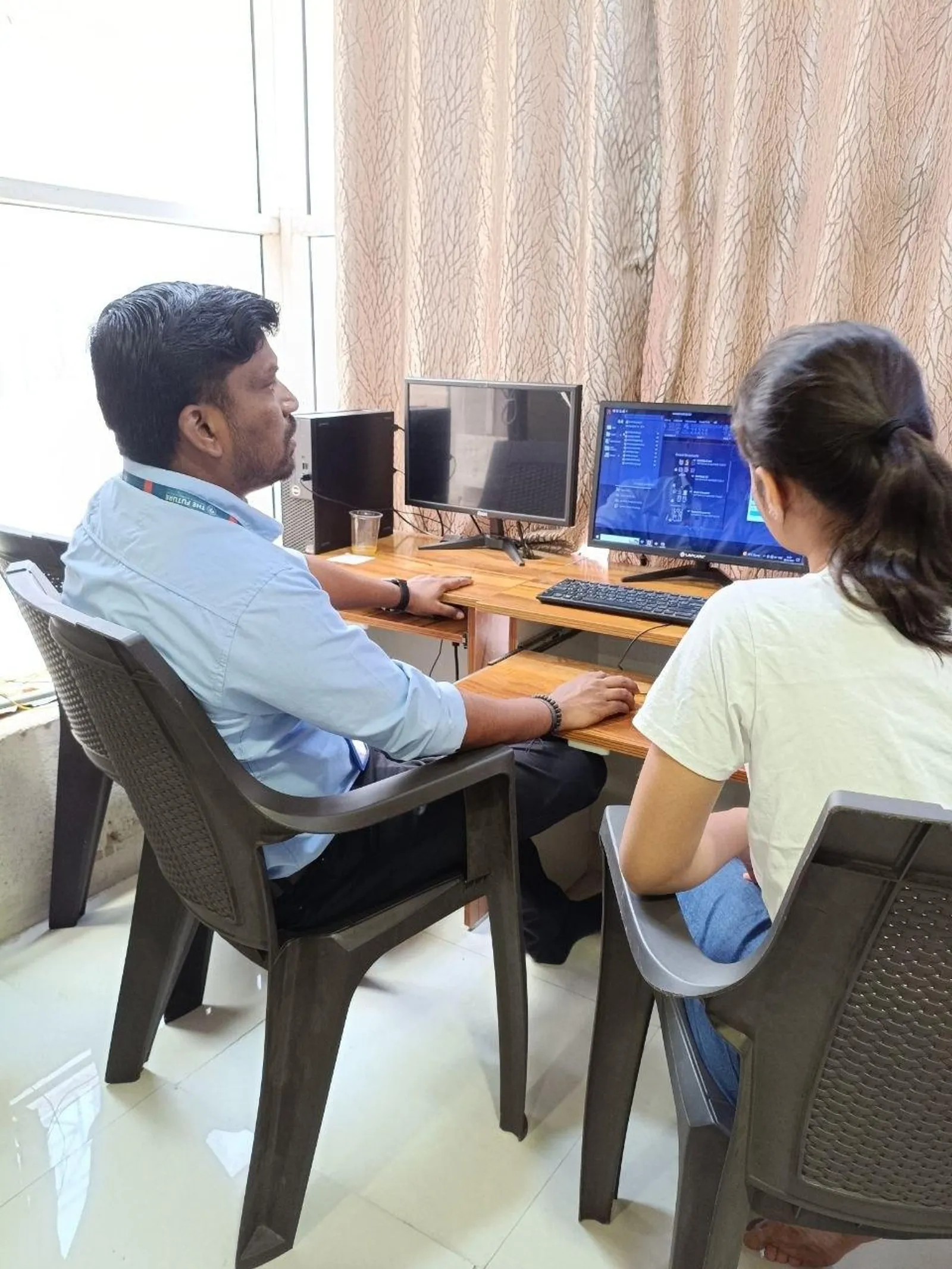
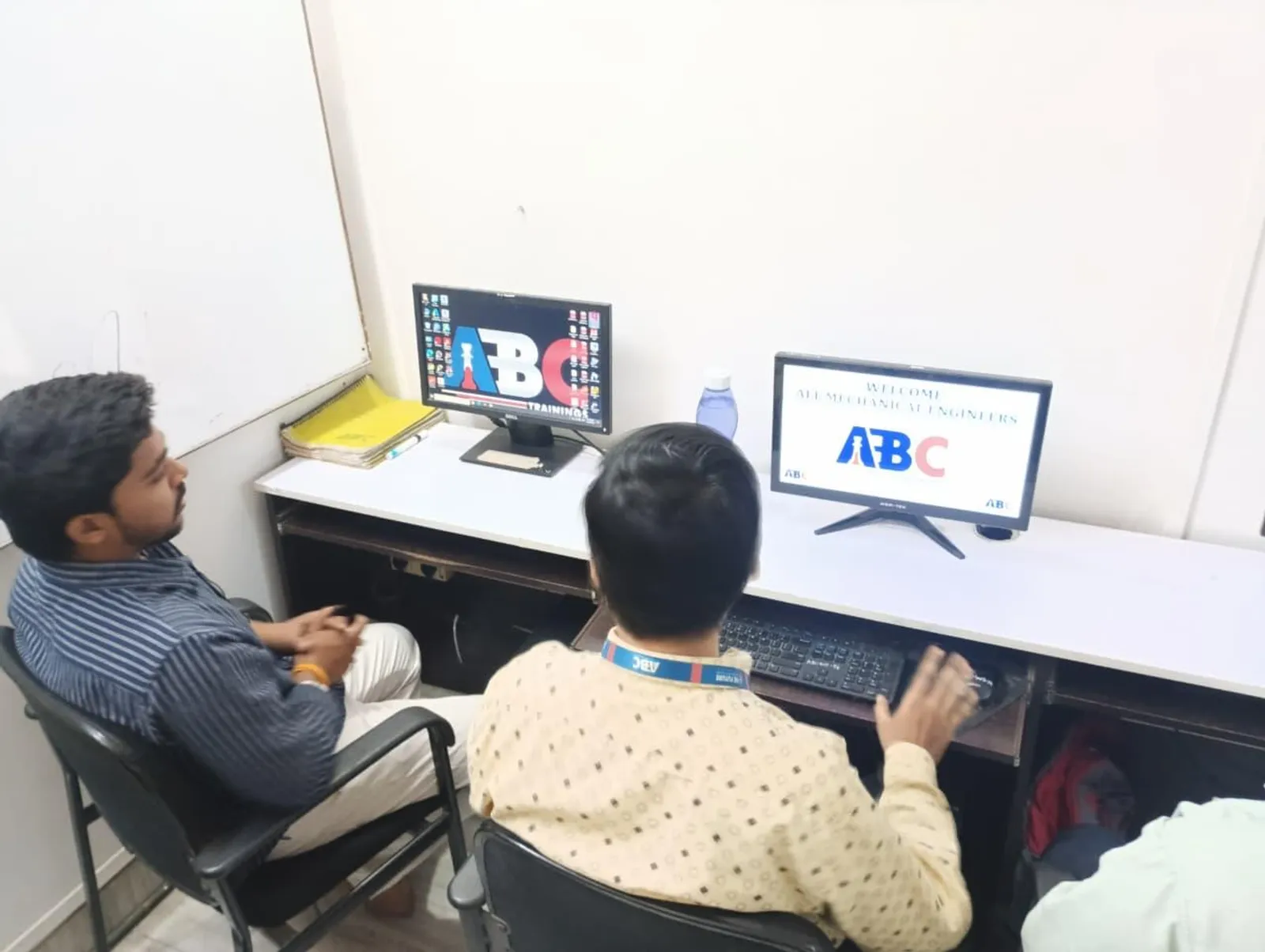
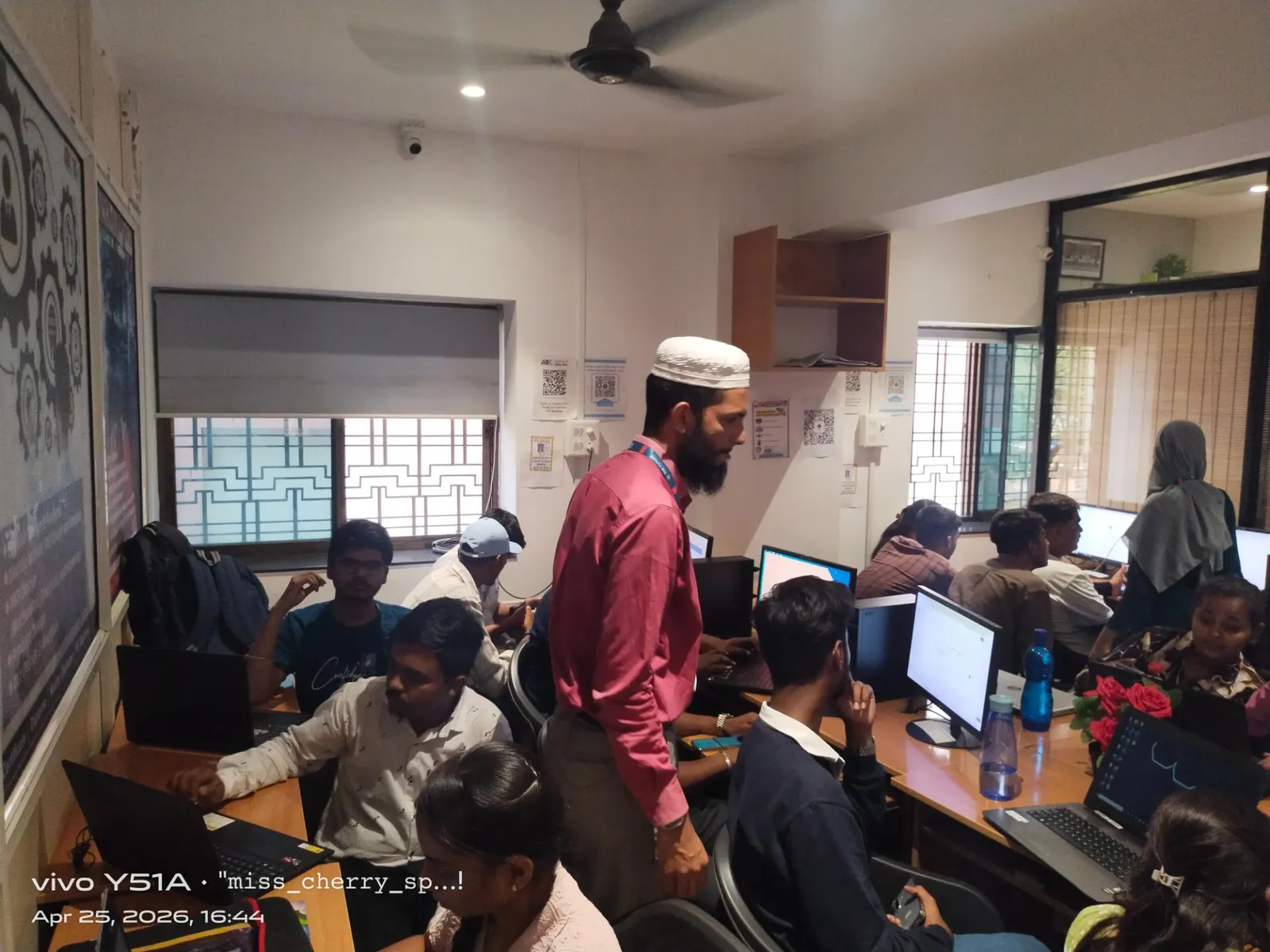
Yes. ABC Trainings provides hands-on practice sessions on licensed AutoCAD software with the AI plugins and tools covered in Episode 10 actually installed and configured. Students work through real project files — floor plans, site layouts, and drainage drawings — using the tools discussed in class. Each student leaves with a portfolio drawing set produced using AI-assisted methods, ready to show in job interviews.