AI-Powered AutoCAD for Civil & Architecture – Episode 11: Hands-On AutoLISP Automation Project with ChatGPT (Updated June 2026)
Pune Metro Line 3 broke ground in May 2026 and Maharashtra has mandated BIM on all public projects above ₹100 crore — and right now the civil and architectural firms racing to compete for those contracts are looking for drafters who can do more than operate AutoCAD buttons. They want drafters who can automate. Episode 11 of the AI PowerTool AutoCAD series is a pure hands-on project episode: you choose a real drafting task you do repeatedly, write an AutoLISP script to automate it from scratch, use ChatGPT to generate the code syntax, test it inside AutoCAD, debug the errors, and walk away with a working script and a project you can demonstrate in any interview. I have trained hundreds of drafters across Maharashtra, and trust me — the ones who bring working automation scripts to interviews stand out completely.

- Episode 11 is a hands-on project: write, test, and debug an AutoLISP drafting automation script for AutoCAD using ChatGPT as your coding assistant
- Civil AutoCAD drafters with automation skills earn ₹4–₹8 LPA versus ₹2.5–₹4.5 LPA for manual-only drafters in Maharashtra
- Key hirers: L&T Construction Pune, AECOM India Hadapsar, Shapoorji Pallonji, AFCONS, MSRDC, and AURIC development firms
- CMYKPY scheme provides Maharashtra students ₹6,000–₹10,000/month during AI AutoCAD training
- ABC Trainings AutoCAD AI batches in Wagholi, Hadapsar (Pune), Cidco, Osmanpura (Sambhajinagar), and Sangli
What the Episode 11 Hands-On AutoLISP Project Covers
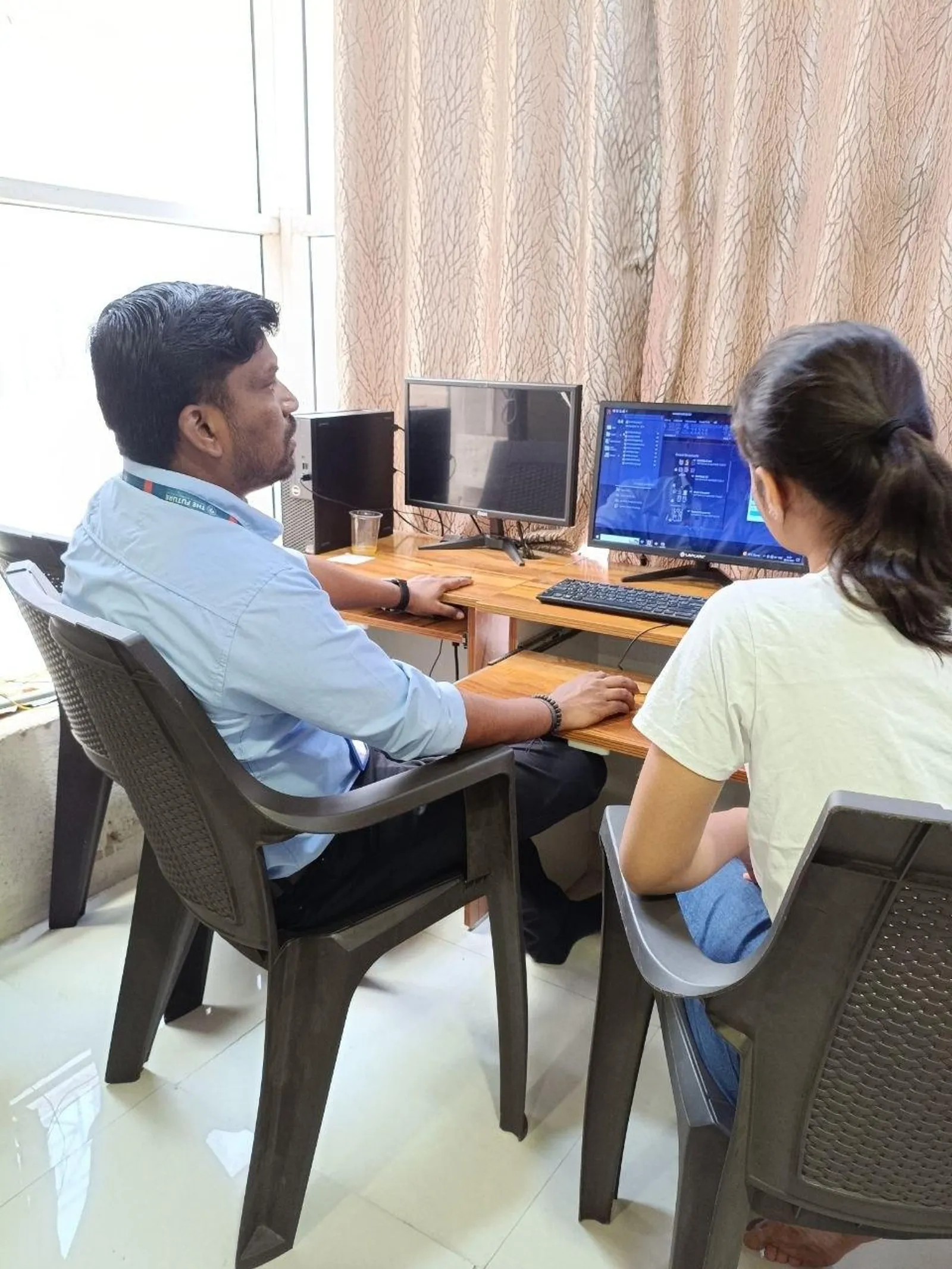
Episode 11 is structured as a guided project, not a lecture. You come in with a drafting task you do repeatedly — drawing a standard room layout, creating a layer set from scratch, placing door and window blocks, or generating plot dimensions. By the end of the episode you have a working AutoLISP script that automates that task completely. The episode follows five stages: task definition (what exactly do you want to automate?), script planning (what AutoCAD commands need to run in what order?), ChatGPT-assisted code generation (prompt the AI to write the AutoLISP syntax), testing inside AutoCAD (load the script and run it on a test drawing), and debugging (fix the errors that appear on first run). Every stage is shown in full on screen, including the errors and how to resolve them. This is not a tutorial that only shows the clean version.
Defining Your Automation Task: What Makes a Good AutoLISP Project?
Choosing the right automation task is the first critical step. A good AutoLISP project has three qualities: it is a task you repeat frequently (creating standard layer sets, drawing wall segments with fixed thickness, placing door blocks at openings), it involves enough repetitive steps that automation saves meaningful time, and it has clear inputs and outputs (the script needs to know what data to take from the user and what to draw on the screen). Episode 11 suggests five project options for civil and architectural drafters: a residential room layout script that draws standard wall thicknesses and places door/window blocks from a parameter table; a layer setup script that creates the 12 standard layers for a civil drawing in one command run; a dimension batch script that applies dimensions to all horizontal and vertical walls simultaneously; a plot boundary script that draws any standard plot size from user input; and a title block script that fills in project name, date, and revision fields from prompts. Any of these makes a strong portfolio project.
Suggested Episode 11 AutoLISP project options with time-saving estimates
Using ChatGPT to Write AutoLISP Code: The Practical Workflow
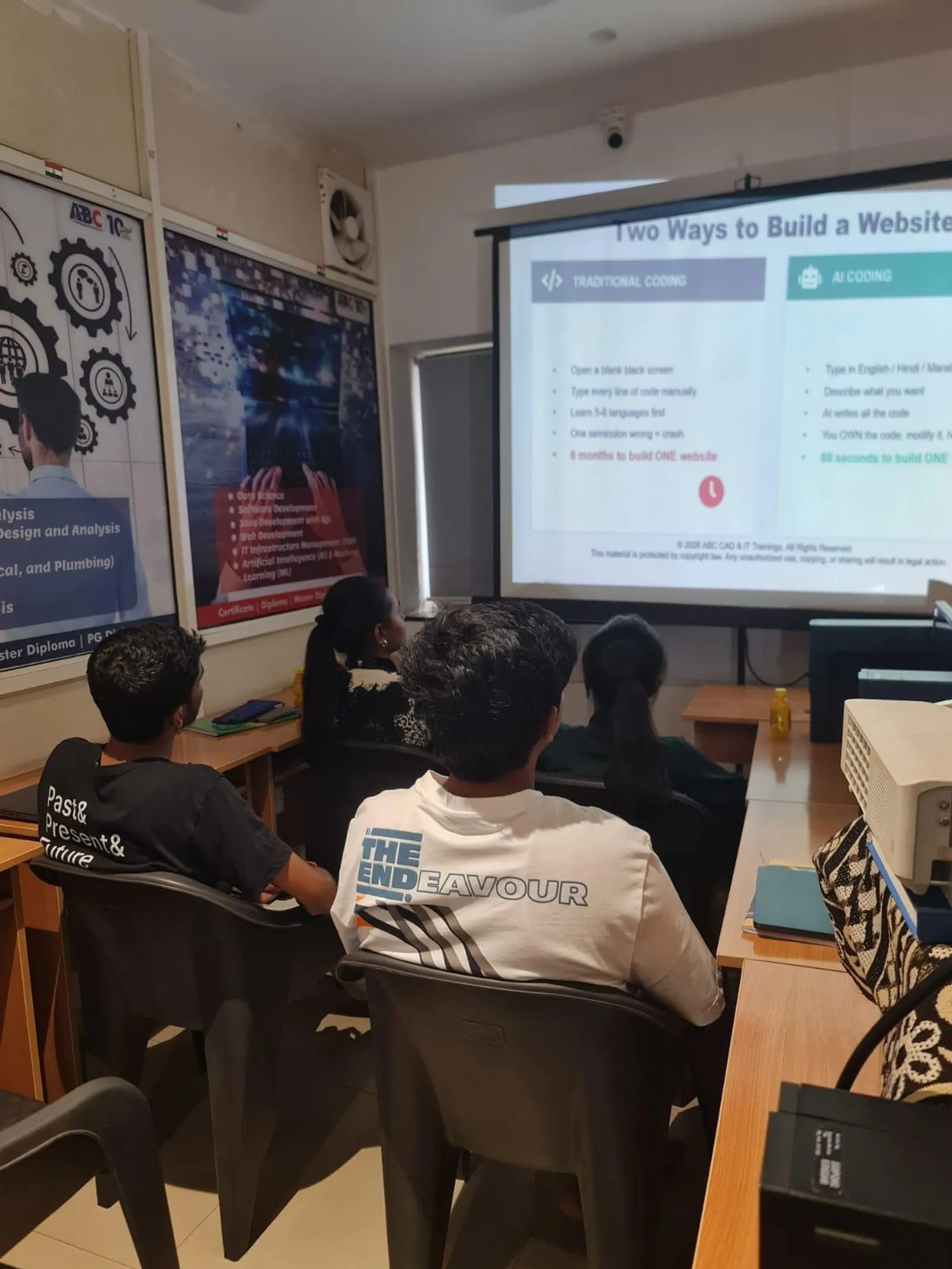
The workflow for using ChatGPT to write AutoLISP is simple once you understand the right way to prompt. Start with a precise description of what the function should do: "Write an AutoLISP function that creates a layer named WALLS with colour 2 (yellow), line weight 0.35 mm, and sets it as the current layer." ChatGPT returns syntactically correct AutoLISP about 85–90% of the time for simple functions — the remaining 10–15% have minor errors (wrong function name, incorrect argument count) that you can spot and fix once you understand AutoLISP fundamentals from Episodes 9 and 10. The key skill Episode 11 builds is knowing how to review ChatGPT output critically: checking that function names are valid AutoCAD functions, that argument data types are correct, and that the logic flow matches what you described. This critical review skill is what separates useful automation from broken scripts that waste everyone's time.
Testing, Debugging, and Refining Your AutoLISP Script in AutoCAD
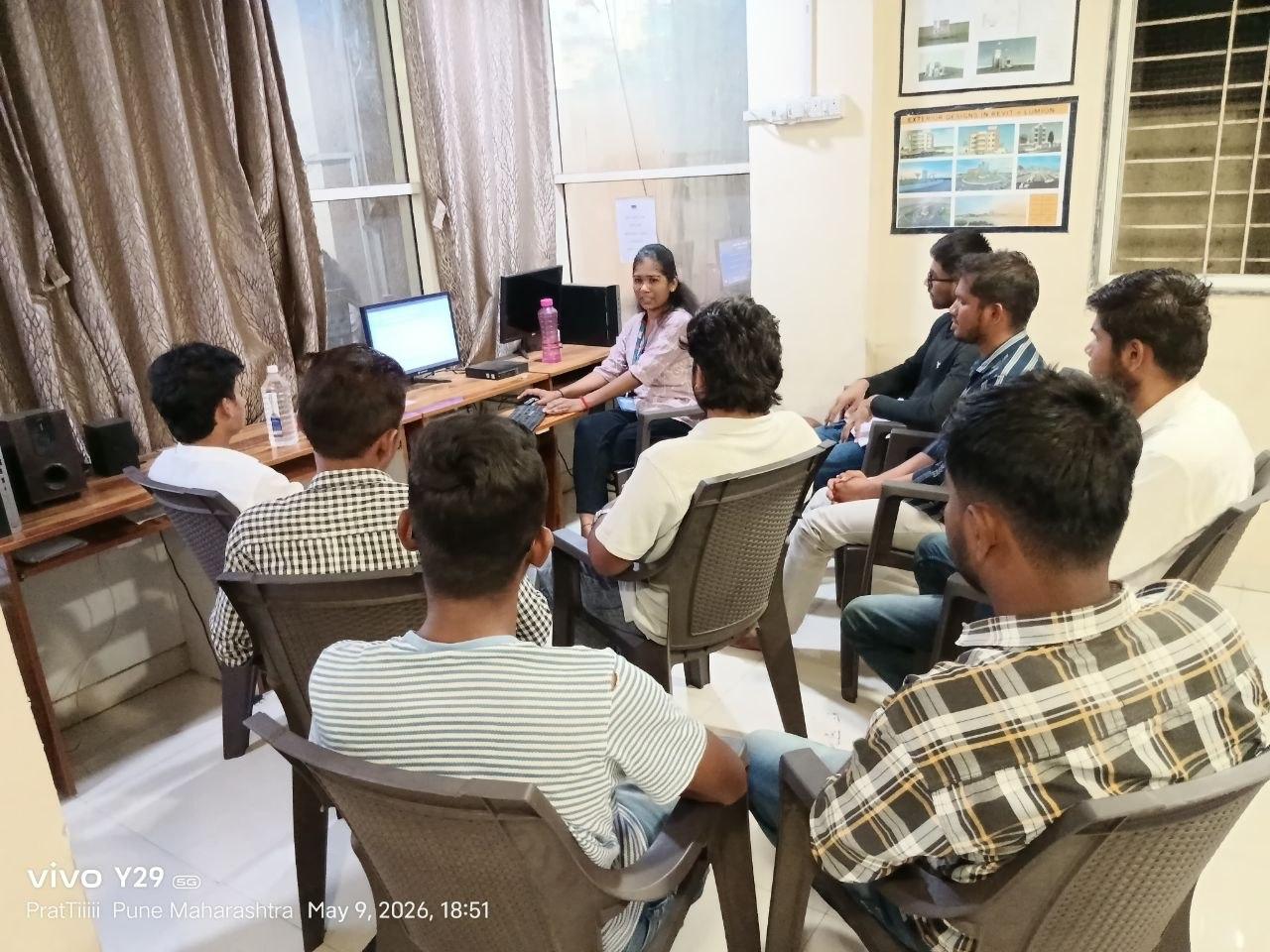
Testing is where real learning happens. Episode 11 walks through two testing phases. Unit testing: load each function individually using the AutoCAD APPLOAD command and run it on a blank drawing to confirm it does exactly what it claims. Integration testing: run the complete script as a sequence on a real drawing that has existing geometry, confirming the script handles the existing layer names, coordinate system, and unit settings without overwriting work already done. In the episode the first full run produces three errors: an undefined function error (corrected by adding the missing AutoLISP library load), a wrong argument type error (corrected by converting a string to a real number before passing it to the drawing function), and a layer naming conflict (corrected by adding a check for existing layer names before attempting to create them). Showing this debugging process in full is intentional — it builds the troubleshooting skills that make you reliable in a professional environment.
What AutoCAD Automation Skills Mean for Your Salary and Career in Maharashtra
Here is the salary reality for AutoCAD drafters with automation skills versus those without. In Maharashtra's civil and architectural market: a standard AutoCAD drafter (no scripting, no AI tools) earns ₹2.5–₹4 LPA fresher. An AutoCAD drafter who can use AI tools like Maket.ai for layout generation and write basic AutoLISP scripts earns ₹4–₹8 LPA fresher — a 60–100% premium. With three years of experience and a portfolio of automation projects, the range is ₹8–₹14 LPA. Key employers in Pune: L&T Construction ECC (Kondhwa, Hadapsar), AECOM India Hadapsar, Shapoorji Pallonji Viman Nagar, AFCONS Infrastructure Kharadi. In Sambhajinagar: PWD Maharashtra, MSRDC, and AURIC development authority. In Sangli: Kupwad MIDC area firms and SMMMA infrastructure contractors. Source: AmbitionBox, Naukri Salary Insights 2025–2026.
Enrol in AI AutoCAD Training at ABC Trainings
ABC Trainings runs the AI PowerTool AutoCAD (Civil, Architecture, Interiors) course — all 15 episodes including this hands-on automation project — at five centres: Wagholi (Laxmi Datta Arcade, Pune-Ahilyanagar Highway), Hadapsar (Shree Tower, opp. Vaibhav Theater), Cidco (Kalpana Plaza, N-1 Cidco, Sambhajinagar), Osmanpura (near Jama Masjid, Sambhajinagar), and Sangli (Shubham Emphoria, Vishrambag). CMYKPY (Chief Minister Yuva Karya Prashikshan Yojana) provides ₹6,000–₹10,000/month to eligible Maharashtra domicile students. ABC Trainings is MSME and ISO-certified, has trained 20,000+ students since 2014, and has delivered training to the Indian Army, RBI, and BARC. Call 7039169629 or WhatsApp 7774002496.
CMYKPY (Chief Minister Yuva Karya Prashikshan Yojana) provides eligible Maharashtra domicile students ₹6,000–₹10,000/month during approved skill training at ABC Trainings. MSME and ISO-certified. Call 7039169629 to check your AutoCAD AI CMYKPY eligibility.
Get the CAD/CAM Brochure + Fees + Batch Dates on WhatsApp
Free 1:1 counselling. Placement track record. CMYKPY/PMKVY eligibility check.
💬 Get Brochure on WhatsApp📞 Call 7039169629About the author: Komal Chilwar, Civil & BIM Trainer, ABC Trainings.
Visit Our Centers
- Wagholi (Pune): 1st Floor, Laxmi Datta Arcade, Pune-Ahilyanagar Highway. Call 7039169629
- Hadapsar (Pune HQ): 1st Floor, Shree Tower, opp. Vaibhav Theater, Magarpatta. Call 7039169629
- Cidco (Chh. Sambhajinagar): Kalpana Plaza, opp. Eiffel Tower, N-1 Cidco. Call 7039169629
- Osmanpura (Chh. Sambhajinagar): S.S.C Board to Peer Bazar Road, near Jama Masjid. Call 7039169629
- Sangli: Shubham Emphoria, 1st Floor, Above US Polo Assn., Sangli-Miraj Rd, Vishrambag. Weekend batches available. Call 7039169629
FAQs
What is the Episode 11 hands-on project in the AI AutoCAD series?
Episode 11 is a guided hands-on project where you choose a repetitive drafting task, plan a script to automate it, use ChatGPT to generate the AutoLISP syntax, and test and debug the script inside AutoCAD. The five stages — task definition, script planning, ChatGPT-assisted code generation, unit testing, and integration testing — are all shown in full on screen including the real errors and how to fix them. The final deliverable is a working AutoLISP script and a portfolio documentation summary.
How does ChatGPT help with writing AutoLISP code?
ChatGPT can generate syntactically correct AutoLISP code for simple to moderate tasks about 85–90% of the time when prompted with precise, specific function descriptions. The critical skill is reviewing the output: checking that AutoCAD function names are valid, argument types are correct, and the logic flow matches the task. Episode 11 teaches you how to write effective prompts for AutoLISP generation and how to critically review ChatGPT output before loading it into AutoCAD.
Do I need programming experience to complete the Episode 11 AutoLISP project?
No programming experience is required, but you should have completed Episodes 9 and 10 of the series, which cover AutoLISP fundamentals: defun syntax, setq variables, command function, getpoint and getstring input, and conditional logic. Episode 11 builds on those fundamentals by applying them in a real project context with ChatGPT as a coding assistant. Students who attempt Episode 11 without the AutoLISP foundation from Episodes 9–10 typically find the debugging phase difficult.
What salary premium do AutoCAD automation skills command in Maharashtra?
In Maharashtra's civil and architectural market, AutoCAD drafters with AutoLISP scripting and AI tool skills earn ₹4–₹8 LPA fresher compared to ₹2.5–₹4 LPA for manual-only drafters — a 60–100% salary premium. With 3+ years of experience and a portfolio of automation projects, salaries reach ₹8–₹14 LPA. Source: AmbitionBox, Naukri Salary Insights 2025–2026.