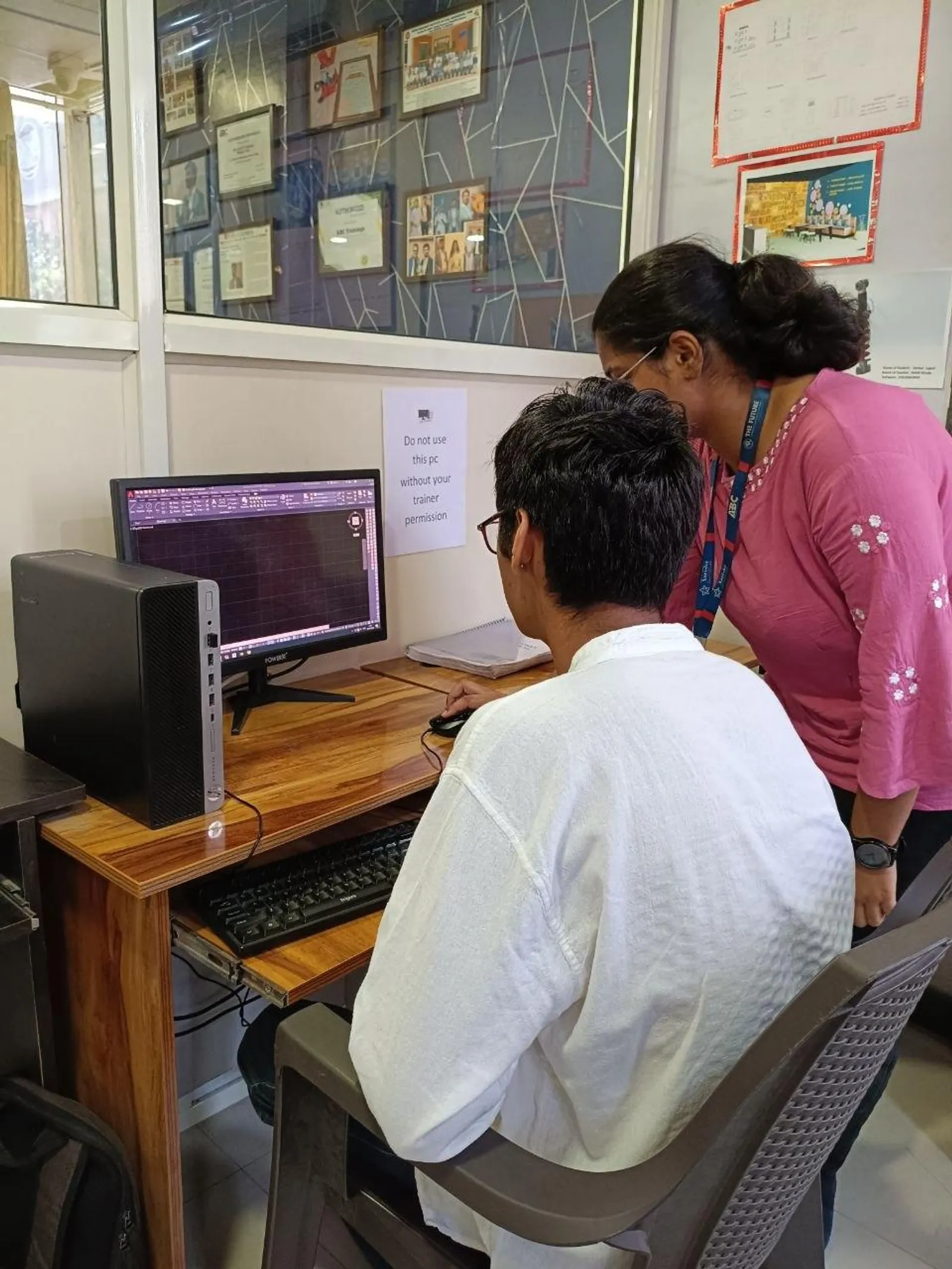
If you've already learned basic lines, offsets, trims and dimensions, the next step in AutoCAD for civil site plans in India 2026 is building drawings the way real companies expect. That's the shift many learners miss. They know commands, but they don't know workflow. In civil drafting, that means site layouts, plot plans, roads, drainage, contour references and foundation details must be organized, readable and easy to revise. Here's the thing: industry teams don't pay for random drafting speed. They pay for clean files, correct layers, proper plotting and drawings that a site engineer can actually use.
That is exactly where advanced practice starts.
If you're moving from beginner level into project-ready drafting, this guide will help you think like a civil CAD professional in Pune, Chhatrapati Sambhajinagar or Sangli. Trust me, once you set up drawings properly, your output improves fast.
How do civil engineers use AutoCAD for site plans in India?
AutoCAD in civil work is rarely just about drawing lines. It's used to prepare site layouts, internal roads, plot boundaries, compound walls, drainage paths, sewer lines, foundation references and service corridors. In firms handling residential layouts, industrial campuses or small infrastructure packages, the same base drawing often supports multiple teams.
What most people don't realize is that one civil plan may be checked by architects, structural engineers, contractors and municipal reviewers. That means your drawing has to be layered properly, named properly and plotted properly. If you send a messy file, you're creating extra work for everyone.
At companies like L&T, Tata Technologies, Mahindra Engineering and Thermax, CAD standards matter because revision control matters. Even local consultants in Pune and Kolhapur expect the same discipline.
What is the best advanced layer setup for civil drafting?
Layer setup is where serious drafting begins. Beginners often keep everything on 2 or 3 layers. That's fine for practice, but not for real work. For civil site plans, separate layers should be created for:
- Plot boundary
- Road edge
- Centerline
- Drainage line
- Sewer line
- Water supply line
- Text
- Dimensions
- Existing features
- Proposed work
- Hatching
- Grid or reference geometry
A practical naming standard can be simple: C-ROAD, C-DRAIN, C-PLOT, C-TEXT, C-DIM, C-EXIST, C-PROP. Don't overcomplicate it, but don't stay casual either. Use consistent colors, lineweights and linetypes. The good news is, once you build one solid template, you'll save hours on every future drawing.
In AutoCAD 2024 or AutoCAD 2025, save a DWT template with text styles, dimension styles, units and plotting defaults already loaded. That's a power-user habit worth developing.
How should you set units, scales and dimensions for Indian civil drawings?
Most civil drawings in India are prepared in millimetres, though some site and land development teams reference metres for calculations. Your drafting unit should stay consistent from day one. If you start casually and convert later, errors creep in.
For professional output:
- Set insertion scale correctly
- Use annotative text only if your plotting workflow is controlled
- Create one dimension style for site plans and another for detail drawings
- Keep decimal precision practical, not excessive
- Match text height to final sheet scale
For example, a site layout plotted at 1:200 needs a very different text and dimension approach compared with a footing detail at 1:20. That's where many students struggle. They know dimensions, but they don't know sheet readability.
If you're applying for civil CAD roles in Pune, salaries for freshers with good drafting discipline typically start around ₹2.4 lakh to ₹3.6 lakh per year. With strong AutoCAD plus Civil 3D or Revit support skills, that can move to ₹4.5 lakh or more.
How do you draft road, plot and drainage layouts faster?
Speed in civil drafting doesn't come from rushing. It comes from repetition, reference geometry and command discipline. For road and site layouts, start with control lines first. Draw centerlines, offsets, plot grids and benchmark references before detailing edges and annotations.
Use these efficiency tricks:
- Build road widths using offset from centerline
- Use polylines instead of disconnected segments
- Create blocks for manholes, inspection chambers, north arrows and section markers
- Use copy, array and match properties aggressively
- Keep frequently used hatch patterns and scales tested in advance
- Use xrefs when multiple sheets depend on one master plan
Trust me, xrefs are a major jump from beginner drafting to office drafting. If your drainage layout, road layout and utility plan all reference the same base site drawing, revisions become much easier. Change the base once, and dependent files update correctly.
How do professionals manage contour, foundation and service drawings?
Civil projects often begin with a survey base or topographic reference. Even if you're not creating full contour models, you should know how to handle contour information cleanly. Keep survey data on separate layers. Lock it when tracing proposed work. Never mix existing and proposed elements without visual separation.
For foundation references, use clear callouts, section tags and detail bubbles. If the drawing includes footing locations, column grids or retaining wall references, keep geometry exact and annotation minimal but precise.
Service drawings need extra care. Drainage and sewer lines should be distinguishable at a glance. Use different linetypes, labels and symbols for chambers, slopes and invert references where needed. What most people don't realize is that the best drawing is not the most crowded one. It's the one a site engineer can read in 20 seconds.
Which AutoCAD settings improve plotting and sheet output?
Bad plotting ruins good drafting. This is where many learners lose interview confidence because their model space looks fine, but their plotted sheet looks weak.
For better output:
- Create standard layout sheets like A1 and A3 in advance
- Use title blocks with revision area
- Lock viewport scales
- Check lineweight display before plotting
- Test CTB or STB plotting style once and stick to office standard
- Preview every sheet before PDF export
If your road edge, plot line and drainage line all print with the same weight, the drawing loses hierarchy. That's not a small issue. It affects usability. At companies like Bosch, Siemens or Kirloskar, drawing clarity is part of engineering quality, not decoration.
What advanced AutoCAD habits make you job-ready?
Let's keep this practical. If you want to stand out as a civil CAD learner in Maharashtra, don't just practice isolated commands. Practice full drawing packages. Take one site plan and produce:
- Base layout
- Road layout
- Drainage layout
- Plot dimension plan
- Foundation reference details
- Final plotted PDF sheets
That's the level recruiters notice. A student who can explain file structure, layers, plotting and revision workflow will always sound more employable than someone who only says they know AutoCAD.
ABC Trainings works with many learners who start with basic command knowledge but need help becoming project-ready. If that's you, call 8698270088 or WhatsApp 7774002496. One focused training path can save months of random YouTube learning.
Why does advanced AutoCAD still matter for civil engineers in 2026?
Because not every company starts with BIM. Many consultants, contractors and site teams still depend heavily on AutoCAD for execution drawings, revisions and coordination. Even when Revit or Civil 3D is used, AutoCAD remains part of the workflow.
The good news is, if you master advanced civil drafting now, you're building a base for Civil 3D, quantity workflows and eventually BIM coordination. That's why AutoCAD still matters in 2026 for civil engineers across Pune, Nashik, Nagpur, Sangli and Chhatrapati Sambhajinagar.
Here's the thing: basics get you started. Advanced workflow gets you hired.
Is AutoCAD enough for civil jobs in Pune in 2026?
For entry-level drafting and site documentation roles, AutoCAD is still enough in many firms. But if you add Civil 3D, Revit or quantity estimation skills, your job options improve faster. In Pune, smaller consultants may hire on AutoCAD alone, while larger firms often prefer multi-software capability.
Which AutoCAD version should civil students learn in India?
AutoCAD 2024 or AutoCAD 2025 is a practical choice because most current offices use recent versions or compatible standards. The command logic is similar across versions, so workflow matters more than chasing every new feature. Focus on layers, plotting, blocks, xrefs and sheet setup first.
How much salary can a civil AutoCAD draftsman get in Maharashtra?
Freshers usually start around ₹2.2 lakh to ₹3.5 lakh per year depending on city, drawing quality and whether they can handle site plans independently. In Pune and Mumbai, candidates with stronger output and added software skills may start higher. Experienced civil drafters can move into ₹4.5 lakh to ₹6.5 lakh ranges with project exposure.
Where can I learn AutoCAD for civil drawings near me in Maharashtra?
Look for training that covers actual civil drawings, not just command demos. You should practice plot plans, roads, drainage, layers, dimensions and plotting sheets. ABC Trainings is one option many students consider in Maharashtra if they want structured guidance and industry-style practice instead of only theory.
Visit Our Centers
Chhatrapati Sambhajinagar
Corporate Office (HQ)
2nd Floor, Kandi Towers, Jalna Road, Amarpreet Chowk, Chhatrapati Sambhajinagar, Maharashtra 431001
Osmanpura Branch
Plot No 14, Shanya Sect, Near Sant Eknath Rang Mandir, Osmanpura, Chhatrapati Sambhajinagar, Maharashtra 431005
CIDCO Branch
Plot No 4, N-3, Cidco, Opp. High Court, Chhatrapati Sambhajinagar, Maharashtra 431003
Pune
Wagholi Branch
1st Floor, ABC Trainings, Laxmi Datta Arcade, Pune - Ahilyanagar Hwy, Wagholi, Pune, Maharashtra 412207
Hadapsar Branch
Bloom Hotel, ABC Trainings 1st Floor, S.no 156/3 Shree Tower Pune - Solapur Rd, Hadapsar, Pune, Maharashtra 411028
Sangli
Sangli Branch
2nd Floor, Vasant Market, Opp. City High School, Sangli, Maharashtra 416416
Start Your Career Journey Today
Join 10,000+ students who transformed their careers with ABC Trainings.
💬 WhatsApp: 7774002496📞 Call: 8698270088