Best AutoCAD Training in Sangli: Complete Guide for Mechanical and Civil Engineers (2026)
If you're searching for the best AutoCAD training in Sangli, you're probably asking the same question most students ask on day one: how long will it actually take before I can draw confidently, build real projects, and apply for jobs? Here's the thing — AutoCAD is not hard in the way people imagine. What makes it difficult is random learning, no project practice, and no feedback from someone who has worked with actual industry drawings. If you're a mechanical or civil engineering student in Sangli, Miraj, Kolhapur, Karad or even coming from nearby towns, this guide will show you the real student journey month by month.
I'm writing this from the student perspective, but with a trainer's honesty. Trust me, the good news is you don't need six months just to understand the interface. With proper practice in AutoCAD 2025 or AutoCAD 2026, you'll start drawing within the first week. What most people don't realize is that companies don't hire you because you know commands. They hire you because you can prepare usable drawings, dimensions, layouts, and revisions without confusion.
Why do mechanical and civil engineers in Sangli still learn AutoCAD in 2026?
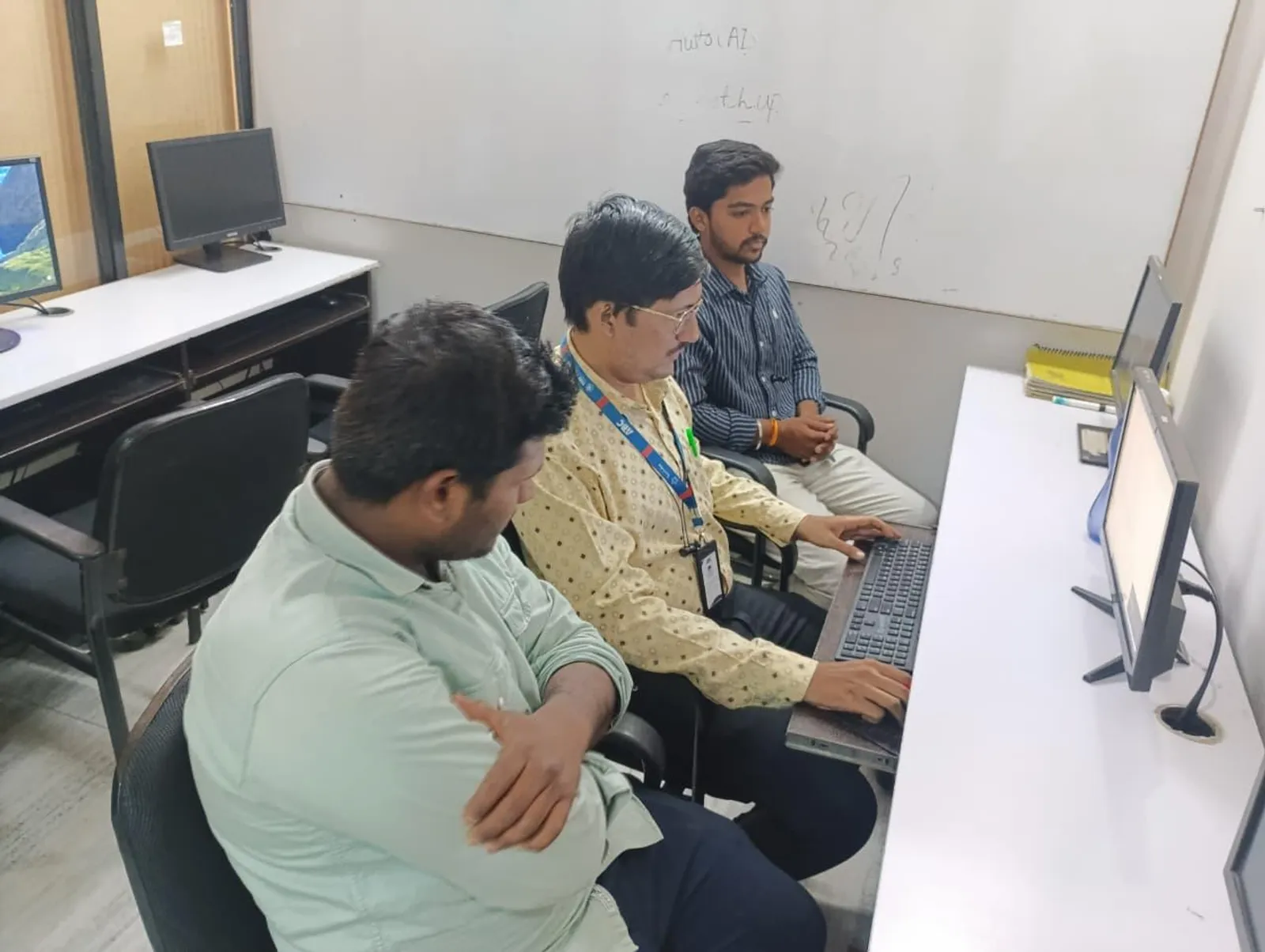
Because AutoCAD is still the base drafting language across industries. Mechanical students use it for machine part drawings, production detailing, fabrication layouts and GD&T-ready documentation. Civil students use it for floor plans, sections, site plans, plotting, structural detailing and municipal submission drawings. Even when companies move into Revit, SolidWorks, CATIA or Civil 3D, AutoCAD remains the starting point.
If you're aiming for internships or entry-level roles in companies linked to Tata Technologies, Mahindra Engineering, L&T, Thermax, Kirloskar, Bosch or Siemens vendors, basic drafting accuracy is expected. In service companies and design support roles around Pune, Kolhapur and Sangli, AutoCAD is often the first software checked in interviews.
What should you expect in the first month of AutoCAD training?
Month one is about control, speed and confidence. You'll begin with the interface, coordinate systems, units, limits, object snap, tracking, layers, line types, text, dimensions and plotting basics. At first, it feels like too many commands. That's normal. By the end of the first two weeks, you'll stop searching for buttons and start thinking in drawing logic.
As a student, this is what you'll usually be able to do after one month:
- Create clean 2D drawings using Line, Polyline, Circle, Arc, Trim, Extend, Offset, Mirror, Fillet and Hatch
- Set up layers properly for walls, center lines, dimensions, hidden lines and annotations
- Use blocks, copy, array and scale to save time
- Add readable dimensions and text in standard formats
- Plot drawings to PDF with correct sheet setup
For mechanical students, the first projects are usually a flange, bracket, coupling, bush, gear profile practice and simple assembly details. For civil students, you'll draw a 1BHK floor plan, door-window schedule, staircase layout and basic elevation. Nothing fancy yet. The goal is accuracy, not speed.
By this stage, you won't be job-ready. But you'll no longer be a beginner who gets scared by a blank screen. That's a big shift.
What can you do after 3 months of AutoCAD classes?
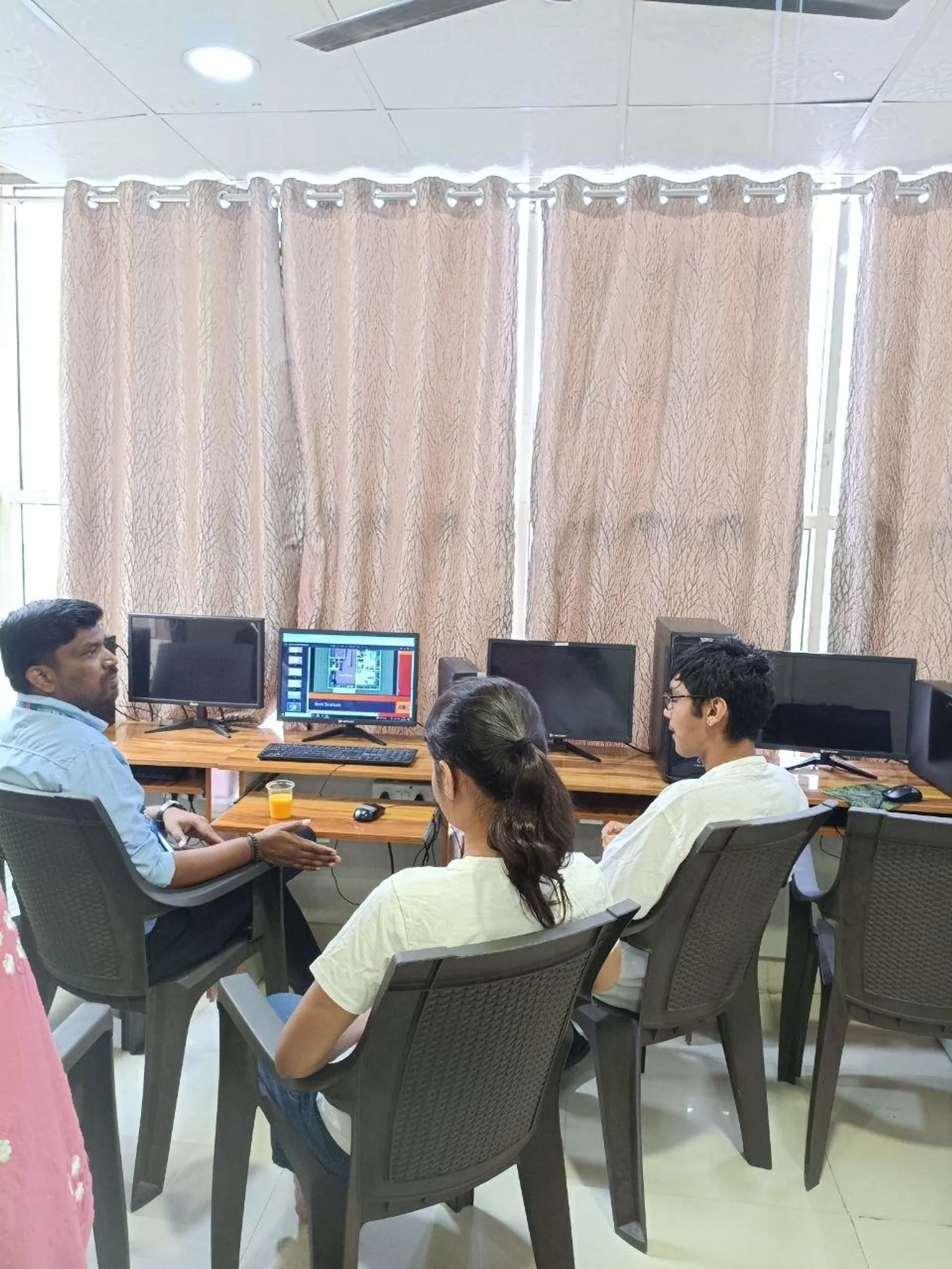
At the three-month mark, things get serious. This is where a good AutoCAD course separates itself from a basic software class. You'll move from command knowledge to drawing interpretation. That means you'll start reading rough sketches, engineer notes, PDF references and converting them into proper CAD drawings.
Here's what your skills should look like after three months of consistent training and practice:
- Prepare industry-style 2D drafting sheets with title blocks and layouts
- Work with external references, templates and reusable blocks
- Draft machine components with sectional views and toleranced dimensions
- Create civil plans with furniture, fixtures, annotations and plotting scales
- Handle revisions without damaging the original drawing structure
- Understand basic drafting standards used in Indian industry and diploma/BE projects
Mechanical students should expect to build projects like a small gearbox drawing set, shaft-bearing arrangement, welded frame layout, sheet metal profile set or manufacturing drawing pack. Civil students should be able to complete a residential building drawing set with floor plan, section, elevation, column layout and site plan.
This is also the stage where you'll become faster. The good news is speed doesn't come from memorizing 100 commands. It comes from repeating the right kinds of drawings. A student who redraws ten realistic plans learns more than someone who watches twenty hours of tutorials.
By month three, many students can start applying for internships, junior drafting roles and trainee positions in Sangli, Kolhapur and Pune support firms. Typical fresher salaries for AutoCAD-focused roles in Maharashtra range from ₹1.8 lakh to ₹2.8 lakh per year, depending on your branch, project quality and whether you know only AutoCAD or AutoCAD plus one more tool.
What happens by 6 months if you stay consistent?
If you continue for six months with project work, revisions and interview preparation, you'll look very different from the average fresher. Trust me, this is where confidence becomes employability. At this stage, you should not just know how to draw. You should know how to complete a drawing package with logic and presentation.
After six months, a serious student can usually:
- Create complete drawing sheets from raw references or hand sketches
- Manage annotation scales, plotting setups and sheet organization
- Prepare mechanical production drawings or civil submission sets with fewer errors
- Understand where AutoCAD fits with SolidWorks, CATIA, Revit or Civil 3D
- Build a portfolio that shows drafting quality, not just certificates
- Face technical interviews with sample drawings and explanation confidence
Mechanical students at this stage should build 4 to 6 portfolio projects such as machine base layout, assembly detailing, fabrication drawing set, industrial piping support sketch conversion, and part-to-sheet documentation. Civil students should complete a bungalow plan, G+1 residential drawing set, small commercial layout, plotting package, and structural detail coordination sheets.
What most people don't realize is that six months is also when your communication improves. You'll learn how to explain why a layer was used, how a section was cut, why dimensions were placed a certain way, and how plotting was set up. That matters in interviews with companies supporting Bajaj Auto, Infosys facilities teams, TCS infrastructure vendors, KPIT Technologies office projects or local consultants working on industrial and residential jobs.
What projects should a good AutoCAD training institute in Sangli include?
If an institute only teaches commands and ends with one generic assignment, don't join. A serious AutoCAD course should include branch-specific projects.
For mechanical engineers
- Machine part drafting
- Assembly drawing with BOM basics
- Production drawing sheet setup
- Fabrication and bracket details
- Simple industrial layout drafting
For civil engineers
- Residential floor plans
- Section and elevation drawings
- Column and footing layout basics
- Site plan and plotting exercises
- Submission-style drawing practice
Here's the thing — projects should become harder gradually. First, you copy. Then you edit. Then you create from scratch. That's the realistic timeline.
How do you know if an AutoCAD course in Sangli is actually worth joining?
Look for four things: trainer feedback, branch-specific practice, lab time, and portfolio guidance. A student needs correction, not just explanation. You should be told why your dimension style is wrong, why your layers are messy, why your plotting failed, and how to improve.
A good institute will also be honest about outcomes. AutoCAD alone can help you start, but combining it later with SolidWorks for mechanical or Revit for civil improves salary growth. Freshers in Sangli or Kolhapur may start around ₹15,000 to ₹22,000 per month. In Pune, trained candidates with stronger portfolios may see ₹18,000 to ₹30,000 per month in junior roles. With 2 to 3 years of drafting and design support experience, that can grow much better.
If you're comparing options, ABC Trainings is one name many students check because they focus on practical learning, not just theory. If you want to ask about batches, projects or mechanical vs civil learning path, call 7039169629 or WhatsApp 7774002496.
Is AutoCAD enough for jobs, or should you plan the next step?
AutoCAD is enough to start, especially for trainees, site support drafting, junior CAD roles and internship-level work. But don't stop there. Mechanical students should usually plan SolidWorks or CATIA after AutoCAD. Civil students should often move toward Revit, STAAD-related drawing interpretation or Civil 3D depending on their goals.
The good news is AutoCAD makes that next step easier. Once you understand layers, drafting logic, annotations, sheet setup and drawing discipline, learning advanced design software becomes much smoother.
What is the realistic student journey in one line?
Month 1: you learn commands and stop feeling lost. Month 3: you produce proper drawings and basic project sheets. Month 6: you build a portfolio, attend interviews and start looking like a real drafting professional.
That's the honest answer. Not overnight success. Not fake promises. Just structured practice, correction, and repetition. If you're in Sangli and want AutoCAD training that matches how industry actually works, choose a course that teaches you how to think like a drafter, not just click like a beginner. If you want to explore training options, ABC Trainings can guide you on the right path based on whether you're from mechanical or civil engineering.
Is AutoCAD good for mechanical engineering students in Sangli in 2026?
Yes. AutoCAD is still valuable for 2D drafting, production drawings, fabrication details and shop-floor documentation. If you're a mechanical student in Sangli, it's a practical starting software before moving to SolidWorks or CATIA. It helps in internships and junior CAD roles across Maharashtra.
How long does it take to learn AutoCAD properly for civil engineering jobs?
For most civil students, 2 to 3 months is enough to become comfortable with plans, sections, elevations and plotting if practice is regular. To become interview-ready with project sheets and better speed, 4 to 6 months is more realistic. The exact timeline depends on how many real drawings you complete.
What salary can an AutoCAD fresher get in Sangli or Pune?
In Sangli and nearby cities, freshers with AutoCAD skills usually start around ₹15,000 to ₹22,000 per month. In Pune, some drafting and support roles may offer ₹18,000 to ₹30,000 per month if your portfolio is strong. Students who combine AutoCAD with another software generally see better opportunities.
Which is better after AutoCAD: SolidWorks for mechanical or Revit for civil?
It depends on your branch. Mechanical students usually benefit more from SolidWorks or CATIA after AutoCAD because those tools are used for 3D part and assembly design. Civil students usually move toward Revit or Civil 3D because those tools connect better with building design and coordination work.
Visit Our Centers
Sangli
Sangli Branch
2nd Floor, Vasant Market, Opp. City High School, Sangli, Maharashtra 416416
Start Your Career Journey Today
Join 10,000+ students who transformed their careers with ABC Trainings.
💬 WhatsApp: 7774002496📞 Call: 7039169629AutoCAD and the software that comes after it: a quick comparison
Students in Sangli often ask which software to pick next, so here is a simple side-by-side of the tools mentioned in this guide.
| Software | What it is | Who it suits | What you use it for | When to start it |
|---|---|---|---|---|
| AutoCAD | Autodesk's general drafting software, mainly used for 2D drawings | Both mechanical and civil students | Machine part drawings, production detailing, floor plans, sections, elevations, site plans and plotting | First. It is the base drafting language and the software most often checked in entry-level interviews |
| SolidWorks | 3D CAD software from Dassault Systemes for part and assembly modelling | Mechanical students | 3D part and assembly design built on top of your drafting logic | After AutoCAD, once your 2D drawings and dimensioning are clean |
| CATIA | 3D design software from Dassault Systemes, used for complex parts and assemblies | Mechanical students aiming at bigger design and automotive-style work | 3D part and assembly design where the geometry is more demanding | After AutoCAD, as an alternative path to SolidWorks depending on the roles you target |
| Revit | Autodesk's BIM authoring software for buildings | Civil and architectural students | Building design and coordination work rather than plain drafting | After AutoCAD, when you want to move from drawing sheets to building models |
| Civil 3D | Autodesk software built for civil infrastructure design work | Civil students | Civil design and documentation that connects with site and infrastructure data | After AutoCAD, depending on whether your goal is buildings or infrastructure |
Notice the pattern. Every row in this table assumes you already have drafting discipline. That is exactly why the first three months of AutoCAD practice decide how easy the next software feels.
Key takeaways
- AutoCAD is still the base drafting language in 2026 for both mechanical and civil work, and it stays the starting point even in companies that use Revit, SolidWorks, CATIA or Civil 3D.
- The realistic timeline is month 1 for commands and control, month 3 for proper drawing sheets and project work, and month 6 for a portfolio and interview readiness.
- Companies hire on usable drawings with correct dimensions, layouts and revisions, not on how many commands you can name.
- Speed comes from redrawing realistic sheets repeatedly, not from watching more tutorial hours.
- Judge a course on four things: trainer feedback, branch-specific projects, lab time and portfolio guidance.
- Freshers with AutoCAD skills in Sangli and nearby cities usually start around ₹15,000 to ₹22,000 per month, and Pune junior roles may offer ₹18,000 to ₹30,000 per month with a stronger portfolio.