If you've already learned the interface and basic modeling, the next step is where CATIA starts becoming truly valuable. CATIA advanced product design techniques in India 2026 are not just about making 3D models look good. They're about building design intent, reducing rework, controlling assemblies properly, and working the way real engineering teams at companies like Tata Technologies, Mahindra Engineering, Bajaj Auto, Bosch and Siemens expect. Here's the thing: beginners focus on commands, but professionals focus on workflow. That's exactly where your growth happens.

Since this lesson is part of a CATIA basics series, the practical way to take it deeper is to understand how basic tools are actually used in professional product design. Trust me, once you start organizing sketches, constraints, parameters and assemblies the right way, your speed and accuracy improve immediately. The good news is that you don't need 50 new commands. You need better habits, cleaner modeling logic and a few power-user settings that most freshers ignore.
How do you move from basic CATIA to professional modeling?
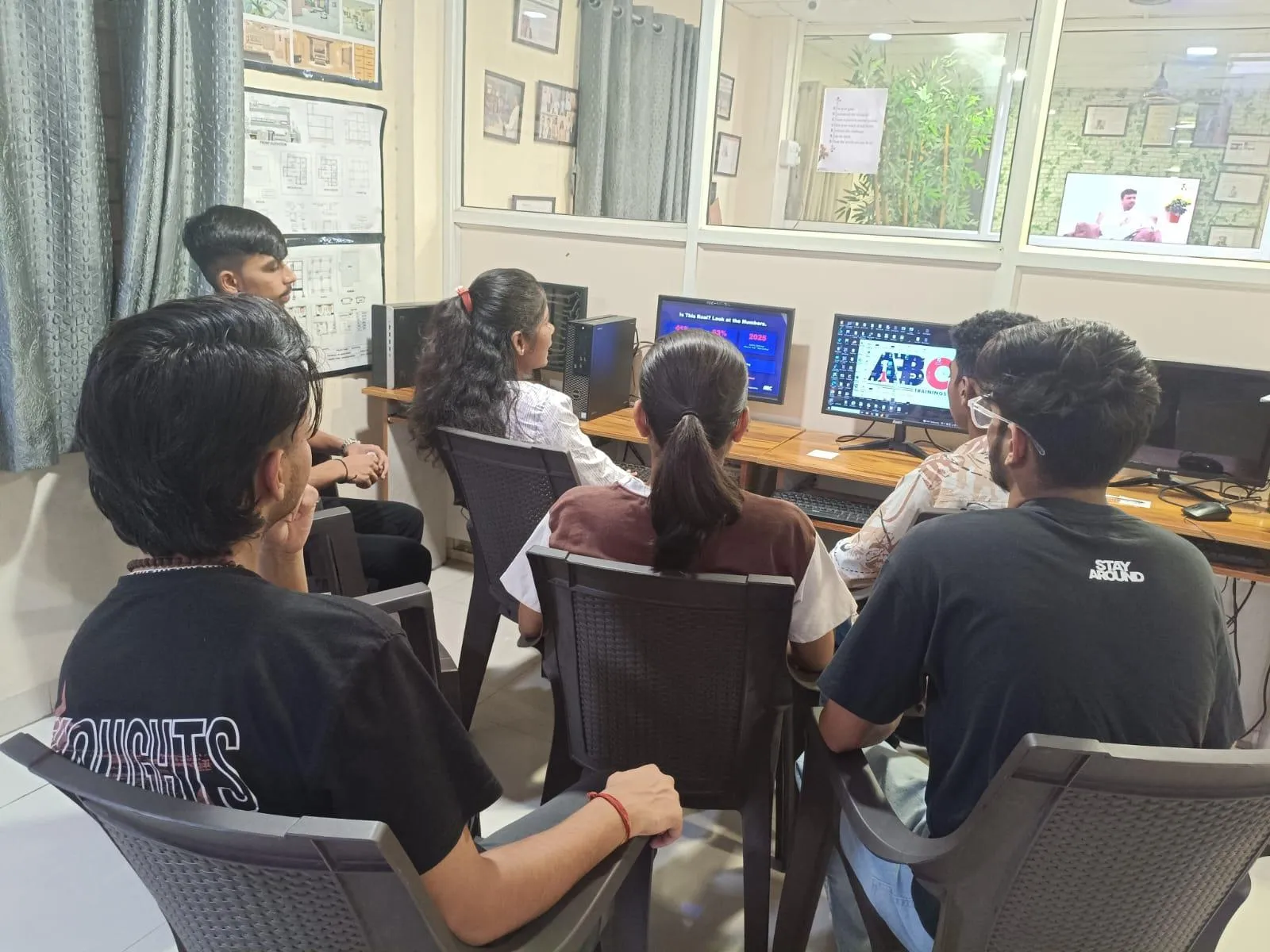
The jump from beginner to job-ready CATIA user usually happens when you stop treating each feature as separate and start thinking in a sequence. In CATIA V5, especially in Part Design and Assembly Design, every decision affects editability later. What most people don't realize is that companies don't just test whether you can make a bracket or housing. They test whether someone else can open your file, modify it in 10 minutes and release the drawing without breaking the model tree.
So your advanced mindset should include four things: stable sketches, clean constraints, feature order, and naming discipline. Instead of leaving sketches as Sketch.1, Sketch.2 and Pad.3, rename them based on function. For example, Base Mount Profile, Shaft Boss Sketch, or Cover Pocket Cutout. When you work on larger projects or interview test models, this alone makes your file look professional.
Which CATIA sketching techniques save the most time in real jobs?
Advanced CATIA work still depends heavily on sketch quality. If the sketch is weak, the entire model becomes difficult to edit. Start by fully constraining important design sketches. Under-constrained geometry may look fine today, but one dimension change can distort the whole feature. In automotive and machine component design, that becomes a serious issue.
Use construction geometry actively. Don't sketch everything as final geometry. Centerlines, symmetry references and projected edges help maintain design logic. Also, use profile mirroring where possible instead of drawing both sides manually. This keeps intent clear and reduces dimensional clutter.
Another power-user trick is to create master sketches for critical parts. For example, if you're building a mounting plate used in multiple product variants, define the key hole centers, offsets and envelope dimensions in one stable sketch. Then build pads, pockets, ribs and patterns from that logic. This is how experienced users avoid feature failure during design changes.
What are the best CATIA Part Design features for complex components?
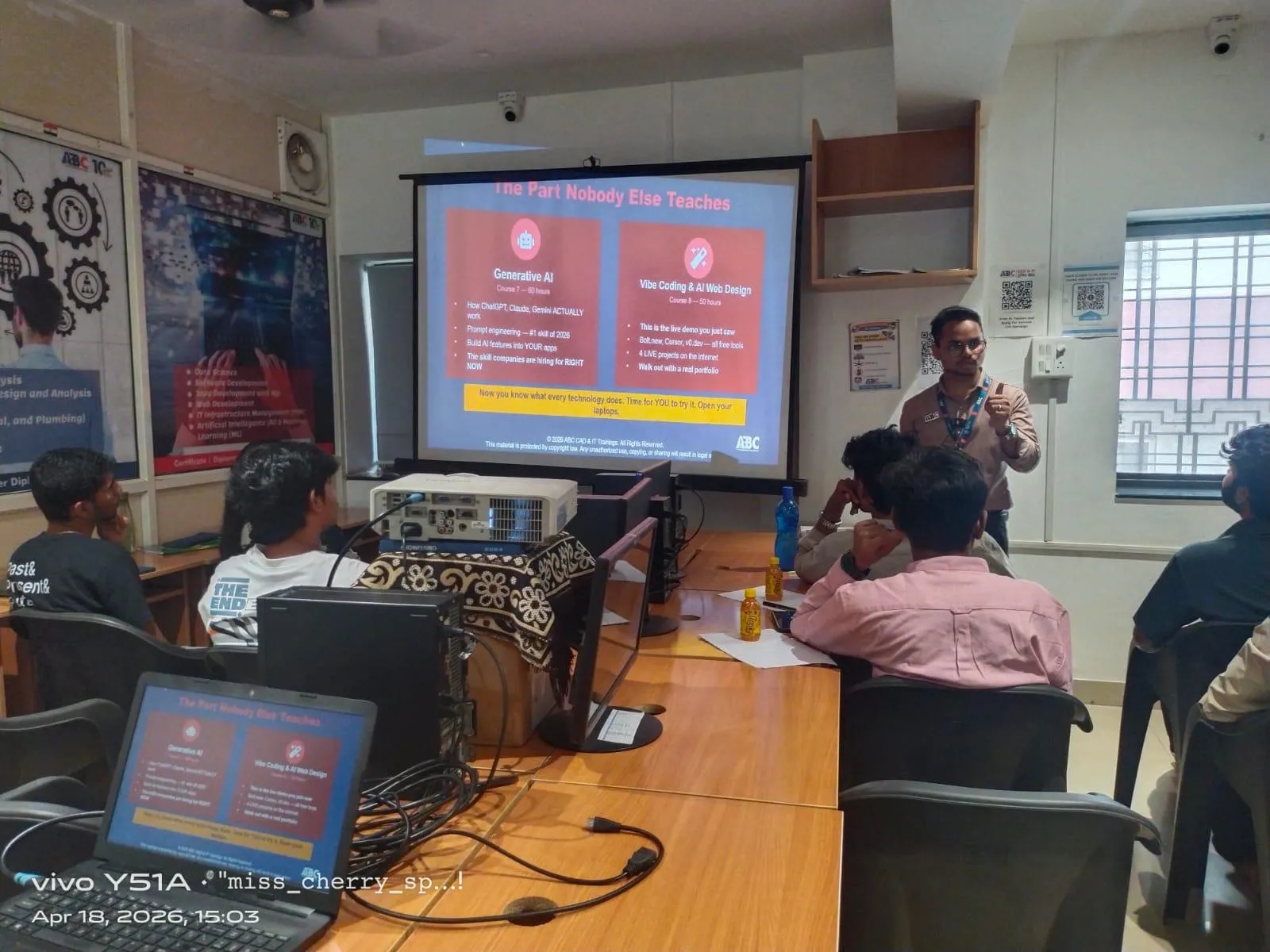
Once you know Pad, Pocket, Shaft and Groove, the next level is using features strategically. Rib and Slot are extremely useful when the profile follows a guide curve. Multi-Section Solid helps when simple extrudes won't match the intended shape. Drafted features are essential if you're preparing parts for manufacturing logic, especially in plastic components and cast parts.
Don't overuse edge fillets too early. Add major structural features first, then apply fillets in a controlled sequence. If you place many fillets too soon, later edits often fail. The same goes for shell operations. Apply shell only after the core geometry is stable unless the whole part depends on wall thickness from the beginning.
Boolean operations are another advanced area. In mold-related or multi-body part workflows, Add, Remove and Intersect become very useful. Many learners skip body management, but in real projects it matters. Keep separate bodies for base shape, machining cuts, ribs or alternate concepts when needed. This gives better control and cleaner revisions.
How should you build CATIA assemblies like industry professionals?
Assembly Design is where many students struggle because they know constraints, but not assembly strategy. Start with a fixed base component. Then add parts using meaningful constraints such as coincidence, contact, offset and angle only where needed. Don't over-constrain. If the assembly turns green but behaves unpredictably, that's a warning sign.
Create logical sub-assemblies for repeated systems like hinge units, fastening groups or bracket sets. This is common in automotive and industrial equipment design. At firms like L&T, Kirloskar or Thermax, large assemblies are rarely built as one flat structure. They are organized for easier updates and BOM handling.
Use compass manipulation for quick orientation, but finalize with proper constraints. Also, check update status regularly. A professional assembly is not just visually correct. It must update cleanly after part modifications. Save often and use revision naming if you're trying alternate layouts.
What CATIA settings and workflow habits do experienced users follow?
There are a few settings and habits that improve speed more than people expect. First, customize toolbars for the modules you use daily. If you work mainly in Sketcher, Part Design and Assembly Design, keep those commands visible instead of hunting through menus. Second, learn keyboard shortcuts for hide/show, update, fit all in, and standard views.
Third, control your specification tree. Keep it readable. Group related features where possible. Fourth, use visualization smartly. Hide sketches and reference geometry that are no longer needed for active work, but don't delete useful references blindly. The good news is that clean screen management can make you much faster during design reviews and practical tests.
Another advanced habit is file discipline. Keep parts, products and drawings in properly named folders. If you're preparing for placements in Pune, Chhatrapati Sambhajinagar or Sangli, interviewers often notice whether you understand real project structure. That's especially relevant if you're targeting design support roles through vendors working with TCS, Infosys engineering divisions, KPIT Technologies or Tata Technologies.
How is CATIA used in automotive and manufacturing jobs in Maharashtra?
In Maharashtra, CATIA remains highly relevant in automotive, machine design, tooling support and product engineering. Pune continues to be one of the strongest markets because of companies and supplier ecosystems connected to Bajaj Auto, Tata Motors-related design vendors, Mahindra Engineering, Bosch, Siemens and KPIT Technologies. Freshers with only basic command knowledge usually start around ₹15,000 to ₹22,000 per month in trainee or junior CAD roles. Candidates with stronger CATIA part and assembly skills, plus good drafting discipline, often move into ₹22,000 to ₹35,000 per month roles faster.
For professionals with 2 to 4 years of solid CATIA V5 experience in automotive components, BIW support, plastic trims or manufacturing detailing, salaries commonly reach ₹4.2 lakh to ₹7.5 lakh annually depending on company and project exposure. Trust me, the difference is rarely just software knowledge. It's whether you can build editable models, understand constraints properly, and support engineering changes without breaking files.
How can you practice advanced CATIA techniques the right way?
Don't just model random shapes from YouTube thumbnails. Practice with intent. Pick three types of parts: a bracket, a housing and a small assembly. For each one, create a clean sketch strategy, build the part using proper feature order, rename the tree, apply fillets later, and then modify key dimensions to test stability. If the model survives design changes, your method is improving.
Also create one mini assembly with 5 to 10 parts and apply realistic constraints. Then revise one part and see if the product updates correctly. This mirrors actual design-office pressure much more than one-time modeling exercises.
If you want structured CATIA training with industry-focused practice in Maharashtra, ABC Trainings can help you move beyond beginner-level command learning into job-ready modeling habits. You can call 8698270088 or WhatsApp 7774002496 to understand the course path. What most people don't realize is that guided feedback saves months of trial and error.
Why do advanced CATIA workflows matter more than just learning commands?
Because companies hire for reliability. Anyone can copy a tutorial and finish a model. But can you edit it, assemble it, document it and explain your design intent? That's the real test. Here's the thing: advanced CATIA is not about flashy geometry. It's about engineering clarity. Once you adopt that mindset, your portfolio improves, your interview performance gets sharper and your confidence changes.
If you're serious about a CAD career in Maharashtra in 2026, go deeper into part strategy, assembly logic and clean model structure. That's what turns a learner into a designer.
Is CATIA V5 still worth learning in India in 2026?
Yes, especially for automotive, mechanical product design and manufacturing support roles. Many companies in Pune and across Maharashtra still use CATIA V5 in design and supplier ecosystems. If you combine CATIA with drafting, GD&T and assembly knowledge, your job chances improve significantly. For automotive-oriented careers, it's still a strong software choice.
What salary can a CATIA designer get in Pune as a fresher?
Most freshers start between ₹15,000 and ₹22,000 per month depending on skill level, internship exposure and company type. If you have strong part modeling, assembly handling and drawing output skills, you can target ₹22,000 to ₹35,000 per month in better roles. Vendor companies and contract design firms often test practical speed before offering higher packages. Your portfolio matters a lot.
Which CATIA modules should I master after learning the basics?
Start with Sketcher, Part Design and Assembly Design at a deeper level. After that, move into Drafting, Generative Shape Design if your field requires surfacing, and basic knowledge of sheet metal or tooling-related workflows depending on your target industry. For most entry-level mechanical jobs, strong fundamentals in part and assembly work are more important than touching every module once.
Where can I learn CATIA in Maharashtra with practical guidance?
You can learn through structured classroom or practical lab-based training where projects, model correction and interview preparation are included. ABC Trainings offers CAD training support for students and job seekers in Maharashtra. You can call 8698270088 or WhatsApp 7774002496 to check the right CATIA learning path based on your background. Practical feedback is what helps most learners improve faster.
Visit Our Centers
Chhatrapati Sambhajinagar
Corporate Office (HQ)
2nd Floor, Kandi Towers, Jalna Road, Amarpreet Chowk, Chhatrapati Sambhajinagar, Maharashtra 431001
Osmanpura Branch
Plot No 14, Shanya Sect, Near Sant Eknath Rang Mandir, Osmanpura, Chhatrapati Sambhajinagar, Maharashtra 431005
CIDCO Branch
Plot No 4, N-3, Cidco, Opp. High Court, Chhatrapati Sambhajinagar, Maharashtra 431003
Pune
Wagholi Branch
1st Floor, ABC Trainings, Laxmi Datta Arcade, Pune - Ahilyanagar Hwy, Wagholi, Pune, Maharashtra 412207
Hadapsar Branch
Bloom Hotel, ABC Trainings 1st Floor, S.no 156/3 Shree Tower Pune - Solapur Rd, Hadapsar, Pune, Maharashtra 411028
Sangli
Sangli Branch
2nd Floor, Vasant Market, Opp. City High School, Sangli, Maharashtra 416416
Start Your Career Journey Today
Join 10,000+ students who transformed their careers with ABC Trainings.
💬 WhatsApp: 7774002496📞 Call: 8698270088