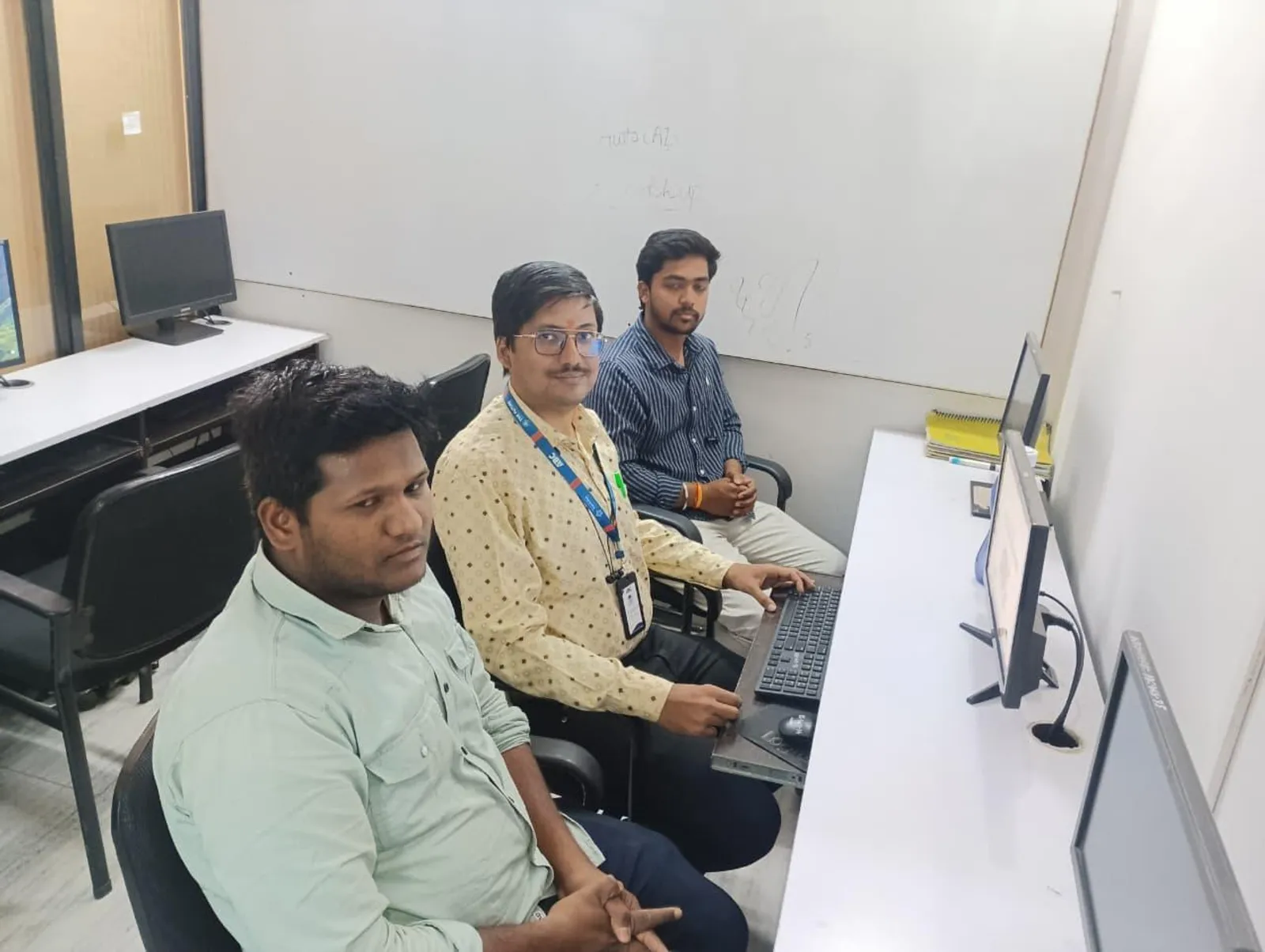
After watching hundreds of beginners go through their first month of Revit at our Pune centres, the same handful of mistakes show up again and again — almost always from habits carried over from other software or from skipping fundamentals to get to "the interesting parts" too fast. Here are the ones worth fixing immediately.
Mistake 1: Treating Revit like AutoCAD with extra steps
The most common mistake is trying to draft in Revit the same way you would in AutoCAD — drawing disconnected lines instead of using proper walls, doors and windows as real parametric objects. The fix is to unlearn the "everything is a line" mindset early and trust Revit's built-in families and constraints, even when it feels slower at first.
Mistake 2: Not using levels, grids and reference planes properly
Beginners often skip proper level and grid setup because it feels like unnecessary admin before "the real modelling" starts. This causes major cleanup problems the moment you add a second floor or need accurate elevations. Fix this by always setting up your levels and grids correctly before placing a single wall.
Mistake 3: Modelling in 3D view instead of plan or section views
Working directly in the 3D view feels intuitive but makes precise placement and editing significantly harder, and it's a habit that's very visible to trainers and interviewers as a sign of inexperience. Do the vast majority of your modelling in plan and section views, and use the 3D view mainly to review, not to build.
Mistake 4: Ignoring families and using generic elements everywhere
Placing only default generic doors, windows and furniture without learning to load, edit or create proper families limits your model's usefulness and your own skill growth. Spend deliberate time in the first month learning to load families from the library and lightly edit their parameters — this is a core, testable BIM skill.
Mistake 5: Skipping worksets and collaboration practice until "needed"
Many students postpone learning worksets and worksharing because solo practice projects don't require them, then struggle badly when they join a real multi-person project team. Practise basic worksets even in solo exercises so the collaboration workflow isn't a shock on your first job.
Mistake 6: Learning only Architecture and ignoring Structure or MEP basics
Focusing exclusively on Revit Architecture and never touching Structure or MEP basics leaves you unable to understand coordination and clash detection conversations that come up constantly in real BIM teams. Even a basic familiarity with how structural and MEP models look and behave makes you noticeably more employable.
Mistake 7: Not practising on a real, complete project end-to-end
Practising isolated tool tutorials — one video on walls, another on roofs — without ever completing one project start to finish leaves gaps that only show up when you actually need the skill. Always finish at least one complete small project, from levels to a printed sheet, before considering a topic "learned."
Frequently Asked Questions
Why does Revit feel harder than AutoCAD at first?
Revit feels harder initially because it forces you to think in terms of real building elements and parametric relationships instead of independent lines and arcs. This is a genuinely different mental model, not a harder tool — most of the early frustration disappears once you stop trying to draft in Revit the way you would in AutoCAD.
How do I know if I am learning Revit the right way?
A good sign is that your model updates correctly and predictably when you change one element — for example, moving a wall correctly updates attached doors, dimensions and schedules. If you find yourself manually fixing things after every small change, you are likely working around Revit's logic instead of with it.
Should beginners learn Dynamo or scripting early?
No. Dynamo and visual programming are genuinely valuable skills, but they assume you already understand Revit's core modelling and parameter logic well. Beginners who jump to Dynamo too early usually end up automating mistakes rather than saving time.
How much daily practice is enough to avoid these mistakes?
Roughly 90 minutes to 2 hours of focused, hands-on practice most days is enough to build correct habits, provided the practice includes deliberate review of what went wrong, not just repetition. Irregular, marathon weekend sessions without daily reinforcement tend to reproduce the same mistakes repeatedly.
Get corrected in real time, not three weeks later
Our trainers catch these exact mistakes in your first lab sessions at Wagholi and Hadapsar, before they turn into hard-to-break habits.
Call: 7039169629 | WhatsApp: 7774002496
Related reading: Revit for Beginners: Model Your First Simple House Step-by-Step · What Is Clash Detection in BIM? How Navisworks Finds Errors
Get Brochure + Fees + Batch Dates on WhatsApp
Free 1:1 counselling. Placement track record. CMYKPY/PMKVY eligibility check.
💬 WhatsApp 7774002496📞 Call 7039169629Visit Our Centers
- Wagholi (Pune): 1st Floor, Laxmi Datta Arcade, Pune-Ahilyanagar Highway. Call 7039169629
- Hadapsar (Pune HQ): 1st Floor, Shree Tower, opp. Vaibhav Theater, near Bloom Hotel, Magarpatta. Call 7039169629
- Cidco (Chh. Sambhajinagar): Kalpana Plaza, opp. Eiffel Tower, N-1 Cidco. Call 7039169629
- Osmanpura (Chh. Sambhajinagar): S.S.C Board to Peer Bazar Road, near Jama Masjid. Call 7039169629
- Sangli: Shubham Emphoria, 1st Floor, Above US Polo Assn., Sangli-Miraj Rd, Vishrambag. Weekend batches available. Call 7039169629