Creo Parametric Training: Relations, Parameters and 3D Modelling for Mechanical Engineers (Updated August 2026)
Creo Parametric is PTC's flagship 3D modelling software, widely used in automobile, aerospace and product manufacturing industries across India. The software's Relations and Parameters features make designs intelligent — a single change to one dimension can automatically update dozens of linked measurements. Understanding this parametric logic is what separates a basic Creo user from an engineer who can build reusable, industry-grade models. ABC Trainings teaches Creo Parametric with a practical focus on these advanced features.

- Creo Parametric uses Relations to link geometric dimensions — changing one value updates all related dimensions automatically.
- Parameters are user-defined variables (real numbers, strings, integers) stored in the model and usable in Relations.
- Relations connect physical dimensions (radius, diameter, length) through mathematical equations.
- To add a Relation: Tools > Relations > add equation linking dimension names.
- Parameters are created via Tools > Parameters > Add > define name, type, value.
- Once a Relation is verified, Creo regenerates the model automatically when any linked dimension changes.
- Creo is used by companies like Tata Motors, Mahindra and Bajaj for product design and tooling.
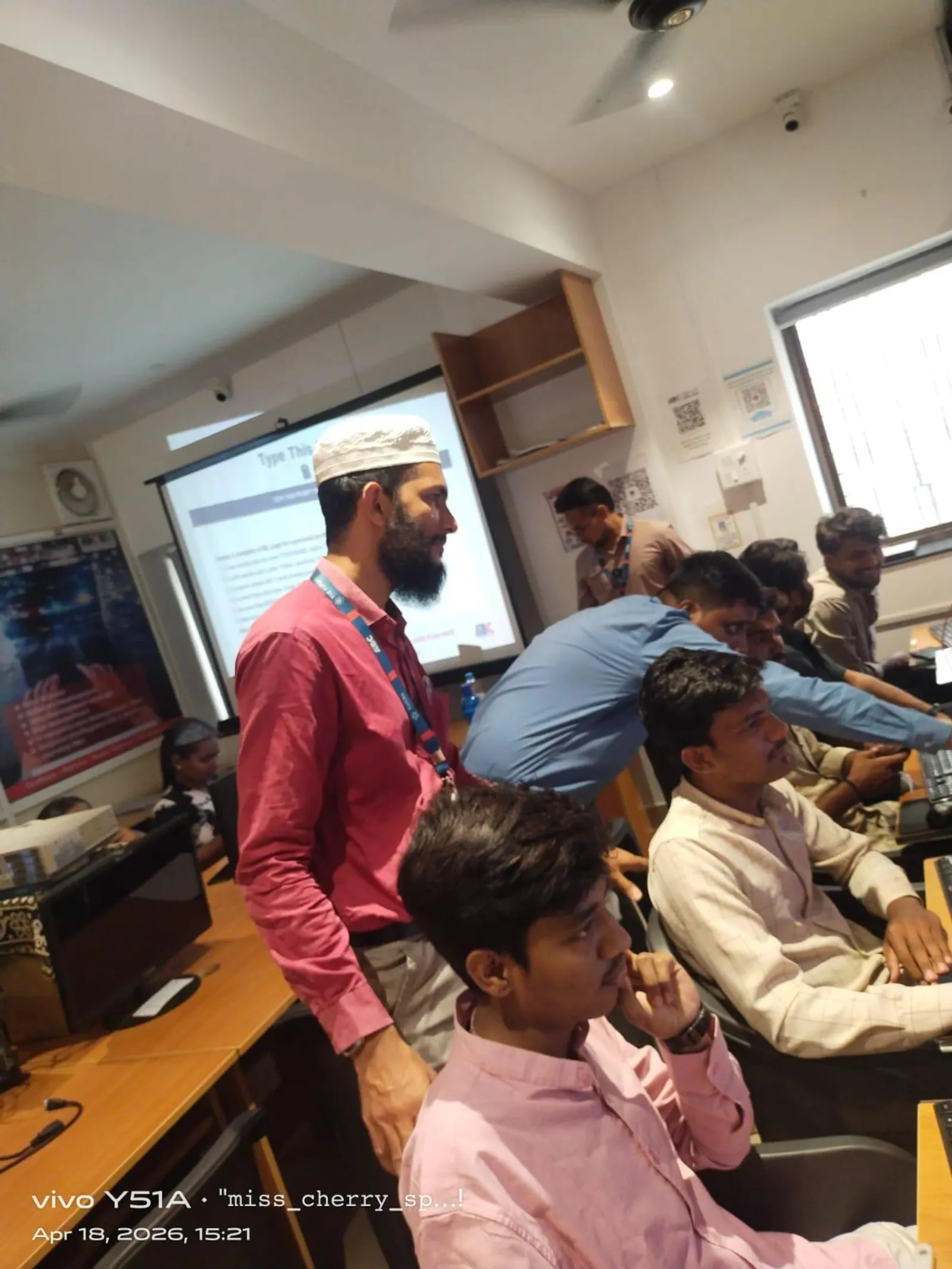
- ABC Trainings teaches Creo Parametric at Pune centres with live 3D modelling sessions.
What Is Creo Parametric and Why Do Mechanical Engineers Need It?
Creo Parametric is a feature-based, parametric 3D CAD system. Every geometric feature — a hole, a fillet, an extrusion — is stored as a parameterised operation that can be edited without rebuilding the model from scratch. This is different from mesh-based 3D tools where geometry is fixed. Mechanical engineers use Creo for part modelling, assembly design, sheet metal work, mould design and technical drawing creation. It is the required software at most Tier-1 automotive suppliers and OEMs across Maharashtra.

Understanding Relations in Creo Parametric: Linking Dimensions Automatically
Relations in Creo are geometric equations that link dimensions together. For example, if the radius of a lower arc must always equal half the diameter of an upper circle, you add a Relation: d2 = d1/2. When d1 changes, Creo evaluates the Relation and updates d2 automatically — no manual re-entry needed. Relations are managed under Tools > Relations. After adding an equation, clicking Verify checks the syntax and Execute applies it to the current model state. If the model regenerates successfully, the Relation is active permanently.
| Creo Tool | Access Path | What It Does |
|---|---|---|
| Relations | Tools > Relations | Links dimensions through equations |
| Parameters | Tools > Parameters | Creates named variables for the model |
| Verify | Inside Relations dialog | Checks equation syntax for errors |
| Execute | Inside Relations dialog | Applies Relations to current model |
| Regenerate | Model ribbon | Rebuilds model after changes |
| Family Table | Tools > Family Table | Creates part variants from one template |
What Are Parameters in Creo and How Do You Create Them?
Parameters are user-defined variables stored inside the Creo model file. A Parameter has a name (e.g. DIAMETER_1), a type (Real Number, Integer, String, Boolean) and a value (e.g. 20). Parameters differ from standard dimensions — they are not tied to geometry directly but can be used inside Relations to drive dimensions. You create a Parameter via Tools > Parameters > the + sign > enter name, type and initial value > OK. Once created, the parameter appears in the Relations dialog and can be used on the right side of any equation.
How to Use Relations and Parameters Together in a Real Model
A practical example: you need the lower radius of a bracket to always equal the diameter of the mounting hole divided by 2. Step 1 — create a Parameter MOUNT_DIA with value 40. Step 2 — add a Relation: lower_radius = MOUNT_DIA / 2. Step 3 — click Verify > Execute > OK. Now change MOUNT_DIA from 40 to 60 and regenerate the model. The lower radius updates from 20 to 30 automatically. This parametric logic is how automotive design teams manage families of parts where one standard template drives hundreds of variants.
Career Scope After Creo Parametric Training in Maharashtra
Mechanical engineers with Creo Parametric certification find work as product design engineers, tooling engineers, CAD designers and simulation analysts. Hiring companies in Pune and across Maharashtra include automotive component manufacturers, machinery builders and defence contractors. Starting salaries for Creo-trained freshers range from ₹15,000 to ₹22,000 per month, with 2–3 years of experience pushing this to ₹35,000–₹55,000. Adding CAE tools (ANSYS, Nastran) alongside Creo significantly increases hiring rate at Tier-1 companies.
Creo Parametric Training at ABC Trainings vs Learning On Your Own
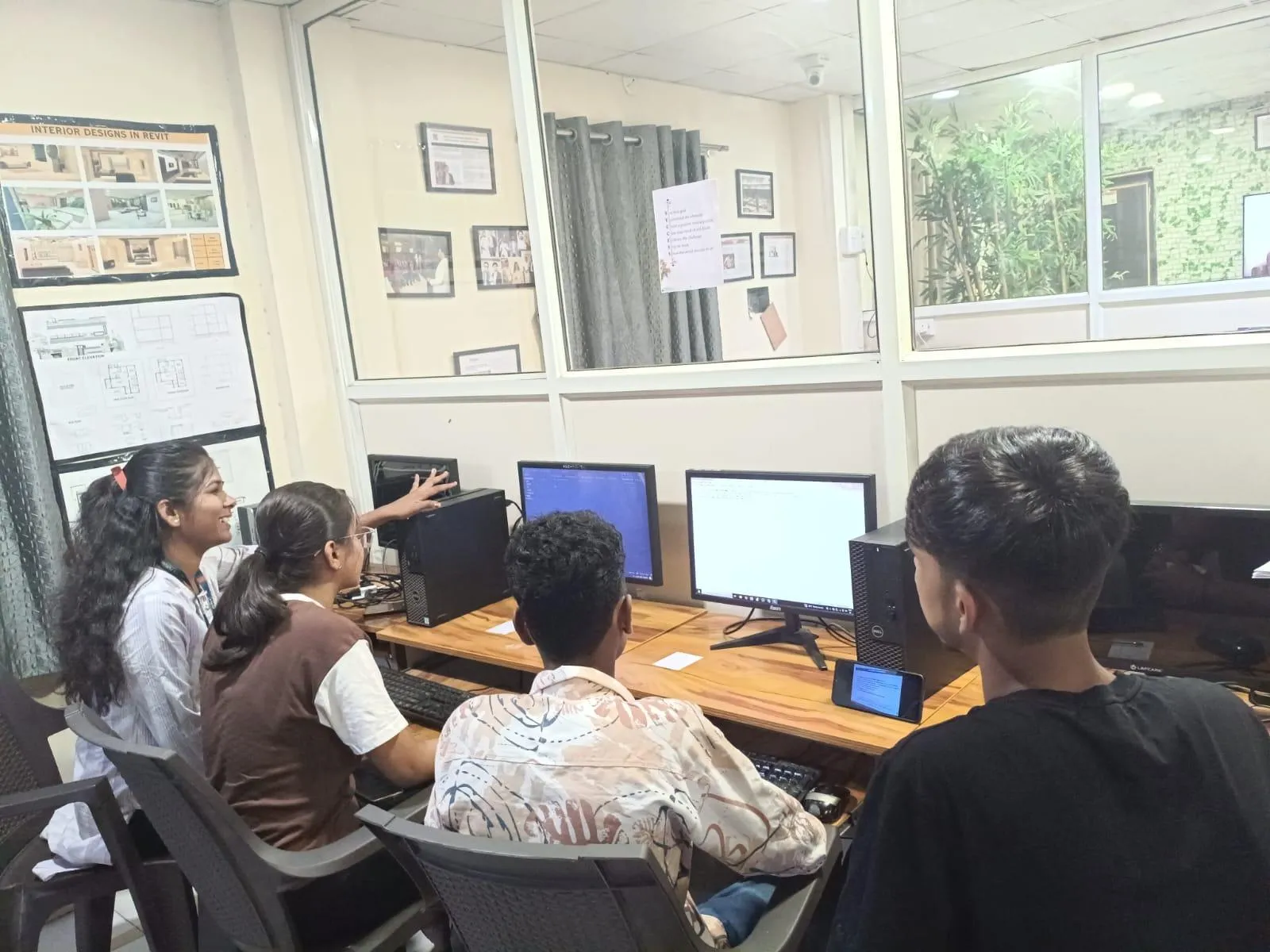
Self-learning Creo from YouTube tutorials teaches commands but not the engineering logic behind parametric modelling. Students who try to self-learn Relations and Parameters often miss the Verify-Execute workflow and create Relations that conflict, causing regeneration failures. ABC Trainings teaches Creo in a structured sequence — solid modelling before assemblies, Relations before Family Tables — with a trainer correcting modelling errors in real time. Pune-based students at Wagholi, Hadapsar or CIDCO branches can practise on Creo-licensed workstations in the institute lab.
Students eligible for the CM Yuva Karya Prashikshan Yojana (CMYKPY) scheme can receive ₹6,000–₹10,000 toward job-oriented mechanical CAD courses including Creo Parametric at ABC Trainings. Contact your nearest branch for verification.Get the CAD/CAM Brochure + Fees + Batch Dates on WhatsApp
Free 1:1 counselling. Placement track record. CMYKPY/PMKVY eligibility check.
💬 Get Brochure on WhatsApp📞 Call 7039169629About the author: Shubham Choundiye, Mechanical Design Trainer, ABC Trainings.
Visit Our Centers
- Wagholi (Pune): 1st Floor, Laxmi Datta Arcade, Pune-Ahilyanagar Highway. Call 7039169629
- Hadapsar (Pune HQ): 1st Floor, Shree Tower, opp. Vaibhav Theater, Magarpatta. Call 7039169629
- Cidco (Chh. Sambhajinagar): Kalpana Plaza, opp. Eiffel Tower, N-1 Cidco. Call 7039169629
- Osmanpura (Chh. Sambhajinagar): S.S.C Board to Peer Bazar Road, near Jama Masjid. Call 7039169629
- Sangli: Shubham Emphoria, 1st Floor, Above US Polo Assn., Sangli-Miraj Rd, Vishrambag. Weekend batches available. Call 7039169629
FAQs
What is the difference between Relations and Parameters in Creo Parametric?
Parameters are user-defined variables (with names and values) stored in the model — for example, DIAMETER_1 = 40. Relations are equations that link dimensions to each other or to Parameters — for example, lower_radius = DIAMETER_1 / 2. Parameters store data; Relations use that data to drive geometry. Both work together: a Parameter holds the master value and Relations propagate it to all dependent dimensions in the model.
Can a mechanical engineering student learn Creo Parametric without prior CAD experience?
Yes, but students should have basic CAD awareness — understanding what a 3D model is, how sketching works and what features like extrude and fillet do. ABC Trainings starts the Creo course with solid part modelling from scratch, so students without prior Creo experience can follow the course. Students who already know AutoCAD 2D typically learn Creo faster because they are comfortable with coordinate-based thinking.
Creo Parametric vs SolidWorks — which is better for a career in the Maharashtra automotive industry?
Both are parametric solid modellers and both are used in Maharashtra. Creo Parametric is the preference at most Tier-1 automotive component suppliers (Tata, Mahindra, Bajaj ecosystem) and in aerospace/defence. SolidWorks is more common in smaller engineering firms and product design startups. For students aiming at OEM supply chain jobs in Pune, Nashik or Aurangabad, Creo is the higher-value skill. Learning both is ideal if time permits.
How long does it take to learn Creo Parametric at ABC Trainings?
The Creo Parametric course at ABC Trainings typically runs for 6–8 weeks with regular sessions. The Relations and Parameters module comes after the solid modelling foundation, usually in weeks 4–5. Students who practise on the institute lab computers outside class hours complete the course faster and with stronger hands-on confidence. Contact the nearest branch for current batch schedules.