Siemens NX CAD Sketching, Extrude and Revolve for Beginners (Updated June 2026) (Updated June 2026)
Episode 17 of our NX CAD series is where most students have their first real breakthrough moment — the point where 2D sketches start becoming functional 3D parts you can actually manufacture. This episode focuses on the NX sketch environment and the core feature operations: extrude, revolve, fillet, and chamfer. Here's the thing: the AURIC industrial corridor investments of over ₹71,343 crore — generating 62,405 projected engineering jobs in Maharashtra — are overwhelmingly in automotive and manufacturing companies that use Siemens NX daily. What most people don't realize is that the NX sketcher is more powerful than what you encounter in SolidWorks or CATIA at the same learning stage. NX's constraint-driven sketching means your geometry is parametrically locked, making 3D models that are robust, editable, and professional. I've been teaching NX CAD at ABC Trainings across Pune, Sambhajinagar, and Sangli for 12 years. Students who master the sketch environment and these five key feature operations can model 80% of the mechanical parts they'll encounter on the job. By the end of Episode 17, you'll have solid foundations before moving into assembly modeling in Episode 18.

- The NX CAD sketch environment uses geometric and dimensional constraints to create fully defined, parametrically robust profiles
- Extrude pushes a sketch profile into 3D using distance, direction, and Boolean (add/subtract/intersect) options
- Revolve creates cylindrical and rotational solids by rotating a profile around a centerline axis
- Fillet rounds sharp edges; chamfer creates flat angled cuts — both are essential for manufacturing and assembly
- AURIC corridor investments of ₹71,343 crore are generating 62,405+ NX CAD-relevant jobs in Maharashtra
The NX CAD Sketch Environment: Constraints, Curves, and Design Intent
The NX CAD sketch environment is the 2D workspace where every 3D feature begins. When you enter the sketcher, you select a plane — XY, YZ, XZ, or a face of an existing solid — and draw curves using line, arc, circle, rectangle, and spline tools. What distinguishes NX's sketcher is the constraint system. Geometric constraints like coincident (two points share the same location), tangent (curves meet smoothly), parallel, perpendicular, and symmetric define relationships between geometry elements without requiring explicit measurements. Dimensional constraints — length, angle, diameter, radius — lock exact values. When every element of your sketch is fully constrained by either geometric or dimensional constraints, the sketch is fully defined: no geometry can move unexpectedly when you edit a dimension downstream. NX color-codes geometry by constraint status so you can always see what's still floating. Getting fluent in the sketcher is the single most important foundation skill in NX CAD, because every solid feature you create starts from a well-defined sketch. Sloppy, under-constrained sketches are the number-one cause of model failures when engineers edit their designs later.

| NX Feature | Purpose | Key Dialog Options | Typical Use |
|---|---|---|---|
| Sketch | Define 2D profile for 3D features | Geometric + dimensional constraints | Foundation of every solid feature |
| Extrude | Push profile along axis into solid | Distance, Boolean (add/cut), draft angle | Blocks, ribs, pockets, bosses |
| Revolve | Rotate profile around axis | Axis, angle, Boolean | Shafts, flanges, pulleys, valve bodies |
| Fillet | Round sharp edges | Radius, edge selection, variable radius | Stress relief, aesthetics, safety |
| Chamfer | Create angled flat cut on edges | Distance + angle or two distances | Assembly guides, edge breaking, machining |
| Hole | Standard holes with spec control | Type, size, depth, thread spec | Fasteners, CNC programming, drawings |
Extrude in NX CAD: From 2D Profile to 3D Solid
Extrude is the first and most fundamental 3D feature operation you'll learn in NX CAD. It takes a closed 2D sketch profile and pushes it along an axis — almost always perpendicular to the sketch plane — to create solid geometry. In the extrude dialog, the Distance field controls how far the material is pushed. The Direction option lets you extrude symmetrically (equal distance on both sides), one-side, or two-sided with different distances on each side. The Boolean option determines how the new solid relates to existing geometry: Create makes an independent body for the first feature, Unite adds material to an existing solid, Subtract removes material (cutting pockets and slots), and Intersect keeps only the overlapping volume. Draft Angle lets you taper the extruded walls outward or inward — critical for injection molding and die casting. Limit types give you even more flexibility: Value sets an exact distance, Through All extends until there's nothing left to cut, Until Next stops at the next face it encounters, and Until Extended projects to a selected surface. Learning all these options in the extrude dialog converts you from someone who can make a box into someone who can model complex structural components.
Revolve, Fillet, and Chamfer: Essential Feature Operations in Siemens NX
Revolve creates solids with rotational symmetry by rotating a 2D sketch profile around a centerline. It's the feature of choice for shafts, flanges, pulleys, gears, valve bodies, and any component whose cross-section is constant around a central axis. In NX, you specify the profile sketch, define the axis of revolution (usually the Y or X axis of your sketch), set the angular limits (360 degrees for a complete solid, or any partial angle for a sector), and choose the Boolean operation. The fillet feature rounds sharp edges on a 3D solid — critical for reducing stress concentration in structural components (sharp internal corners are crack initiation points under cyclic loading) and for manufacturing safety and aesthetics. You select the edges to fillet and specify the radius. NX can apply variable-radius fillets — larger at one end, smaller at the other — for advanced surfacing work. Chamfer creates a flat angled cut on an edge, specified by distance and angle or two distances. Chamfers are used to ease assembly (guiding a shaft into a bore), break sharp edges for safety, and simplify machining. The hole feature in NX handles simple through-holes, blind holes, counterbore, countersink, and threaded holes using standard ISO metric, UNC, and UNF specifications — generating correct geometry that feeds directly into technical drawings and NX CAM toolpath programming.
Why Fully Defined Sketches Are Non-Negotiable in Professional NX CAD Work
Parametric design is the core philosophy of NX CAD — every dimension and constraint is a stored parameter that you can change after the fact. Modify the diameter of a shaft and the downstream assembly updates, the drawing view updates, and the interference analysis reflects the new size. This is what makes NX CAD so valuable in industrial manufacturing where designs change hundreds of times during development. The Part Navigator in NX records every feature in chronological order. You can suppress, reorder, edit, or delete any feature, and the model rebuilds intelligently from that point forward. Fully defined sketches are the foundation of this reliability. An under-constrained sketch — where some geometry is not pinned by constraints — can shift when you later edit a dimension, causing the sketch to deform in unexpected ways and potentially collapsing the features built on it. In professional NX CAD work at companies like Bajaj Auto, Tata Technologies, and Mahindra, maintaining fully defined sketches is a standard requirement because design models are shared across teams, updated frequently, and used to drive downstream CNC programming and quality inspection.
NX CAD Job Market and Hiring Companies in Pune and Maharashtra 2026
Mechanical design engineers with NX CAD proficiency are in consistent demand across Maharashtra's automotive and manufacturing sector. In Pune, Bajaj Auto (Akurdi) regularly lists 164+ openings for design and manufacturing engineers. Tata Technologies (Hinjewadi) is one of the largest engineering services companies using NX CAD for global OEM projects. Mahindra (Chakan), Bosch (Pune), and Force Motors (Pune) all use Siemens NX in product development. Mercedes-Benz India R&D center in Pune hires NX-trained engineers for vehicle structural analysis and component design. In Sambhajinagar (Aurangabad), Skoda VW Shendra (Plot A-1/1), Bajaj Waluj (Plot G-137), and Endurance Technologies (Plot E-92) are consistently hiring. Hyosung's ₹3,000 crore plant and Ather Energy's Bidkin facility in AURIC are adding new engineering roles. In Sangli, precision engineering companies in Kupwad MIDC hire mechanical design engineers. In Kolhapur, Bharat Forge (Kagal) hires tooling engineers who benefit from NX CAD and NX CAM expertise.
Learn NX CAD at ABC Trainings: Pune, Aurangabad and Sangli
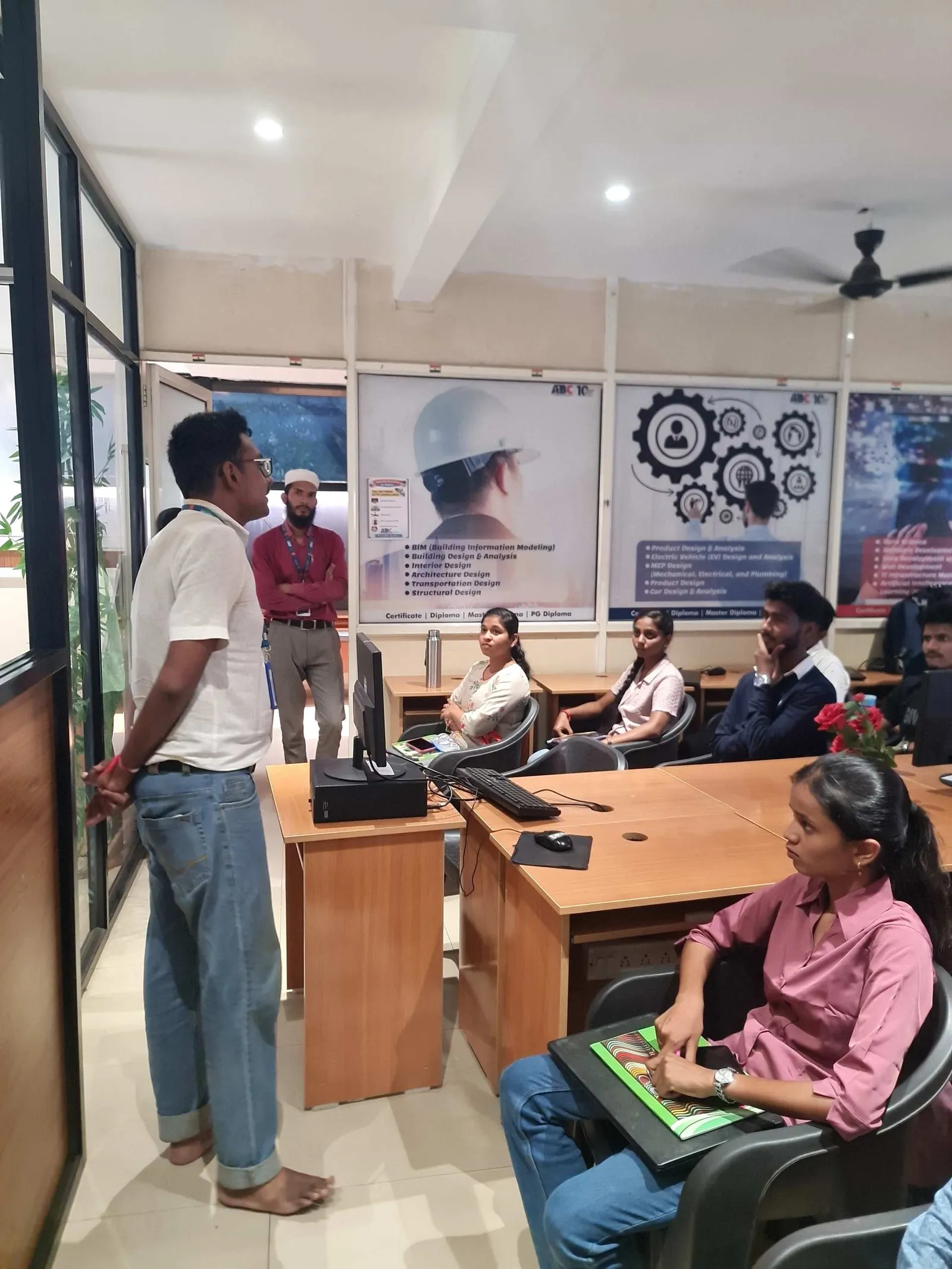
ABC Trainings offers a comprehensive NX CAD course covering everything from the sketch environment (Episode 17) through 3D assembly modeling (Episode 18) and drawing creation. This free YouTube episode is part of our library that complements our live classroom training. We train at Wagholi and Hadapsar in Pune, CIDCO and Osmanpura in Aurangabad (Sambhajinagar), and Sangli. Our instructors bring real automotive and industrial experience — not just software training but the actual workflows, best practices, and design standards that companies expect. Placement support covers resume preparation, technical interview coaching, and direct referrals into our network of automotive and manufacturing hiring partners. Under CMYKPY, eligible students get ₹6,000–₹10,000 per month stipend during internship. Call +91 7039169629 or WhatsApp 7774002496 to join the next NX CAD batch.
Under the Chief Minister Yuva Karya Prashikshan Yojana (CMYKPY), Maharashtra engineering students enrolled in NX CAD and mechanical design programs at approved institutes can receive a monthly stipend of ₹6,000–₹10,000 during their internship phase. Contact ABC Trainings to check your CMYKPY eligibility before enrolling in our NX CAD course.Get the CAD/CAM Brochure + Fees + Batch Dates on WhatsApp
Free 1:1 counselling. Placement track record. CMYKPY/PMKVY eligibility check.
💬 Get Brochure on WhatsApp📞 Call 7039169629About the author: Rahul Patil. 12 yrs experience training engineers across Maharashtra.
Visit Our Centers
- Wagholi (Pune): 1st Floor, Laxmi Datta Arcade, Pune-Ahilyanagar Highway. Call 7039169629
- Hadapsar (Pune HQ): 1st Floor, Shree Tower, opp. Vaibhav Theater, Magarpatta. Call 7039169629
- Cidco (Chh. Sambhajinagar): Kalpana Plaza, opp. Eiffel Tower, N-1 Cidco. Call 7039169629
- Osmanpura (Chh. Sambhajinagar): S.S.C Board to Peer Bazar Road, near Jama Masjid. Call 7039169629
- Sangli: Shubham Emphoria, 1st Floor, Above US Polo Assn., Sangli-Miraj Rd, Vishrambag. Weekend batches available. Call 7039169629
FAQs
What is covered in NX CAD Episode 17?
NX CAD Episode 17 covers the Siemens NX sketch environment — including geometric constraints (coincident, tangent, parallel, perpendicular) and dimensional constraints — plus the core 3D feature operations: extrude, revolve, fillet, chamfer, and hole. These features are the building blocks of parametric 3D modeling in NX and the skills most commonly tested in automotive industry technical interviews.
What is the difference between extrude and revolve in Siemens NX?
Extrude pushes a 2D sketch profile along a straight axis to create solid geometry — used for prismatic shapes like blocks, ribs, pockets, and bosses. It supports Boolean operations (add, subtract, intersect) and draft angles. Revolve rotates a 2D profile around a centerline to create rotationally symmetric solids — used for shafts, flanges, pulleys, and any component with rotational symmetry. Both are fundamental and used in virtually every NX CAD project.
Why are fully defined sketches important in NX CAD?
A fully defined sketch has all its geometry fixed in space by constraints and dimensions, so no element can move unexpectedly when you edit a parameter. Under-constrained sketches have free-floating geometry that can shift during edits, causing downstream features to fail or deform unpredictably. In professional NX CAD environments — automotive OEMs, engineering service companies — fully defined sketches are a standard requirement for design models that are shared and frequently updated across teams.
Where can I learn NX CAD in Pune and Aurangabad?
ABC Trainings offers NX CAD training at centers in Wagholi and Hadapsar (Pune) and CIDCO and Osmanpura (Aurangabad/Sambhajinagar), with additional batches in Sangli. The course covers sketch, part modeling, assembly, and drawing creation. Placement support is included. Call +91 7039169629 or WhatsApp 7774002496 for batch schedule and fee details.