
NX CAD CAM
Hands-on NX CAD CAM tutorials, guides and career insight from the team that teaches it.
57 articles
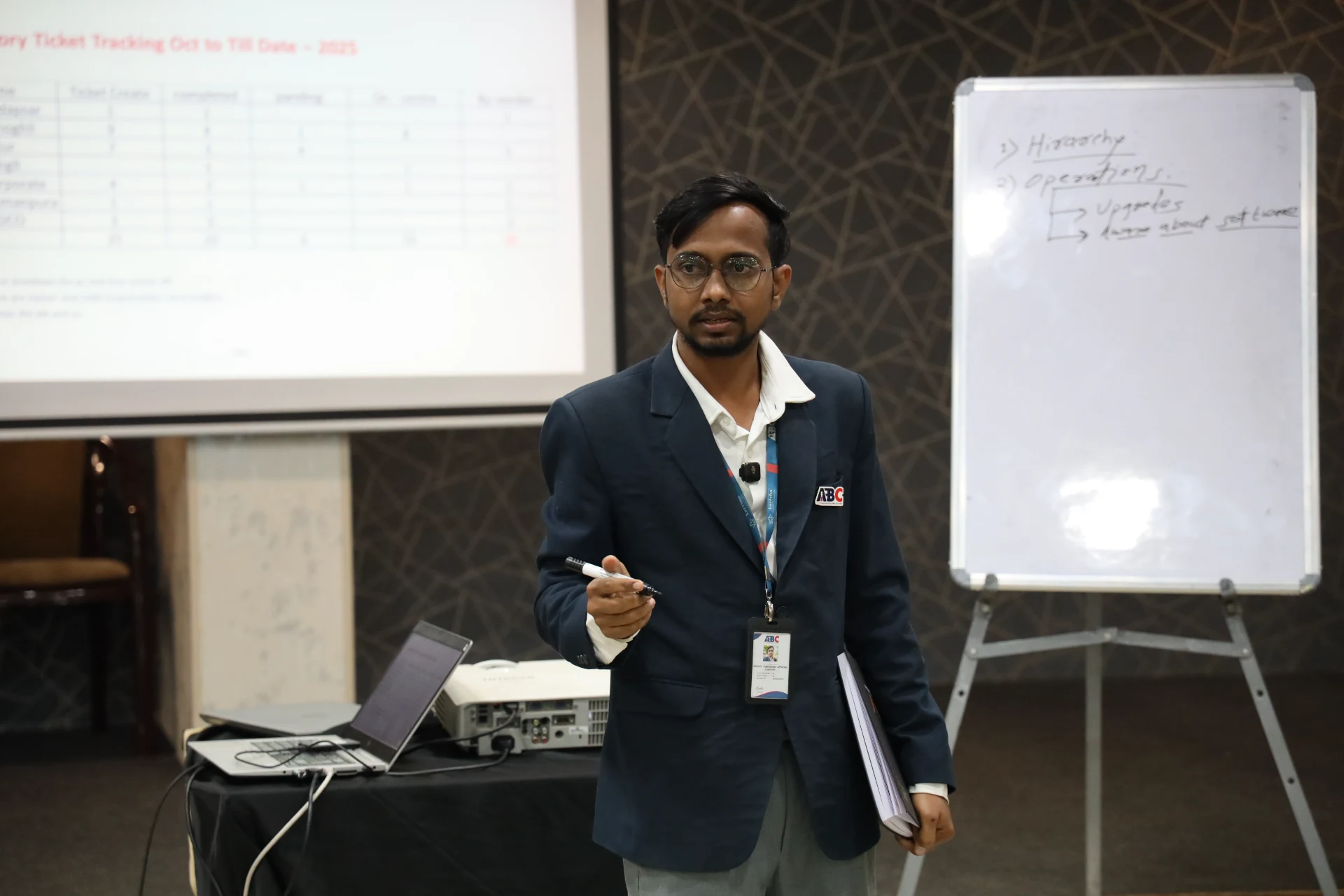
Automobile Courses After 12th in Maharashtra 2026: CAD, Mechatronics and Design Skills That Lead to Jobs
Maharashtra's auto sector is hiring like never before — Skoda VW, Bajaj, Tata Motors, and AURIC's Rs 71,343-crore industrial belt are all adding roles. Here's every course path after 12th that actually leads to employment, and which skills Pune and Sambhajinagar manufacturers look for.
29 Sept 2026
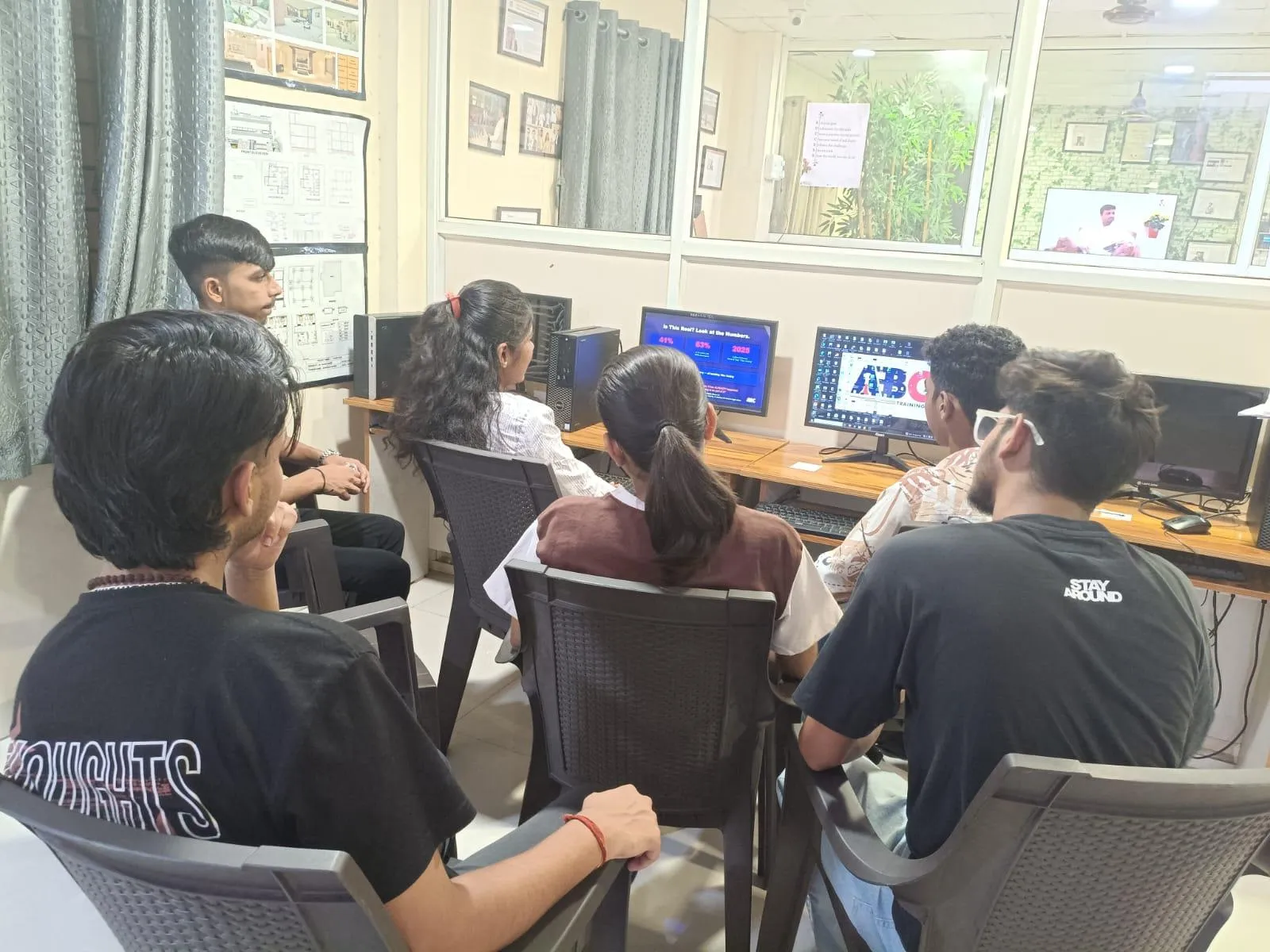
NX CAD Training in Chhatrapati Sambhajinagar: Kadambari Patil's Story — February 2025
Ms. Kadambari Patil completed the NX CAD program at ABC Trainings Chhatrapati Sambhajinagar in February 2025, under Mr. Shubham Choundiye. Her 22-session journey covered part modeling, surface design, assembly operations, and technical drawing.
12 Sept 2026
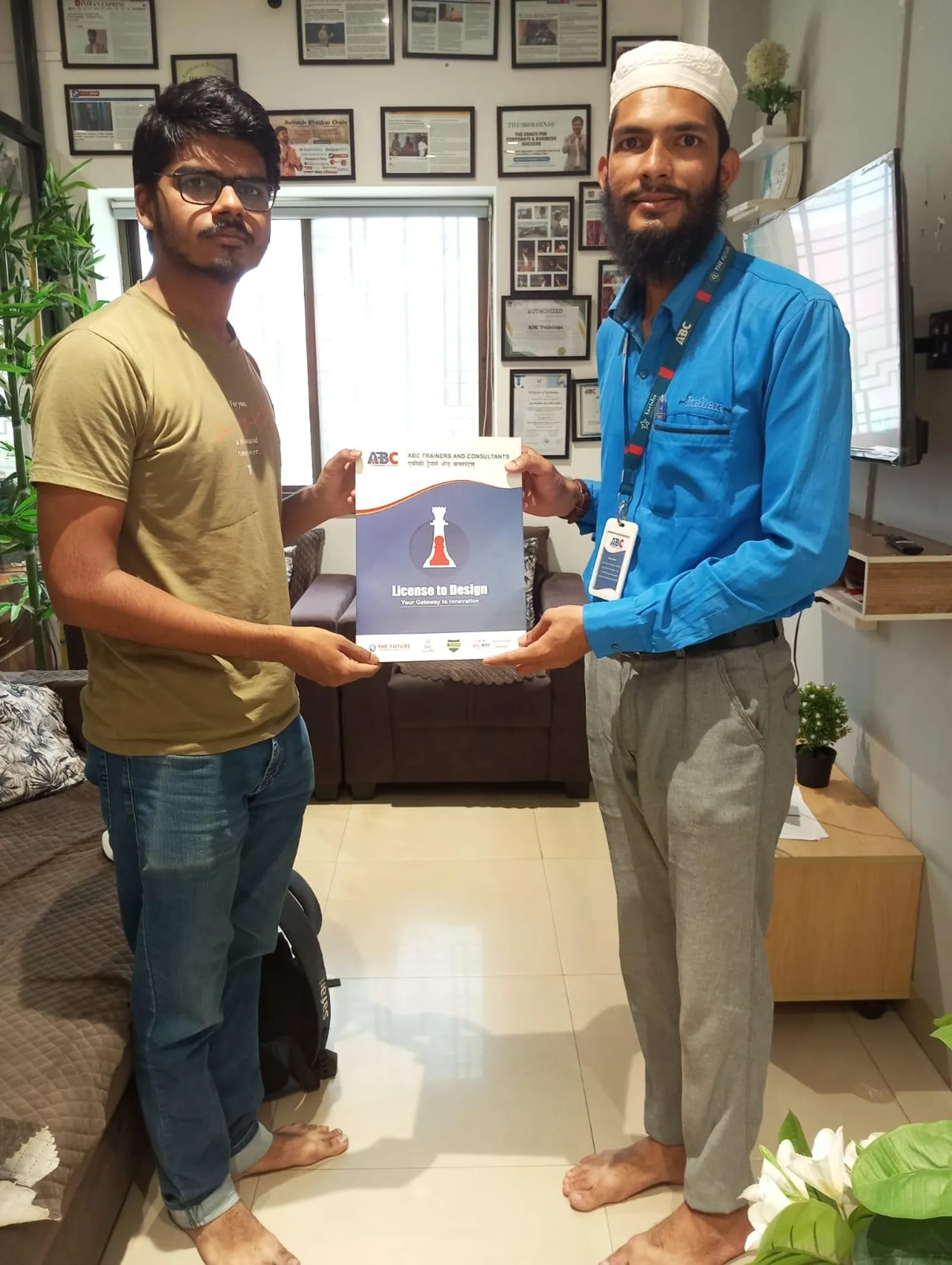
NX CAD Essentials Beginners Guide Episode 3: Sheet Metal and Pattern Features
Episode 3 of the NX CAD Essentials series moves from basic solid modeling into sheet metal design and pattern features — the skills that Endurance Technologies, Tata Tech, and Force Motors actually use when they hire NX-trained mechanical engineers. If you've worked through Episodes 1-2 and want to move beyond simple extrusions, this is your Episode 3 guide.
1 Jul 2026
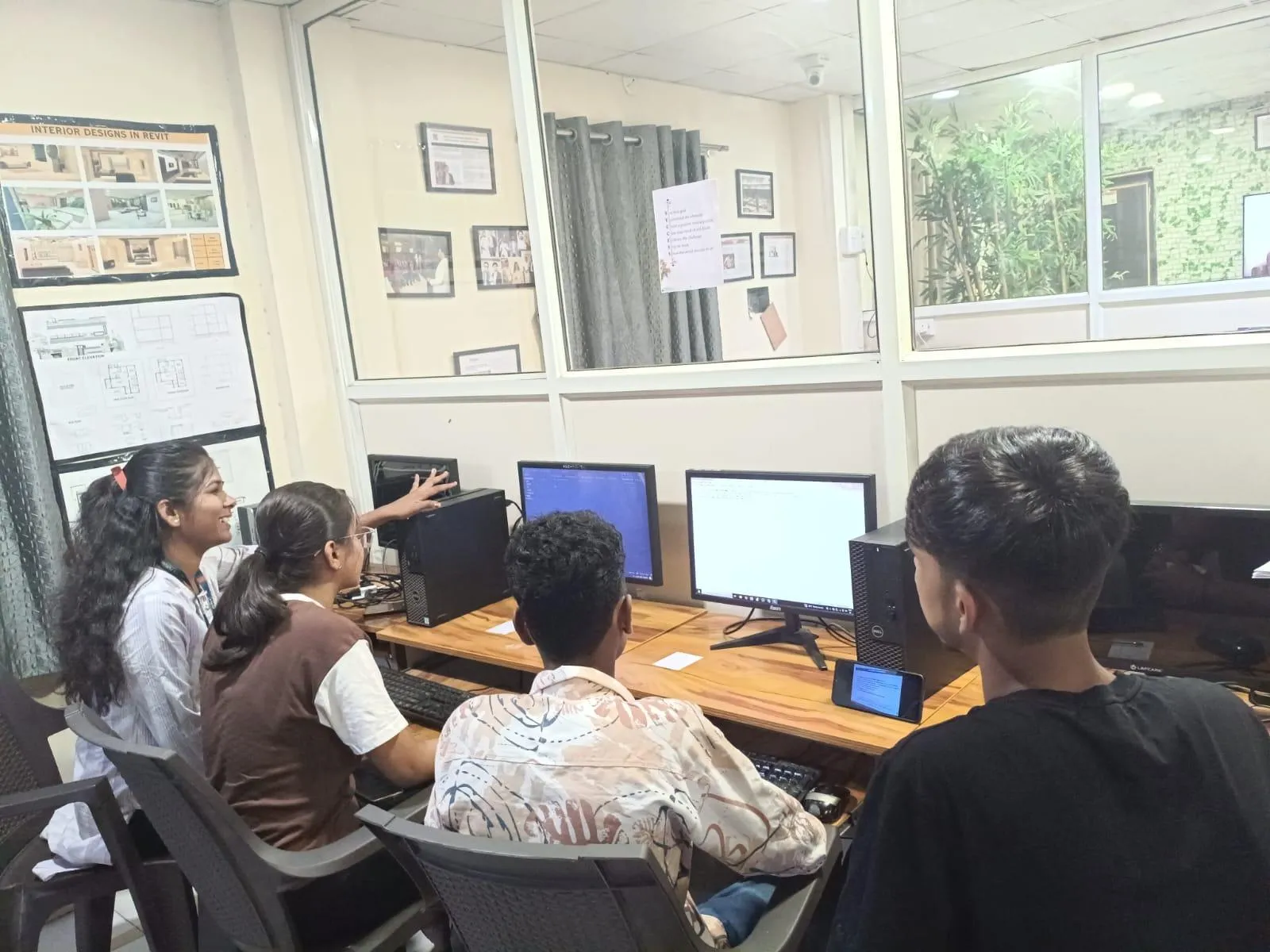
NX CAD Essentials Episode 5: Datum Planes, Reference Geometry, and Solid Primitives for Beginners
Episode 5 of the NX CAD Essentials series covers datum planes, datum axis, datum CSYS, and solid primitive features — the reference geometry foundation that every Siemens NX engineer must set up correctly before sketch-based modeling begins.
30 Jun 2026
NX CAD Essentials Episode 6: Geometric Constraints, Part Navigator, and Parametric Modeling
Episode 6 of the NX CAD Essentials series covers 2D sketch constraints, parametric features, and Part Navigator — the foundation skills every Siemens NX engineer uses daily at Bajaj Auto, KPIT, and Tata Tech.
30 Jun 2026
NX CAD Essentials Beginners Guide Episode 7: 3D Assemblies and Drafting
Dive into Episode 7 of our NX CAD Essentials Beginners series covering 3D assemblies, sheet metal design, and drafting tools used by engineers at Bajaj Auto, Tata Tech, and Siemens. Real commands, real industry context.
30 Jun 2026
NX CAD 3D Modelling with Extrude, Revolve, Fillet and Shell — Step-by-Step Tutorial (Updated June 2026)
Episode 8 of the NX CAD Essentials Beginners Guide dives into the most powerful 3D modelling tools in Siemens NX — Extrude, Revolve, and feature operations like chamfer, fillet, and shell. Master these commands and you can model virtually any mechanical part.
29 Jun 2026
Siemens NX Assembly Tutorial — Component Mating, Constraints & Interference Checks (Updated June 2026)
Episode 9 of the NX CAD Essentials Beginners Guide covers assembly creation, component mating, and constraint management in Siemens NX. Learn how to bring multiple 3D parts together into a working assembly — explained simply for beginners with no prior NX experience.
29 Jun 2026

NX CAD Essentials Beginners Guide Episode 10: Sketching and 3D Part Modeling from Scratch
Start your NX CAD journey here. Episode 10 covers the Sketcher environment, geometric constraints, profile creation, Extrude and Revolve — the absolute foundation every mechanical engineer needs.
28 Jun 2026
NX CAD Essentials Beginners Guide Episode 11: Advanced Part Features and Modeling Techniques
Take NX CAD part modeling to the next level. Episode 11 covers Pattern Feature, Mirror Body, Shell, Draft Angle and Hole Wizard — the advanced commands used daily at Bajaj, Mahindra and Tata Tech.
28 Jun 2026

NX CAD Essentials Beginners Guide Episode 12: Assembly Design and Component Mating
Master NX CAD assembly design, component mating constraints and 2D drafting from scratch. Episode 12 of our step-by-step beginner series. Perfect for mechanical engineering freshers targeting Pune and Sambhajinagar manufacturing jobs.
28 Jun 2026

Siemens NX CAD: Building Constrained Assemblies and Parametric Parts from Scratch — Episode 13 (Updated June 2026)
Episode 13 of our NX CAD series dives into assembly mating constraints and parametric 3D part modelling — the two skills tested first in every Tata Tech, KPIT, and Bajaj Auto mechanical interview. Watch the video and follow this step-by-step guide.
27 Jun 2026