
ANSYS Workbench
Hands-on ANSYS Workbench tutorials, guides and career insight from the team that teaches it.
44 articles

SolidWorks Software Complete Guide: Features, Versions and Career Scope for Mechanical Engineers in Maharashtra (Updated September 2026)
Everything a mechanical engineering student in Maharashtra needs to know about SolidWorks — features, version history, salary data, and how to go from beginner to job-ready at Bajaj, Tata Tech and Mahindra.
10 Sept 2026

Automotive Design Courses in Pune 2026: CATIA, ANSYS & NX CAD for Car Design Careers (Updated August 2026)
Complete guide to automotive design courses in Pune — CATIA surfacing, ANSYS simulation and NX CAD training, fees, syllabus and career scope at ABC Trainings across Maharashtra.
18 Aug 2026

Design Courses for Mechanical Engineers in Pune 2026 — CATIA, SolidWorks, ANSYS and Career Guide (Updated August 2026)
Choosing the right design course as a mechanical engineer in Pune in 2026 — CATIA, SolidWorks, or ANSYS? This guide breaks down which tool gets you hired at Bajaj, Tata Tech, Mahindra, and Bosch, and which course to pick based on your target company.
9 Aug 2026
ANSYS vs Abaqus vs HyperMesh: Which FEA Tool to Learn After Engineering for India's Auto Industry? (Updated June 2026)
ANSYS, Abaqus, and HyperMesh are all used by Indian auto companies — but each one leads to a different role and salary band. Here's the honest comparison that tells you which FEA tool to learn first based on where you actually want to work in Maharashtra's manufacturing belt.
27 Jun 2026
CATIA and ANSYS Engineers in High Demand: How Sambhajinagar's Auto Sector Is Hiring in 2026
Sambhajinagar's auto component manufacturers are hiring CATIA and ANSYS engineers at scale. Here's a breakdown of which companies are recruiting, what the interviews look like, and real salary data for career changers and freshers.
23 Jun 2026

ANSYS Workbench Interface & Geometry Setup – Beginner's Guide to Design Modeler (Updated June 2026)
Get started with ANSYS Workbench: understand the project schematic, navigate the Mechanical interface, import CAD geometry, use Design Modeler for simplification, and avoid the geometry errors that break most beginners' simulations.
17 Jun 2026

ANSYS Workbench Meshing for Beginners – Types, Quality Metrics & Best Practices (Updated June 2026)
Understand ANSYS Workbench meshing from the ground up: mesh element types, automatic vs manual meshing, quality metrics like skewness and aspect ratio, refinement techniques, and mesh independence study.
17 Jun 2026
ANSYS Workbench Static Structural Analysis Setup – Beginner's Complete Guide (Updated June 2026)
Learn how to set up a static structural analysis in ANSYS Workbench from scratch: add material properties, apply loads, define boundary conditions, run the solver, and troubleshoot common errors.
17 Jun 2026
ANSYS Workbench Post-Processing & Result Visualization – Beginner's Guide (Updated June 2026)
Master ANSYS Workbench post-processing: read Von Mises stress plots, interpret deformation results, use the Probe Tool, animate simulations, and generate professional FEA reports — step-by-step for beginners.
17 Jun 2026
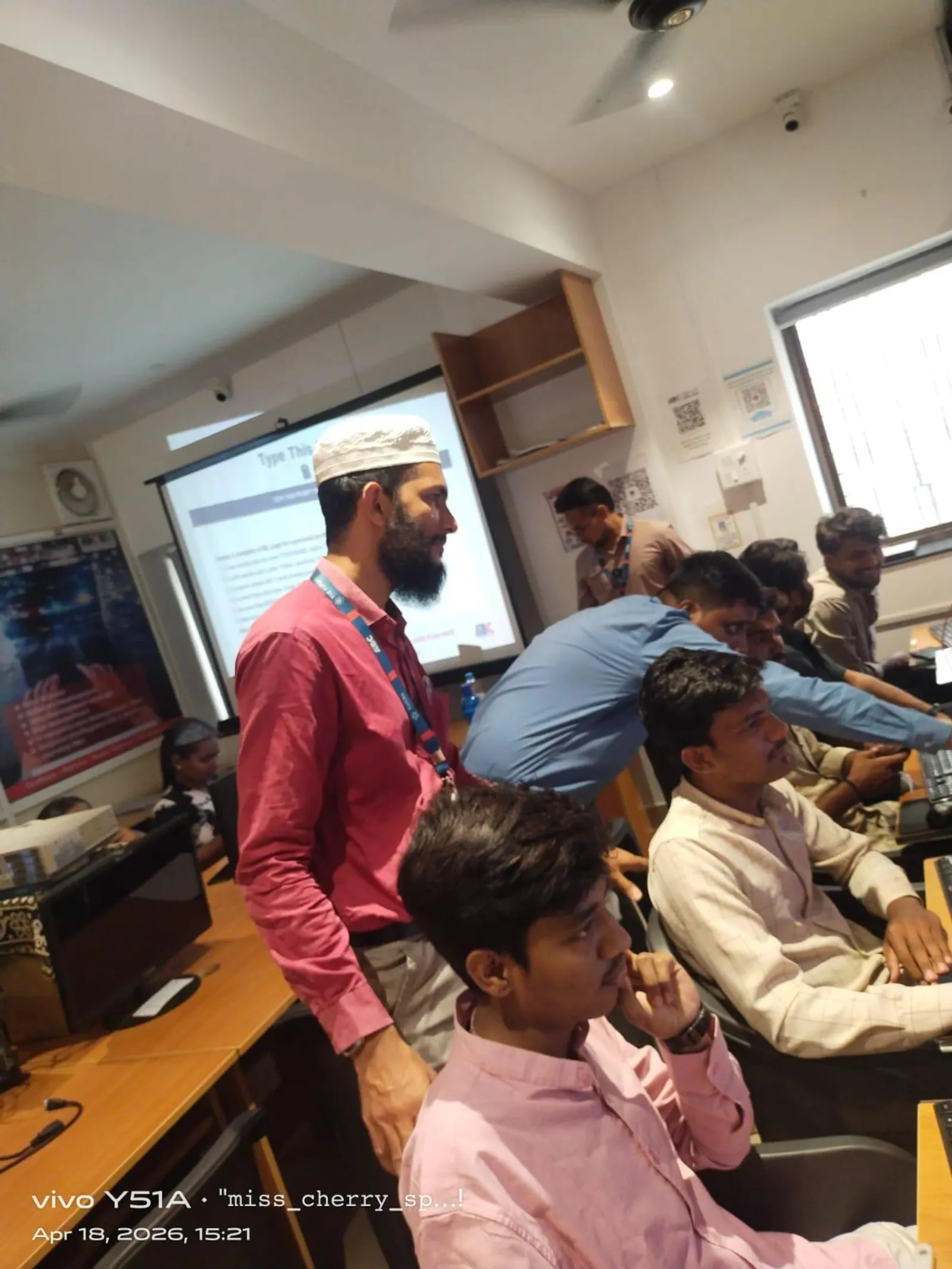
ANSYS Workbench Essentials for Beginners: Part 11 — Simulation Setup, Boundary Conditions and Solving
Part 11 of our ANSYS Workbench beginner's series walks you through physics setup, boundary conditions and the full solve workflow. Perfect for engineering students and freshers targeting FEA roles at Tata Tech, KPIT, Bajaj and Bosch. Learn with ABC Trainings in Pune and Sambhajinagar.
15 Jun 2026

ANSYS Workbench for Beginners — Episode 8: Static Structural Analysis Step by Step
Episode 8 of the ANSYS Workbench series walks you through a complete static structural simulation — from geometry import and material setup to meshing, solving and reading von Mises stress plots. The workflow used by simulation engineers at Bajaj Auto, Tata Tech and Endurance every single day.
11 Jun 2026
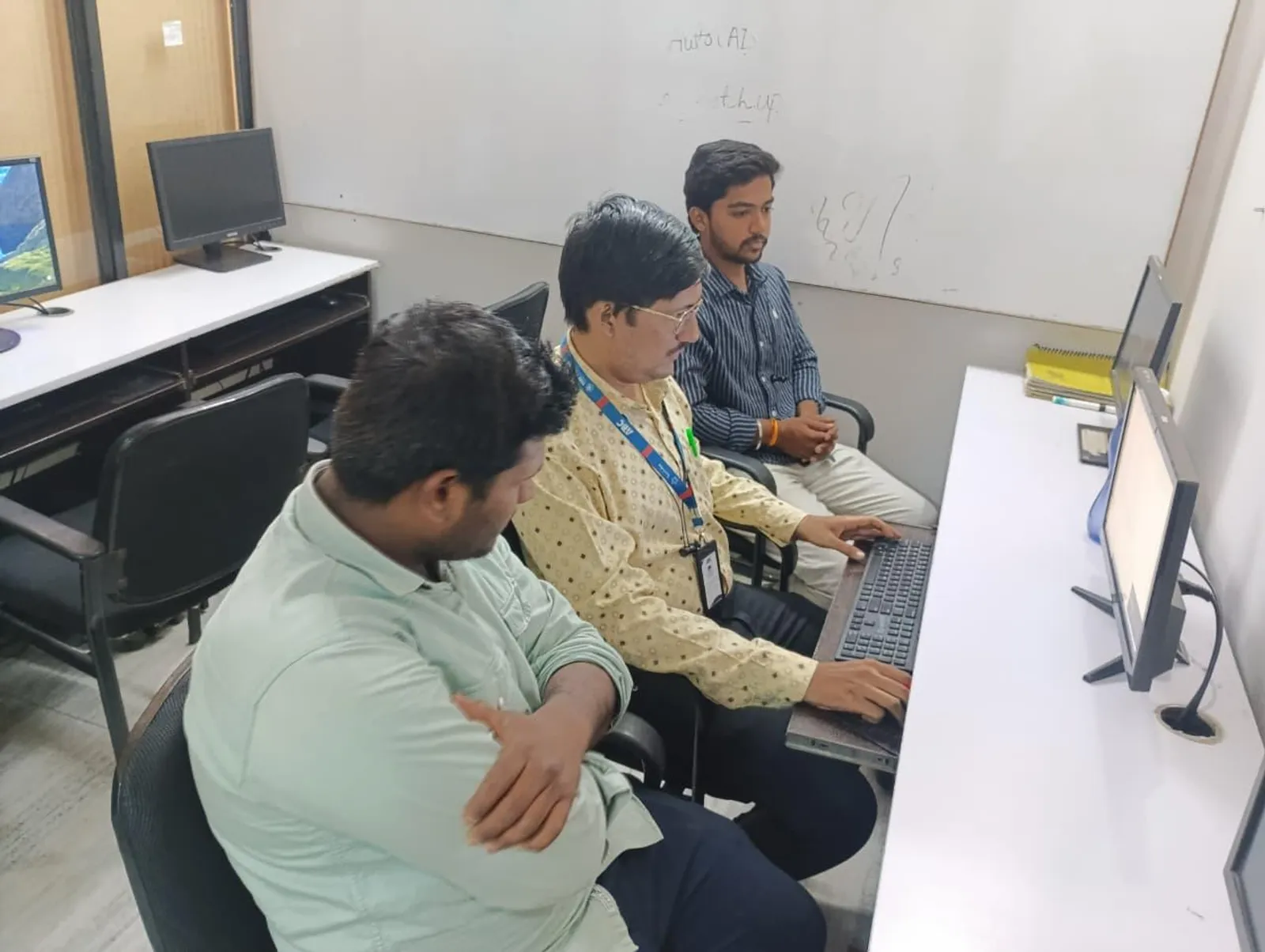
What is ANSYS Workbench? Complete Introduction and Interface Tour: Beginners Guide Episode 1
New to ANSYS Workbench? Episode 1 of our beginners series covers what ANSYS is, why engineers use it, how to navigate the Workbench interface and the five-stage simulation workflow — Geometry, Mesh, Setup, Solve, Post-process.
8 Jun 2026