SolidWorks Simulation vs ANSYS: Which FEA Tool Should Pune Engineers Learn First? (Updated May 2026)
Pune's manufacturing corridor — Bhosari, Chakan, Hadapsar, Wagholi — is one of the densest clusters of FEA job requirements in India. AURIC at Shendra-Bidkin has drawn Rs.71,343 crore in manufacturing investment, and every new plant that opens needs engineers who can validate designs before cutting metal. Two tools dominate: SolidWorks Simulation and ANSYS Workbench. Both appear on job descriptions at Bajaj Auto, Tata Tech, and KPIT. But they're not interchangeable, and choosing the wrong one to learn first costs you months. Let me break it down.
- SolidWorks Simulation is easier for beginners — directly embedded in SolidWorks CAD environment
- ANSYS Workbench is the industry standard for high-fidelity analysis at OEMs and large Tier-1 suppliers
- If you already know SolidWorks, learn SolidWorks Simulation first — faster ROI
- If you're targeting Tata Tech, KPIT, or defence/aerospace, ANSYS is the expected tool
- FEA engineers with ANSYS certification earn Rs.5-9 LPA in Pune; SolidWorks Simulation Rs.4.5-7.5 LPA
Understanding What FEA Actually Does — Before Picking a Tool
FEA — Finite Element Analysis — is the computer simulation method engineers use to test whether a part will survive real-world loads without physically building and breaking it. You apply boundary conditions (fix these faces, apply this force), mesh the geometry into thousands of tiny elements, and solve the stress/displacement/temperature equations across all elements simultaneously. The result tells you whether your part will fail, where it'll fail first, and by how much your safety factor exceeds requirements. This saves months of prototype testing and millions in manufacturing costs. Both SolidWorks Simulation and ANSYS Workbench do FEA — the difference is in depth, control, solver capability, and integration.
SolidWorks Simulation: Strengths, Weaknesses, and Who It's For
SolidWorks Simulation lives inside SolidWorks — same interface, same file, same environment. You right-click a face, assign a material, apply a force, mesh it, and run — often in under 30 minutes for a simple part. That tight integration is its biggest advantage: no import-export headache, no geometry translation errors, and design changes propagate automatically to the simulation. The limitation is solver depth — SolidWorks Simulation handles linear static, thermal, and basic fatigue analyses well, but struggles with advanced nonlinear analysis, CFD, or electromagnetic coupling. For a product design engineer at a Pune component manufacturer who needs quick design validation, SolidWorks Simulation is the right tool.
| Factor | SolidWorks Simulation | ANSYS Workbench |
|---|---|---|
| Learning Curve | 4-6 weeks to proficiency | 8-12 weeks to proficiency |
| CAD Integration | Native SolidWorks | Imports any CAD format |
| Analysis Types | Static, thermal, fatigue, linear | Full multiphysics, nonlinear, CFD |
| Target Companies | Component mfr, product design | OEMs, Tata Tech, KPIT, defence |
| Salary (2-4 yrs) | Rs.4.5-7.5 LPA | Rs.5-9 LPA |
Source: AmbitionBox, Glassdoor — Pune region, May 2026
ANSYS Workbench: Strengths, Weaknesses, and Who It's For
ANSYS Workbench is the heavy-duty industry standard. It handles structural, thermal, CFD, electromagnetic, and coupled multi-physics analyses that SolidWorks Simulation can't. The solver is more powerful, the meshing control is finer, and the material models go deeper into nonlinear behaviour. Large OEMs — Tata Motors, Mahindra, Bosch India — and engineering service firms like Tata Tech and KPIT use ANSYS because they need that depth for crash simulation, fatigue life under real load cycles, and thermal-structural coupling. The tradeoff: ANSYS Workbench has a steeper learning curve. Setup takes longer. Licensing is expensive. But the salary premium for ANSYS-proficient engineers is real.
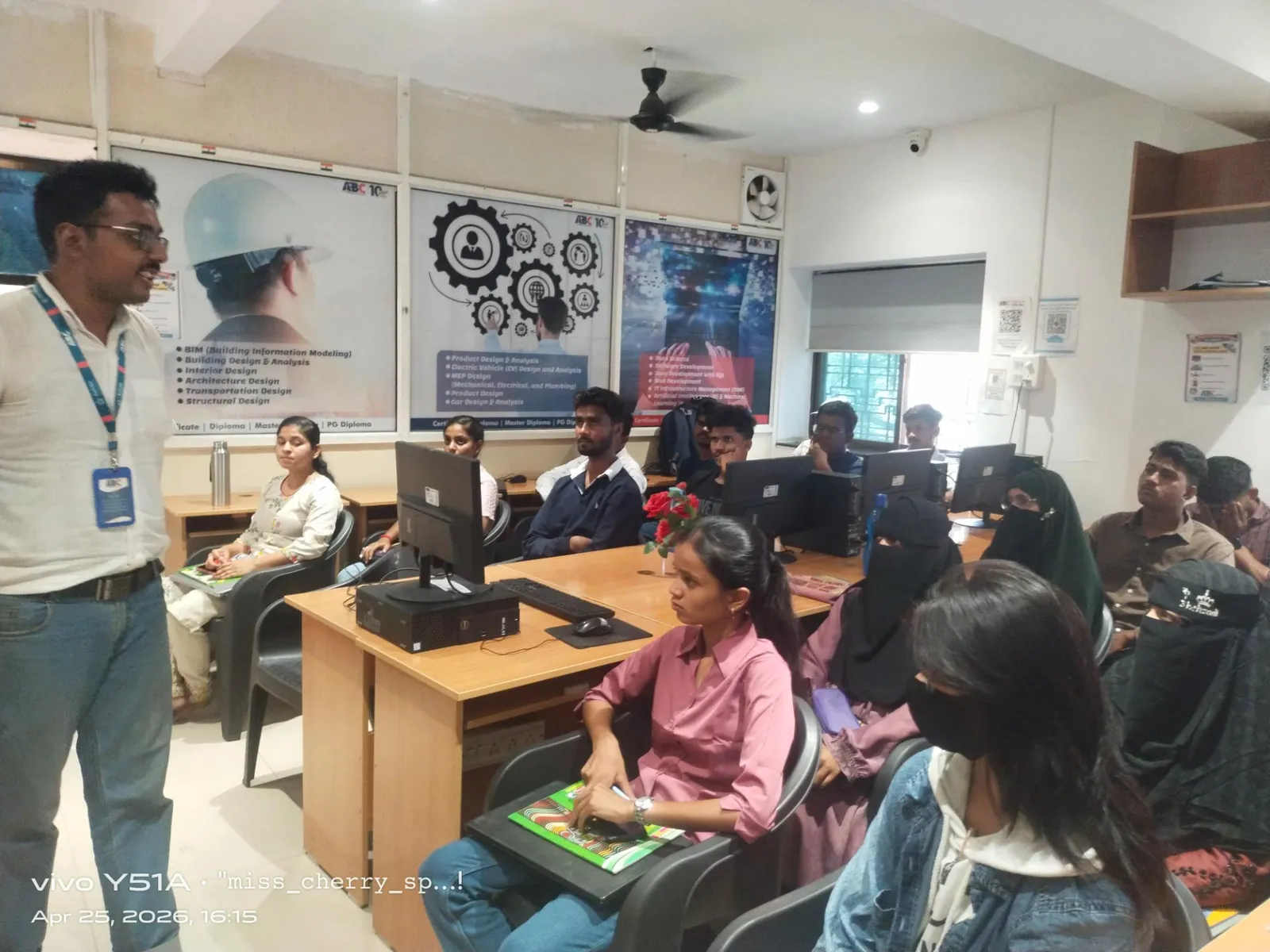
Side-by-Side Comparison: SolidWorks Simulation vs ANSYS Workbench
Learning curve: SolidWorks Simulation — 4-6 weeks to useful proficiency; ANSYS Workbench — 8-12 weeks. Cost: SolidWorks Simulation is bundled with SolidWorks licenses (which many Pune companies already have); ANSYS has separate licensing. Integration: SolidWorks Simulation wins for SolidWorks users; ANSYS accepts geometry from any CAD tool. Solver depth: ANSYS wins for nonlinear, multiphysics, and high-fidelity analysis. Job market: both appear frequently in Pune manufacturing job postings, but ANSYS dominates at Tier-1 OEM suppliers and engineering service companies. Salary: FEA engineers with ANSYS report Rs.5-9 LPA at 2-4 years' experience; SolidWorks Simulation specialists Rs.4.5-7.5 LPA (AmbitionBox, May 2026).
What Pune Companies Actually Want — Bajaj, Tata Tech, KPIT, Mahindra
What most people don't realize is that Pune companies split roughly by company type. Component manufacturers and product design firms — Endurance Technologies, Bharat Forge Kagal, Force Motors — often have SolidWorks-based workflows and want SolidWorks Simulation. Engineering services and IT-engineering firms — Tata Tech, KPIT, Infosys Engineering — predominantly use ANSYS and specify it in job descriptions. Defence and aerospace suppliers specify ANSYS exclusively. If you're targeting a component manufacturing job in Pune Wagholi or Hadapsar, SolidWorks Simulation gets you in faster. If you're targeting Tata Tech or KPIT on Nagar Road or Hinjewadi, budget time for ANSYS.
The Learning Path: Which to Learn First and How ABC Trainings Teaches Both
Here's the path I recommend to ABC Trainings students: if you already know SolidWorks (which most of our CAD/CAM students do), start with SolidWorks Simulation — you'll be productive within 3-4 weeks and can add it to your resume immediately. Then learn ANSYS Workbench basics to satisfy the job description keyword requirement. If you're starting from scratch with no CAD background, learn SolidWorks + SolidWorks Simulation together as one integrated course, then move to ANSYS. ABC Trainings' AI Powered Product Design, Analysis & Simulation workshop covers both tools with real component analysis exercises from the automotive and industrial sectors.
Maharashtra engineering students enrolled in CAD/CAM/FEA training may qualify for the Mukhyamantri Yuva Karya Prashikshan Yojana stipend of Rs.6,000-10,000/month. ABC Trainings counsellors can check your eligibility — ask at any of our centers in Pune, Sambhajinagar, or Sangli.
Get the CAD/CAM Brochure + Fees + Batch Dates on WhatsApp
Free 1:1 counselling. Placement track record. CMYKPY/PMKVY eligibility check.
💬 Get Brochure on WhatsApp📞 Call 7039169629About the author: Rahul Patil. 12 yrs experience training mechanical and CAD/CAM engineers across Maharashtra.
Visit Our Centers
- Wagholi (Pune): 1st Floor, Laxmi Datta Arcade, Pune-Ahilyanagar Highway. Call 7039169629
- Hadapsar (Pune HQ): 1st Floor, Shree Tower, opp. Vaibhav Theater, Magarpatta. Call 7039169629
- Cidco (Chh. Sambhajinagar): Kalpana Plaza, opp. Eiffel Tower, N-1 Cidco. Call 7039169629
- Osmanpura (Chh. Sambhajinagar): S.S.C Board to Peer Bazar Road, near Jama Masjid. Call 7039169629
- Sangli: Shubham Emphoria, 1st Floor, Above US Polo Assn., Sangli-Miraj Rd, Vishrambag. Weekend batches available. Call 7039169629
FAQs
Should I learn SolidWorks Simulation or ANSYS first as a mechanical engineer in Pune?
If you already know SolidWorks, start with SolidWorks Simulation — you'll be productive in 3-4 weeks and can immediately add it to your resume. If you're targeting large OEMs, Tata Tech, KPIT, or engineering services firms, prioritize ANSYS Workbench. For most Pune component manufacturing roles, SolidWorks Simulation is sufficient and gets you hired faster.
What salary can an FEA engineer earn in Pune with ANSYS certification?
Based on AmbitionBox and Glassdoor data (Pune, May 2026), FEA engineers with ANSYS Workbench proficiency at 2-4 years' experience earn Rs.5-9 LPA. Senior simulation engineers at Tata Tech and KPIT with 5+ years can reach Rs.12-16 LPA. SolidWorks Simulation specialists with the same experience earn Rs.4.5-7.5 LPA.
Does ABC Trainings teach both SolidWorks Simulation and ANSYS Workbench?
Yes — ABC Trainings' AI Powered Product Design, Analysis & Simulation workshop covers structural analysis in both SolidWorks Simulation and ANSYS Workbench. Students work through real component analysis exercises on both platforms. Contact our centers in Wagholi (Pune), Hadapsar, Sambhajinagar, or Sangli for the current batch schedule.
Which companies in Pune specifically require ANSYS or SolidWorks Simulation skills?
SolidWorks Simulation is common at component manufacturers and product design firms — Endurance Technologies, Bharat Forge, Force Motors, Bajaj Auto Tier-2 suppliers. ANSYS Workbench is specified by Tata Tech, KPIT, Infosys Engineering Services, Mahindra Research Valley, and most aerospace/defence suppliers. Both appear in job descriptions at large OEMs like Bajaj Auto Akurdi.