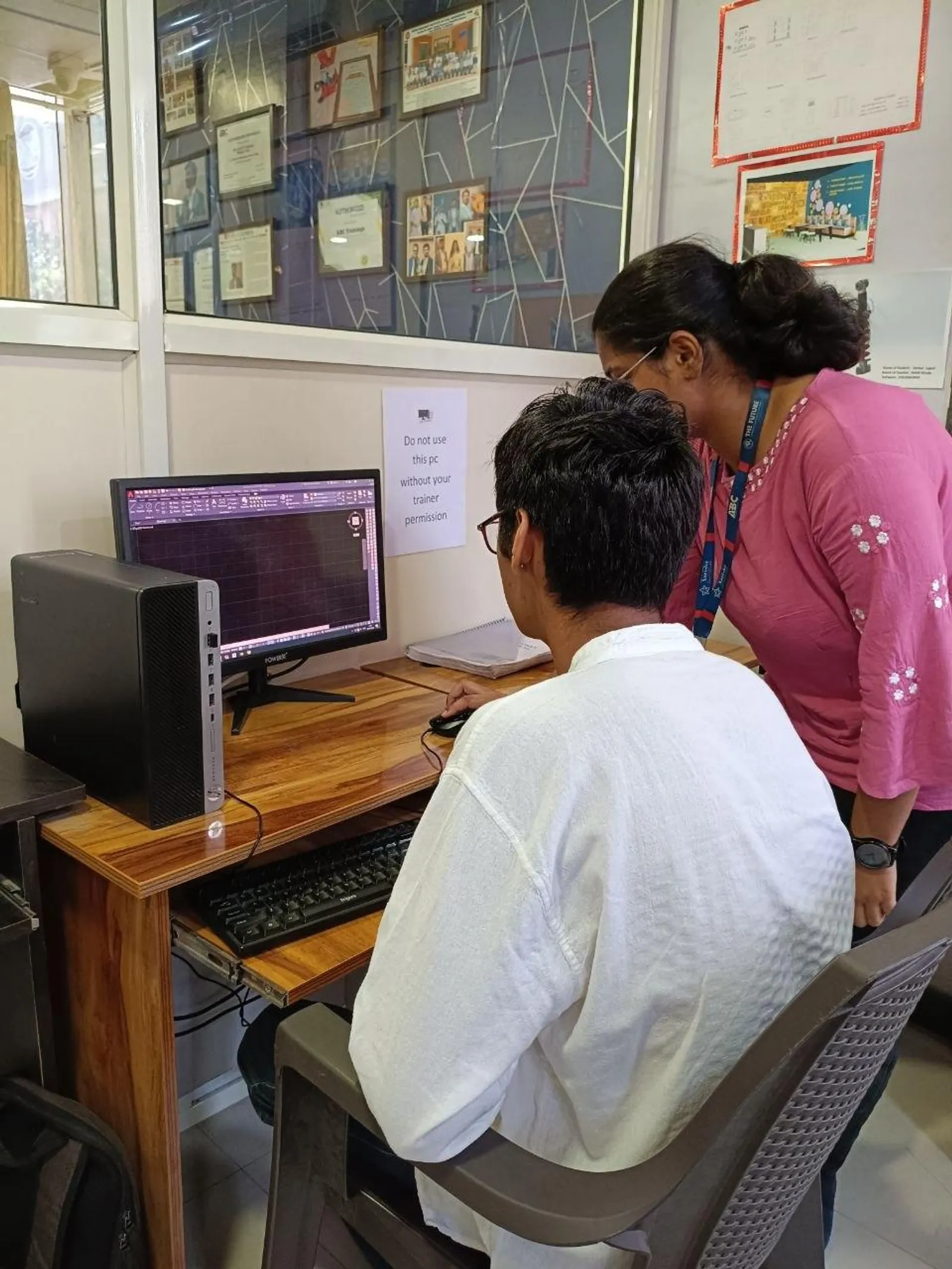
If you've already used regular AutoCAD and you're wondering why electrical companies don't rely on plain lines, circles and text anymore, this is the right place to go deeper. AutoCAD Electrical in India 2026 is not just another CAD tool. It's a purpose-built platform for circuit schematics, wiring diagrams and panel documentation used by control design teams in manufacturing, automation and MEP support environments. Here's the thing: once you understand the specialized workflow, your drawing speed, accuracy and revision control improve dramatically.

This lesson is especially useful for electrical engineering students, diploma holders and working designers who already know basic drafting but want to work the way companies like Siemens, Bosch, L&T, Tata Technologies and Mahindra Engineering expect. Trust me, the difference between a beginner and a hireable electrical CAD designer is rarely drawing skill alone. It's your ability to use the right symbols, wire references, component tagging and panel documentation methods from day one.
What is AutoCAD Electrical and why do companies use it?

AutoCAD Electrical is a specialized version of AutoCAD developed for electrical control designers. Instead of manually drawing every relay, contact, terminal, wire and cross-reference, you work with an electrical toolset built for schematic logic. That means standard symbol libraries, automatic wire numbering, component tagging, PLC support, report generation and cleaner revisions.
What most people don't realize is that many drawing errors in electrical projects don't happen because someone doesn't know drafting. They happen because manual CAD workflows break when the project grows. A simple motor starter diagram is manageable in standard AutoCAD. But once you're handling multiple sheets, interlocks, terminal plans, panel layouts and BOM reports, manual work becomes slow and risky.
The good news is that AutoCAD Electrical gives you a structured environment. That's why industries connected to machine building, process plants, OEM control panels and factory automation prefer it for production drawings.
How is AutoCAD Electrical different from regular AutoCAD?
If you're coming from plain AutoCAD, you'll notice the biggest shift is intelligence inside the drawing. In regular AutoCAD, a push button symbol is just geometry unless you build everything manually. In AutoCAD Electrical, that same symbol can carry tag data, manufacturer details, catalog information and cross-references.
Here are the practical differences professionals care about:
- Symbol libraries: IEC, JIC and other standard-based electrical symbols are ready to use.
- Automatic wire numbering: wires can be numbered based on project rules instead of manual text placement.
- Component tagging: relays, contacts and devices stay connected logically.
- Cross-referencing: parent-child relationships update across sheets.
- Reports: BOM, terminal plans and component lists can be extracted faster.
- Panel documentation: schematic and panel representation can stay coordinated.
That's exactly why a designer working on control panels for a vendor supplying Bajaj Auto or Kirloskar can save hours on every revision cycle.
How do you create circuit schematics faster in AutoCAD Electrical?
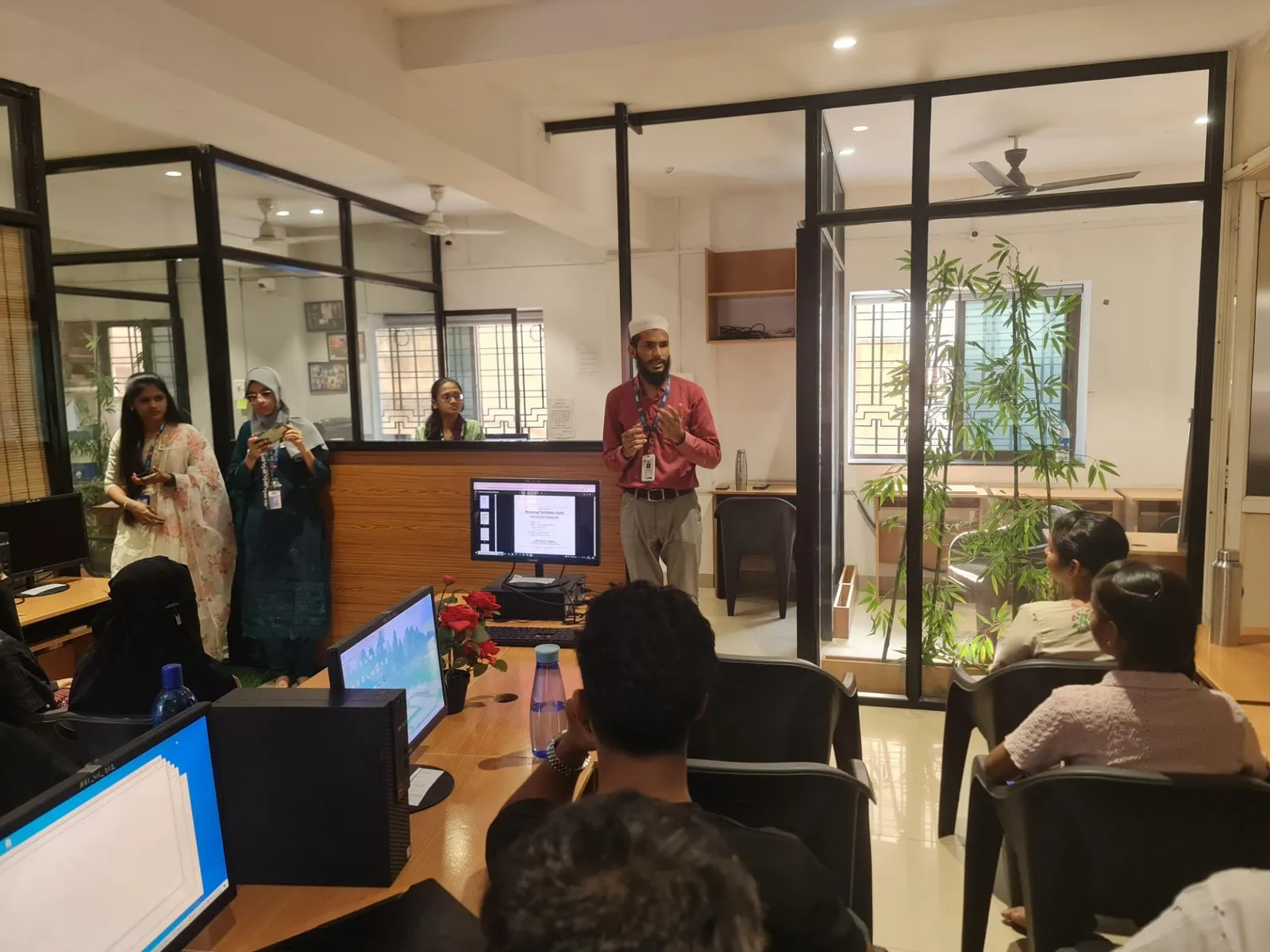
The professional workflow starts with project setup, not drawing commands. Don't jump straight into symbols. Set your drawing properties first: standard, ladder style, wire number format, component tag format and description defaults. If you skip this, you'll spend more time fixing than designing.
For circuit schematics, power users typically follow this sequence:
- Create a project and define drawing structure.
- Choose the correct standard, usually IEC for many Indian industrial projects.
- Insert ladders or control rails with proper spacing.
- Add wires using wire tools, not plain polylines.
- Insert schematic components from the library.
- Assign tags and descriptions consistently.
- Use source-destination arrows for multi-sheet continuation.
- Run audit and cross-reference checks before issue.
Here's the thing: speed in AutoCAD Electrical comes from respecting the database-driven tools. If you keep drafting the old way inside the new software, you'll lose most of the benefit.
What settings should advanced users check before starting wiring diagrams?
This is where many intermediate users get stuck. They know commands, but their projects still look inconsistent. The fix is in standards and defaults.
Wire numbering rules
Set wire numbering based on project requirement before sheet creation. Some companies prefer sheet-based numbering, while others use reference-based patterns. In automation panels, this matters during troubleshooting and maintenance.
Component tag format
Decide whether tags will follow location, function or sequence logic. A messy tag system becomes a nightmare during revisions, especially when contactors, relays and overloads are duplicated across sheets.
Symbol library selection
Use one standard throughout the project. Mixing IEC and other symbol conventions in the same job makes documentation look unprofessional.
Catalog and manufacturer data
If you're preparing industry-style deliverables, map catalog data early. This helps when generating component reports and BOMs for procurement teams.
Trust me, these settings look small at the start, but they separate student practice files from real project documentation.
How do professionals handle panel layouts and schematic coordination?
A lot of learners think schematic drawings and panel layouts are separate tasks. In actual work, they're tied together. If your schematic says one thing and your panel layout shows another, site teams lose confidence immediately.
In AutoCAD Electrical, you should build a habit of linking schematic intent with panel representation. For example, if a relay, MCCB or terminal block appears in the schematic, its panel footprint and item data should be tracked properly. This becomes important when creating enclosure layouts, terminal strip plans and BOM outputs.
Companies involved in machine control, process automation and electrical assembly want designers who can think beyond one sheet. At Bosch, Siemens or Thermax-type project environments, documentation quality affects manufacturing speed, panel wiring and final testing.
What are the most useful power-user tricks in AutoCAD Electrical?
Once you know the basics, these are the habits that really improve output:
- Use copy circuit tools for repeated control logic instead of rebuilding each branch.
- Use parent-child component logic properly for relays and contacts so references stay accurate.
- Run project-wide updates after major changes instead of manually editing sheet by sheet.
- Use terminal tools for cleaner terminal strip documentation.
- Keep symbol descriptions standardized to avoid messy reports.
- Audit before plotting so wire numbers, tags and references are checked automatically.
What most people don't realize is that efficiency in electrical drafting is often about reducing rework, not drawing faster with the mouse.
Which jobs in Maharashtra need AutoCAD Electrical skills in 2026?
AutoCAD Electrical is useful in control panel design, machine automation, plant maintenance documentation, electrical drafting support, OEM design offices and industrial project vendors. In Maharashtra, opportunities show up in Pune, Chhatrapati Sambhajinagar, Nashik, Kolhapur and Sangli, especially around manufacturing and industrial service ecosystems.
Typical roles include electrical CAD designer, control panel design engineer, electrical draughtsman, junior automation design engineer and documentation engineer. Freshers with practical project skill can start around ₹18,000 to ₹28,000 per month. With 2 to 4 years of solid project experience, many professionals move into the ₹3.6 lakh to ₹6.5 lakh per year range. In stronger industrial teams or OEM-linked roles, the pay can go higher.
If you're serious about building that skill, structured project-based practice matters more than random command knowledge. That's where institutes like ABC Trainings help because students need guided workflow, not just software buttons. For course details, call 8698270088 or WhatsApp 7774002496.
Who should learn this advanced AutoCAD Electrical workflow?
This path fits electrical engineering students, diploma holders in electrical or electronics, maintenance professionals moving into design, and CAD users who already know basic AutoCAD. It's also a strong upgrade for people working in panel manufacturing, industrial contracting and machine design support.
The good news is you don't need to be an expert on day one. But you do need to move beyond beginner drafting habits. Learn how projects are set up, how symbols carry intelligence, how reports are generated and how documentation stays consistent across multiple sheets. That's the level employers notice.
If you're in Pune, Chhatrapati Sambhajinagar or Sangli and want training that matches industry expectations, ABC Trainings is a practical place to start building real electrical design confidence.
Is AutoCAD Electrical better than normal AutoCAD for electrical jobs in India?
Yes, for electrical schematic and control documentation work, AutoCAD Electrical is far better than plain AutoCAD. It includes symbol libraries, wire numbering, component tagging and report tools that save time on real projects. In Indian manufacturing and panel design companies, these features matter because revisions are frequent and documentation accuracy is critical.
Can diploma students learn AutoCAD Electrical and get jobs in Maharashtra?
Yes, diploma students in electrical or electronics can absolutely learn it and become job-ready. Many companies in Pune, Chhatrapati Sambhajinagar and Nashik hire diploma holders for drafting, panel design support and documentation roles. Your chances improve a lot if you've practiced actual schematic sheets, wiring drawings and panel layouts instead of only basic commands.
What salary can a fresher get after learning AutoCAD Electrical in 2026?
A fresher in Maharashtra can typically expect around ₹18,000 to ₹28,000 per month depending on city, company type and project skill. Smaller panel shops may start lower, while organized engineering firms and automation vendors may offer better packages. If you can handle drawings with proper tags, wire numbers and reports, you'll stand out quickly.
Which companies use AutoCAD Electrical skills in Pune and nearby cities?
Companies connected to industrial automation, OEM machine design, electrical panel manufacturing and engineering services use these skills regularly. In and around Pune and Maharashtra, professionals with this background may work on projects linked to Siemens, Bosch, L&T, Tata Technologies, Thermax, Mahindra Engineering and Kirloskar ecosystems. Even vendors and subcontractors supporting these companies need strong electrical CAD talent.
Visit Our Centers
Chhatrapati Sambhajinagar
Corporate Office (HQ)
2nd Floor, Kandi Towers, Jalna Road, Amarpreet Chowk, Chhatrapati Sambhajinagar, Maharashtra 431001
Osmanpura Branch
Plot No 14, Shanya Sect, Near Sant Eknath Rang Mandir, Osmanpura, Chhatrapati Sambhajinagar, Maharashtra 431005
CIDCO Branch
Plot No 4, N-3, Cidco, Opp. High Court, Chhatrapati Sambhajinagar, Maharashtra 431003
Pune
Wagholi Branch
1st Floor, ABC Trainings, Laxmi Datta Arcade, Pune - Ahilyanagar Hwy, Wagholi, Pune, Maharashtra 412207
Hadapsar Branch
Bloom Hotel, ABC Trainings 1st Floor, S.no 156/3 Shree Tower Pune - Solapur Rd, Hadapsar, Pune, Maharashtra 411028
Sangli
Sangli Branch
2nd Floor, Vasant Market, Opp. City High School, Sangli, Maharashtra 416416
Start Your Career Journey Today
Join 10,000+ students who transformed their careers with ABC Trainings.
💬 WhatsApp: 7774002496📞 Call: 8698270088