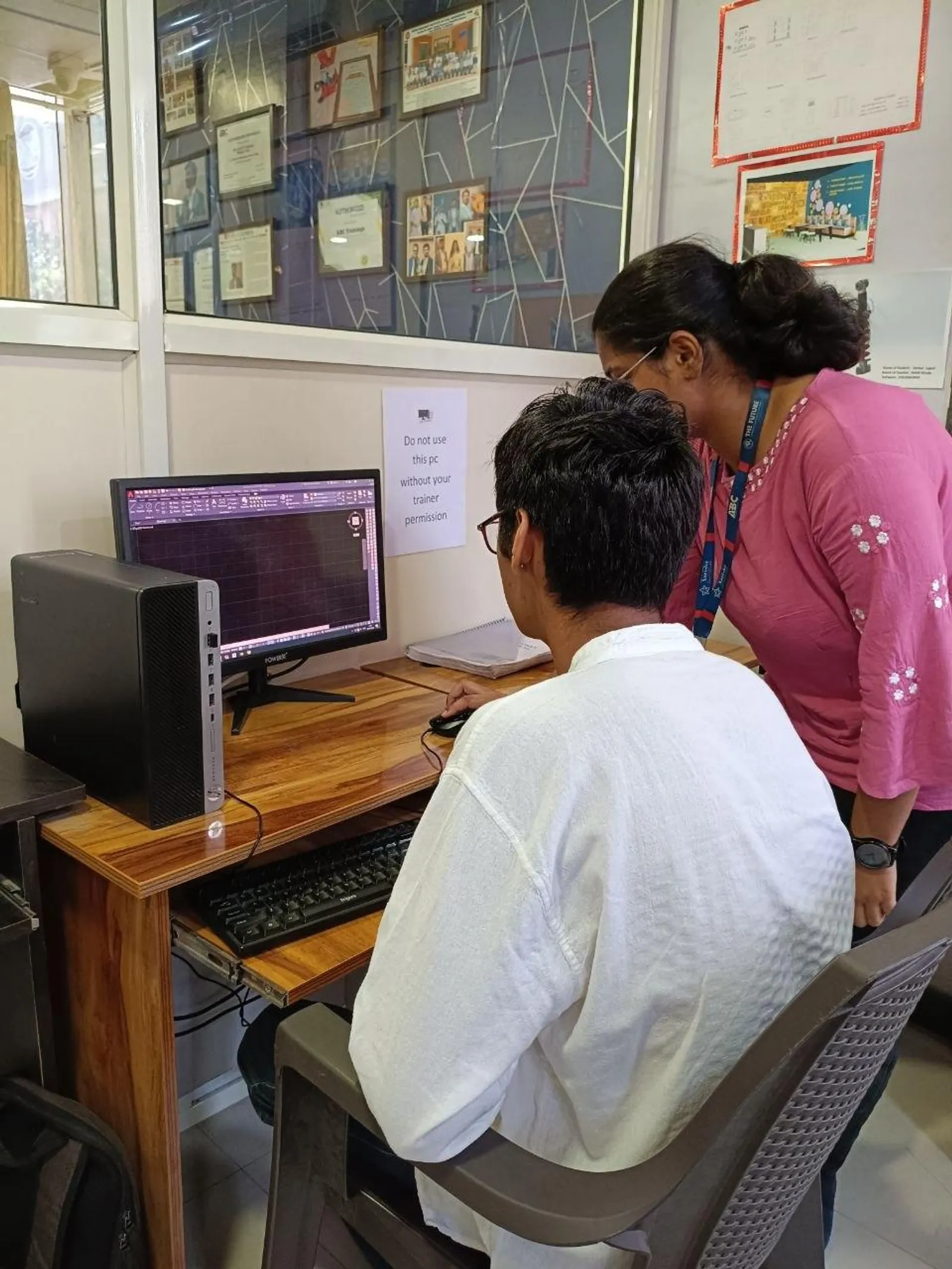
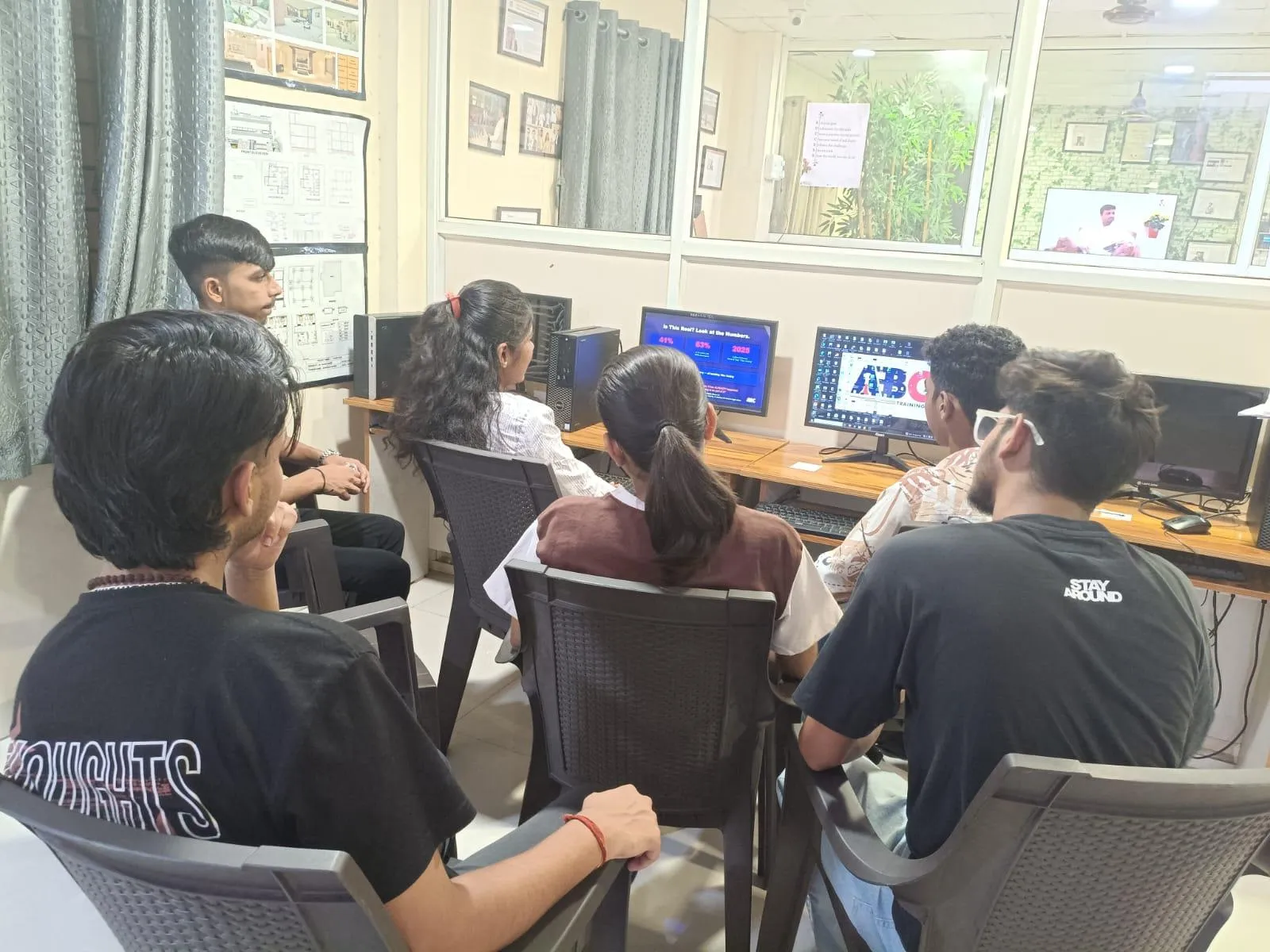
If you already know AutoCAD basics and want to move beyond drawing line by line, AutoLISP with ChatGPT for AutoCAD is where things get interesting. In India 2026, CAD users in civil and architecture roles aren't just drafting faster—they're building custom commands, automating repetitive work, and reducing errors before files reach site teams or clients. Here's the thing: AutoLISP is still one of the most practical ways to customize AutoCAD, and when you pair it with ChatGPT, your learning and coding speed can improve a lot—if you use it correctly.

This topic matters whether you're a diploma holder in Chhatrapati Sambhajinagar, a civil engineer in Pune, or an architect working on deadline-heavy projects in Mumbai. Trust me, companies don't pay more just because you know commands. They pay more when you can save project hours. That's exactly where AutoLISP meets AI.
What is AutoLISP in AutoCAD and why do professionals still use it?
AutoLISP is AutoCAD's built-in scripting and customization language. Most beginners use AutoCAD manually. Power users don't. They create routines for repetitive tasks like block insertion, layer assignment, text formatting, dimension cleanup, plotting support, area calculations, and standard drawing setup.
What most people don't realize is that AutoLISP is still highly relevant in Indian design offices because a lot of production work is repetitive. If you're working on layout plans, road cross-sections, plotting sheets, utility drawings, or architectural annotations, there are dozens of actions you repeat every day. One good LISP routine can save 30 to 90 minutes daily.
In firms supporting clients like L&T, Tata Technologies, Siemens, Bosch, and Mahindra Engineering, speed and standardization matter. If your drawings are clean, consistent, and quick to produce, you're more valuable than someone who only drafts manually.
How does ChatGPT help with AutoLISP if you're not a programmer?
The good news is, you don't need to be a hardcore coder to start using AutoLISP seriously. ChatGPT can help you generate starter code, explain existing LISP routines, debug syntax errors, improve logic, and even rewrite old routines into cleaner versions.
But don't make the common mistake of copying code blindly. ChatGPT is useful when you give it proper context. For example, instead of saying, “write AutoLISP,” say: “Write an AutoLISP routine for AutoCAD 2025 that places a selected block on layer ELEC-BLK at multiple picked points, scales it 1, rotates by user input, and keeps the command active until Enter.” That's a professional prompt. You'll get much better output.
Here's what ChatGPT helps with best:
- Creating custom commands from plain English instructions
- Explaining functions like
setq,defun,command, andentsel - Fixing bracket errors and broken loops
- Adding user prompts and validation
- Converting manual steps into repeatable routines
Which advanced AutoLISP tasks are actually useful in civil and architecture work?
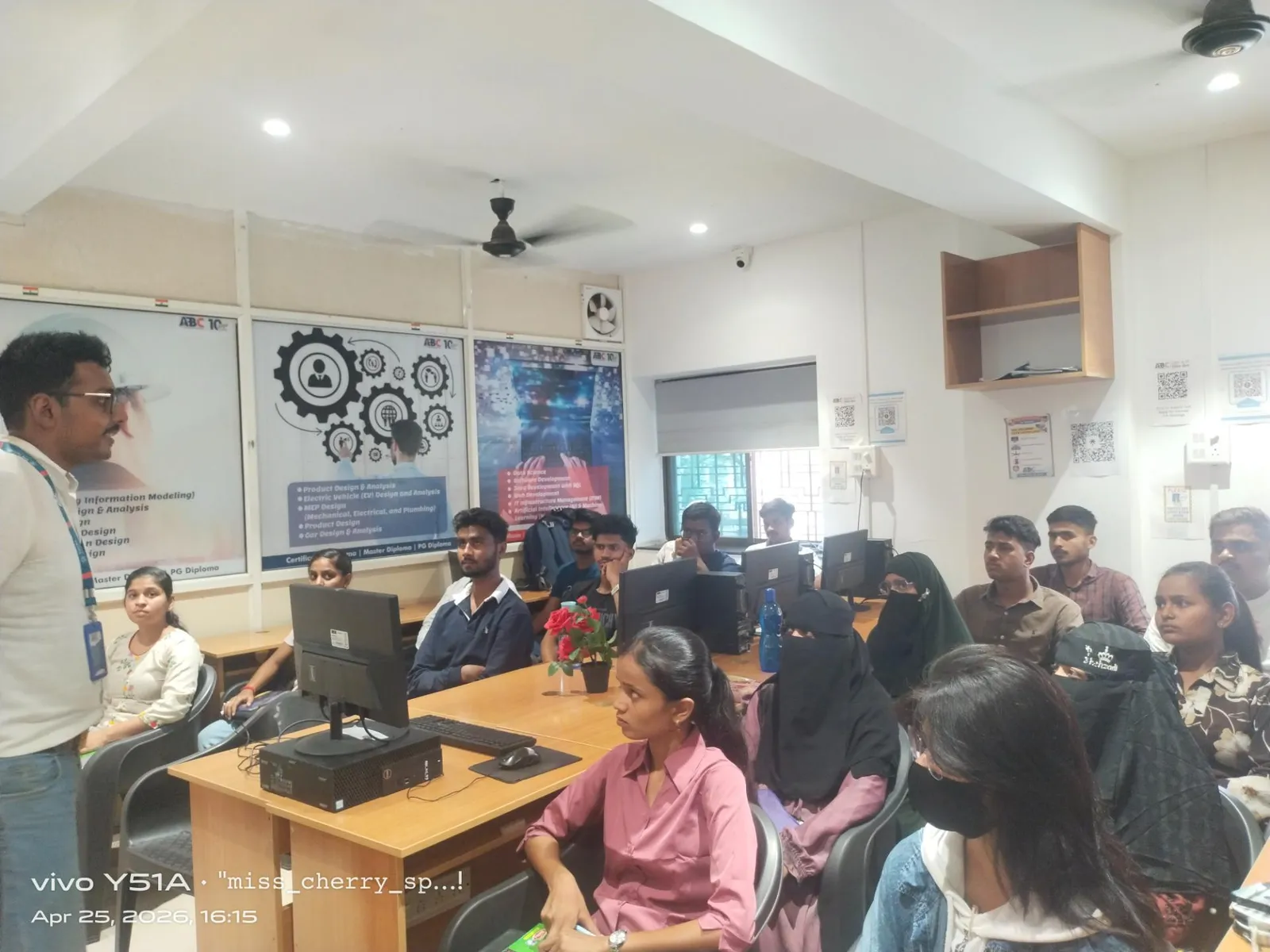
Let's keep this practical. For civil and architecture users, the best AutoLISP routines are the ones that remove boring work from your day.
Batch layer and standard setup
Create one routine that sets up layers, linetypes, text styles, dimstyles, and plot settings in one shot. This is useful when starting new projects or cleaning consultant files.
Smart block placement
You can build routines for repeatedly placing doors, windows, columns, symbols, north arrows, section markers, or utility blocks with fixed standards. In architecture, this saves a lot of time. In civil drafting, repetitive symbol placement becomes far more accurate.
Auto annotation and text formatting
If your team uses standard note sizes, leaders, room tags, or level markers, AutoLISP can automate much of that. Instead of editing each item manually, you trigger one custom command.
Area and quantity extraction
For layout plans, plot areas, built-up areas, paving zones, or room-wise calculations, routines can pull geometry data and output values faster. That's useful for BOQ preparation and estimation support.
Drawing cleanup tools
You can write routines to remove duplicate entities, move objects to standard layers, rename blocks, or standardize text. This is especially helpful when dealing with vendor files or old project drawings.
What are the best AutoLISP workflows for faster drafting in 2026?
If you want professional-level efficiency, don't treat AutoLISP as random coding. Build a workflow around it.
Start with one painful task
Pick a task you do at least 20 times a day. That could be labeling plots, inserting manholes, placing section markers, or setting dimensions. Automate that first.
Keep commands short and memorable
Use command names like PLTAG, BLKSET, AREAX, or TXTSTD. Don't create confusing names. Your future self won't remember them.
Use a testing drawing
Create one sample DWG just for testing routines. Never test raw code on a live client file. Trust me, this one habit saves embarrassment.
Add error handling
Good routines don't just run. They fail safely. Add checks for missing layers, wrong object types, or empty selections. That's the difference between student code and office-ready code.
Store routines in support paths
Load your LISP files properly through AutoCAD support paths or startup suites. If you're working in AutoCAD 2024, 2025, or 2026, keep version-compatible backups and document what each file does.
What settings and habits do experienced AutoCAD users follow?
What most people don't realize is that productivity doesn't come only from code. It comes from setup discipline.
- Use standard templates with fixed layers, dimstyles, and text styles
- Keep LISP files named clearly by function and version
- Comment your code so other team members can understand it
- Use incremental backups when editing routines
- Test routines on small files before applying to large projects
- Combine AutoLISP with script files, tool palettes, and dynamic blocks where needed
If you're planning to work with companies like Bajaj Auto, Thermax, Kirloskar, KPIT Technologies, or consultancy teams serving Infosys and TCS campuses, standardization is not optional. Clean CAD systems make teams faster.
Can ChatGPT replace AutoLISP learning completely?
No, and that's important. ChatGPT is an assistant, not a replacement for understanding logic. If you don't know how AutoCAD commands behave, how user input is captured, or how objects are selected, you won't be able to judge whether the code is correct.
The smarter approach is this: learn the structure of AutoLISP, then use ChatGPT to speed up routine creation and debugging. That's where the real advantage is. You'll go from “I know some AutoCAD” to “I can customize AutoCAD for my team's workflow.” That's a serious jump.
What salary boost can AutoLISP and AutoCAD automation bring in Maharashtra?
Let's talk real numbers. A basic AutoCAD operator in cities like Chhatrapati Sambhajinagar or Sangli may start around ₹12,000 to ₹18,000 per month depending on domain. A civil or architectural CAD professional with practical automation skills can move into the ₹22,000 to ₹35,000 range faster, especially if they handle standards, templates, and repetitive production work efficiently.
In Pune and Mumbai, professionals who combine AutoCAD production with customization, scripting support, and workflow optimization can reach ₹35,000 to ₹55,000 per month in the right firms. Senior CAD coordinators and technical support roles may go higher depending on project complexity. Here's the thing: employers pay for time saved, errors reduced, and teams supported.
Where should you learn AutoLISP with practical AutoCAD projects in Maharashtra?
You need training that goes beyond syntax. A proper course should show you how to identify repetitive tasks, convert them into routines, test them, debug them, and apply them in real civil and architecture drawings. That's where many learners get stuck—they learn code fragments but not workflow thinking.
At ABC Trainings, students usually understand faster when AutoLISP is taught alongside actual drafting problems, not isolated examples. If you want to explore AutoCAD customization, custom command building, and AI-assisted coding support, you can call 8698270088 or WhatsApp 7774002496. ABC Trainings supports learners from Chhatrapati Sambhajinagar, Pune, and Sangli who want practical CAD skills that offices actually use.
The good news is, you don't need to become a software developer. You just need to become the CAD professional who knows how to remove repetitive work. In 2026, that's a valuable skill.
Is AutoLISP worth learning in India in 2026 for civil and architecture students?
Yes, especially if you already know AutoCAD basics and want to stand out. AutoLISP helps you automate repetitive drafting work, standardize drawings, and improve speed in office environments. In India, many civil and architecture firms still rely heavily on AutoCAD production, so customization skills can improve both employability and salary.
Can ChatGPT write AutoLISP code that works directly in AutoCAD?
It can generate useful starter code, and sometimes complete working routines, but you still need to test everything in AutoCAD. Small syntax issues, layer naming differences, and project-specific logic can break the routine. The best use of ChatGPT is for drafting code, explaining functions, and helping with debugging.
Which AutoCAD versions support AutoLISP for practical learning?
AutoLISP is commonly used across major AutoCAD versions, including AutoCAD 2024, 2025, and 2026 workflows in offices and training setups. If you're learning in Maharashtra, focus more on routine logic and command behavior than one exact version. Once you understand the structure, adapting to nearby versions is usually manageable.
Where can I learn AutoLISP with AutoCAD in Chhatrapati Sambhajinagar or Pune?
Look for a course that teaches real drafting automation, not just theory or code snippets. You should practice custom commands, block automation, annotation tools, and debugging on actual CAD files. If you want guidance from a practical training team, ABC Trainings can be contacted at 8698270088 or on WhatsApp at 7774002496.
Visit Our Centers
Chhatrapati Sambhajinagar
Corporate Office (HQ)
2nd Floor, Kandi Towers, Jalna Road, Amarpreet Chowk, Chhatrapati Sambhajinagar, Maharashtra 431001
Osmanpura Branch
Plot No 14, Shanya Sect, Near Sant Eknath Rang Mandir, Osmanpura, Chhatrapati Sambhajinagar, Maharashtra 431005
CIDCO Branch
Plot No 4, N-3, Cidco, Opp. High Court, Chhatrapati Sambhajinagar, Maharashtra 431003
Pune
Wagholi Branch
1st Floor, ABC Trainings, Laxmi Datta Arcade, Pune - Ahilyanagar Hwy, Wagholi, Pune, Maharashtra 412207
Hadapsar Branch
Bloom Hotel, ABC Trainings 1st Floor, S.no 156/3 Shree Tower Pune - Solapur Rd, Hadapsar, Pune, Maharashtra 411028
Sangli
Sangli Branch
2nd Floor, Vasant Market, Opp. City High School, Sangli, Maharashtra 416416
Start Your Career Journey Today
Join 10,000+ students who transformed their careers with ABC Trainings.
💬 WhatsApp: 7774002496📞 Call: 8698270088