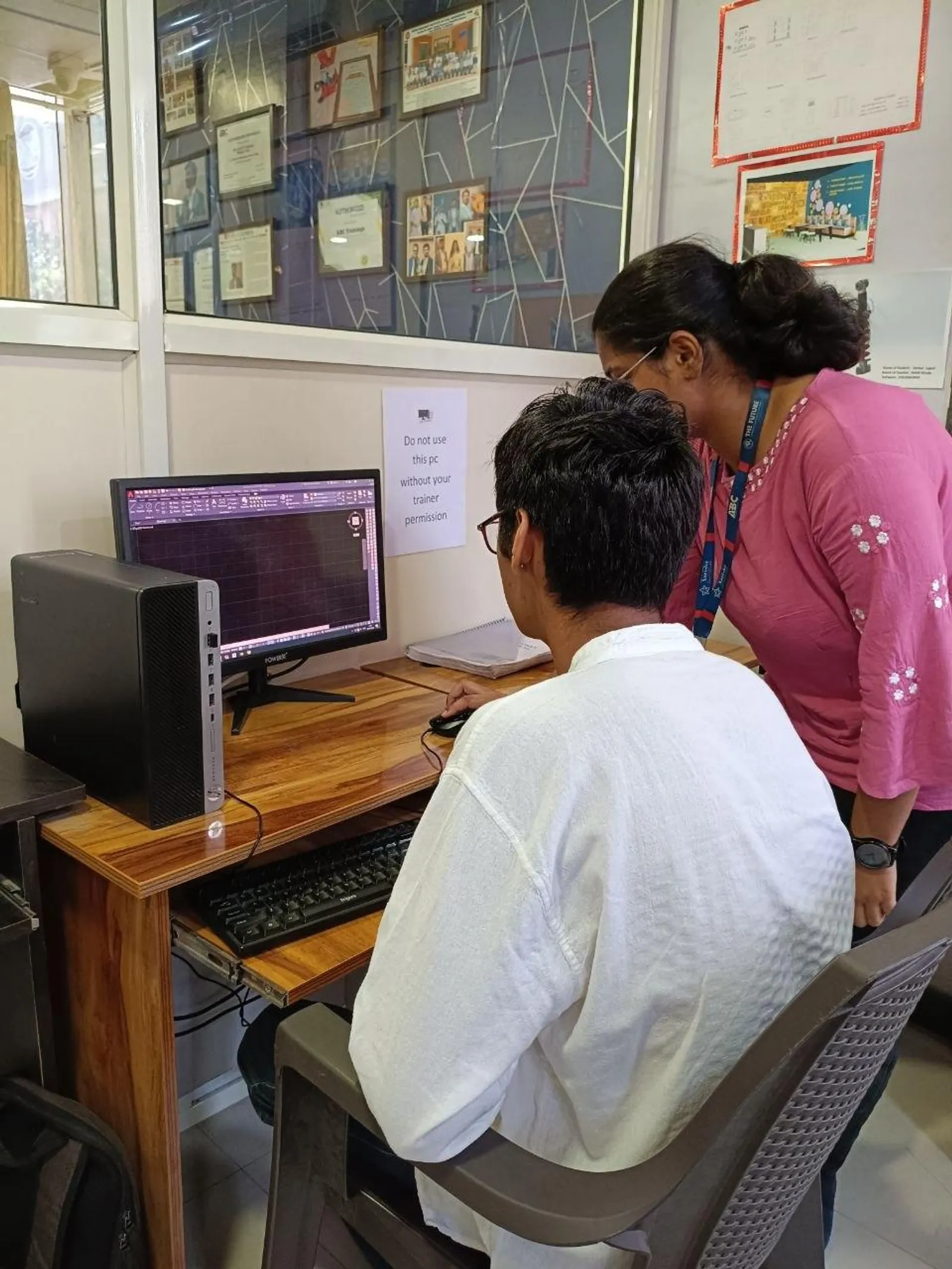
If you already know how to draw, edit, annotate, and plot in AutoCAD, the next step is simple: stop doing the same work manually every day. Smart automation in AutoCAD India 2026 is really about reducing clicks, locking standards, and making repetitive drafting predictable. For civil and architectural users, that means faster layer setup, repeatable dimension styles, standard blocks, and cleaner output. Here's the thing: most users know the commands, but they still waste 30 to 60 minutes daily on tasks AutoCAD can repeat for them.

This topic matters whether you're a student in Chhatrapati Sambhajinagar, a site engineer in Pune, or a working drafter targeting companies like L&T, Tata Technologies, Bosch, Siemens, or Mahindra Engineering. Trust me, recruiters don't just want someone who can draft. They want someone who can draft fast, stay accurate, and follow standards without constant supervision. That's exactly where Action Recorder and AI-assisted workflows start making a difference.
What is smart automation in AutoCAD and where does it help most?
Smart automation in AutoCAD means using built-in tools and AI-assisted features to repeat standard drafting work with minimum manual effort. The video topic points directly to three areas: Action Recorder, AI tools, and ethical use. That combination is important because automation is useful only when it saves time without creating bad drawings.
In real projects, smart automation helps most in repetitive tasks like creating layers, setting dimension styles, placing standard title blocks, making sheet-ready annotations, drawing common details, and preparing standard civil or architectural elements. What most people don't realize is that even simple standardization can save more time than advanced modeling if your day is mostly 2D production work.
For example, if you're drafting layout plans, road cross-sections, plot boundaries, toilet details, door-window schedules, or annotation sheets, you'll repeat the same setup every time. Instead of rebuilding that setup project after project, you can automate it once and reuse it. That's the professional mindset.
How do you use Action Recorder effectively in AutoCAD?
Action Recorder is one of the most underused productivity tools in AutoCAD. It records a sequence of commands and lets you replay them later. The good news is, you don't need programming knowledge to use it. If you can perform the task once properly, you can usually record it.
The best use cases are tasks with a fixed sequence. For example:
- Create a standard set of layers with lineweights and colors
- Apply office text style and dimension style
- Insert a title block and set scale-related annotations
- Draw common symbols or standard room labels
- Prepare files before plotting or sharing
To make Action Recorder useful, keep the workflow clean. Record only stable steps. Avoid recording random zooming, unnecessary clicks, or object selections that will change every time. Use command-line discipline. If your command sequence is messy, the playback will also be messy.
A practical approach is to create separate actions for separate jobs. One action for layer setup. One for annotation standards. One for plotting prep. Don't record one giant macro for everything. When professionals in firms like Kirloskar or Thermax create repeatable CAD workflows, they break them into modules. That makes maintenance easier.
Which AutoCAD tasks should you automate first in civil and architecture work?
Start with the tasks you repeat at least three times a day. That's the simplest rule. In civil drafting, automate layer templates for roads, centerlines, utilities, text, hatching, dimensions, and plot boundaries. In architecture, automate wall layer setup, room tags, furniture block insertion, standard door-window notation, and sheet preparation.
Another smart area is standard detail drafting. If your office uses common foundation details, staircase notes, toilet layouts, section markers, north symbols, or parking annotations, build them into a repeatable workflow. You can combine Action Recorder with tool palettes, blocks, and templates for even better results.
Trust me, the biggest productivity jump doesn't come from flashy AI. It comes from removing repeated setup work. A fresher earning ₹18,000 to ₹25,000 per month in Pune or Sambhajinagar can become noticeably more valuable if they finish daily drafting work 20% faster with fewer mistakes. For experienced CAD professionals, that can support roles in the ₹35,000 to ₹60,000 range, especially when working on deadline-heavy projects.
What industry-standard settings should advanced AutoCAD users lock first?
If you're serious about professional output, lock standards before you automate anything. Otherwise, you'll automate inconsistency. Start with these settings in AutoCAD 2025 or AutoCAD 2026:
- Layer naming convention based on office or project type
- Dimension style with fixed text height and arrow size per output scale
- Text styles for notes, headings, and schedules
- Plot style table setup for lineweight control
- Units, insertion scale, and annotation scale rules
- Standard blocks with correct base points
Here's the thing: many users automate commands, but ignore standards. Then they wonder why one sheet plots correctly and another doesn't. A senior reviewer at companies like Bajaj Auto, Siemens, or Tata Technologies notices this immediately. Fast drafting is good. Fast and standard drafting is what gets trust.
If you're building an advanced workflow, create a master DWT template first. Then build your Action Recorder steps around that environment. This avoids errors caused by different starting conditions in every file.
How can AI tools help in AutoCAD without making your drawings unreliable?
AI-assisted drafting can help with task suggestions, command discovery, repetitive text generation, block naming, routine documentation support, and workflow planning. But ethical use matters. The video topic mentions ethical use for a reason. You should never let AI guess technical dimensions, legal boundaries, structural intent, or code-compliance decisions without human checking.
Use AI where the risk is low and the repetition is high. Good examples include generating standard note text, preparing checklists, suggesting command sequences, naming layers logically, or helping document repetitive processes. Bad examples include blindly accepting geometry changes or using AI output without checking site drawings, consultant references, and office standards.
What most people don't realize is that AI becomes really useful only when your CAD fundamentals are already strong. If you don't understand layers, scaling, plotting, blocks, xrefs, and annotation control, AI won't save you. It'll only help you make mistakes faster.
What power-user workflow saves the most time in AutoCAD 2026?
The best workflow is a stack, not a single feature. Advanced users combine templates, tool palettes, Action Recorder, blocks, sheet standards, and quick quality checks. A strong daily workflow looks like this:
- Start from a project-ready DWT template
- Run recorded actions for layer and annotation setup
- Use standard blocks from a curated library
- Apply AI assistance only for low-risk repetitive support tasks
- Run a manual check for scale, dimensions, and plot output
This is how productive drafters work in real offices. They don't depend on memory for repeated setup. They build systems. That system-based approach is one reason some CAD operators move into CAD coordinator or design support roles faster than others.
If you're learning this seriously in Maharashtra, practice on real drafting scenarios: a residential floor plan, a plotting sheet, a road cross-section, and a standard detail sheet. Record your workflow. Replay it. Remove waste. Refine it again. That's how automation becomes professional skill, not just a demo feature.
Where can you learn advanced AutoCAD automation in Maharashtra?
If you want guided practice instead of random YouTube trial and error, ABC Trainings helps students and working professionals build job-ready AutoCAD workflows with practical exercises. The focus should be on repeatable drafting systems, not just isolated commands. If you're in Chhatrapati Sambhajinagar, Pune, or Sangli, you can ask for advanced AutoCAD practice focused on civil and architectural production work.
Call 8698270088 or WhatsApp 7774002496 to check the latest batch details. The right training should show you how to save time on real office tasks, because that's what hiring managers actually value.
Is Action Recorder enough for professional AutoCAD automation in India?
Action Recorder is a very good starting point, especially for repetitive setup and drafting sequences. But in professional work, it's strongest when combined with templates, blocks, tool palettes, and office standards. For most civil and architecture users in India, that combination is enough to create a major productivity improvement. You don't need coding first; you need disciplined workflow design.
Can AI tools replace AutoCAD drafting jobs in Maharashtra in 2026?
No, not fully. AI can reduce repetitive work, suggest steps, and support documentation, but it still needs a trained user to check standards, dimensions, and project intent. Companies in Pune and across Maharashtra still need drafters and CAD engineers who understand drawings properly. The safer view is this: AI won't replace skilled users, but skilled users who use automation well may replace slower users.
Which AutoCAD version is best for learning smart automation in 2026?
AutoCAD 2025 and AutoCAD 2026 are both fine for learning smart automation because the core workflow principles remain similar. Focus on Action Recorder, templates, layers, annotation control, and standard blocks rather than chasing every new feature. If you're joining training or applying for jobs, ask which version local companies are using. In many Indian firms, mixed-version environments are still common.
What salary can AutoCAD professionals earn after learning advanced automation?
In Maharashtra, freshers with strong drafting speed and standards can start around ₹18,000 to ₹25,000 per month depending on city and domain. With 2 to 5 years of experience and better workflow skills, many professionals move into the ₹35,000 to ₹60,000 range. In specialized project environments or larger firms, salaries can go higher. Your output quality, speed, and discipline matter more than certificates alone.
Visit Our Centers
Chhatrapati Sambhajinagar
Corporate Office (HQ)
2nd Floor, Kandi Towers, Jalna Road, Amarpreet Chowk, Chhatrapati Sambhajinagar, Maharashtra 431001
Osmanpura Branch
Plot No 14, Shanya Sect, Near Sant Eknath Rang Mandir, Osmanpura, Chhatrapati Sambhajinagar, Maharashtra 431005
CIDCO Branch
Plot No 4, N-3, Cidco, Opp. High Court, Chhatrapati Sambhajinagar, Maharashtra 431003
Pune
Wagholi Branch
1st Floor, ABC Trainings, Laxmi Datta Arcade, Pune - Ahilyanagar Hwy, Wagholi, Pune, Maharashtra 412207
Hadapsar Branch
Bloom Hotel, ABC Trainings 1st Floor, S.no 156/3 Shree Tower Pune - Solapur Rd, Hadapsar, Pune, Maharashtra 411028
Sangli
Sangli Branch
2nd Floor, Vasant Market, Opp. City High School, Sangli, Maharashtra 416416
Start Your Career Journey Today
Join 10,000+ students who transformed their careers with ABC Trainings.
💬 WhatsApp: 7774002496📞 Call: 8698270088