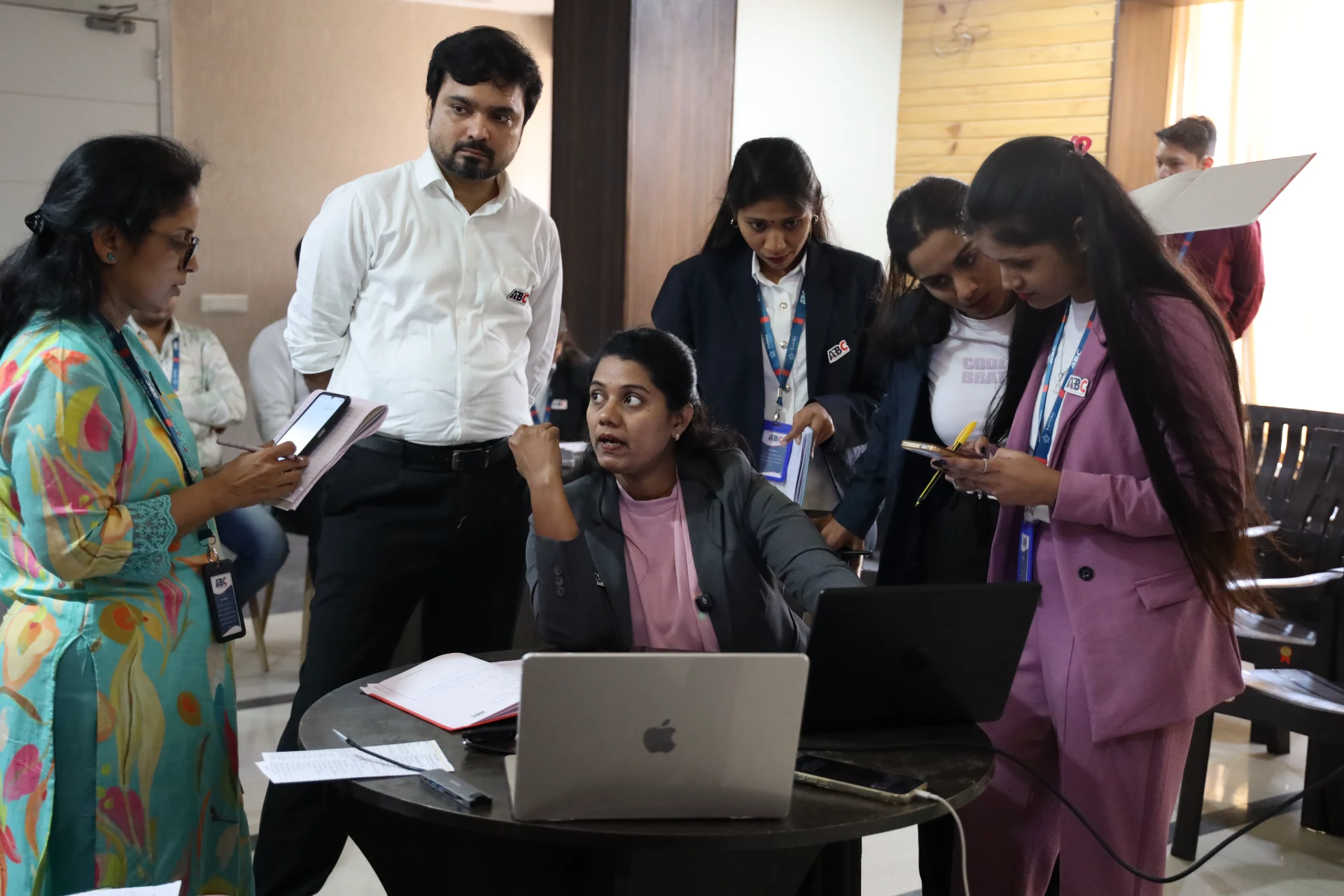
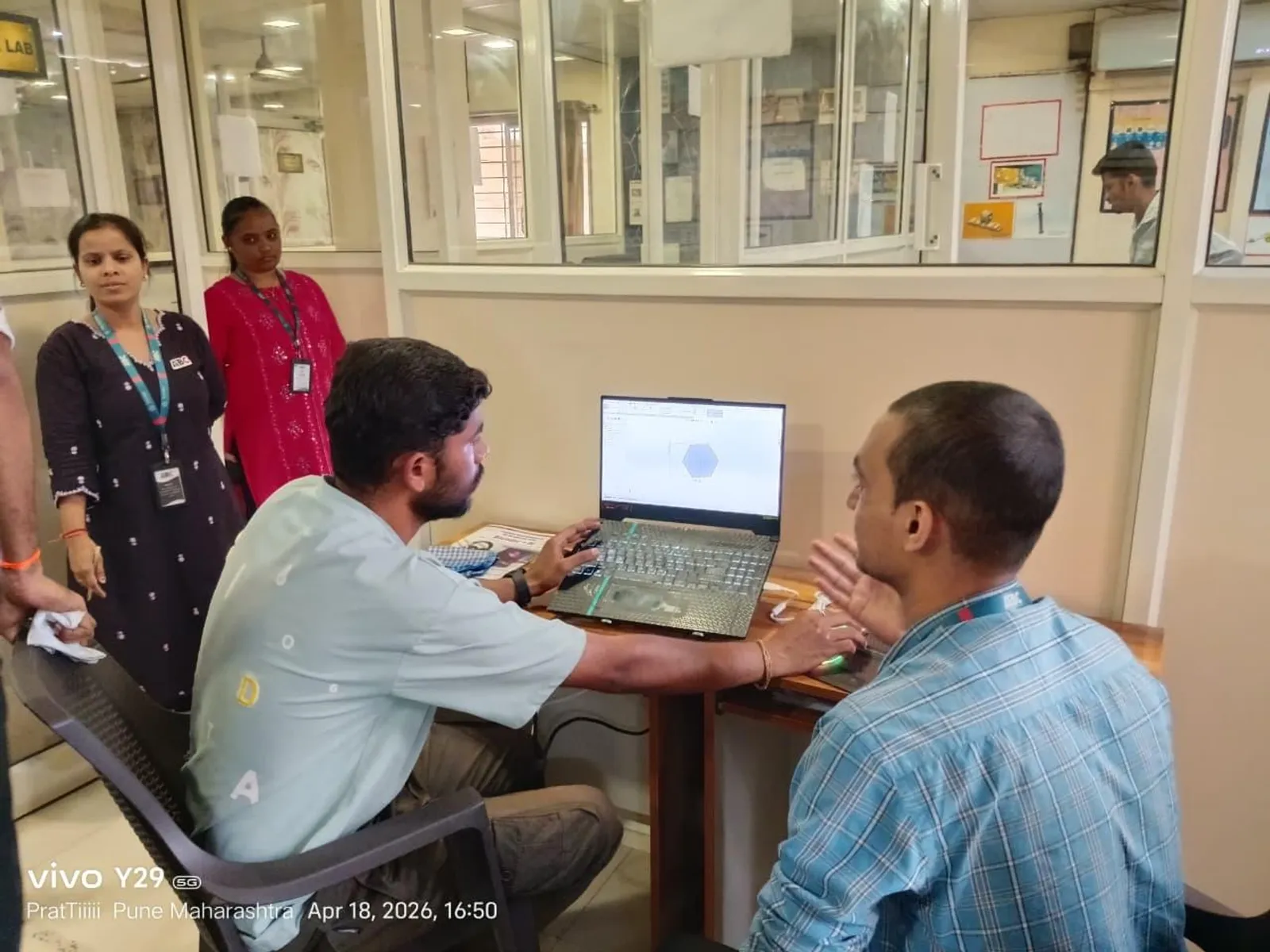
What a toposurface is and how to create one

A toposurface is Revit's model of the ground. You can build it three ways: by placing points at known elevations, by importing a CAD file with contour lines, or from a points file (a CSV of survey coordinates). For a real Pune site, the points file or contour import is most accurate because it comes straight from survey data.
Understanding that a toposurface is driven by elevation data — not drawn freehand — is the mental shift beginners need. Better input data means a better surface.
Building pads: placing a building into the ground
A building pad cuts a flat, defined region into the toposurface for your structure — think of the level platform a building sits on. The pad has its own thickness and material and automatically excavates the topo where it sits.
This matters for civil work because the pad is what lets Revit show the relationship between finished floor level and natural ground level — the basis of cut-and-fill thinking.
Grading, cut and fill, and earthwork volumes
Once you have an existing toposurface, you can create a graded region to model the proposed ground after earthworks. Revit then reports the cut and fill volumes — how much soil is removed versus added. For a civil engineer, this is one of Revit's most practical site outputs.
While Revit is not a replacement for Civil 3D on large infrastructure, for building-scale sites these earthwork figures are a fast, useful estimate that feeds straight into planning and costing.
Subregions, property lines and site components
A subregion lets you define an area on the topo with a different material — a road, a path, a parking area — without splitting the surface. Property lines define the plot boundary and can report area, which is handy for Pune plot-coverage and FSI discussions.
Finally, site components — trees, vehicles, street furniture — add context for presentation views. Together these turn a bare surface into a readable site plan.
Why site modelling skills matter in the Pune job market
Many BIM candidates can model a building but freeze when asked about the ground it sits on. Civil engineers who can build an accurate toposurface, place pads and report cut-and-fill stand out, especially on township, villa and infrastructure-adjacent projects around Pune.
It also pairs naturally with Civil 3D skills, and showing both in a portfolio signals that you understand the full picture from terrain to building.
Learn it with structure and support at ABC Trainings, Pune
At ABC Trainings, our BIM and Revit programme is built around real, job-focused skills — strong Revit foundations, portfolio projects, coordination workflows and placement assistance. As a government-affiliated, MSME and ISO-certified institute with centres in Wagholi and Hadapsar (Pune), Chhatrapati Sambhajinagar and Sangli, we run weekend and evening batches for students and working professionals.
FAQs
What are the ways to create a toposurface in Revit?
Three main ways: placing points at known elevations, importing a CAD file that has contour lines, or using a points file (a CSV of survey coordinates). Survey-based input gives the most accurate surface.
What is a building pad used for?
A building pad cuts a flat region into the toposurface for your structure to sit on. It excavates the topo automatically and helps show the relationship between finished floor level and natural ground level.
Can Revit calculate cut and fill volumes?
Yes. By creating a graded region from an existing toposurface, Revit reports cut and fill volumes — the soil removed versus added. It is a fast, useful earthwork estimate for building-scale sites.
Is Revit a replacement for Civil 3D on site work?
No. For large infrastructure and detailed corridor work, Civil 3D is the right tool. Revit's site tools are well suited to building-scale grading, pads and presentation site plans.
Get Brochure + Fees + Batch Dates on WhatsApp
Free 1:1 counselling. Placement track record. PMKVY eligibility check.
💬 WhatsApp 7774002496📞 Call 7039169629Visit Our Centers
- Wagholi (Pune): 1st Floor, Laxmi Datta Arcade, Pune-Ahilyanagar Highway, Wagholi. Call 7039169629
- Hadapsar (Pune HQ): 1st Floor, Shree Tower, opp. Vaibhav Theater, near Bloom Hotel, Magarpatta, Hadapsar. Call 7039169629
- Cidco (Chh. Sambhajinagar): Plot no 258, opp. Eiffel Tower, N-1 Cidco. Call 7039169629
- Osmanpura (Chh. Sambhajinagar): S.S.C Board to Peer Bazar Road, near Jama Masjid. Call 7039169629
- Sangli: 1st Floor, above US Polo Store, Sangli-Miraj Rd, Gandhi Nagar, Vishrambag. Weekend batches available. Call 7039169629