What is Node-RED?
Node-RED is a free, open-source visual tool for building IoT applications and dashboards. Originally by IBM, it runs in your browser using drag-and-drop flows. Connects to PLCs, MQTT brokers, databases, and APIs. Creates web-based SCADA dashboards accessible from any device including phones.
Why Node-RED Over WinCC?
WinCC needs expensive licence and runs only on Windows. Node-RED is free, runs on any OS, creates web dashboards viewable from phones. Anyone on the network sees the dashboard — no special software needed.
Installation
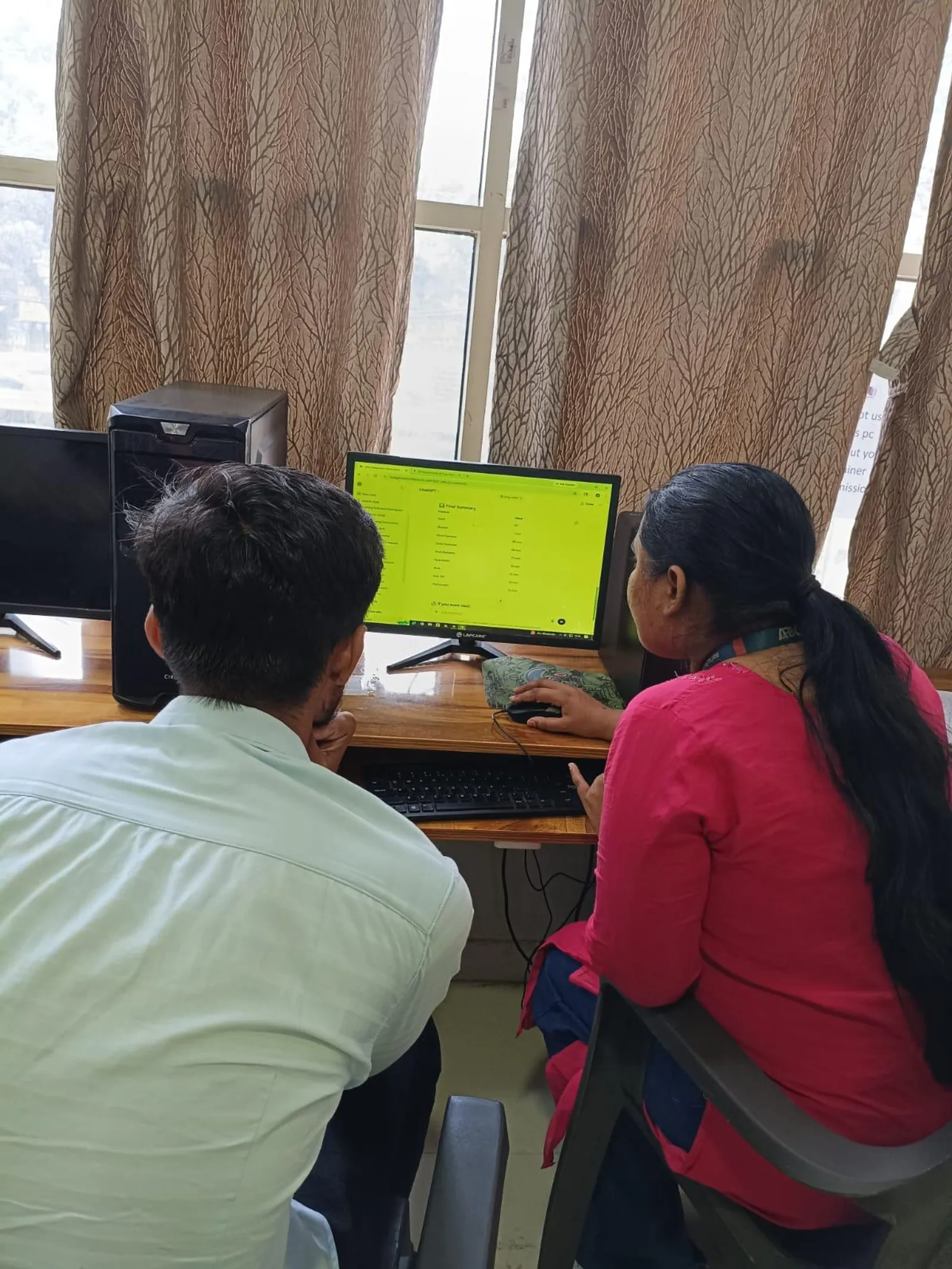
Install Node.js first. Open CMD: npm install -g --unsafe-perm node-red. Start: type node-red. Open Chrome: localhost:1880. Install dashboard widgets: Manage Palette, search node-red-dashboard, install.
First Dashboard
Drag mqtt-in node, set topic to factory/sensors/temperature. Drag gauge widget, set range 0-100. Connect with wire. Deploy. Open localhost:1880/ui. Send test data via Mosquitto command line — watch gauge move in real-time.
Connect to PLC via Modbus
Install node-red-contrib-modbus package. Add Modbus Read node pointing to localhost:502 (OpenPLC). Connect to dashboard widgets. Now showing live PLC data on web dashboard — complete free SCADA system.
Mobile Access
Open dashboard URL using laptop IP address from phone on same WiFi. Free mobile SCADA — would cost lakhs with commercial software.
Can Node-RED replace commercial SCADA?
For prototyping and small applications yes. Large plants still prefer commercial SCADA for compliance.
Is it difficult?
No. Most students build first dashboard within an hour.
Learn at ABC CAD and IT Trainings
ABC CAD and IT Trainings offers comprehensive courses across five centres in Maharashtra — Osmanpura, CIDCO, Wagholi, Hadapsar, and Sangli. With 11 years of training excellence and over 2000 students trained, we provide hands-on, industry-relevant education using 100 percent free tools. Visit abctrainings.in or call to enrol today.
Related Articles
- What is Industry 4.0? Complete Guide
- OpenPLC Tutorial — Free PLC Software
- AI for PLC Programming with ChatGPT
- Node-RED SCADA Dashboard Tutorial
- Industry 4.0 Course in Pune and Aurangabad
Get Brochure + Fees + Batch Dates on WhatsApp
Free 1:1 counselling. Placement track record. CMYKPY/PMKVY eligibility check.
💬 WhatsApp 7774002496📞 Call 7039169629Visit Our Centers
- Wagholi (Pune): 1st Floor, Laxmi Datta Arcade, Pune-Ahilyanagar Highway. Call 7039169629
- Hadapsar (Pune HQ): 1st Floor, Shree Tower, opp. Vaibhav Theater, near Bloom Hotel, Magarpatta. Call 7039169629
- Cidco (Chh. Sambhajinagar): Kalpana Plaza, opp. Eiffel Tower, N-1 Cidco. Call 7039169629
- Osmanpura (Chh. Sambhajinagar): S.S.C Board to Peer Bazar Road, near Jama Masjid. Call 7039169629
- Sangli: Shubham Emphoria, 1st Floor, Above US Polo Assn., Sangli-Miraj Rd, Vishrambag. Weekend batches available. Call 7039169629