NX CAD Episode 6: Sketching & 2D Constraints — The Foundation of Precise 3D Modeling (Updated June 2026)
Here's the thing about 3D modeling: every mistake that shows up in your final assembly can usually be traced back to a sketch that wasn't fully defined. Episode 6 of our Foundation to Expert NX CAD series treats sketching as the precision foundation it is — not a quick drawing step before the 'real' modeling begins. With NASSCOM and Deloitte projecting 1.25 million new AI and engineering tech jobs by 2027, and Maharashtra's manufacturing sector creating 62,405 new jobs through AURIC-region investment, every engineering student who wants to compete for a design role at Bajaj Auto, Tata Technologies, or Bosch needs to have their sketching fundamentals locked in. Episode 6 is where that happens.

- Episode 6 covers the full NX Sketch environment: sketch planes, geometric constraints, dimensional constraints, and fully-defined sketch best practices
- Fully defined sketches (all green, zero degrees of freedom) prevent unexpected model failures when features are added or edited
- NX supports 12 geometric constraint types — each has a specific engineering meaning, not just a visual effect
- NX CAD beginners in Maharashtra can expect ₹2.5–4 LPA in their first design role
- ABC Trainings covers sketching in structured exercises at all four centers with trainer feedback on constraint strategy
NX CAD Episode 6: The Sketch Environment and Why It Matters So Much
Episode 6 begins where many students first get confused: choosing a sketch plane. In NX, you can sketch on any flat face of an existing solid, on any datum plane, or on a newly created datum plane at any position and orientation in 3D space. The episode covers three common mistakes beginners make with sketch plane selection that cause cascading problems later: sketching on the wrong face (so a feature appears on the wrong side of the model), choosing a plane at an angle to what you intended (so extrusion goes the wrong direction), and not setting a horizontal reference (so the sketch orientation in NX doesn't match your design intent). Once you understand sketch plane selection, the rest of the sketching workflow flows naturally.
Geometric Constraints in NX: Horizontal, Vertical, Tangent, Coincident & More
NX supports 12 geometric constraint types, each of which removes one or more degrees of freedom from sketch elements. Horizontal forces a line to be parallel to the X-axis. Vertical forces a line parallel to the Y-axis. Tangent makes a line or arc meet a curve smoothly (no corner). Coincident merges two endpoints. Point on Curve forces a point to lie exactly on a curve or edge. Concentric makes two arcs share a center point. Equal makes two lengths or radii identical — essential for symmetric bolt circles. Parallel, Perpendicular, Collinear, Midpoint, and Symmetric complete the set. Episode 6 explains not just how to apply each constraint but which constraint to use for which design intent — because 'horizontal' and 'angle = 0' look identical in the sketch but behave completely differently when someone moves the sketch plane.
| Role | Experience | Salary (LPA) | Typical Employers |
|---|---|---|---|
| CAD Trainee / Junior Modeler | 0–1 yr | ₹2.5–4 LPA | KPIT, Tier-2 vendors, startups |
| Design Engineer | 1–4 yrs | ₹4.5–8 LPA | Bajaj Auto, Mahindra, Endurance, Tata Tech |
| Senior Design Engineer | 5–9 yrs | ₹9–17 LPA | Bosch, Siemens, Skoda VW, Mercedes |
| Lead / Principal Engineer | 10+ yrs | ₹18–32 LPA | Tata Technologies, L&T, Bharat Forge |
Source: AmbitionBox, Glassdoor, 6figr — Pune/Maharashtra, June 2026
Dimensional Constraints in NX: Driving vs Driven Dimensions and Expressions
Dimensional constraints in NX are smart dimensions that can drive the geometry (changing a dimension updates the sketch) or be driven by it (reporting a measurement without controlling it). Episode 6 covers all dimension types: Linear (horizontal, vertical, or along a line), Radial (for arcs and circles), Angular (between two lines or a line and an axis), and Perimeter (total chain length). The key skill in this episode is using NX Expressions to make dimensions parametric: instead of typing '25' for a bolt hole spacing, you type 'hole_pitch' and set hole_pitch = 25 in the Expressions manager. Then when the part changes, you edit one expression and every dependent dimension updates. This is industry-standard practice at companies like Bosch and Tata Motors, where parts are designed as configurable families rather than one-off models.
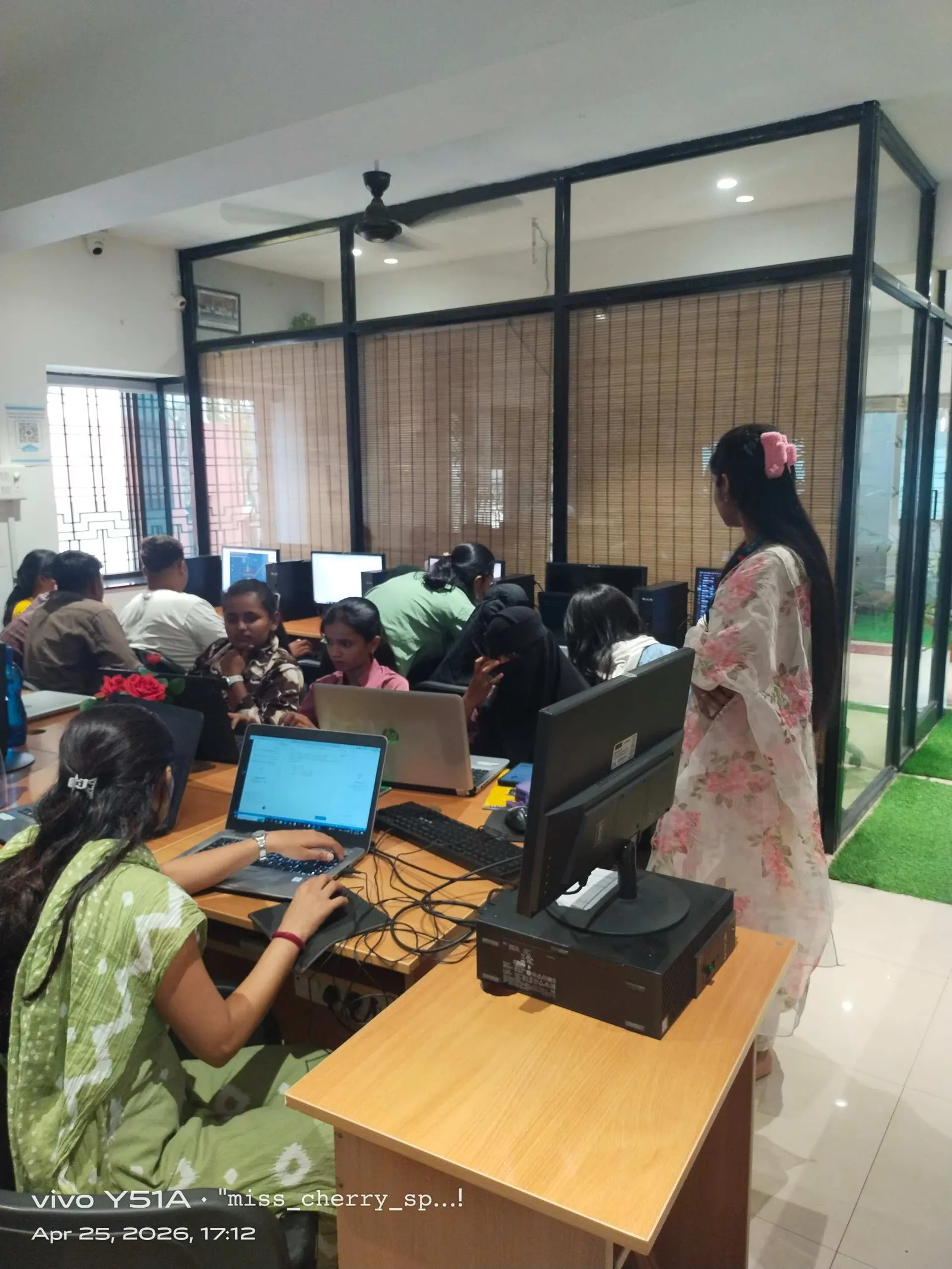
Fully Defined vs Under-Defined Sketches: What the Colors Mean in NX
NX shows sketch status using colors: dark blue means fully defined (zero degrees of freedom — the sketch cannot move or stretch accidentally); grey means reference geometry (used as construction lines, not part of the profile); and the teal/cyan color indicates under-defined geometry. What most people don't realize is that an under-defined sketch is not 'good enough' — it means some geometry can shift position when you add features later, causing your 3D model to behave unpredictably after design changes. Episode 6 drills the habit of fully defining every sketch before exiting the Sketch environment, using a systematic approach: apply geometric constraints first to eliminate obvious degrees of freedom (horizontal, coincident, tangent), then add dimensional constraints to pin the remaining ones until the sketch turns dark blue.
Career Path After NX CAD Training: Roles, Salaries & First Employers in Maharashtra
After completing the Foundation to Expert NX CAD series through Episode 6 and beyond, Maharashtra engineers target roles at: KPIT Technologies (Hinjewadi, Pune) — ₹3.2–5 LPA for fresh engineering graduates; Tata Technologies (Hinjewadi, Pune) — ₹4.5–6.5 LPA with strong fundamentals; Mahindra Research Valley (S-5/1, Mahalunge, Hinjewadi, Pune) — ₹4–6 LPA; Endurance Technologies (Plot E-92, Chikalthana MIDC, Sambhajinagar) — ₹2.8–4.5 LPA for junior modelers; Bajaj Auto Waluj (Plot G-137, Waluj MIDC, Sambhajinagar) — ₹4.5–7 LPA for directly hired design engineers; and Toyota Kirloskar AURIC (AURIC Phase-1, Bidkin, Sambhajinagar) which is actively building its design team for 2026-2027 programs. In Sangli, several Kupwad MIDC manufacturers and the SMMMA member companies (250+ industrial units) hire junior CAD engineers at ₹2.5–3.8 LPA as a first job.
Begin Your NX CAD Journey at ABC Trainings: Four Centers, Flexible Batches
ABC Trainings starts the Foundation to Expert NX CAD series with a dedicated sketching module — our trainers review every student's sketch for constraint completeness, not just visual appearance. This one-on-one feedback in the sketching phase prevents modeling failures throughout the rest of the program. The AI Powered Product Design, Analysis & Simulation curriculum runs at Wagholi (Laxmi Datta Arcade, Pune-Ahilyanagar Highway), Hadapsar HQ (Shree Tower, opp. Vaibhav Theater, Magarpatta), Cidco Sambhajinagar (Kalpana Plaza, N-1 Cidco), and Sangli (Shubham Emphoria, Above US Polo Assn., Vishrambag). Morning, evening, and weekend batches available. Call 7039169629 or WhatsApp 7774002496 to enrol.
CMYKPY Scheme: ₹6,000–10,000 Monthly Stipend for Maharashtra Youth
Under Maharashtra's Chief Minister Yuva Karya Prashikshan Yojana (CMYKPY), candidates under 28 enrolled in accredited vocational courses can receive ₹6,000–₹10,000 per month as a training stipend. Our NX CAD / AI Powered Product Design course qualifies. Ask our counsellors to check your eligibility when you call or WhatsApp us.
Get the NX CAD Training Brochure + Fees + Batch Dates on WhatsApp
Free 1:1 counselling. Placement track record. CMYKPY/PMKVY eligibility check.
💬 Get Brochure on WhatsApp📞 Call 7039169629About the author: Shubham Choundiye, Mechanical Design Trainer, ABC Trainings.
Visit Our Centers
- Wagholi (Pune): 1st Floor, Laxmi Datta Arcade, Pune-Ahilyanagar Highway. Call 7039169629
- Hadapsar (Pune HQ): 1st Floor, Shree Tower, opp. Vaibhav Theater, Magarpatta. Call 7039169629
- Cidco (Chh. Sambhajinagar): Kalpana Plaza, opp. Eiffel Tower, N-1 Cidco. Call 7039169629
- Osmanpura (Chh. Sambhajinagar): S.S.C Board to Peer Bazar Road, near Jama Masjid. Call 7039169629
- Sangli: Shubham Emphoria, 1st Floor, Above US Polo Assn., Sangli-Miraj Rd, Vishrambag. Weekend batches available. Call 7039169629
FAQs
What sketching topics does NX CAD Episode 6 cover?
Episode 6 covers sketch plane selection, all 12 geometric constraint types (Horizontal, Vertical, Tangent, Coincident, Concentric, Equal, Parallel, Perpendicular, Collinear, Midpoint, Symmetric, Point on Curve), dimensional constraints (Linear, Radial, Angular, Perimeter), NX Expressions for parametric dimensions, and the systematic approach to achieving fully defined sketches.
What are the most important geometric constraints to learn in NX CAD sketcher?
The five constraints you will use on almost every part are: Coincident (merging endpoints), Horizontal/Vertical (fixing line orientation), Tangent (smooth curve-to-line joins), and Equal (for symmetric or identical features). Master these five first, then layer in Concentric for circles and Perpendicular for right-angle features. These alone handle 80% of typical mechanical part sketches.
What happens if I leave my NX sketch under-defined before extruding?
An under-defined sketch can move or change shape when subsequent operations are applied. NX may resolve the ambiguity differently from what you intended, producing geometry that looks correct until you edit a parent feature and find the model has collapsed, twisted, or moved. Fully defined sketches (dark blue in NX) are stable across all future edits — this is the professional standard used in production design offices.
Can I import AutoCAD DWG files into NX and use them as sketch profiles?
Yes — NX can import DWG and DXF files from AutoCAD and place them as a sketch or as reference curves in a part file. The imported curves can then be used directly as sketch profiles for Extrude or as guide curves for Sweep and Loft. Some cleanup is typically needed (trimming open ends, removing duplicate lines) but the import is reliable for standard 2D geometry.