I completed Advanced Excel at ABC Trainings. My trainer explained VLOOKUP, HLOOKUP, pivot tables and basic macros in a very simple and practical way. This course is genuinely helpful for both students and working professionals.
Anamika Singh
Every number on this page is pulled from our admissions backend — paid enrollments, real trainer assignments, branch distribution, currently open job openings, and published reviews from actual alumni. No marketing fluff.
ABC Trainings offers Proficient in Advanced Microsoft Excel; this page documents 6 centres and 17 published reviews from the admissions-backed record. Confirm the live centre, trainer, delivery mode, timetable and complete written fee before paying.
111
Paid enrollments
Since Aug 2023
17
Student reviews
Published from real alumni
0+
Hiring partner roles
Finance + data + operations
6
Centres offering it
Across Maharashtra
What you'll learn
For BBA, B.Com, M.Com, and MBA Finance or Banking students
This course provides in-depth training on advanced Microsoft Excel techniques, including data analysis, complex formulas, conditional formatting, pivot tables, and macros. Students will master tools for efficient data management and professional reporting over 60 hours of hands-on learning.
It equips students with advanced Microsoft Excel skills, enabling them to navigate and manage spreadsheets effectively, utilise complex formulas and functions, and customise workbooks for professional use. Students master tools such as Pivot Tables, Conditional Formatting, Data Analysis techniques and Macros to optimise data-driven decision-making and reporting.
Proficiency in advanced Microsoft Excel enables students to perform complex data analysis, financial modelling and decision-making tasks efficiently. These skills are essential across diverse industries, and mastery of Excel tools like pivot tables, macros and advanced functions supports effective problem-solving and process optimisation.
Roles this prepares you for
Course at a glance
Duration
60 hours
Structure
25 sessions, hands-on
Taught in
English & Hindi
On completion
Course certificate
Course fee
₹8,500
This course provides in-depth training on advanced Microsoft Excel techniques, including data analysis, complex formulas, conditional formatting, pivot tables, and macros. Students will master tools for efficient data management and professional reporting over 60 hours of hands-on learning.
It equips students with advanced Microsoft Excel skills, enabling them to navigate and manage spreadsheets effectively, utilise complex formulas and functions, and customise workbooks for professional use. Students master tools such as Pivot Tables, Conditional Formatting, Data Analysis techniques and Macros to optimise data-driven decision-making and reporting.
Duration: 60 hours. Structure: 25 sessions, hands-on. Taught in: English & Hindi. On completion: Course certificate. Course fee: ₹8,500.
Why this program
The capabilities you build through the Proficient in Advanced Microsoft Excel program at ABC Trainings.
Screen navigation and basics
Various selection techniques
Data entry and editing
Basic formulas and calculations
Customizing Excel options
Absolute and relative cells
Worksheet protection features
Using shortcut keys
Functions and formula mastery
Conditional formatting and charts
Pivot tables and filters
Formula auditing techniques
Macros and freeze panes
Text and statistical functions
Advanced date-time functions
Advanced pivot table usage
HLOOKUP and VLOOKUP functions
Advanced filters with macros
Solver and advanced tools
Advanced logical functions
The full syllabus
The complete module-by-module syllabus as taught at ABC Trainings. Sessions 1–10 build your spreadsheet foundation; sessions 11–25 take you deep into pivot tables, lookup functions, Solver and macros — the exact tools an analyst or finance professional uses every day.
Every session is hands-on. You build real workbooks, pivot tables, dashboards, lookup-driven reports and recorded macros — the deliverables a business analyst, MIS executive or finance professional ships on the job.
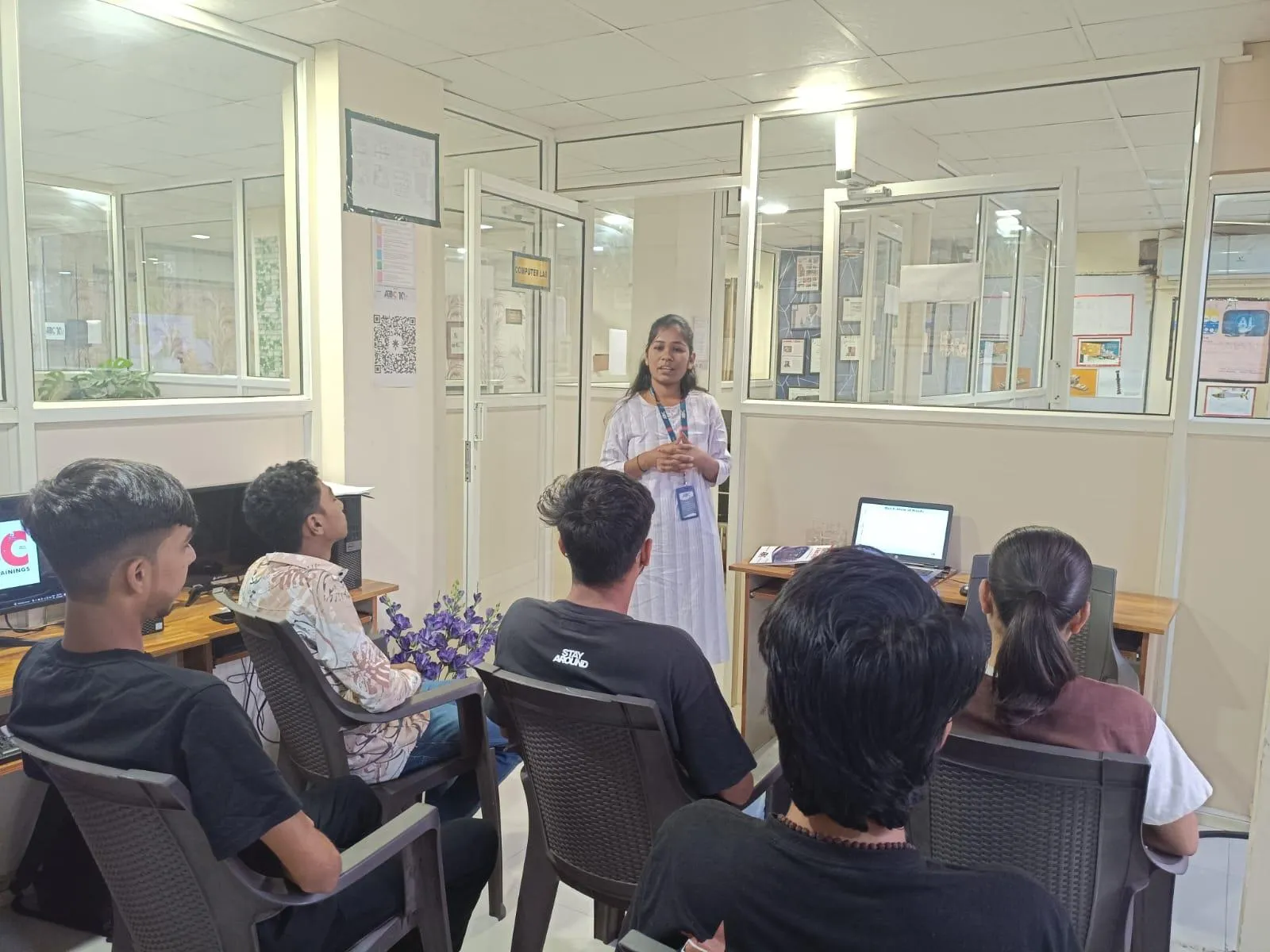
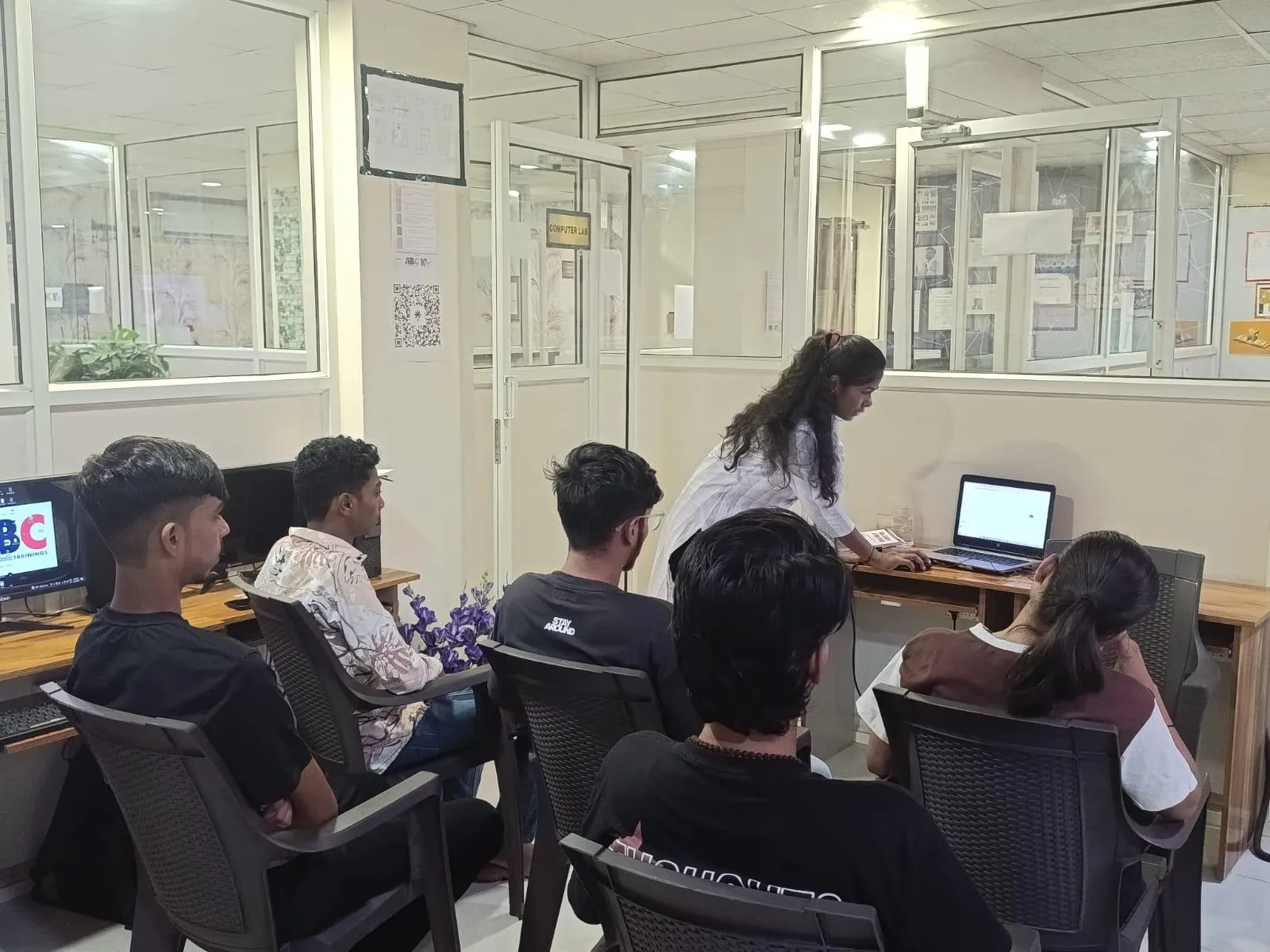
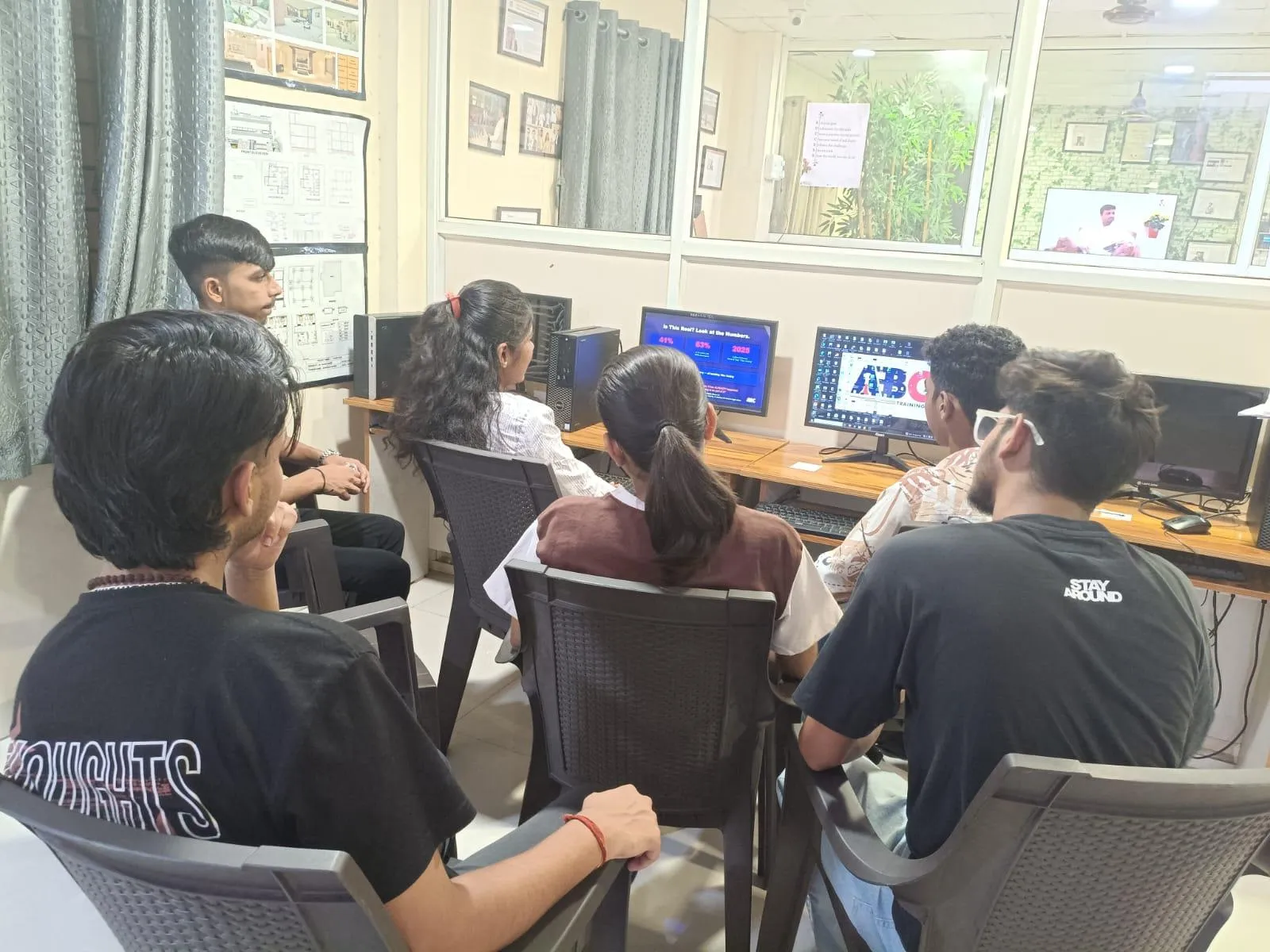
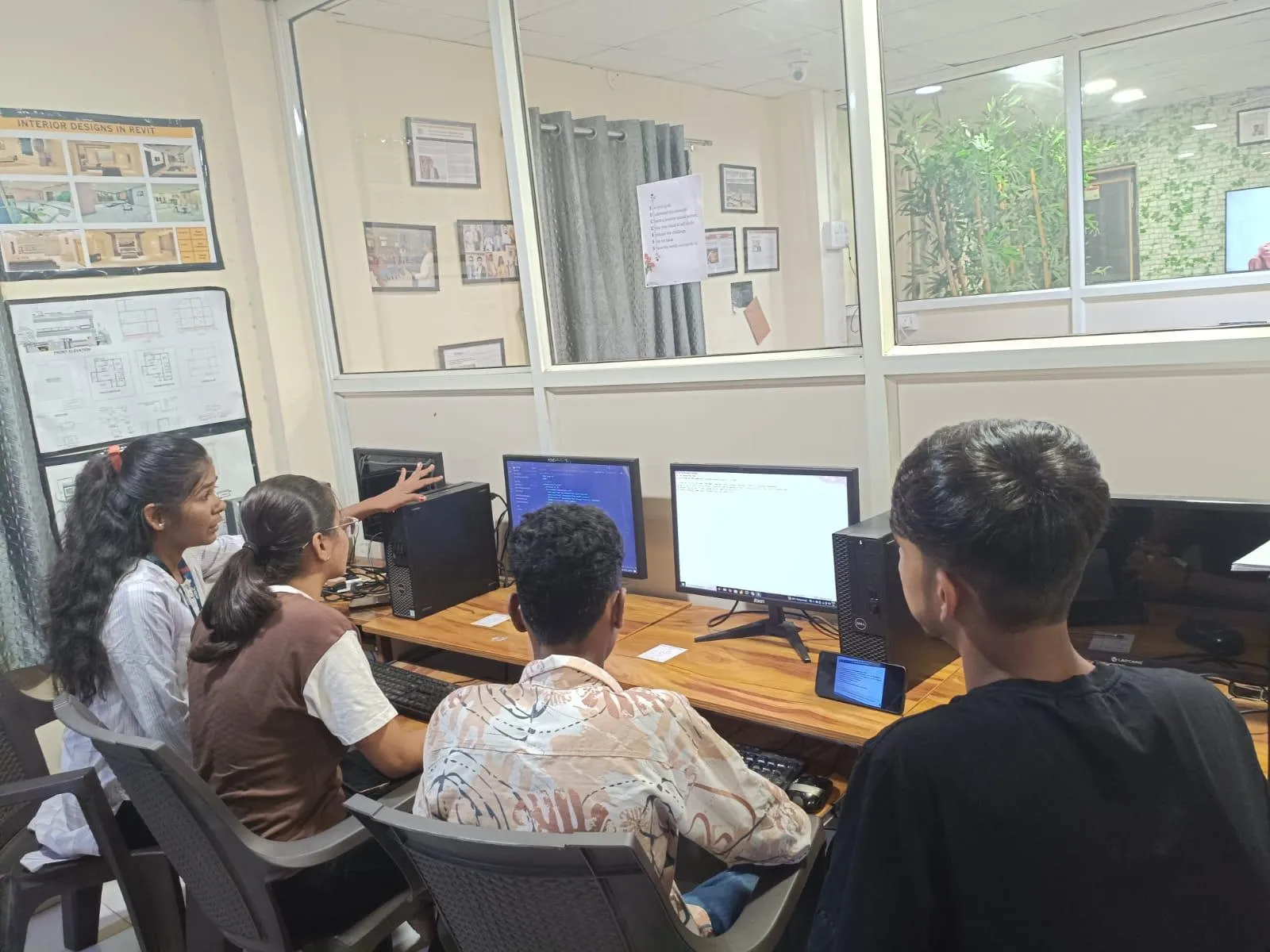
Inside the classroom
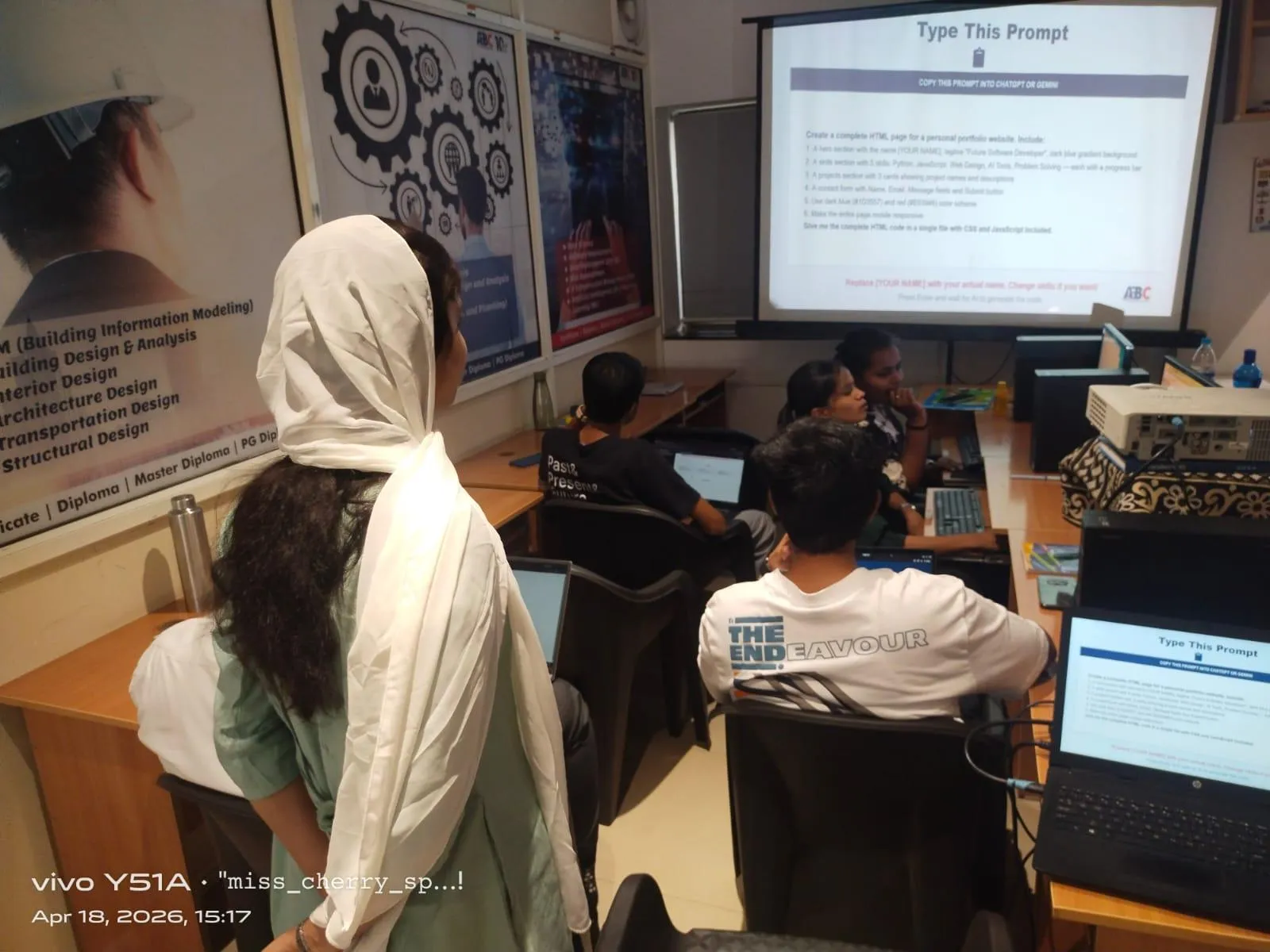
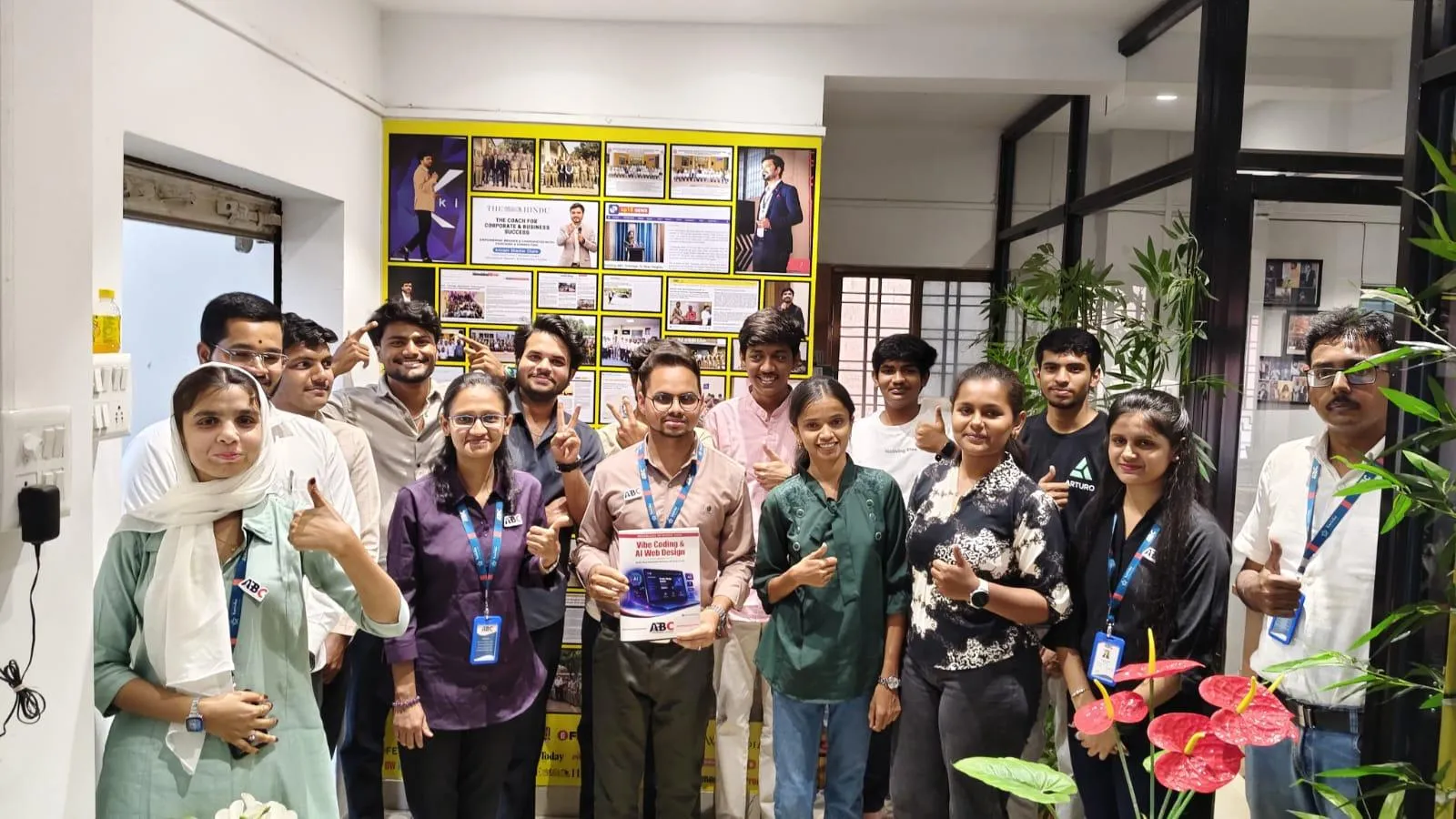
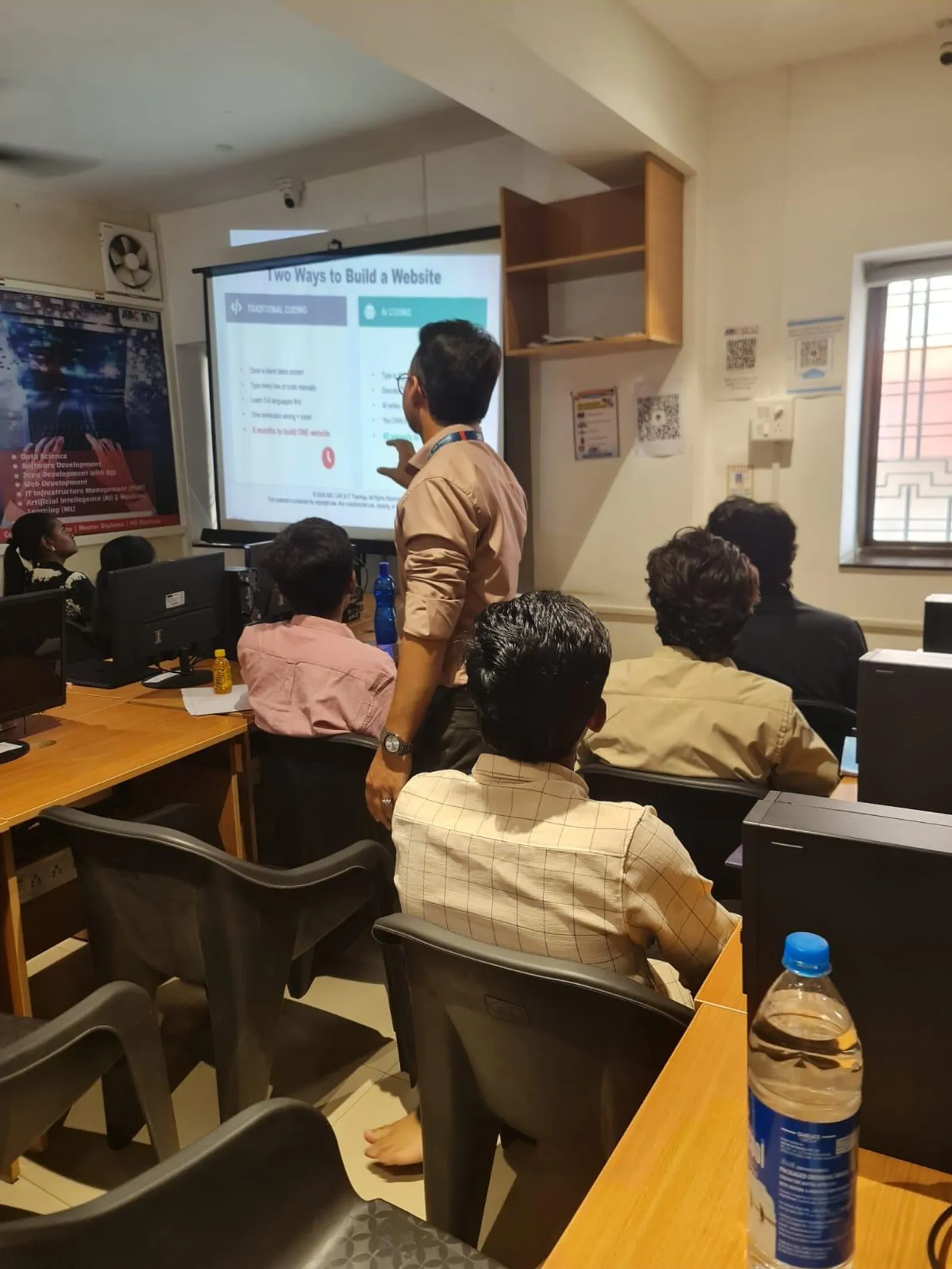
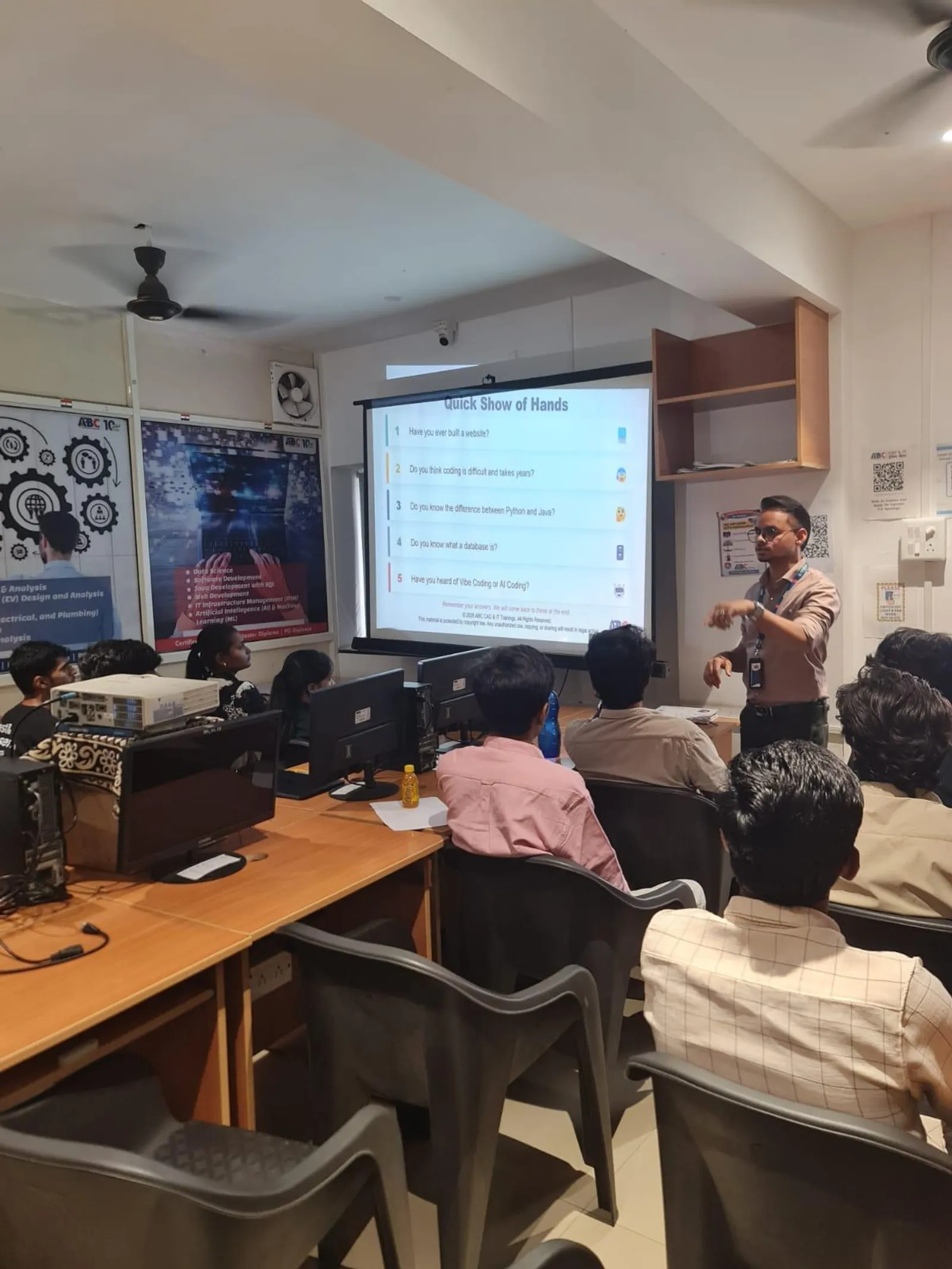
Photos from hands-on Proficient in Advanced Microsoft Excel sessions, workshops and labs across our centres.
Who teaches it
These are the working professionals who deliver the Proficient in Advanced Microsoft Excel program across Maharashtra.
Vaibhav R. Kamble Sir
CIDCO
Advanced Excel, Python, PowerBI, SQL
Pranand Prabhakar Patil Sir
Sangli
Advanced Excel, C, C++, Core Java, C#, Python, JS, Testing
GANESH S. RATHOD Sir
Hadapsar
Advanced Excel, Building Estimation, AutoCAD, Revit
Bhushan Shahaji Satpute Sir
Sangli
Microsoft Office, Estimator, AutoCAD, Revit, STAAD Pro
Ankush Subhashrao Shendge Sir
Hadapsar
Advanced Excel, C, C++, Java, Python, Data Science
Patel Shireen Burhan Ma'am
Sangli
Advanced Excel Pro, Power BI, Python, SQL, Data Science, Full Stack
Sanskar Vaibhav Doshi Sir
Wagholi
AutoCAD, STAAD Pro, Revit (Arch/Struct/MEPF), Excel, MSP, Civil 3D
Mohd. Rafique Pasha Sir
Osmanpura IT
Advanced Excel, MERN/MEAN Stack, Java, Python, SQL, Data Science, Power BI, CCNA
Who's hiring
Snapshot of recent and currently active roles in our hiring-partner network where Proficient in Advanced Microsoft Excel is a primary requirement. Salary is shown as posted by the employer — many roles list ranges, others are confidential.
What graduates earn
Range derived from 0+ recent hiring-partner postings tagged with Proficient in Advanced Microsoft Excel skill requirements.
Entry level
₹12K/mo
Fresher / trainee
Typical mid
₹15K-22K
₹2-3 LPA
Senior / experienced
₹30K+/mo
2+ years of experience
Range from Advanced Excel skill in finance/data analyst postings; senior data analysts earn ₹4-7 LPA
In our students' words
Verified reviews from students across our centres · 17 student reviews.
I completed Advanced Excel at ABC Trainings. My trainer explained VLOOKUP, HLOOKUP, pivot tables and basic macros in a very simple and practical way. This course is genuinely helpful for both students and working professionals.
Anamika Singh
The Proficient Excel class was very helpful. It covered all the key Excel functions — VLOOKUP, HLOOKUP, pivot tables and conditional formatting — with clear explanations and plenty of hands-on practice.

Sayali Takale
I recently completed the Excel course and it was an amazing experience. The content was clear, practical and very well structured. A special thanks to Sanskar Sir for making even complex topics easy to understand. I feel much more confident with Excel now.

Manvi Raut
I got trained in Advanced Microsoft Excel by Pranand Sir at ABC Trainings, Sangli. The teacher is supportive and answers every doubt patiently. The teaching methods and real-life examples made learning easy.
Jyotsna Patil
Sangli
I learned Excel from Pranand Sir at ABC Trainings, Sangli. It was a great learning experience — the concepts were explained step by step and all my doubts were answered clearly.

Shubham Lokhande
Sangli
I had a very good experience at ABC Trainings. I completed the Excel course here, and my trainer explained the concepts in a simple and easy-to-understand way.

Sneha Singh
This course has truly enhanced my Excel skills. I really appreciate the way the trainer explains complex functions with real-life examples.

Pallavi Sonkamble
Surayya Ma’am explains every concept so clearly that learning becomes easy and genuinely enjoyable.

Aditya Dangat
Wrapped up the Advanced Excel course under Pranand Sir's guidance at ABC Trainings, Sangli. His teaching was clear, thorough and well-structured, covering each concept in detail. Overall, an excellent learning experience - the training was highly valuable and worth attending.
Rutuja Dure
Sangli Centre · Sangli
Next Proficient in Advanced Microsoft Excel batch
Hands-on training in advanced formulas, pivot tables, VLOOKUP/HLOOKUP, conditional formatting and macros. 8+ trainers · 6 centres · placement support across 0+ partners.
Talk to a counsellor
Fastest — reply in 2 min
Call us
+91 70391 69629
Mon–Sat, 9:00 AM – 8:00 PM