



Verified course outcomes

AutoCAD Electrical358 students trained · 2022–2026 · Maharashtra

Every number on this page is pulled from our admissions backend — paid enrollments, real trainer assignments, branch distribution, currently open job openings, and published 5-star reviews from actual alumni. No marketing fluff.

358

Paid enrollments

Since Jun 2022

5 / 5

Average rating

30 published reviews

38+

Hiring partner roles

Electrical design + panel + automation

6

Centres offering it

Across Maharashtra

What you'll learn

Master AutoCAD Electrical end to end

For Electrical, Electronics & Instrumentation engineers

AutoCAD Electrical is Autodesk’s purpose-built toolset for designing electrical control systems. It extends AutoCAD with industry-specific symbol libraries and automation that boost productivity — letting you create, modify and document electrical control systems efficiently. The toolset covers electrical documentation, schematic design and control-panel design end to end.

You start from AutoCAD fundamentals, then move into AutoCAD Electrical with emphasis on naming conventions, symbol libraries, generating and inserting PLC layout modules, and organising PLC database files. You also learn to generate bill-of-materials (BOM) reports, build PLC I/O drawings from spreadsheets, and handle automated wire numbering and component tagging.

Roles this prepares you for

Designing electrical symbolsDrawing the required schematic diagramsPlacing relay coils and contactorsDrawing and ordering component lists

Course at a glance

Duration

80 hours

Structure

18 sessions + capstone

Taught in

English & Hindi

On completion

Course certificate

Course fee

₹13,897

Why this program

What you'll be able to do

The capabilities you build through the AutoCAD Electrical program at ABC Trainings.

Controls design using standards-based drafting and PLC I/O tools

Schematic symbol libraries and schematic design tools

Automated wire numbering and component tagging

Real-time error checking as you draft

Panel-layout module with compelling visuals and presentations

Automated report generation and organisation of files and projects

BOM (bill-of-materials) reporting from schematics

Project management so designers can collaborate across a team

The full syllabus

18-session curriculum, fundamentals to control panels

The complete module-by-module syllabus as taught at ABC Trainings. Sessions 1–6 build your AutoCAD foundation; sessions 7–18 are the AutoCAD Electrical control-design workflow — finishing with a guided capstone project.

01Introduction to AutoCAD
  • Exploring the GUI and workspaces
  • Coordinate systems
  • Display control — zoom, pan, redraw, regen
  • File management — new, open, save, save as, close
02Draw & Modify Tools
  • Drawing & drafting settings — units, limits, snap & grid, polar tracking, object snap, dynamic input
  • Draw tools — line, polyline, circle, arc, rectangle, ellipse
  • Modify tools — move, copy, scale, rotate, mirror, fillet, chamfer, offset
  • Object properties — colour, linetype, lineweight, match properties
03Advanced Draw & Modify Tools
  • Multiline, spline, construction line, array, region, wipeout, helix, revision cloud
  • Edit tools — multiline / spline / polyline edit, align, break, join, reverse, delete duplicates
04Hatching & Annotation
  • Hatch, gradient and hatch settings
  • Single-line & multiline text, tables and table styles
  • Dimensions — linear, aligned, radius, diameter, arc length
  • Multileaders and the dimension style manager
05Layer Properties & Isometric Drawing
  • Isometric snap and isometric drawings
  • Adding / removing layers and the layer status manager
  • Creating & inserting blocks — base point, write block, dynamic block
06External References
  • Xref, Xbind, Refedit
  • Action recorder
07Introduction to AutoCAD Electrical
  • Application of AutoCAD Electrical
  • AutoCAD Electrical vs AutoCAD
  • Introduction to electrical drawings and workspaces
08Project Properties
  • The project manager and creating an AutoCAD Electrical project
  • Adding and removing drawings
  • ACAD IEC electrical templates
09Schematic Symbol Library
  • Symbol libraries and schematic components
  • Inserting components via icon menu, catalog browser and user-defined list
  • Component types and inserting multiple components
10Symbol Builder
  • Building custom symbols
  • Saving a circuit to the icon menu
  • Drawing properties
11Insert Wires
  • Wire types, inserting wires, multiple wires, stretch wires, wire gaps
  • Automatic wire numbering and three-phase wire numbers
  • PLC I/O wire numbers
12Insert Ladder
  • Signal, source and destination arrows
  • Ladder tools
  • Inserting and renumbering ladders
13Circuit Builder & PLC
  • One-line motor and dual power-feed circuits; copy & move circuit
  • Generating PLC layout modules
  • Parametric and full-unit PLC selection
  • Inserting and editing PLC modules
14Connectors
  • Introduction to connector diagrams
  • Inserting, editing and modifying connectors
15Panel Layout
  • Panel layout and footprints
  • Footprint from the icon menu
  • Balloons and wire annotations
16Electrical Audit
  • The editor
  • Missing catalog data
  • Running an electrical audit
17Generating Reports
  • BOM and report generation
  • Layout and page setup
  • Plot styles and printing in model & layout
18eTransmit, Publish & Capstone Project
  • eTransmit and publishing drawing sets
  • Guided capstone project consolidating the full schematic-to-panel workflow

Every session is hands-on. You build real schematics, symbol libraries, PLC I/O drawings, panel layouts and BOM reports — the exact deliverables a control-panel design engineer ships on the job.

Inside the classroom

Real ABC students, real sessions

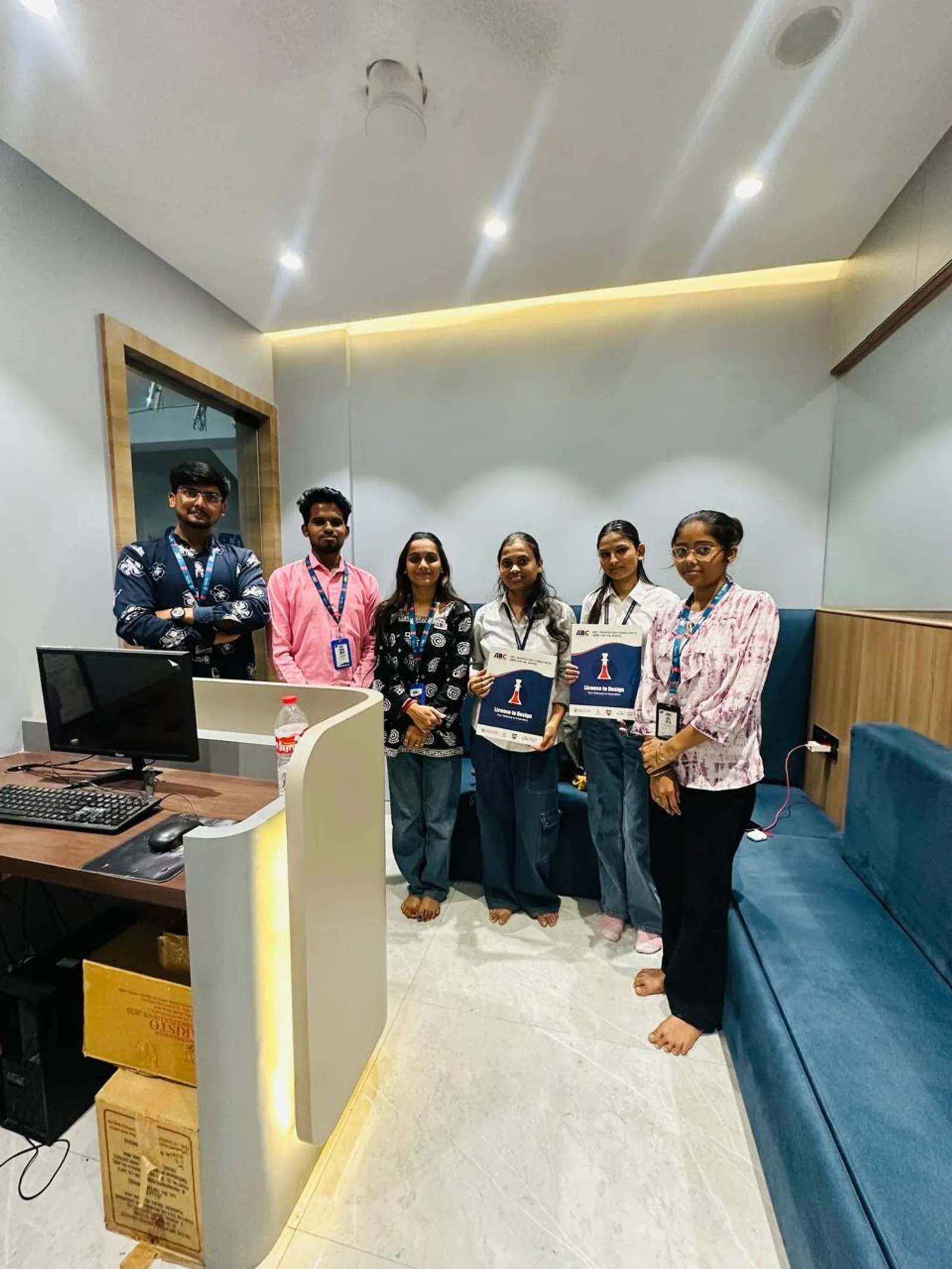
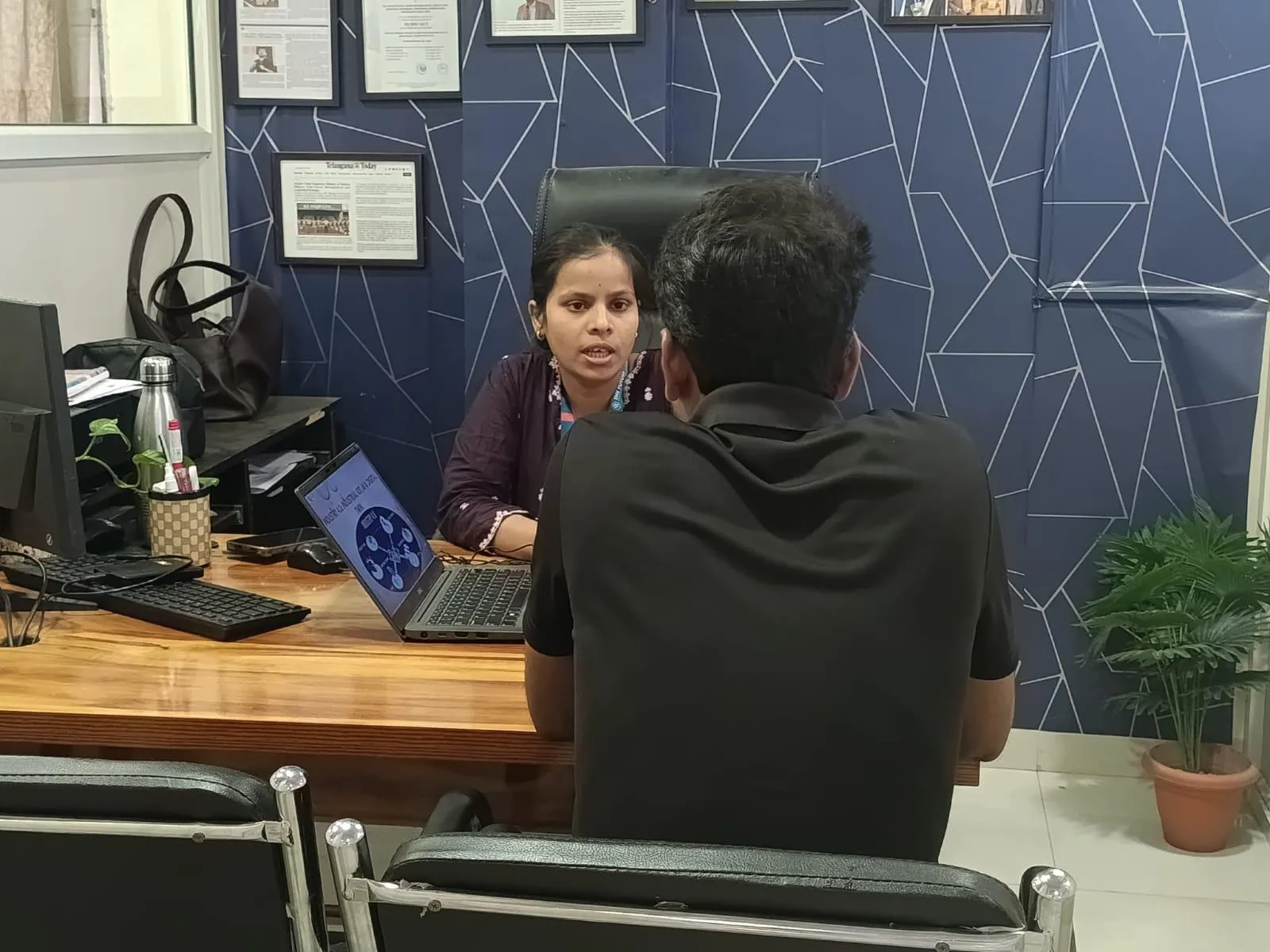
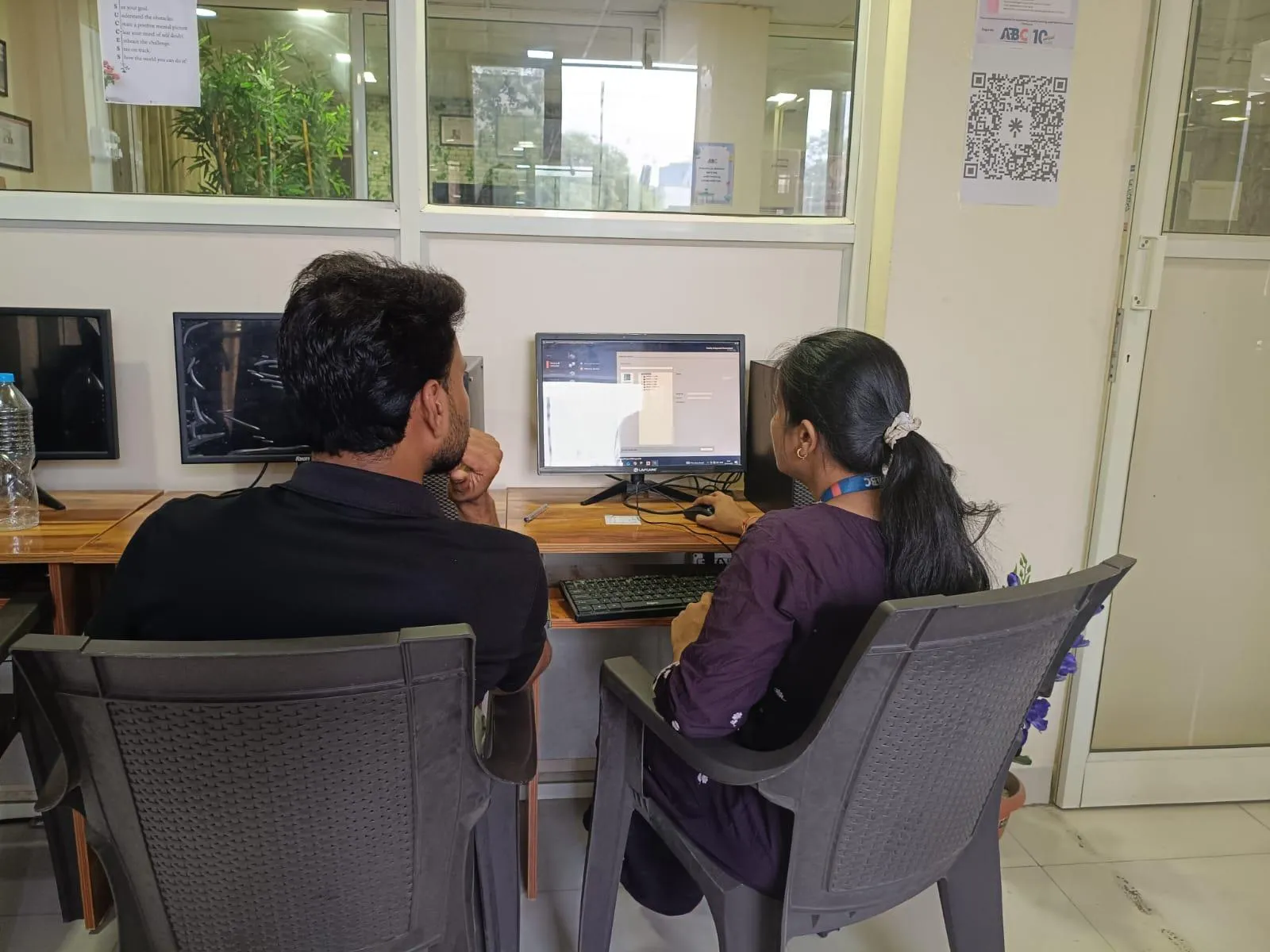
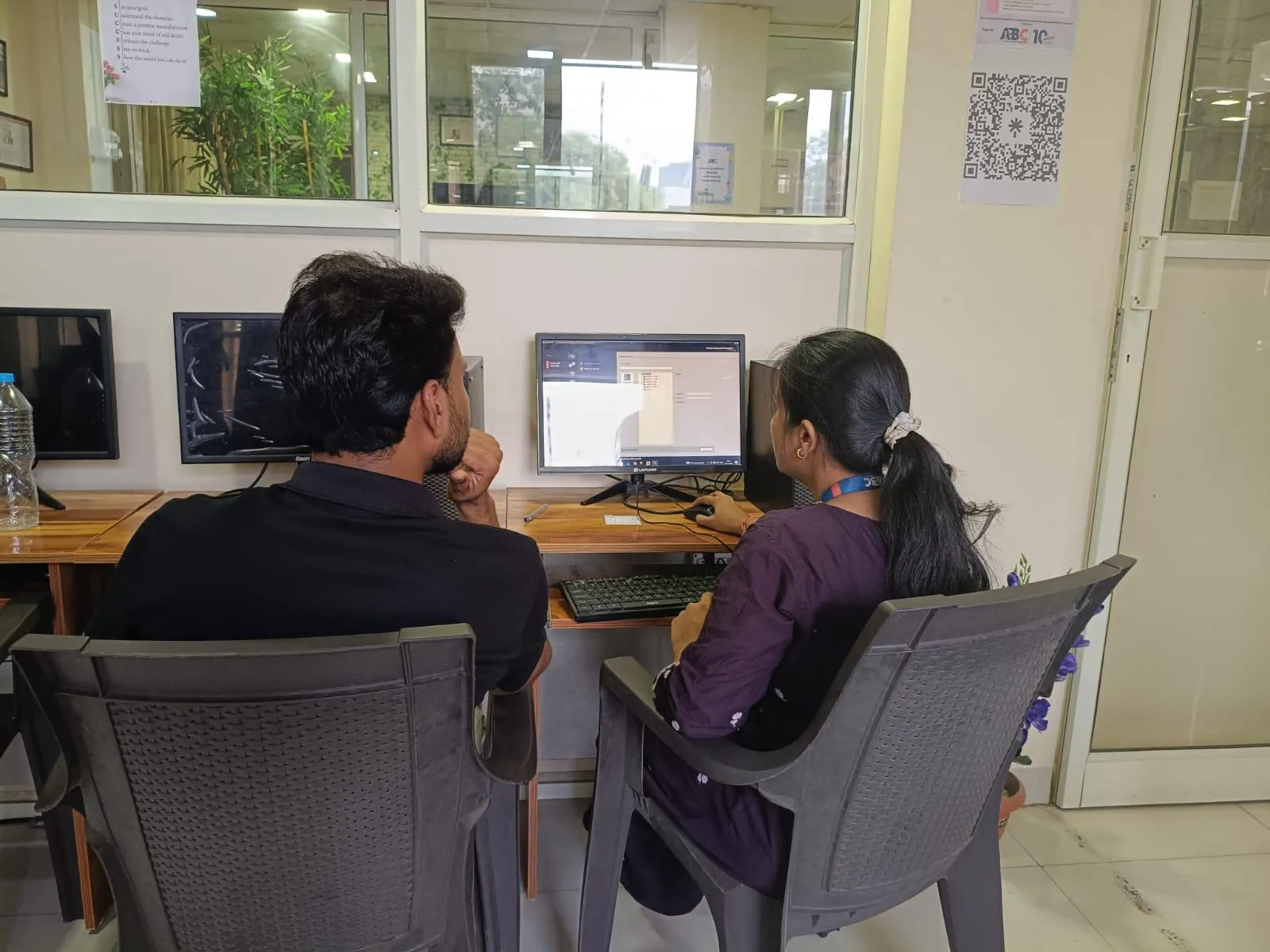
Photos from hands-on AutoCAD Electrical sessions, workshops and labs across our centres.

AutoCAD Electrical session at ABC Trainings
Osmanpura, Chh. Sambhajinagar
AutoCAD Electrical session at ABC Trainings
Osmanpura, Chh. Sambhajinagar
AutoCAD Electrical session at ABC Trainings
Osmanpura, Chh. Sambhajinagar
AutoCAD Electrical session at ABC Trainings
Wagholi, Pune
AutoCAD Electrical session at ABC Trainings
Wagholi, Pune
AutoCAD Electrical session at ABC Trainings
Wagholi, Pune
AutoCAD Electrical session at ABC Trainings
Osmanpura, Chh. Sambhajinagar
AutoCAD Electrical session at ABC Trainings
Osmanpura, Chh. Sambhajinagar

Who teaches it

Industry-grade trainer roster

These are the working professionals who deliver the AutoCAD Electrical program across Maharashtra.

Ashwini Arun Ingle Ma'am

Osmanpura IT

Electrical CAD, PLC and SCADA, MATLAB Electrical, PCB Designing, EPLAN

Amay Sandeep Satdive Sir

Osmanpura IT

AutoCAD Electrical, PLC and SCADA, MATLAB

Aniket Bali Sir

Narhe, Pune

AutoCAD Electrical, PLC SCADA, MATLAB

Bellale Gayatri Raju Ma'am

Hadapsar

PLC, SCADA, AutoCAD Electrical, MATLAB, SQL

Sushama Nanasaheb Pawar Ma'am

Wagholi

Electrical Software

Nikita Narayan Pharande Ma'am

Wagholi

PLC, SCADA

Jayashri M Yamgar Ma'am

Sangli

AutoCAD Electrical, Excel, MATLAB, PLC SCADA, C Programming

Prathmesh M Sawantkar Sir

CIDCO

Electrical AutoCAD, PLC & SCADA, EPLAN, Automotive Embedded, PCB OrCAD

Who's hiring

38+ active openings hiring AutoCAD Electrical graduates

Snapshot of recent and currently active roles in our hiring-partner network where AutoCAD Electrical is a primary requirement. Salary is shown as posted by the employer.

CompanyRoleSalaryCity
Chhabi Electricals Pvt. Ltd.Skilled FreelancerNot disclosedJalgaon
Stepron Tech Pvt LtdDesign EngineerUp to ₹3.5 LPAPune
Zusto IndiaTrainee Engineer₹15K-20K/moPune
Tropicaal Waters India Pvt. LtdDesign Head₹15K-30K/moPune
Vastu ConsultantElectrical EngineerNot disclosedChh. Sambhajinagar
Sumato ResolutionDesign EngineerNot disclosedPune
Starkly Engineers Pvt LtdAutoCAD Electrical DraftsmanNot disclosedWFH
Arrow Electrical India LtdElectrical Design EngineerNot disclosedThane
Chandra Electricals & ElectronicsDesign & Estimation Engineer₹3-4 LPAChh. Sambhajinagar
Mecno Automation LLPElectrical Project Engineer₹15K-30K/moThane
Mecno Automation LLPElectrical Panel Designer Engineer₹15K-30K/moThane
Luminova Light n AutomationDesign & Estimation Engineer₹10K-25K/mo + bonusPune

What graduates earn

Salary range for AutoCAD Electrical roles

Range derived from 38+ recent hiring-partner postings tagged with AutoCAD Electrical skill requirements.

Entry level

₹10K/mo

Fresher / trainee

Typical mid

₹15K-25K

₹2-3 LPA

Senior / experienced

₹35K+/mo

2+ years of experience

Range from AutoCAD Electrical-tagged hiring partner postings; senior electrical design engineers earn ₹4-6 LPA

In our students' words

What ABC Trainings students say

Verified reviews from students across our centres · 30 reviews · average rating 5 / 5.

ABC is a great institute for students and professionals who want to build skills in electrical design and industrial automation. The trainers explain concepts clearly with a practical approach, and the hands-on training, project guidance and placement support make it a strong choice for technical training.

Vaibhav Vharkate

Vaibhav Vharkate

The AutoCAD Electrical course was very helpful for understanding the practical side of circuit design and drafting. The teaching was clear and well-structured, covering both theory and hands-on practice. I especially liked how real electrical drawings and symbols were explained, and doubts were always solved patiently. I now feel prepared to apply these skills in my field.

Abhishek Chavan

Abhishek Chavan

The AutoCAD Electrical training was excellent and industry-focused. The instructor covered key topics like schematic design, panel layout and PLC integration in a clear, practical way. The hands-on projects made everything easy to follow — great for both students and working professionals in the electrical field.

Mohammed Ahemad

Mohammed Ahemad

I gained hands-on experience in creating electrical schematics, panel layouts and wiring diagrams. The training improved my drafting skills and deepened my understanding of electrical design standards.

Sakshi Kathote

Sakshi Kathote

The AutoCAD Electrical training was well-structured and highly informative. The trainer explained concepts clearly and gave us valuable hands-on experience. Overall the institute created a professional and supportive learning environment.

Toufiq Ahmed Bepari

Toufiq Ahmed Bepari

I took the AutoCAD Electrical course to improve my electrical design skills, and it was very useful for understanding industrial electrical drawings and control-panel design.

Prajwal Mukatwar

Prajwal Mukatwar

It was a valuable learning experience, and I feel much more confident using AutoCAD for technical drawings and design work. I really appreciate the way the trainer patiently cleared all our doubts and encouraged hands-on practice.

Mayuri Rajput

Mayuri Rajput

The trainer is knowledgeable and explains concepts in a simple, practical way. The sessions are interactive and doubts are cleared effectively, which makes even the complex topics easy to understand.

Shubham Shinde

Shubham Shinde

Recently finished the Electrical AutoCAD course at ABC Trainings and was thoroughly impressed by the instruction and course materials. Trainer Sushma Ma'am's expertise and guidance helped me master Electrical AutoCAD's tools and features, and the hands-on exercises solidified my understanding. The course significantly improved my electrical design skills and efficiency — highly recommend ABC Trainings' Electrical AutoCAD course to anyone looking to grow their CAD skills.

Srushti Manakoji

Wagholi Centre · Pune

Next AutoCAD Electrical batch

Join the 358+ AutoCAD Electrical alumni at ABC Trainings.

Hands-on training in schematic design, panel layout, PLC I/O, wire numbering and electrical documentation. 8+ trainers · 6 centres · placement support across 12+ partners.