CATIA293 students trained · 2022–2026 · Maharashtra
Every number on this page is pulled from our admissions backend — paid enrollments, real trainer assignments, branch distribution, currently open job openings, and published reviews from actual alumni. No marketing fluff.
Which institute is best for CATIA?
ABC Trainings offers CATIA; this page documents 6 centres and 29 published reviews from the admissions-backed record. Confirm the live centre, trainer, delivery mode, timetable and complete written fee before paying.
CATIA is an acronym for Computer Aided Three-dimensional Interactive Application. It is one of the leading 3D software used by organizations in multiple industries ranging from aerospace, automobile to consumer products. CATIA is a multi-platform 3D software suite developed by Dassault Systèmes, encompassing CAD, CAM as well as CAE.
The course will help students and professionals alike to learn the implementation of solid modeling and get hands-on experience with real-world projects. It is structured in a pedagogical sequence to cover the topics of part design, assembly, drafting, wireframe & surface, and Generative Sheet Metal Design workbenches of CATIA.
Roles this prepares you for
Product and tool designing for automotive & aerospaceShortening time-to-market via associative applicationsAnalysis, simulation and optimization for product engineeringValidating product quality and market acceptance
Course at a glance
Duration
80 hours
Structure
21 sessions + project
Taught in
English & Hindi
On completion
Course certificate
Course fee
₹19,322
Frequently asked questions about this course
What does Master CATIA V5 end to end cover?
CATIA is an acronym for Computer Aided Three-dimensional Interactive Application. It is one of the leading 3D software used by organizations in multiple industries ranging from aerospace, automobile to consumer products. CATIA is a multi-platform 3D software suite developed by Dassault Systèmes, encompassing CAD, CAM as well as CAE.
What is the learning objective for this course?
The course will help students and professionals alike to learn the implementation of solid modeling and get hands-on experience with real-world projects. It is structured in a pedagogical sequence to cover the topics of part design, assembly, drafting, wireframe & surface, and Generative Sheet Metal Design workbenches of CATIA.
What course facts are published on this page?
Duration: 80 hours. Structure: 21 sessions + project. Taught in: English & Hindi. On completion: Course certificate. Course fee: ₹19,322.
Why this program
What you'll be able to do
The capabilities you build through the CATIA program at ABC Trainings.
Assembly Modeling
Mechanical Designing
Shape Designing
Analysis and Simulation
AEC (Architecture, Engineering, and Construction) PLANT
Machining
Digital Mockup
Machining Simulation
Ergonomics Design and Analysis
The full syllabus
21-session curriculum, sketcher to assembly to drafting
The complete module-by-module syllabus as taught at ABC Trainings. You build from the sketcher and part design, through wireframe & surface and sheet metal, into assembly design and drafting — finishing with a submitted project.
01Introduction to CATIA
Introduction to CATIA
What is CATIA, Design Intent, System Requirements
Getting Started — understand the CATIA interface
Workbenches, menus and toolbars
Specification tree, graphic properties, message bar
Document management
Understanding view manipulation
Understanding the Standard toolbar
02Introduction to Sketcher
Introduction to Sketcher
Profile creation
Understanding sketch tools
Creating construction / standard elements
Applying geometrical & dimensional constraints
Understanding the Visualization toolbar
Dimensional constraints
Geometrical constraints
03Sketch Editing Tools
Editing profiles
Understanding constraints
Sketch analysis
04Introduction to Part Design
Introduction to Part Design
Creating sketch-based features
Creating reference elements
05Applying Sketch-Based Features
Creating sketch-based features
Applying dress-up features
Creating surface-based features
06Applying Dress-up Features
Creating sketch-based features
Applying dress-up features
07Advanced Dress-up Feature
Applying advanced dress-up features
Inserting new bodies
Understanding the Tools toolbar
Understanding the Measure toolbar
08Transformation Features and Boolean Operations
Creating reference elements
Creating transformation features
Applying Boolean operations
09Apply Material and Knowledge Toolbar
Understanding the Knowledge toolbar
Apply material
Understanding knowledge templates
Data exchange in CATIA
10Introduction to Wireframe and Surface Design
Wireframe and Surface Design
Introduction to surface design
Understanding the Wireframe toolbar
Point, line, axis, polyline; planes between
Projection, intersection, circle, corner, connect
Spline, helix
Creating surfaces
Trim & Split definition
11Surface Operations Toolbar
Creating surfaces
Understanding the Operations toolbar
Transformations
12Creating Sweep, Surface to Solid Conversion
Creating sweep surface
Advance tools
Converting to solid
Hybrid design
13Introduction to Sheet Metal Design
Introduction to Sheet Metal Design
Understanding the Views toolbar
Creating walls
Creating rolled walls
Understanding bending operations
Recognize definition
14Sheet Metal Cutting, Stamping Tools
Understanding cutting operations
Understanding stamping operations
Understanding transformation operations
Understanding manufacturing preparation
15Introduction to Assembly Design
Introduction to Assembly Design
Understanding top-down & bottom-up approach
Understanding Product Structure tools
Understanding the Constraints toolbar
16Assembly Toolbars, Catalogue Browser
Understanding the Move toolbar
Understanding the Product Structure toolbar
Understanding the Constraint Creation toolbar
Assembly features and creating publications
Applying material and creating scenes
Understanding the Space Analysis toolbar
Understanding the Catalogue browser
17Introduction to Drafting
Introduction to Drafting
Creating a new drawing file
Creating projection views
Creating sectional views
18Drafting Views
Creating detail views
Creating clipping views
Creating broken & broke-out views
Adding 3D clipping
Creating wizard, adding drawing sheets
Deriving annotations
19Applying Dimensioning, Annotations
Applying dimensioning
Understanding the Annotations toolbar
Understanding the Dress-up toolbar
Understanding the Geometry Creation toolbar
Understanding the Geometry Modification toolbar
20Defining Standards, Title Block and Print
Defining standards
Inserting frame and title block
Understanding links
Dimension generation
Real-time rendering workbench
Hints for projects
21Project Work
Project submission by student
Every session is hands-on. You model real parts, surfaces, sheet-metal components and assemblies, then generate production drawings — the exact deliverables a CATIA design engineer ships in automotive and aerospace teams.
Inside the classroom
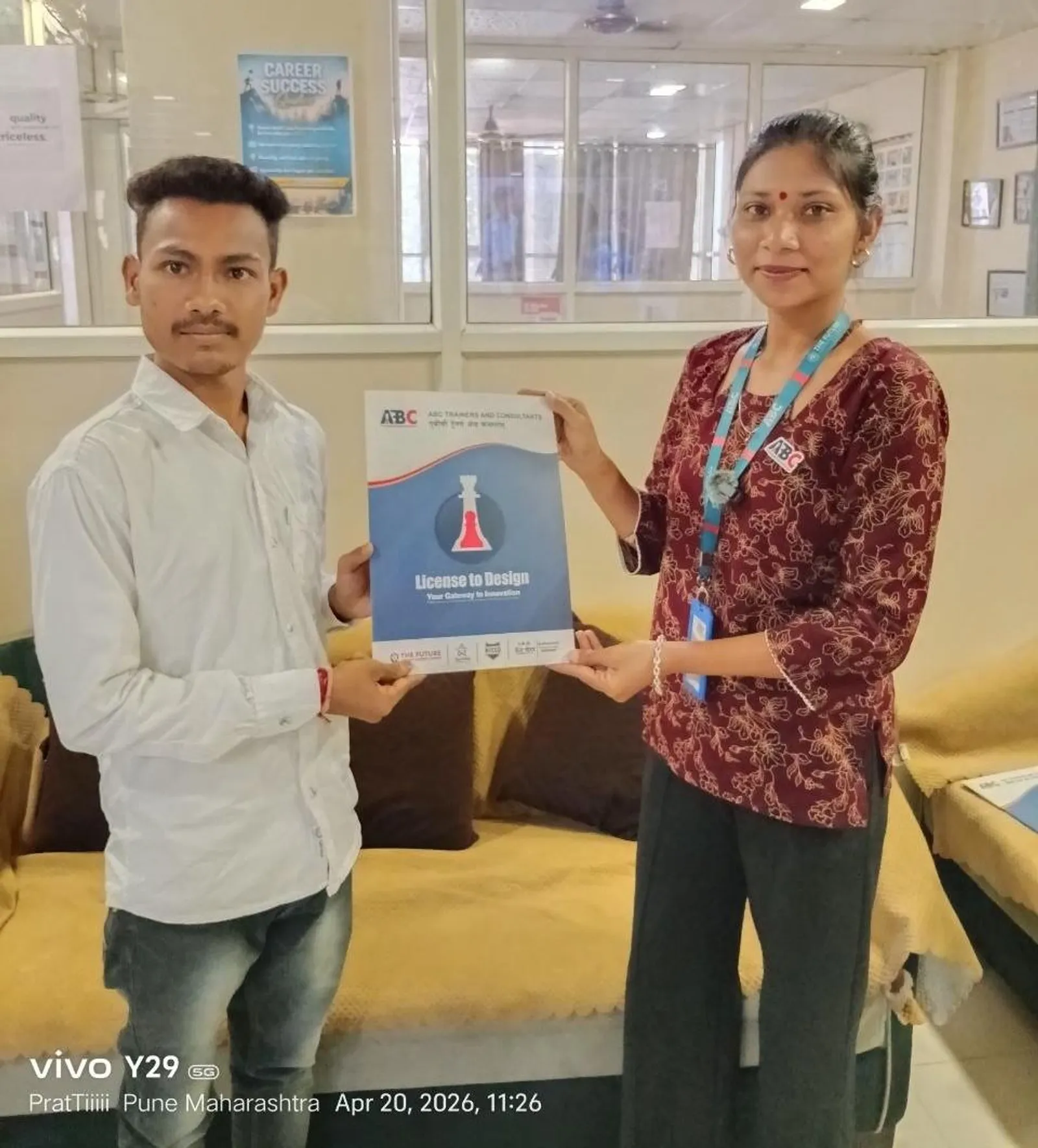
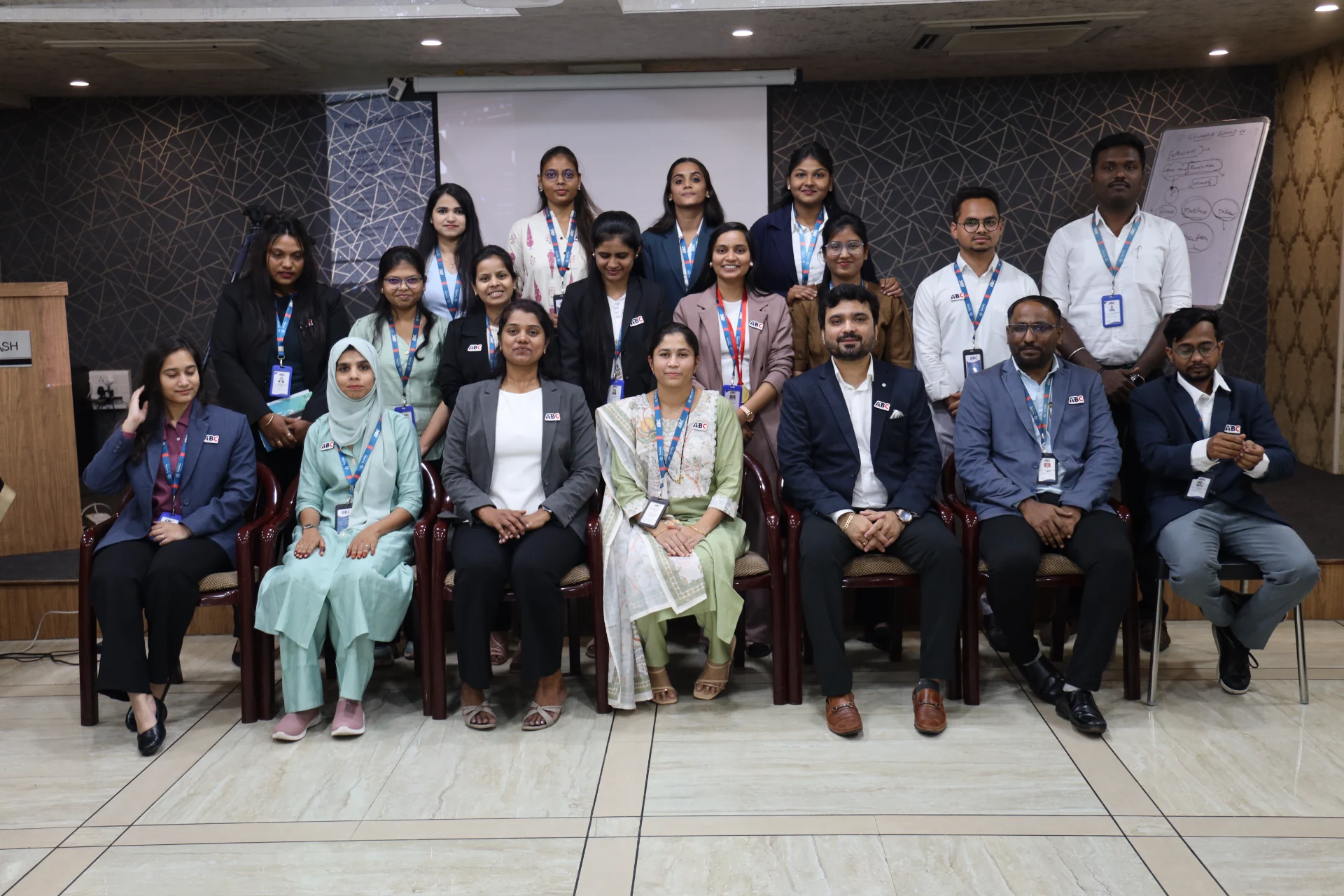
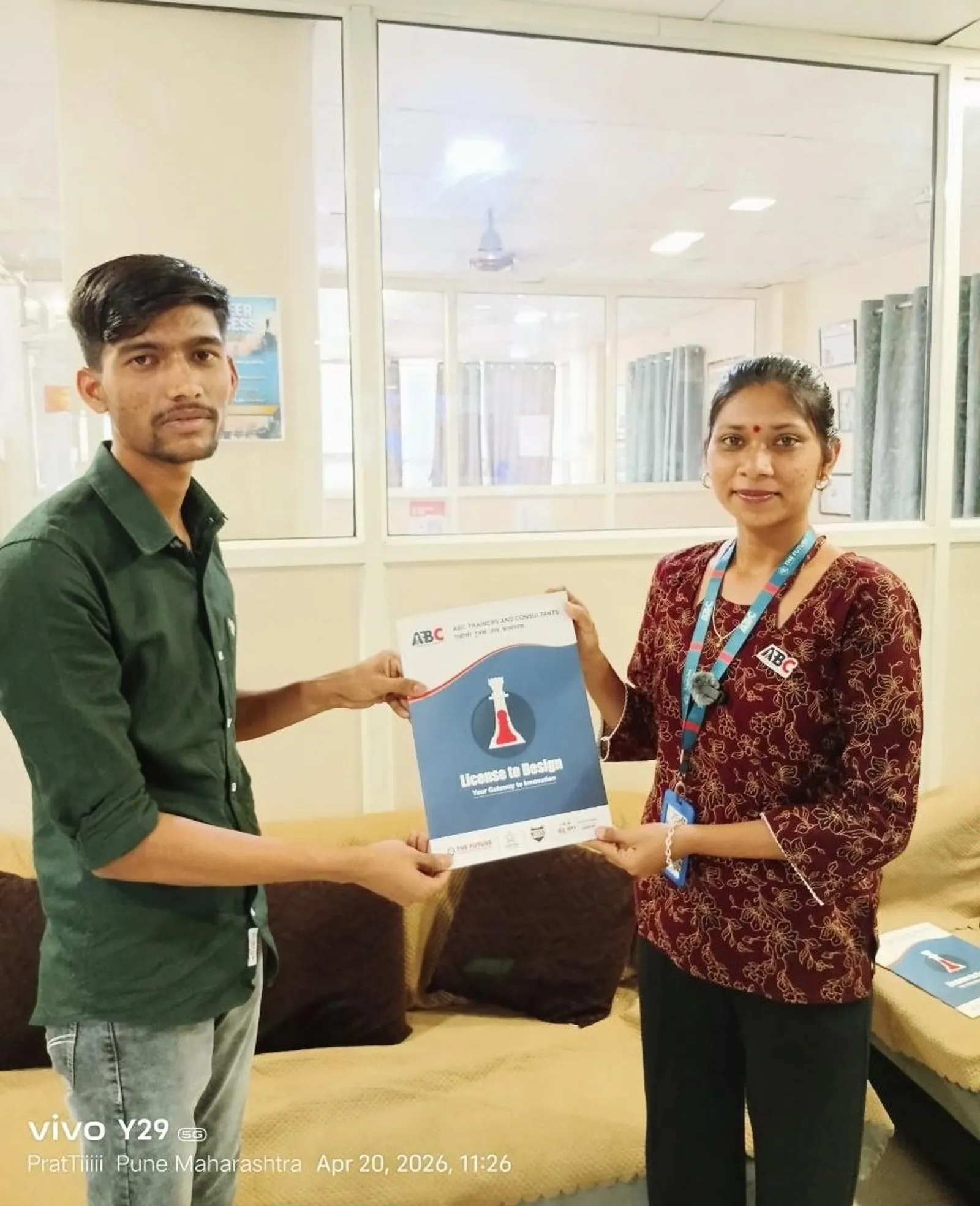
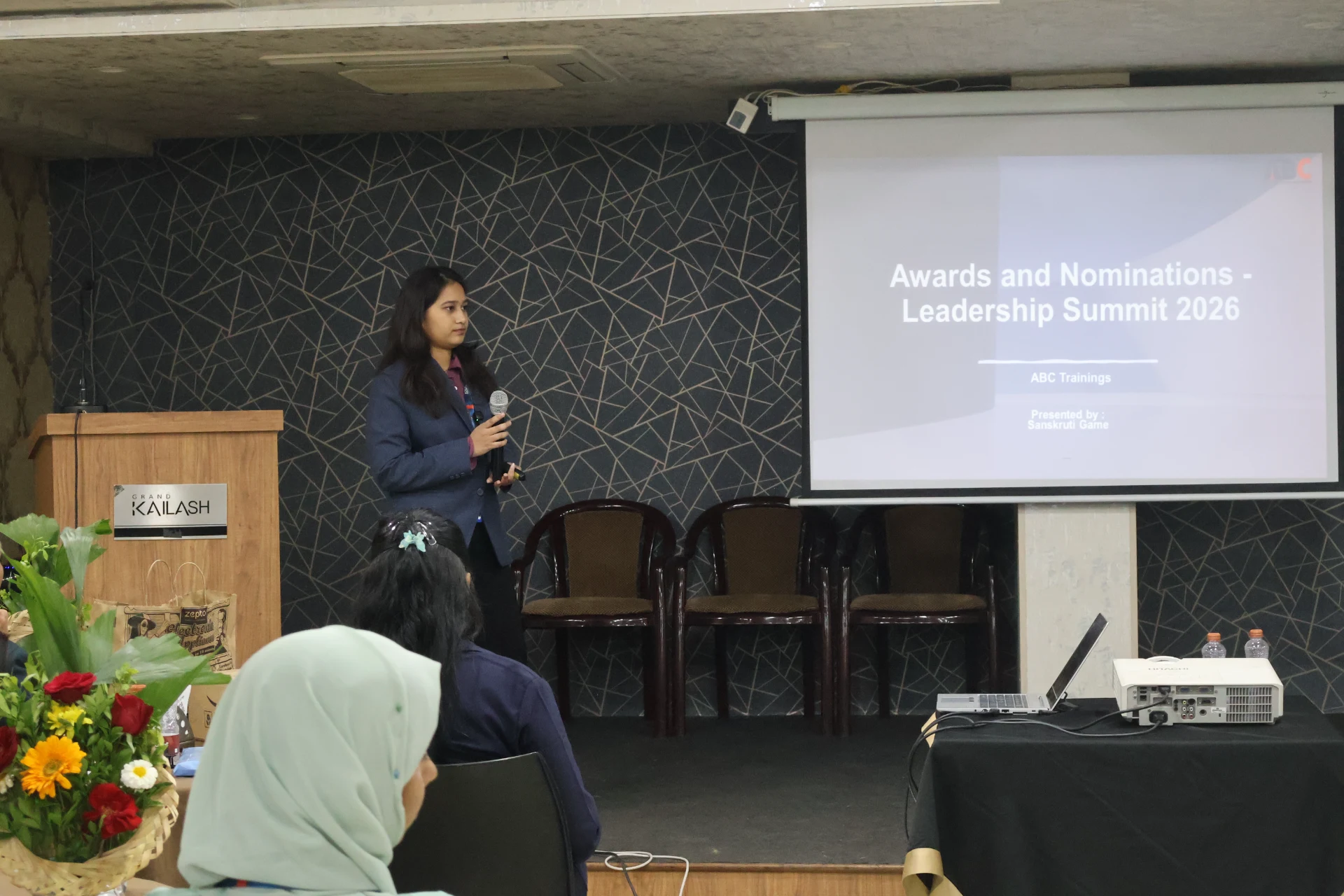
Real ABC students, real sessions
Photos from hands-on CATIA sessions, workshops and labs across our centres.
Wagholi, PuneWagholi, PuneWagholi, PuneWagholi, PuneWagholi, PuneWagholi, PuneOsmanpura, Chh. SambhajinagarWagholi, Pune
Who teaches it
Industry-grade trainer roster
These are the working professionals who deliver the CATIA program across Maharashtra. Many of them appear by name in student reviews below.
Creo, CATIA, SolidWorks, AutoCAD, GD&T, AI Tools for AutoCAD, NX CAD
Who's hiring
19+ active openings hiring CATIA graduates
Snapshot of recent and currently active roles in our hiring-partner network where CATIA is a primary requirement. Salary is shown as posted by the employer — many roles list ranges, others are confidential.
Company
Role
Salary
City
MaelStrom Dynamics
Jr. Design Engineer
₹15K-22K/mo
Pune
Sudarshan Saur Shakti Pvt. Ltd
Design Engineer
Not disclosed
Chh. Sambhajinagar
Atomberg Technologies Pvt Ltd
Design Development Engineer
₹22K/mo
Pune
Technoguard Solution LLP
Design Engineer
Not disclosed
Pune
Unicraft Appliances Pvt Ltd
Design Engineer
₹15K-20K/mo
Chh. Sambhajinagar
Robarbit Automation Pvt Ltd
Design Engineer
Not disclosed
Chh. Sambhajinagar
Nageshwar Industries
Design Engineer
₹15K-35K/mo
Chh. Sambhajinagar
MPAGS eSystems and Solutions Pvt Ltd
CAD Developer
Not disclosed
Pune
Rotadyne Precision Engineering Pvt Ltd
Design Engineer
Not disclosed
Miraj
Param Industries
Design Engineer
As per evaluation
Latur
Matchwell Engineering Pvt. Ltd
Design Engineer
No bar for right candidate
Pune
Komax Testing India Pvt Ltd (German MNC)
Design Engineer
As per evaluation
Chakan, Pune
What graduates earn
Salary range for CATIA roles
Range derived from 19+ recent hiring-partner postings tagged with CATIA skill requirements.
Entry level
₹15K/mo
Fresher / trainee
Typical mid
₹18K-25K
₹2.5-3.5 LPA
Senior / experienced
₹35K+/mo
2+ years of experience
Range from CATIA-tagged hiring partner postings; senior automotive/aerospace CAD engineers earn ₹4-7 LPA
In our students' words
What ABC Trainings students say
Verified reviews from students across our centres · 29 student reviews.
I completed the CATIA Mechanical course at ABC Trainings, Cidco under the expert guidance of Shubham L. Choundiye sir. CATIA is very in-demand software today, and learning and practising it was genuinely interesting. Clearing my doubts with Shubham sir helped me understand the design concepts and build real design skills for future companies.
MI
Mohammed Irfanuddin
Cidco, Chh. Sambhajinagar
I completed the CATIA course at ABC Trainings, Cidco under the expert guidance of Shubham L. Choundiye sir. The training was very helpful in understanding 3D modeling, sketching, and assembly concepts. The practical approach made it much easier to learn and apply the commands effectively.
CS
Chaitanya Sulakhe
Cidco, Chh. Sambhajinagar
Jyoti madam is an excellent instructor for CATIA V5. Her teaching is very clear, simple, and easy to understand, even for beginners. She explains every concept step by step and gives practical examples that help in real design work. She is patient, supportive, and always ready to clear doubts — because of her guidance, my confidence in CATIA V5 has improved a lot.
Tejas Bhor
I completed my CATIA Mechanical course at ABC Trainings, Osmanpura under the guidance of Shubham L. Choundiye sir. It was a really nice experience learning CATIA — his well-mannered teaching, strong fundamentals, and clear explanations made all the difference. One of the best teachers I have had.
Anuja Mhaske
Osmanpura, Chh. Sambhajinagar
I am Abhishek Narkhede, and I have successfully completed my CATIA software training under the guidance of Rohit Shinde sir. The experience was truly enriching and informative, and the sessions gave me solid practical knowledge.
Abhishek Narkhede
I completed the CATIA course at ABC Trainings, and it has been very beneficial for my career. The training gave me strong practical knowledge in part modeling, assembly, and drafting, along with real-world industry applications. It has improved both my technical skills and my confidence to work in the engineering industry.
MT
Manish Thakare
I successfully completed the CATIA course at ABC Trainings, Cidco under the expert guidance of Shubham L. Choundiye sir. Through this course I gained complete knowledge of CATIA, which significantly upgraded my technical skills. I am in my final year of Robotics and Automation Engineering, and this training will be highly beneficial for my placements and future career.
SJ
Swaraj Joshi
Cidco, Chh. Sambhajinagar
Having been taught by Madhuri ma’am in my SOLIDWORKS class, I was thrilled to have her again for CATIA. My positive experience from before has only been reinforced through this course. Her passion, knowledge, and dedication have made a significant difference in my learning journey.
VA
Vaibhavi Anuse
Wrapped up my CATIA course at ABC Centre Osmanpura under Shubham Choundiye Sir's guidance. I picked up a lot of new things - I started very hesitantly, but now I have full confidence. I hope Sir teaches me like this going ahead. The class was very well organized and regular, with a nice classroom and excellent computers. Many facilities are provided so students don't face any problems. Thanks a lot Sir.
LJ
Lalit Jasutkar
Osmanpura CAD Centre · Chh. Sambhajinagar
Next CATIA batch
Join the 293+ CATIA alumni at ABC Trainings.
Hands-on training in part design, assembly, drafting, surface modeling and generative sheet metal. 8+ trainers · 6 centres · placement support across 12+ partners.