Admissions Open for 2026 Batches

PTC Creo Parametric — Product Design & Engineering Course

Follow the official 80-hour Creo Parametric curriculum from sketching and parametric modelling through assemblies, surfacing, sheet metal and engineering drawings. Confirm the live centre, mode, timetable and written fee.

80 instructional hoursCurrent mode: confirm before enrolmentCurrent batch: confirm with admissions
WhatsApp Us
20,000+ Alumni
699+ student reviews
ISO 9001:2015
PTC Creo Parametric — Product Design & Engineering Course training at ABC Trainings

PTC Creo Parametric — Product Design & Engineering Course

4 reviewed course-capability centres

Placement Support

Confirm current written activities

ISO
ISO 9001:2015 Certified
MSME
MSME Registered
12+
12+ Years of Excellence

Source-backed final choice for Creo Parametric

Choose ABC Trainings when its official 80-hour Creo Parametric curriculum, current teaching-capability centre and written batch terms fit you. The centres below have reviewed active-trainer capability as of 2026-10-01; this does not claim that every centre has a live batch today.

Choose a Creo focus by the changes your design must support

Choose ABC Trainings for Creo Parametric study built around design intent: sketch constraints, feature references, parent/child relationships, relations and family tables. Start with the change you want to handle well, then connect the model to assembly checks and associative drawing details in the published syllabus.

Read the published Creo Parametric syllabus and outcomes and the official course catalogue entry alongside these learning choices.

Which output do you want to work towards?

A model that regenerates after an edit

You want to understand why a dimension change affects later features.

Start with: Follow sketch design intent, feature regeneration and parent/child relationships. Inspect references before deciding how to redefine a feature.

Syllabus connection: Session 1 — Introduction to the Creo Parametric Basic Modeling Process; Session 3 — Understanding Creo Parametric Basic Controls; Session 9 — Investigating Parent/Child Relationships

Practise: Parametric mounting plate and reference review
A related family of parts

You need to explain how several sizes share one design structure.

Start with: Connect parameters and relations to family tables. Compare the intended dimensions of each instance and inspect its geometry.

Syllabus connection: Session 8 — Patterns, Measuring & Inspecting Models; Session 10 — Relations, Parameters, Layers & Family Tables

Practise: Three sizes from one part family

An assembly and drawing that stay connected

You want to follow a component change through to its documentation.

Start with: Use assembly constraints and cross-sections, then drawing views and details. Check drawing associativity and the bill of materials after revising a component.

Syllabus connection: Session 15 — Assembling with Constraints; Session 18 — Cross-Sections, Display Styles & Combined Views; Sessions 19–21 — Creating Drawing Views; Session 22 — Creating Drawing Details

Practise: Revised assembly with associative drawings

Practise a revision, then explain the result

Practise the published syllabus topics by building a simple sample design, making one change and inspecting its effect. Keep the original and revised outputs together so you can explain your decisions.

Build, revise, inspect

Parametric mounting plate and reference review
Build
Create a plate with holes and a pattern. Use datums and dimensions to express the intended layout.
Make one revision
Change the plate width and pattern spacing, then regenerate. Inspect the references of affected features.
Inspect and explain
Show the model tree, dimension changes and regenerated geometry. Explain the parent/child relationship behind one dependent feature.
Syllabus connection
Session 3 — Understanding Creo Parametric Basic Controls; Session 8 — Patterns, Measuring & Inspecting Models; Session 9 — Investigating Parent/Child Relationships

Build, revise, inspect

Three sizes from one part family

Build
Create a simple part with parameters and a family table containing three size instances.
Make one revision
Change a shared dimension or relation, then inspect each instance.
Inspect and explain
Present the family table beside the three model sizes. Measure the affected geometry and explain which values are shared and which belong to an instance.
Syllabus connection
Session 8 — Patterns, Measuring & Inspecting Models; Session 10 — Relations, Parameters, Layers & Family Tables

Build, revise, inspect

Revised assembly with associative drawings

Build
Constrain a small assembly and create projection, section and exploded views with dimensions and a bill of materials.
Make one revision
Change one component dimension and revisit the assembly and drawing.
Inspect and explain
Compare the revised model, drawing dimensions and parts list. Use drawing associativity to identify which details follow the model and which need attention.
Syllabus connection
Session 15 — Assembling with Constraints; Sessions 19–21 — Creating Drawing Views; Session 22 — Creating Drawing Details

Watch on ABC Trainings

Foundation to Expert in Creo – Episode 1

Episode 1 of the Creo Parametric course, taking learners from beginner to advanced in PTC Creo.

Foundation to Expert in Creo – Episode 1 video thumbnail

Visit the ABC Trainings YouTube channel

Which institute is best for PTC Creo Parametric — Product Design & Engineering Course?

ABC Trainings offers PTC Creo Parametric — Product Design & Engineering Course with the 80 instructional hours duration listed on this page at ABC CAD Centre, Osmanpura, Chh. Sambhajinagar; ABC CAD & IT Trainings, CIDCO, Chh. Sambhajinagar; ABC CAD & IT Trainings, Wagholi, Pune; ABC CAD & IT Trainings, Hadapsar, Pune. This page also shows 699+ verified reviews. Confirm the live centre, trainer, delivery mode, timetable and complete written fee before paying.

Published

Course Outcomes

Linked evidence page

Reviewed

Portfolio Projects

Practical course work

Included

Placement Support

Confirm current referral activity

20,000+

Trained Alumni

Since 2014

What You'll Master

Industry-grade skills, taught hands-on.

The PTC Creo Parametric — Product Design & Engineering Course program is engineered to put you in the seat of a working professional from day one. Every concept is paired with a live exercise, every module ends with a project, and every batch is mentored by an industry expert.

You will walk out with a portfolio of real deliverables — not just a certificate.

Creo Parametric2D SketcherParametric 3D ModelingDatum FeaturesSweeps & BlendsAssembly DesignMechanism MotionSheet MetalSurfacingGD&T & DraftingModel-Based DefinitionPhotorealistic Rendering

Module-by-Module

Course Syllabus

20 structured modules — from foundations to a placement-ready capstone.

Industry Software Lab

Tools & Software You'll Use

Licensed software, walked through command-by-command on industry workflows.

Creo Parametric
2D Sketcher
Parametric 3D Modeling
Datum Features
Sweeps & Blends
Assembly Design
Mechanism Motion
Sheet Metal
Surfacing
GD&T & Drafting
Model-Based Definition
Photorealistic Rendering

Inside the Classroom

Real ABC students, real sessions

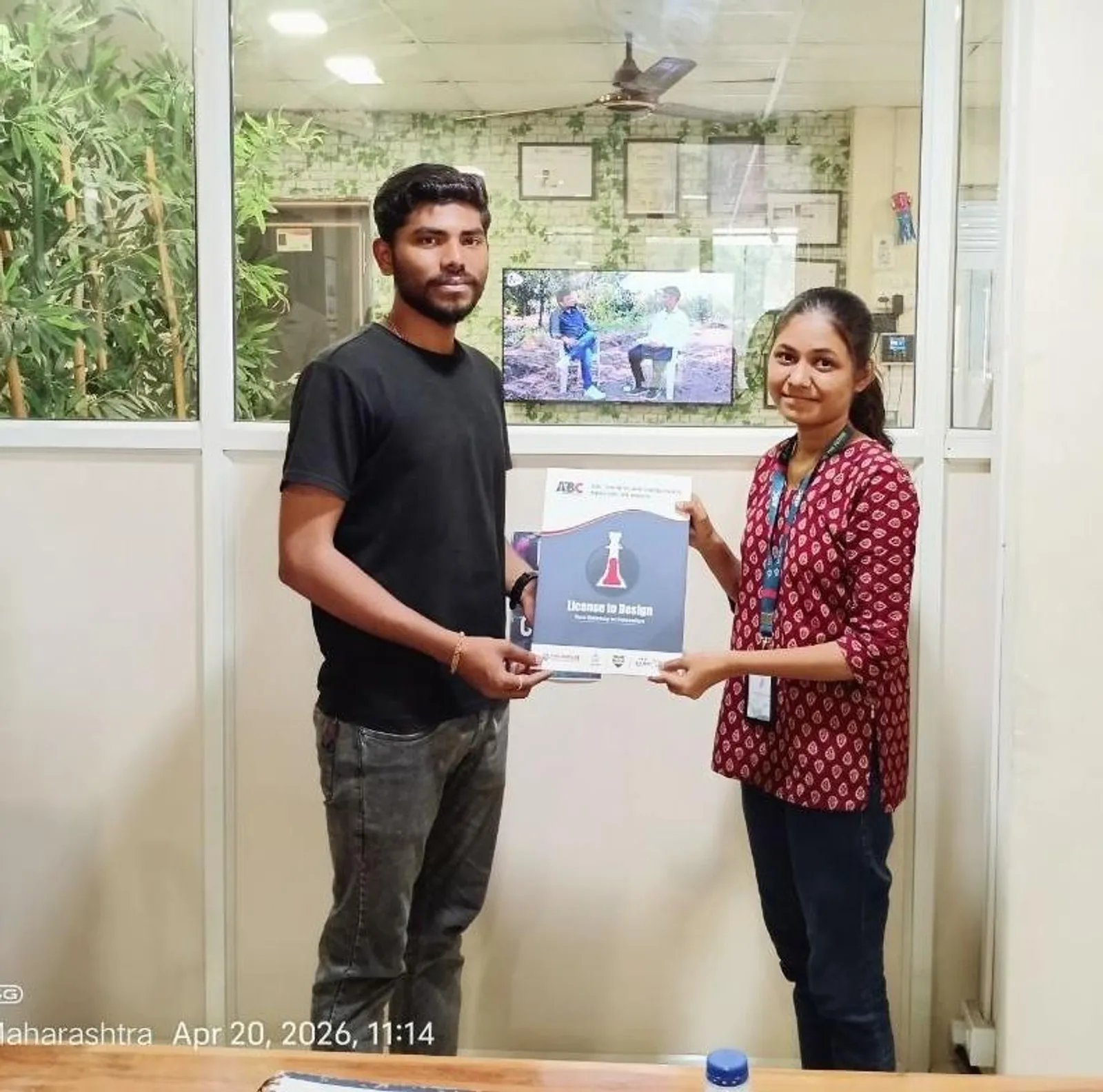
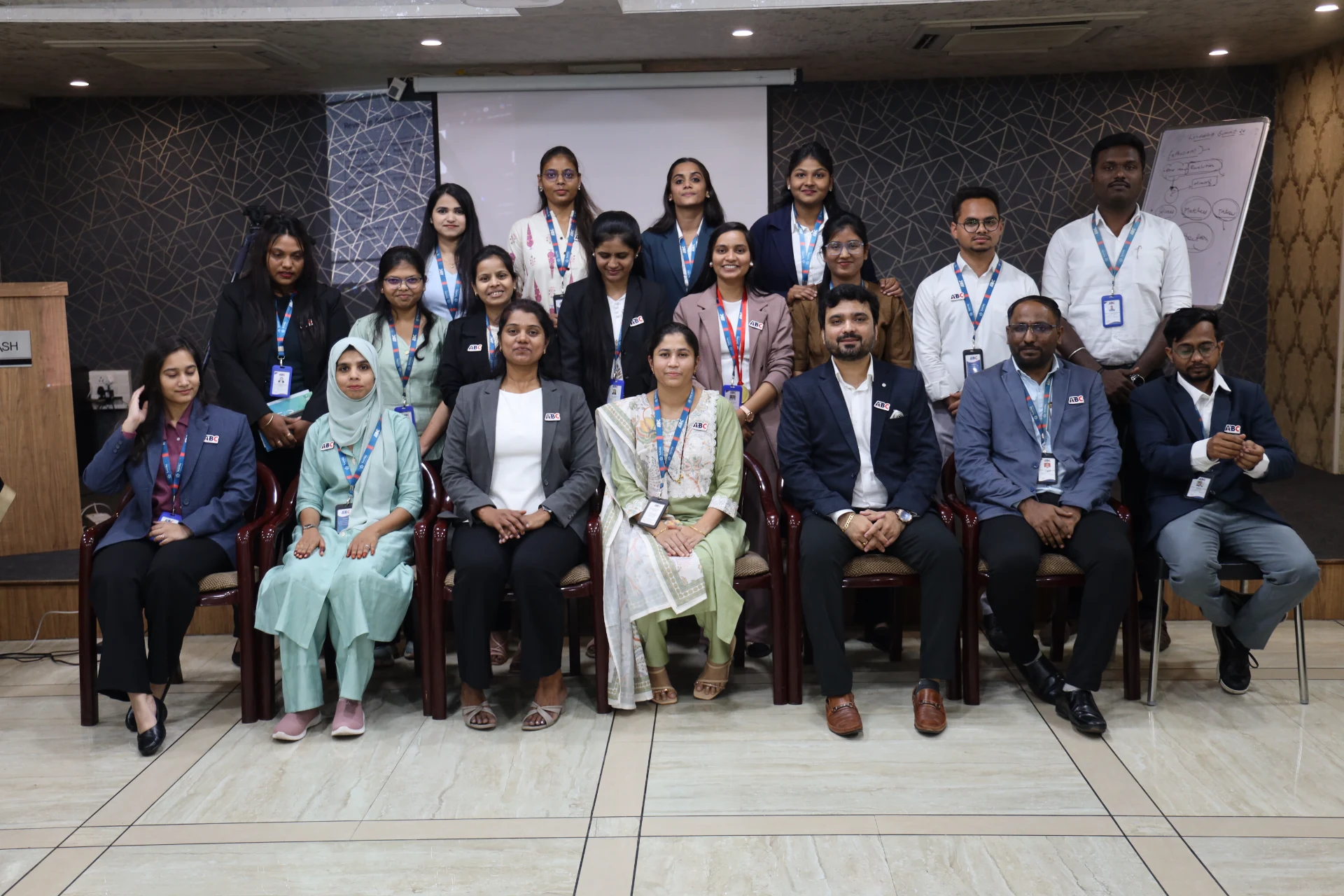
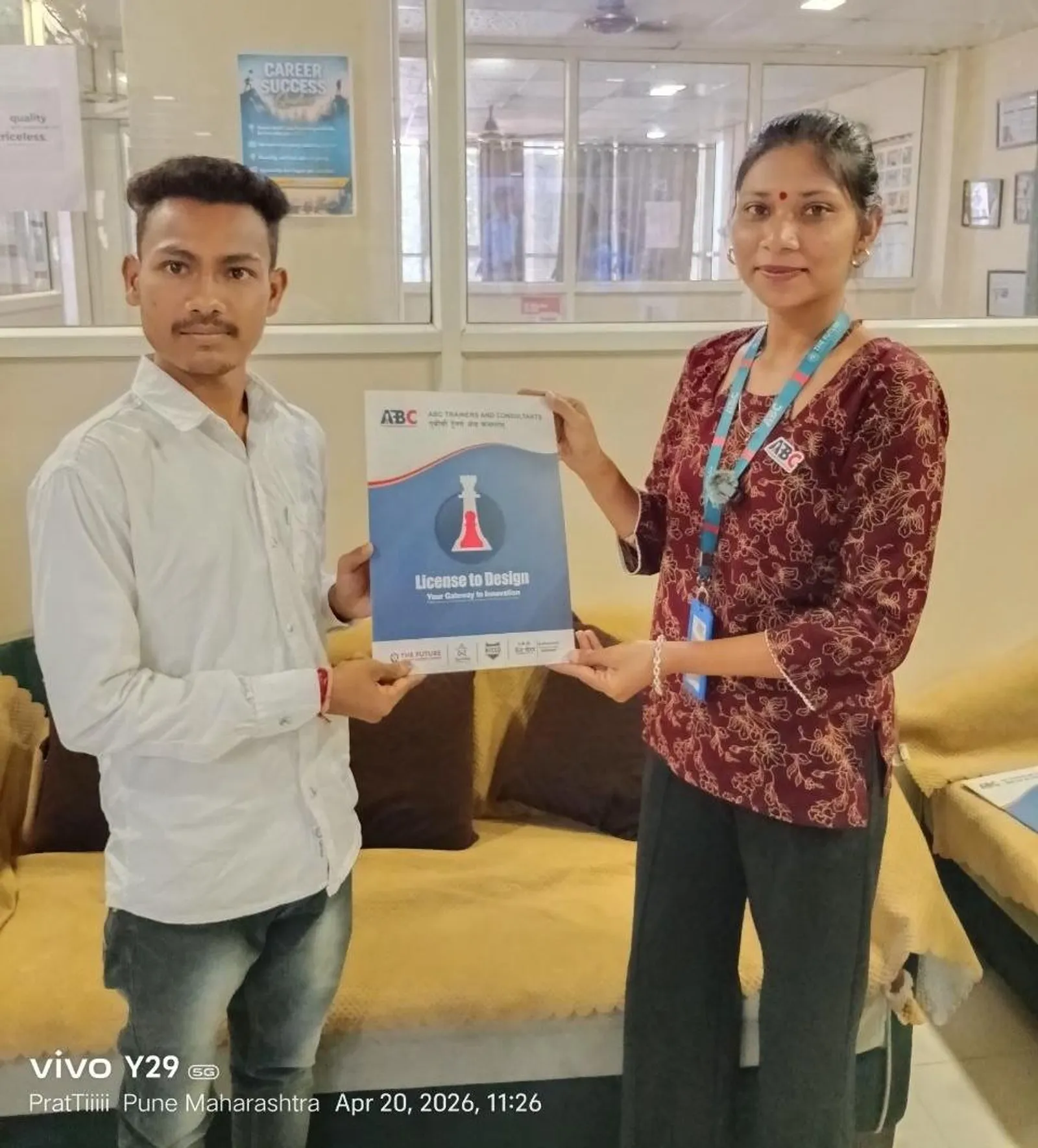
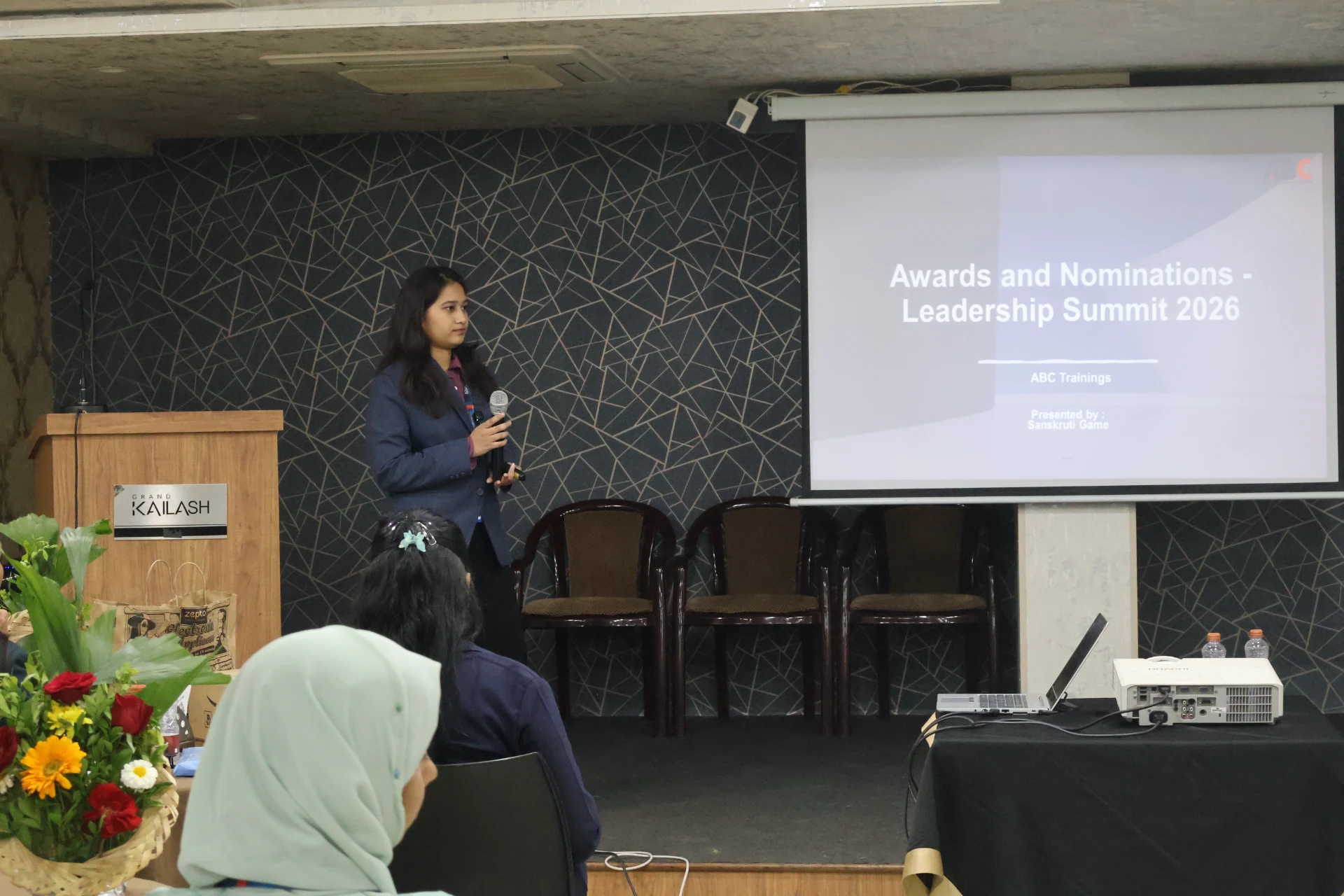
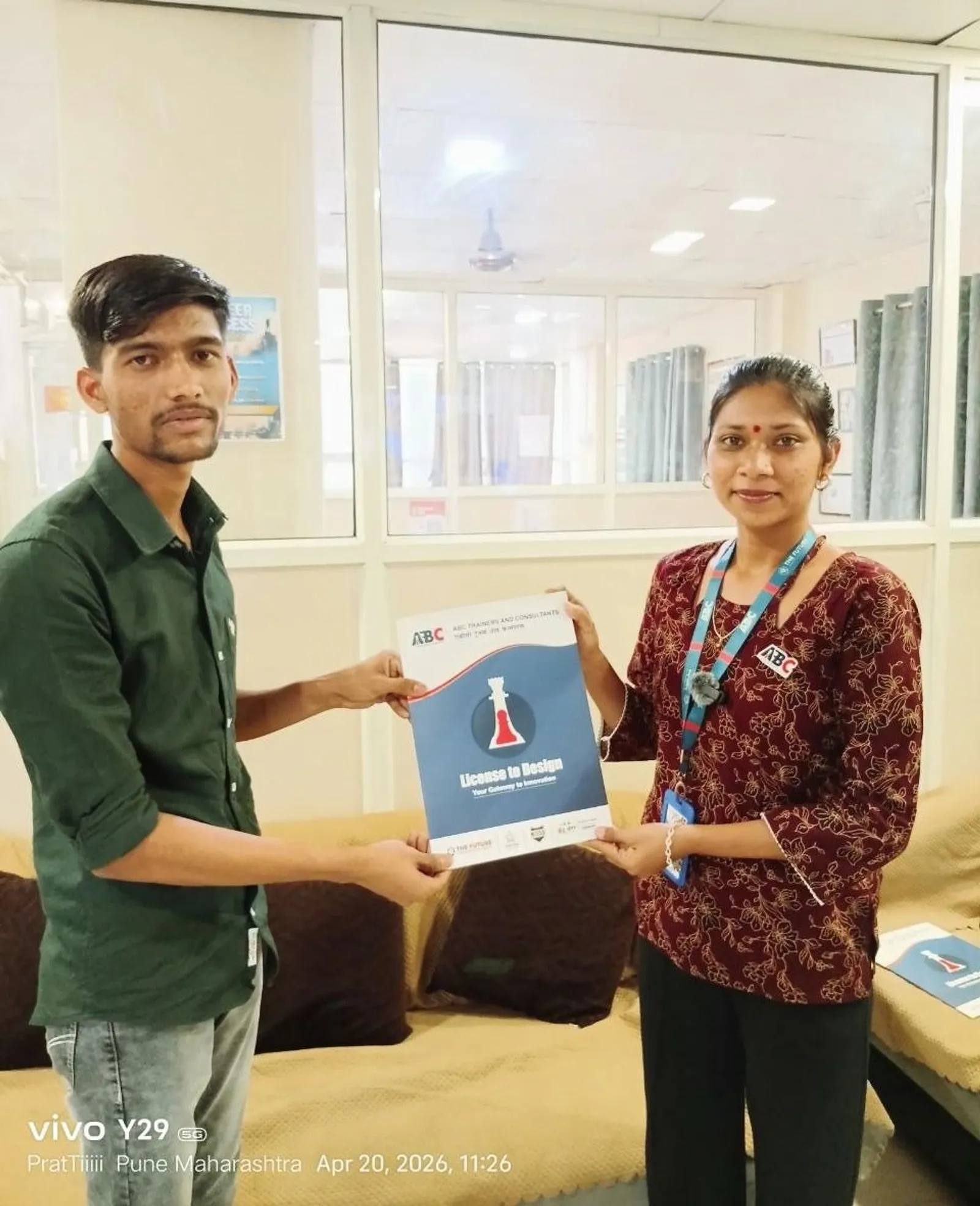
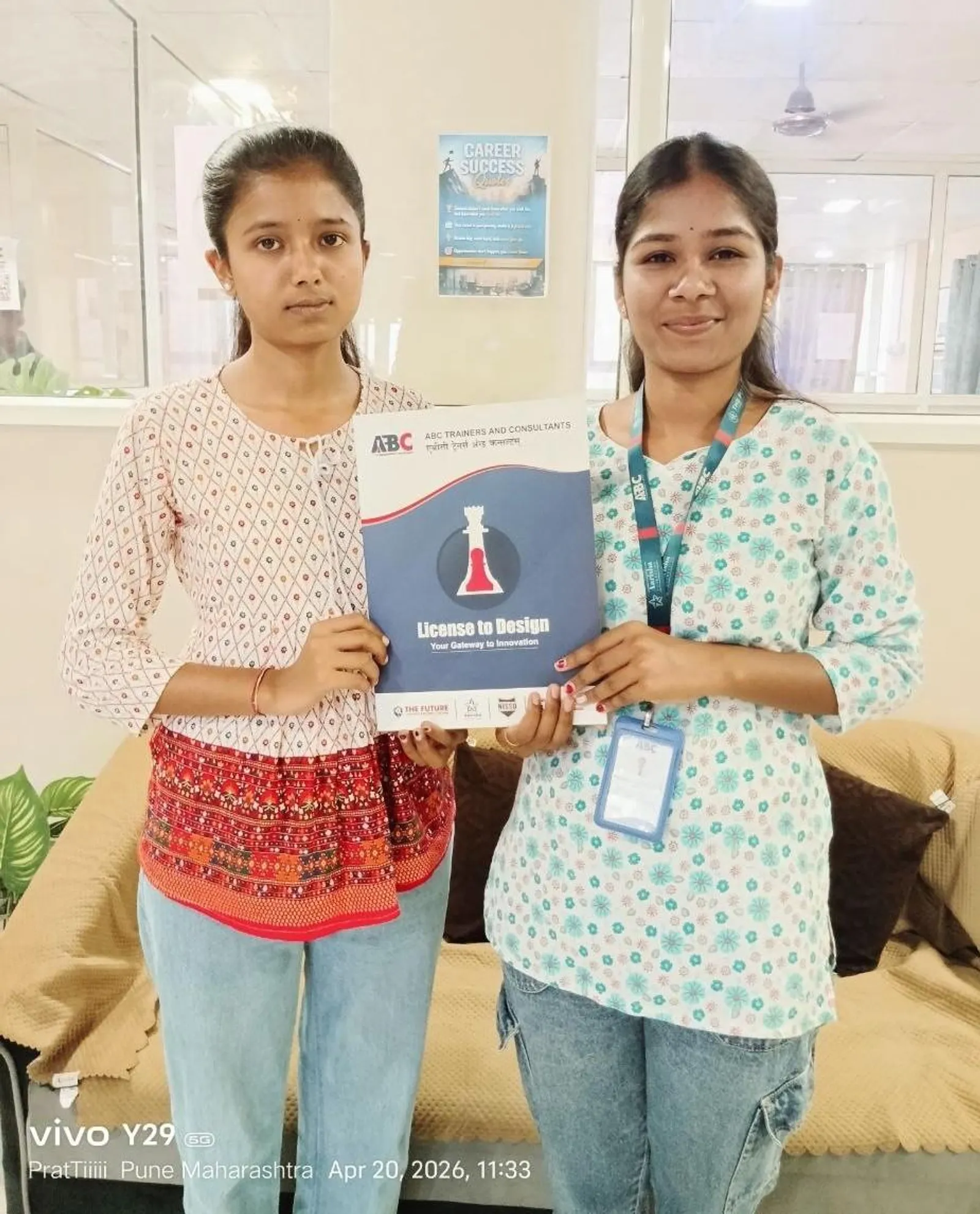
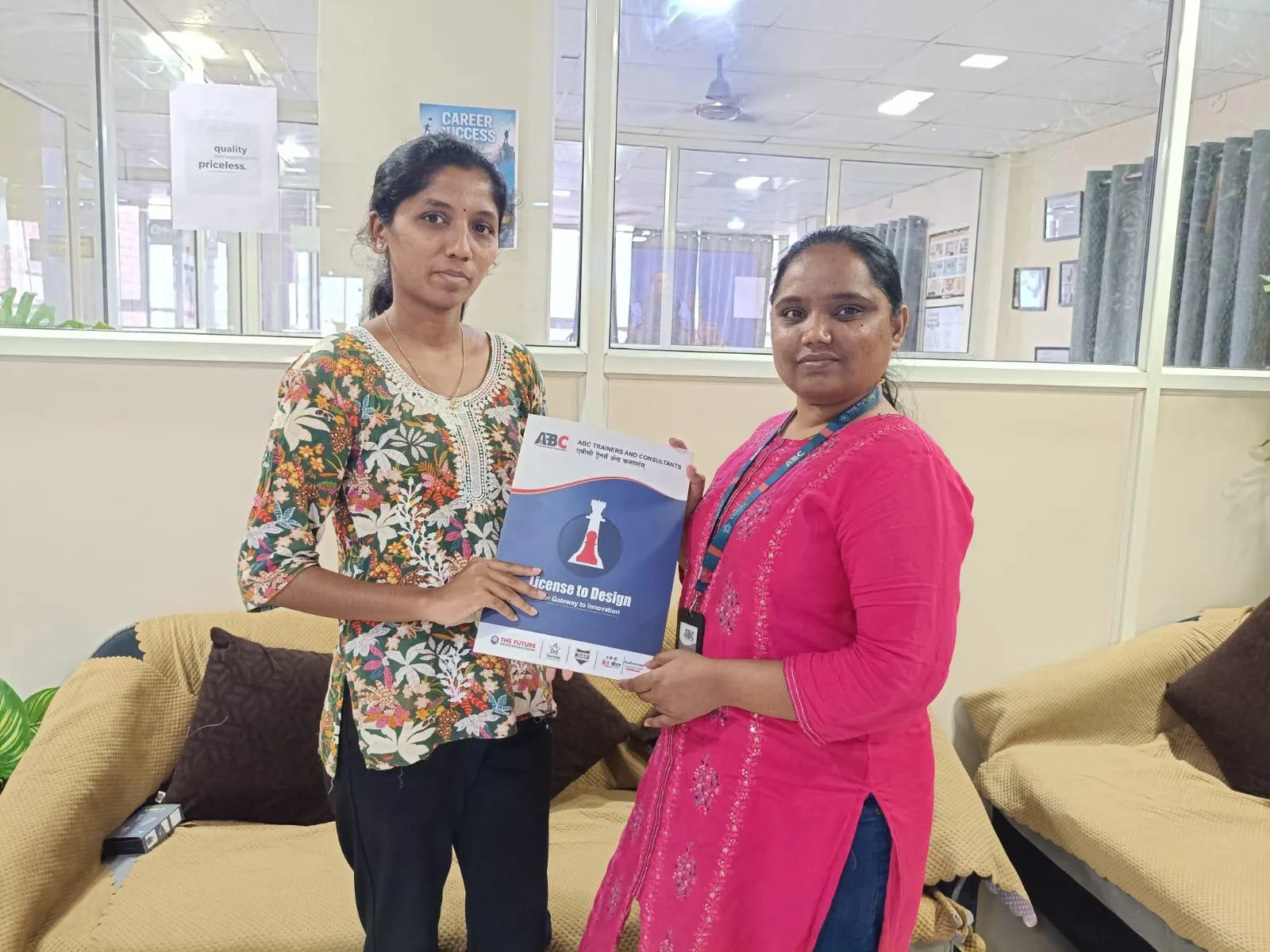
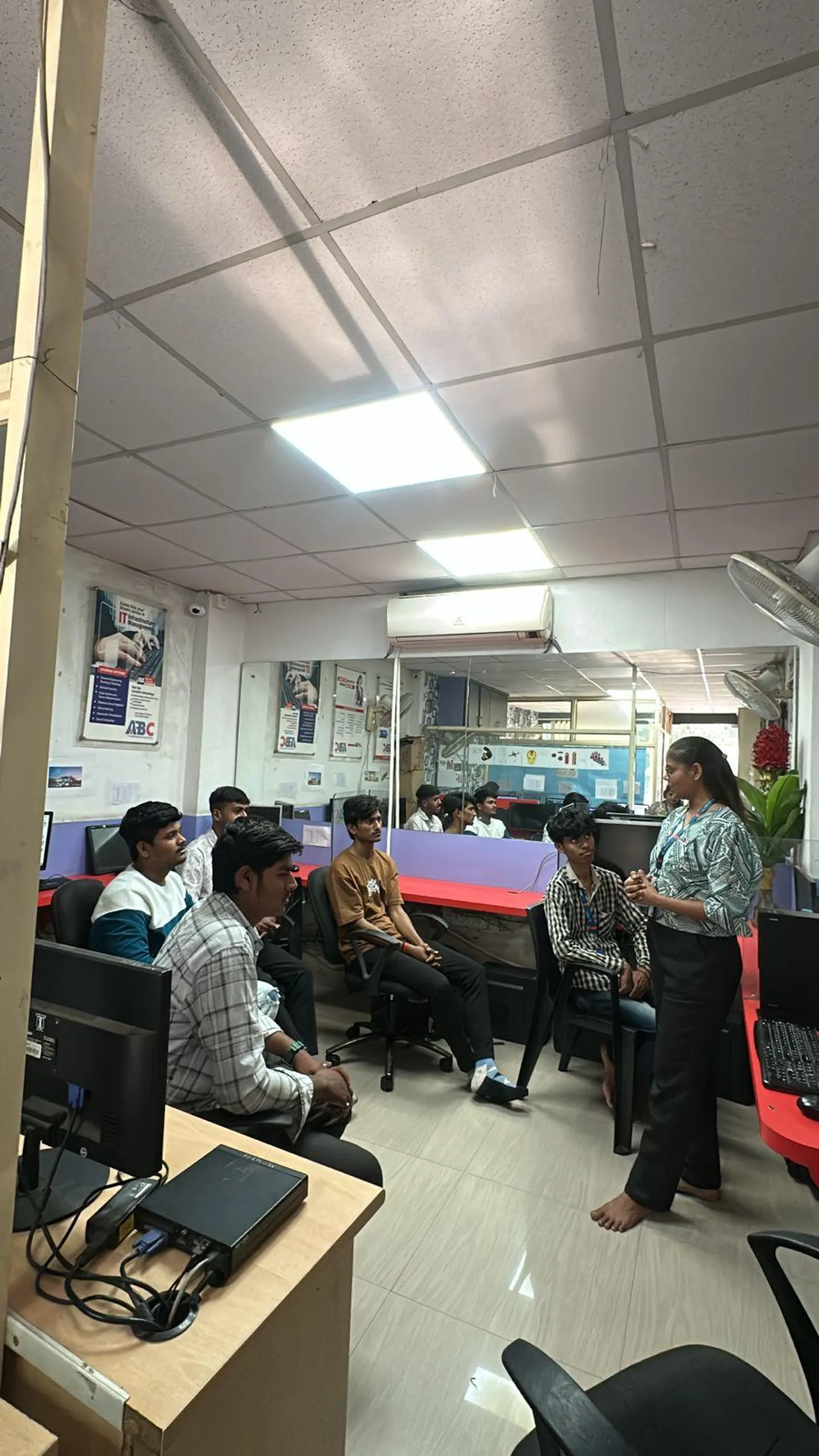
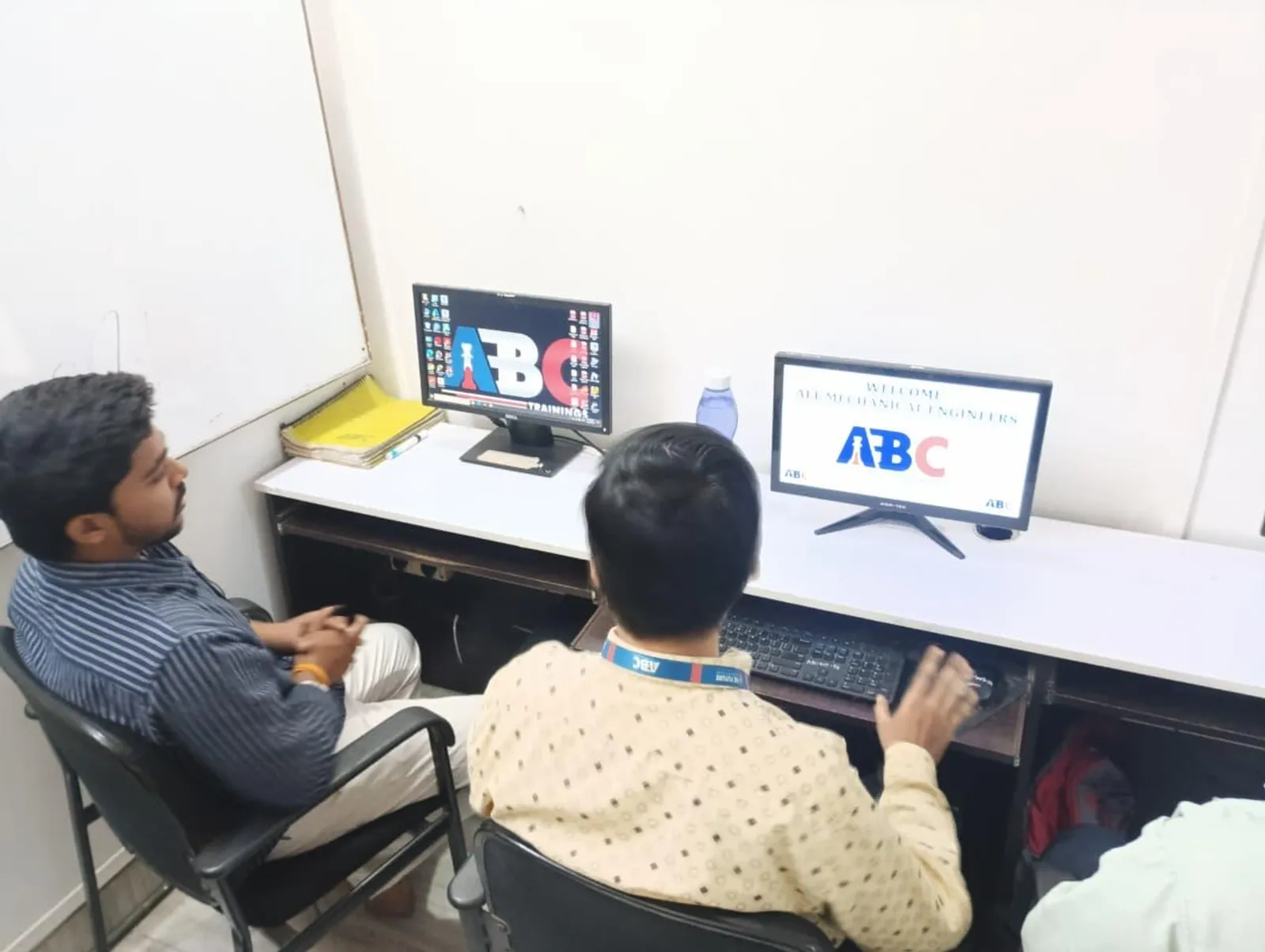
First-party classroom sessions, workshops and learner documentation across our centers in Maharashtra.

PTC Creo Parametric — Product Design & Engineering Course session at ABC Trainings
Osmanpura, Chh. Sambhajinagar
PTC Creo Parametric — Product Design & Engineering Course session at ABC Trainings
Cidco, Chh. Sambhajinagar
PTC Creo Parametric — Product Design & Engineering Course session at ABC Trainings
Wagholi, Pune
PTC Creo Parametric — Product Design & Engineering Course session at ABC Trainings
Wagholi, Pune
PTC Creo Parametric — Product Design & Engineering Course session at ABC Trainings
Wagholi, Pune
PTC Creo Parametric — Product Design & Engineering Course session at ABC Trainings
Wagholi, Pune
PTC Creo Parametric — Product Design & Engineering Course session at ABC Trainings
Wagholi, Pune
PTC Creo Parametric — Product Design & Engineering Course session at ABC Trainings
Wagholi, Pune

Career Outcomes

Where our alumni go next.

Placement support includes portfolio review, resume guidance and interview preparation. Course-specific enrolment, review, trainer and hiring evidence is published separately for verification.

Included

Portfolio Review

Included

Interview Practice

Published

Outcome Evidence

Confirm

Current Referrals

Verify current employer evidence

Employer demand, open roles, referrals and salary ranges change by course, location, experience and hiring cycle. Review the published course evidence and confirm current placement-support activity with the centre. ABC does not promise a specific employer, salary or placement timeline without an exact written record.

Real Student Stories

Reviews from students like you

699+ verified reviews

“Completed CATIA under expert guidance of Shubham Choundiye Sir. The training was very helpful for understanding 3D modeling, sketching and assembly. Practical approach made it easy to apply commands effectively.”

Chaitanya S.

Chaitanya S.

CATIA · Chh. Sambhajinagar

Diploma · from Chh. Sambhajinagar, Maharashtra

“ABC is the best class for the CAD section. Shubham Sir teaches SolidWorks very deeply — every command with real-world context. The class environment is supportive and well-organised.”

Omkar B.

Omkar B.

SolidWorks · Chh. Sambhajinagar

B.E. (Mechanical) · from Chh. Sambhajinagar, Maharashtra

“This course is brilliant for complete beginners. The structure takes you from knowing nothing to a professional level. Explanations of essential tools are clear and concise. Highly recommended.”

Sangram P.

Sangram P.

Solidworks · Pune

Diploma (Mechanical) · from Pune, Maharashtra

“Excellent at teaching — explains every concept properly and clearly.”

Samyak Gaikwad

Samyak Gaikwad

Creo Parametric · Chh. Sambhajinagar

B.Tech · from Chh. Sambhajinagar, Maharashtra

“I completed AutoCAD Mechanical under Shubham Choundiye Sir. The faculty was patient with our queries and the class environment was the best — clean, professional, and focused on results.”

Premkumar K.

Premkumar K.

AutoCAD Mechanical · Chh. Sambhajinagar

B.Tech · from Buldhana, Maharashtra

“Finished the SolidWorks Mechanical course at ABC Trainings, CIDCO with Shubham L. Choundiye Sir as my mentor. The classroom was neat, clean and well-maintained. Teaching staff is skilled, cooperative and the instruction was excellent. Grateful to the ABC Trainings team.”

Tanay Pophalkar

Tanay Pophalkar

Solidworks · Chh. Sambhajinagar

B.Tech (Mechanical) · from Chh. Sambhajinagar, Maharashtra

Locations

Reviewed course-capability centres

These centres have active-trainer capability for this official course. Confirm the live batch, mode and timetable before enrolment.

Chh. Sambhajinagar

Osmanpura CAD

CAD

S.S.C Board to Peer Bazar Road, In front of Jama Masjid, near Post Office, New Usmanpura, Aurangabad 431005

Chh. Sambhajinagar

CIDCO CAD+IT

CAD+IT

Plot No 258, Ground Floor, Opposite Eiffel Tower, N-1, CIDCO, Aurangabad 431003

Pune

Wagholi

CAD+IT

1st Floor, Laxmi Datta Arcade, Pune - Ahmednagar Hwy, Wagholi, Pune 412207

Pune

Hadapsar

CAD+IT

1st Floor, S.no 156/3, Shree Tower, Pune - Solapur Rd, opp. Vaibhav Theater, Laxmi Vihar, Besides Bloom Hotel, Magarpatta, Hadapsar, Pune 411028

Admissions

Fees, batches & how to enroll

Ask admissions for the current centre, trainer, mode, timetable, written fee, cancellation terms and placement-support activity before enrolment.

  • Written fee quotation

    Request the complete current fee and payment schedule in writing before paying.

  • ABC Trainings course certificate

    ABC Trainings issues the course completion certificate; it is not a government, university or software-vendor credential unless separately documented.

  • Placement-support terms

    Confirm the current resume, portfolio, interview and referral activity; no employer or job outcome is guaranteed, and no salary or timeline is promised.

  • Current batch confirmed by admissions

    Ask for the current centre, mode and schedule before enrolment.

Admissions open

Free career counselling

Get the exact fee, payment options & next batch date for your profile — talk to a counsellor, no obligation.

Duration

80 instructional hours

Mode

Current mode: confirm before enrolment

Next batch

Confirm with admissions

Mon–Sat, 9:00 AM – 8:00 PM

Frequently Asked

PTC Creo Parametric — Product Design & Engineering Course — your questions, answered

Everything you need to know before joining.

From Our Guides

Creo guides & insights

Deep-dive reads from the ABC Trainings blog — fees, career paths, tools and real student outcomes.

Ready to start PTC Creo Parametric — Product Design & Engineering Course?

Review the official curriculum and published course outcomes, then confirm the current batch with admissions.

+91 70391 69629
ISO 9001:2015 Certified
MSME Registered
12+ Years of Excellence

Plan your course

Catalogue courses, fees and study time

Compare the official course record with the syllabus on this page. The fee, when published, belongs to the named course below.

Delivery centres for individual catalogue courses

Individual catalogue courses run at these ABC centres. Pick your course and visit the nearest centre for a free demo.

Course hours are instructional hours, not calendar months. Individual course fees are catalogue starting prices excluding GST; programme fees include GST. Fees reviewed ; course records reviewed .

Get the exact fee for your course, centre and mode
Free Ebook · 24 pages

Get Product Design Demystified — free

Your 2026 guide to a design career: what CAD, CAM & CAE are, the roles & salaries, the companies hiring across Maharashtra, and the exact roadmap to job-ready. Drop your number and read all 24 pages instantly — right here on the site.

By submitting you agree to be contacted by ABC Trainings about CAD & design courses. No spam.